

Page 1
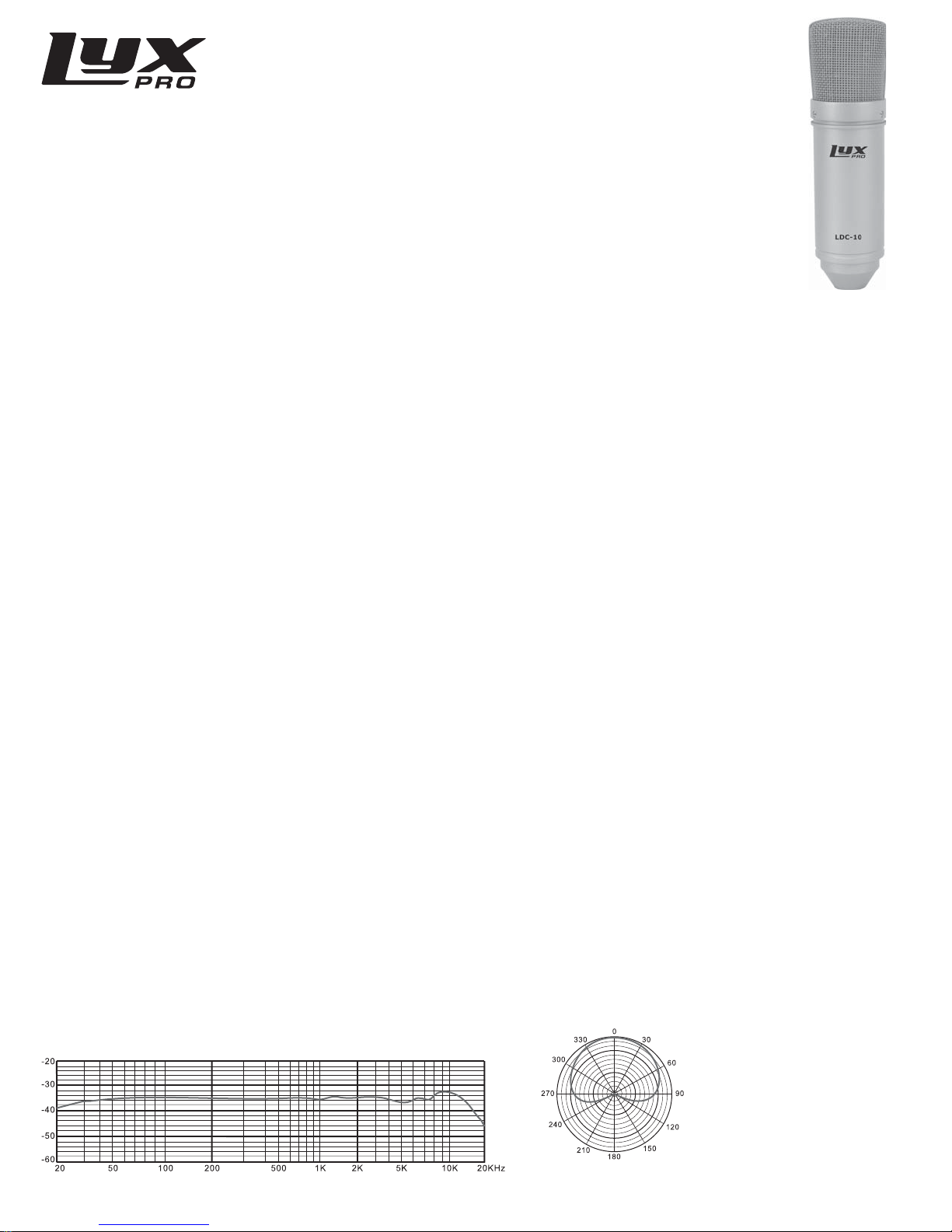
LDC-10
STUDIO CONDENSER MICROPHONE
User Manual
Hello!
Welcome to the LyxPro™ family. This guide helps you get to know your new microphone a little better. For
additional information and technical support, please contact our helpful team at [email protected].
What’s in the Box?
1 x LCD-10 Microphone
1 x Shockmount
1 x Foam Windscreen
1 x User’s Guide
Feature Highlights
• Patented Pure Aluminum Diaphragm Capsule
• Professional-Grade Zinc Body and Brass Grille
• High Sensitivity, Low Noise, Wide Dynamic Range
Safety Instructions
• Covering microphone head by hand or bringing it close to a speaker may cause a howling-like feedback sound.
Point microphone away from speaker, and keep sufficient distance between the two.
• Microphone’s cartridge is sensitive and its component is very precise. To avoid damage, do not drop, hit or apply
shock to microphone.
• To maintain sensitivity and quality of sound reproduction, avoid exposing microphone to moisture and
extreme temperatures.
Connecting Your Microphone
1. Power on your recording equipment and set volume to minimum.
2. Connect XLR line to your microphone and switch on phantom power.
3. To protect speakers or headphones, gradually turn volume up to desired level.
Technical Specications
Element: 18mm Pure Aluminum Diaphragm Capsule
Polar Pattern: Cardioid
Frequency Response: 20Hz-20kHz
Sensitivity: - 38dB±2dB (0dB=1V/Pa at 1kHz)
Output Impedance: 200Ω±30% (at 1kHz)
Load Impedance: ≥1000Ω
Self Noise: 17dB A
SPL: 136dB (at 1kHz ≤1% T.H.D)
S/N Ratio: 77dB
Frequency Response Graph
Uni-directional
(at 1kHz)
Distr ibuted by C&A Ma rketing, Inc .
2 Bergen Turnpi ke, Ridgeeld Par k, NJ 07660
LyxPro is a trademark of C&A IP Holdings, LLC
www.lyxpro.com
MADE IN CHINA
©2015 All Ri ghts Reser ved
 Loading...