

Page 1
Powe r bank
Use r's Manu al
Page 2

Thank you f or choo sing Lu msing . For you r safet y
and optim um perf orman ce, ple ase rea d this
instruc tion ca reful ly befo re oper ation .
Appea rance
Note: Long pre ss ON/O FF butt on 3 seco nds to tu rn on/of f the LED
flashlight .
Featu res
● Safety – Bu ilt-i n multi -prot ectio n IC can pr event
from over charg e, over d ischa rge, ov er volt age,
over curr ent, sh ort cir cuit an d over- t emper ature .
● Efficien cy – Superi or char ging ef ficien cy,
5V/1.8A ou tput, t he conv ersio n effici ency is h igher
than 90%.
1
1
3
2
Input Output
LED
4
Flashlight
5
ON/OFF
3
4
2
1
5
Connecting Simple Life
5
Page 3

● Compati bilit y – Built -in i ntellig ent USB char gin g
contro ller en able s compati bil ity wi th most
products .
● – Premiu m origi nal LG ABF1L 1865 Qualit y
battery ce ll.
Battery: Lith ium batt ery
Capaci ty: 1340 0mA h
Workin g tempera ture : -10 60℃ ℃~
Store temp era ture : -20 60℃ ℃~
Dimensi ons: 98mm*7 9mm* 21mm± 0.5mm
Weight : 262g
Chargi ng Time: Approx. 8 hours
Output voltage : DC 4.7 V~DC5 .1V
Input vol tage: DC 4.8 V~DC5. 5V
Output current: 0-3 .0A dual U SB outp ut, Ma x.
output current 3.0A
Input cur rent: >1.8A (Ba tte ry volta ge<3 .8V, input
voltage >DC5 .0V)
Life span : >500 ti mes
1. Plug the M icro U SB cab le into t he Gra nd A1 Plus
input port.
2. Insert the rem ainin g end of the USB ca ble in to
and AC adapt er co nnecte d to th e wall so cket or a
chargin g compu ter USB port .
22
Page 4
3. The batt ery wil l autom atica lly beg in to cha rge
and will tu rn off wh en full y charg ed.
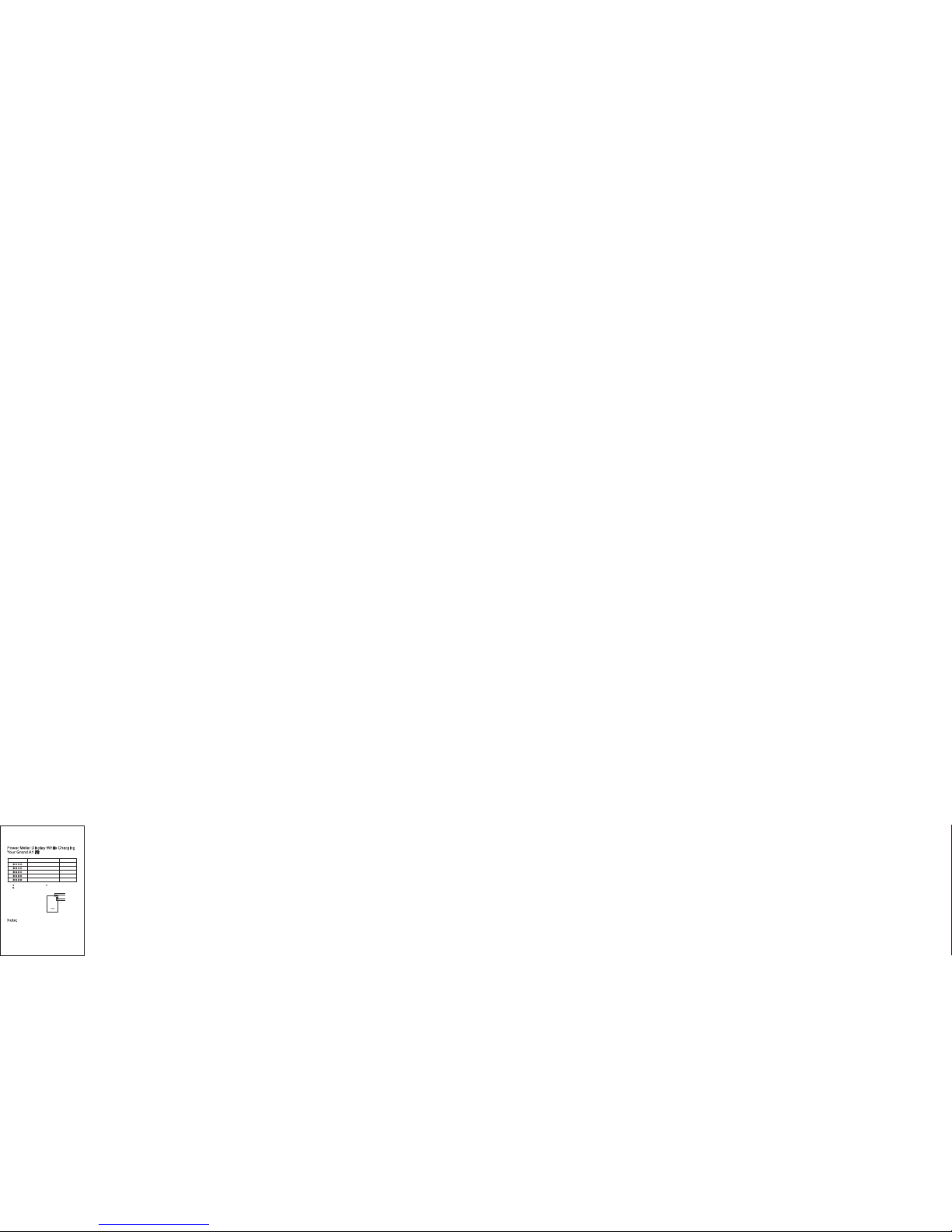
Power M eter Di splay W hile Ch argin g
Y
our Gra nd A1 Fit
Note:
To ensure the b atter y is 100% f ully ch arged , you
need to con tinue t o charg e the bat tery fo r anoth er
half an hou r after 4 l ights o n. Char ging ov ernig ht is
recomme nded.
3
LED Display
Battery Capacity
≥25%
<25%
LED indicator
≥50%
≥75%
≥95%
1st light on, 2n d light b linki ng
1st light blin king
2 lights on, 3rd l ight bl inkin g
3 lights on, 4th l ight bl inkin g
4 lights on
“ ” LED indicato r flash “ ” L ED indi cator c lose
“ ” LED indicato r light
LED 1
LED 2
LED 4
LED 3
Page 5
How to us e the Gra nd A1 Fit to C harge
O
ther De vices
1. Plug the U SB powe r cable i nto a cha rging p ort.
2. Attach th e remai ning en d of the US B power
cable to yo ur devi ce with in 30 sec onds.
3. Your devic e will au tomat icall y begin t o charg e.
4. The LED po wer met er will a utoma tical ly turn o ff
when our de vice is f ully ch arged a nd not dr awing a
current .
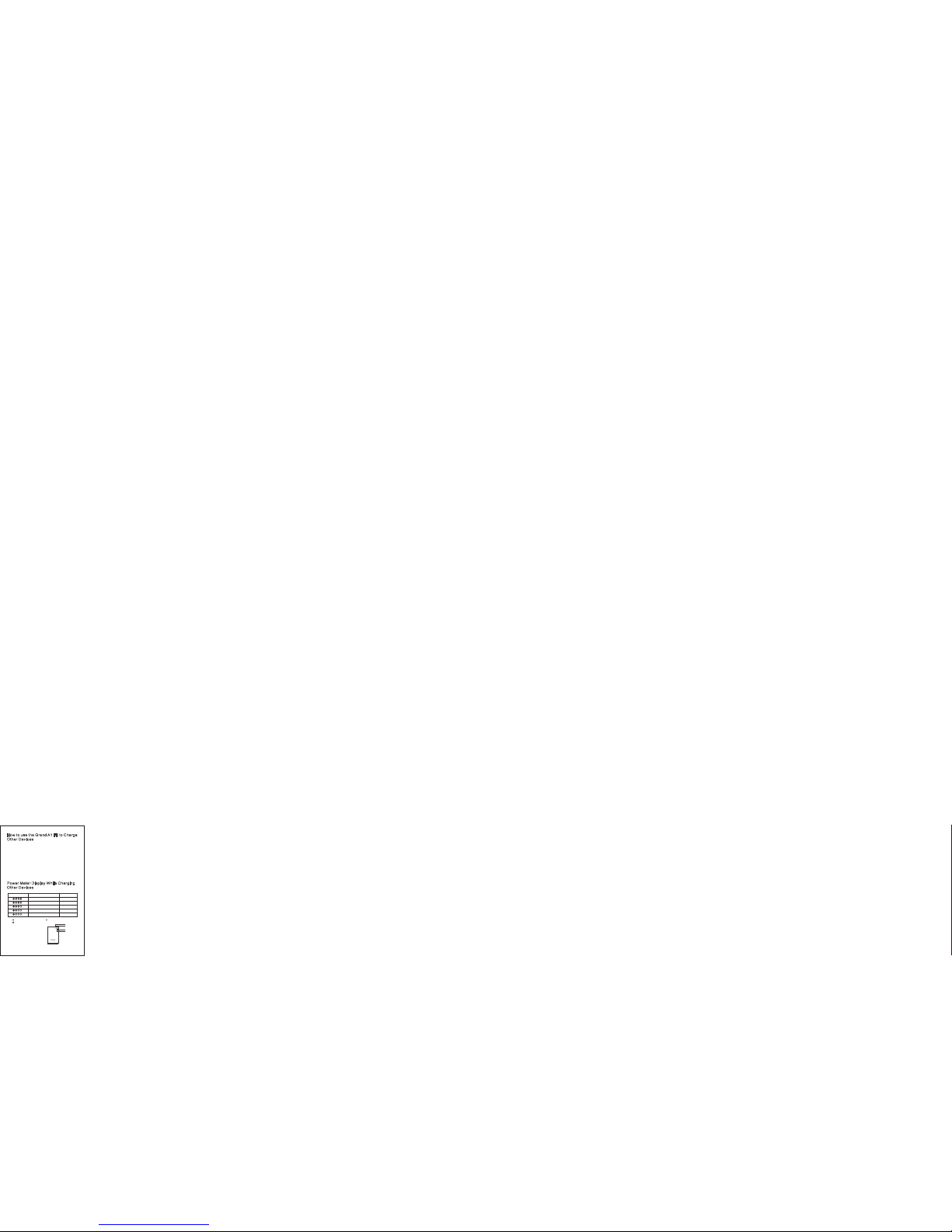
Power M eter Di splay W hile Ch argin g
O
ther De vices
4
LED Display
Battery Capacity
≥75%
≥95%
LED indicator
≥50%
≥25%
<25%
3 lights on
4 lights on
2 lights on
1 light on
1st light blin king
“ ” LED indicato r flash “ ” L ED indi cator c lose
“ ” LED indicato r light
LED 1
LED 2
LED 4
LED 3
Page 6

Note
1. Please f ully ch arge th e Grand A1 F it when fi rst
use.
2. To protect t he long -term c apaci ty of you r
device’ s batte ry, pleas e unplu g the pow er wire
promptl y after t he devi ce is ful ly char ged.
3. Please b e fully c harge d at leas t once ev ery 4
months to a void sh orten ing its l ife spa n.
4. Make sur e to use th e corre ct char ging ca ble.
5. Make sur e your de vice is 5 V input t o avoid
damage be fore ch argin g.
6. Do not dro p, knoc k, or dis assem ble pow er bank ,
if it does no t work pr operl y, do not tr y to repa ir.
7. Do not soa k it with w ater or p lace it i n a humid
environ ment.
8. Do not exp ose it un der str ong sun light o r nea
r
heat sour ces and fl ammab le plac e.
9. Keep it ou t of reac h of chil dren.
10. Do not pu t any sub stanc e into th e USB jac k.
5
Page 7

Acces sorie s
1. Micro US B charg ing cab le
2. User Man ual
3. Lumsin g user ca rd
Warran ty
● All Lumsin g brand ed powe r bank ha s a warra nty
of 12 month s from th e date of p urcha se. If th ere’s
any produ ct qual ity pro blem, p lease f eel fre e to
contact o ur cust omer se rvice f or help .
● For any inq uirie s or comm ents co ncern ing our
product s, plea se cont act us vi a Amazon m essag e
or send an em ail to , and we s
upport@ lumsi ng.co m
will resp ond to yo u as soon a s possi ble.
6
Page 8

Vielen Da nk für Ih re Wähl en Lums ing.U m Ihre
Sicherh eit zu ge währl eiste n und bes tmögl ich
Leistun g zu spie len. Bi tte les en Sie di ese
Anleitu ng sorg fälti g durch , bevor S ie das
benutze n.
Ausse hen
Hinweis: Drück en Sie 3 Se kunde n ON/OF F-Taste,u m die LEDTaschenlampe a ufzus chalt en oder a uszus chalt en.
Funkt ionen
● Sicherh eit – Pow er Bank v on Lums ing gibt e s
Smart Mu lti-S chutz -IC , um vo r Überl adung , Ü
berstr öme, Kur zsch luss, Ü berte mpera tur zu
verhind ern.
1
3
2
Eingang Ausgang
LED
4
Taschenlampe
5
ON/OFF
7
3
4
2
1
5
Connecting Simple Life
5
Page 9

● –R agen de Lade effi zienz,Leistun gsfäh igkei t
5V/1.8 A Outpu t, der
Umwand lungsw irk ungsg rad hö her als
90% ist .
● – intelli gent e(Smar t) USB -Kompati bili tät
Ladereg ler int egri erte . Es kan n mit den
meisten der Pro dukte k ompati bel se in.
● – Prämie Or igina l LGABF 1L18 65Qualitä t
Batteri ezell e.
Batteri e: ithium Ba tterieL
Kapazi tät: 13 400m Ah
Arbeit stempe ratur : -10 60℃ ℃~
Speiche rtem perat ur: 20 60- ℃ ℃~
Größe: 8mm * mm * mm ±0.5mm9 79 2 1
Gewicht : 262 g
Ladezei t: Ca. 8 Std.
Ausgan gsspan nung : DC 4. V~D C5. V7 1
Eingan gsspa nnung: D C . V ~DC .5V48 5
Eingan gsstrom : >0-3 A ,zw ei USB
Eingan gsspa nnung Max. Ein gangs stro m3.0 A,
Eingan gsstrom :
>1.8A(Ba tter ies pannu ng , <3.8V
Eingan gsspa nnung> DC5 .0V)
Lebensd auer Mal: >500
88
Page 10

Wie Sie d en Gran d A1 Fit la den
1. Stecken S ie den Mi cro USB -Kabe l in den
Ladepor t des Gr and A1 Fi t.
2. Verbind en Sie da s Ladea nschl uss des U SBKabels mi t der Ste ckdose o rder Ih rem
Compute r zu lade n.
3. Die Batt erie be ginnt a utoma tisch z u laden
und sobal d der Akk u volls tändi g gelad en ist,
erlisch t die LED.
9
Page 11
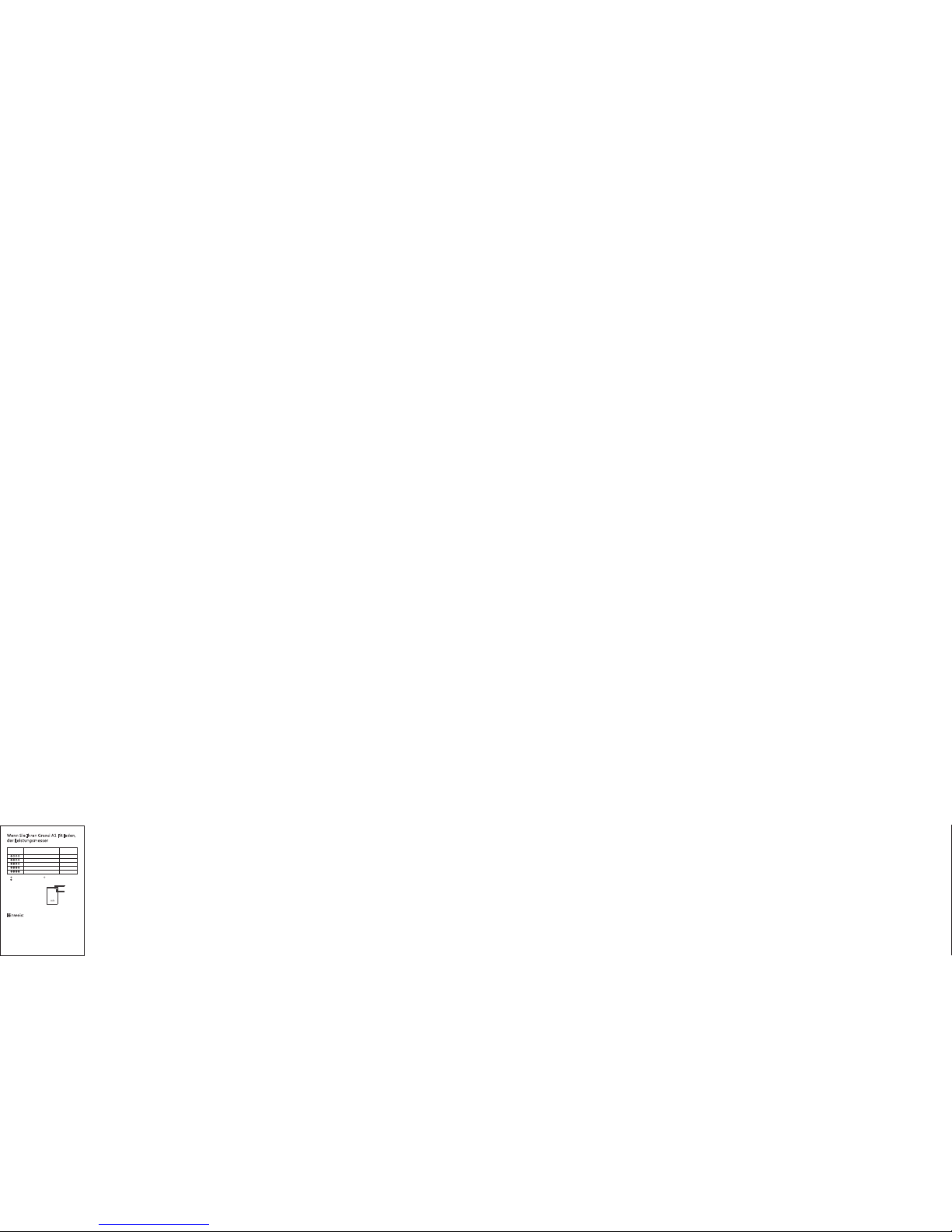
Wenn Si e Ihren Gr and A1 Fi t laden ,
d
er Leis tungs messe r
Hinwe is:
Um die Batt erie vö llig zu l aden, b rauch en Sie
die Batte rie wei ter noc h eine ha lbe Stun de
nach 4 Lich ter an zu l aden. E s wird em pfohl en,
die Batte rie übe r Nacht z u laden .
10
LED 1
LED 2
LED 4
LED 3
LED Anzeige
Batterie
Kapazität
≥25%
≥25%
LED Anzeige:
Entladend
≥50%
≥75%
≥95%
Erstes Licht a n,zwe ites Li cht bli nkt
Erstes Licht b linkt
Zwei Lichter a n, Drit tes Lic ht blic nkt
Drei Lichter a n, vier tes Lic ht blin kt
Vier Leuchter a n
“ ” LED Anzeige bl inkt “ ” LE D Anzei ge aus
“ ”LED Anzeige a n
Page 12

Wie Sie d en Gran d A1 Fit
v
erwe nden, u m andere G eräte z u
l
aden
1. Stecken S ie das US B-net zkabe l an eine r
Ladeans chlus s.
2. Verbind en Sie da s USB-k abel mi t Ihrem
Gerät, da ss das Ge rät läd t wird, u m inner halb
von 30 Seku nden da s Gerät z u laden .
3. Ihre Ger ät wird a utoma tisch l aden.
4. Sobald I hr Gerä t volls tändi g gelad en ist,
dass der LE D Leist ungsm esser a utoma tisch
sich auss chalt en wird .
11
Page 13
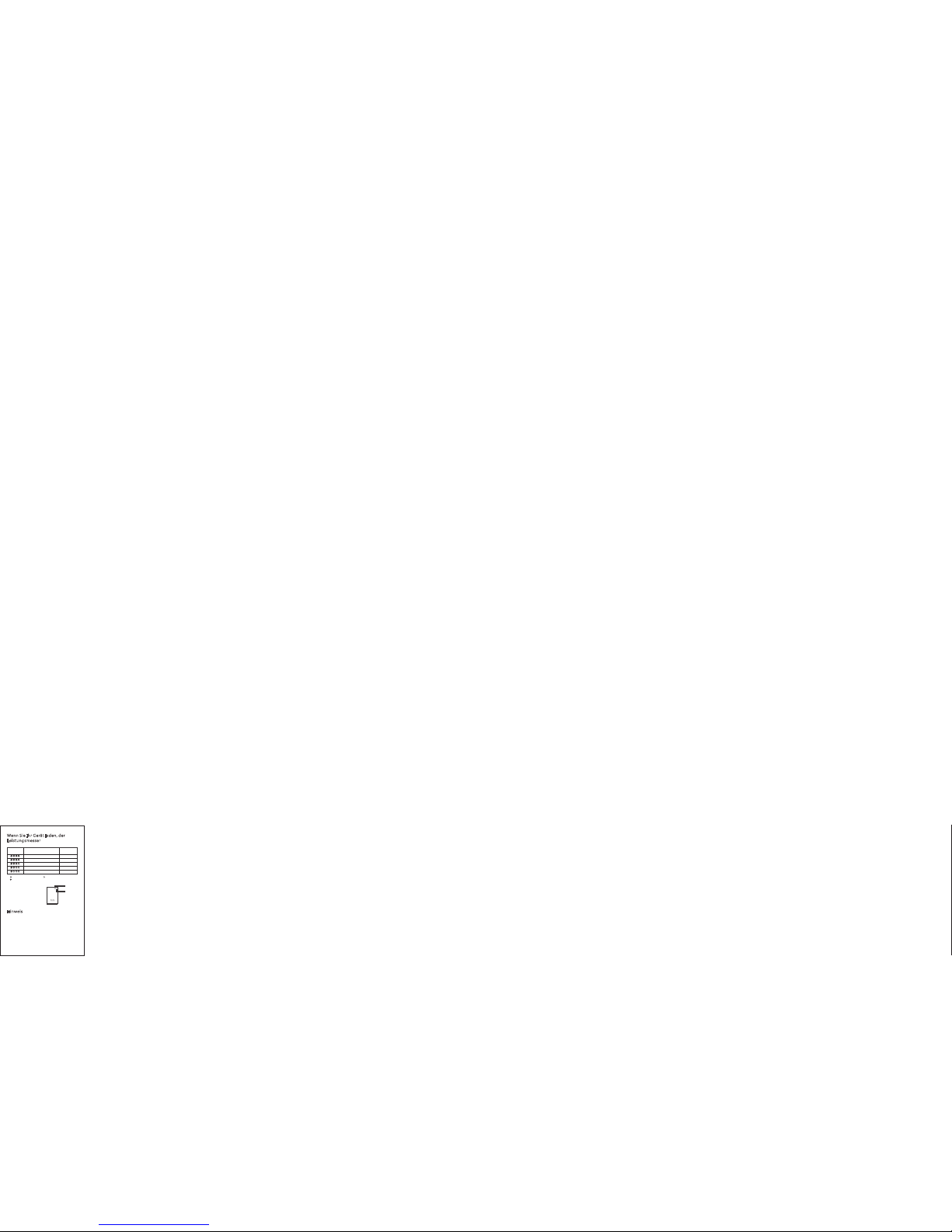
Wenn Si e Ihr Gerä t laden , der
L
eistu ngsme sser
Hinwe is
1.Bitte l aden Si e den Gra nd A1 Fit v öllig b eim
ersten Ge brauc h.
2.Um die Le bensd auer de s Produ kts zu
verläng ern, bi ttte zi ehen Si e das Stro mkabe l
sofort , nachd em das Ge rät voll ständ ig
aufgelä dt ist.
12
LED Anzeige
Batterie
Kapazität
≥75%
≥95%
LED Anzeige:
Entladend
≥50%
≥25%
<25%
Drei Lichter a n
Vier Lichter an
Zwei Lichter a n
Ein Licht an
Erstes Licht b linkt
“ ” LED Anzeige bl inkt “ ” LE D Anzei ge aus
“ ”LED Anzeige a n
LED 1
LED 2
LED 4
LED 3
Page 14

3.Bitte l aden Si e minde stens e inmal a lle 4
Monate vo llstä ndig fü r Grand A 1 Fit, um d ie
Lebensd auer de s Produ kts zu ve rläng ern.
4.Achte n Sie auf, d ass das r ichti ges Lad ekabe l
benutze n.
5.Vor der Au fladu ng Stell en Sie si cher, da ss Ihr
Gerät 5V Ei ngang s ist, um e tews Sc häden z u
vermeid en.
6.Lasse n nicht f allen , klopf en oder Po wer Ban k
zu zerleg en. Wen n es nich t richt ig funk tioni ert,
bitte ver suche n Sie nic ht zu rep ariere n.
7.Legen S ie bitt e nicht i hn im Was ser oder i n
einer feu chten U mgebu ng.
8.Stell en Sie ni cht das P rodukt u nter he llem
Licht ode r in der Nä he v
on Wärmeq uelle n und
Zündque llen.
9.Halte n Sie sie a ußerh alb der R eichw eite von
Kindern .
10. Stell en Sie kei ne Subs tanz in d ie USBBuchse.
13
Page 15

Zubeh ör
1. Micro US B Ladek abel
2. Benutz erhan dbuch
3. Lumsin g Kunde nkar te
Garan tie
● Alle Lums ing Pow er Bank vo n Lumsi ng hat
eine Gara ntie vo n 12 Mona ten ab de m
Kaufdat um. Wen den Sie s ich bit te zu jed er Zeit
an uns, wen n es irge ndein e Produ ktqual ität
Problem g ibt.
● Für Rückf ragen o der Anr egung en für un seren
Produkt en, kont aktie ren Sie u ns bitt e Amazo n
Nachric ht oder s chick en Sie an
s
upport @lums ing.c om, wer den wir S ie so bald
wie mögli ch zu ant wort en.
14
Page 16

この度は、Lums ingモバイルバッ テリーをお 買い上げい ただ
きありがとうござ います。
ご使用の前に、こ の取扱説明 書をよくお 読みのうえ 、製品を
安全にお使いくだ さい。
お読みになったあ とは、いつ でもご覧に なれる場所 に必ずご
保管ください。
製品の構造
注意事項: ON/OFFボ タンを3秒間長 押しして懐 中電灯を点 灯、点滅さ せま
す。
製品の特徴
●
安全:マルチ保護I Cを内蔵して います。充 電、給電あ るい
は待機のどちらの 場合でも、 過充電、過 放電、過電 圧、過電
流、過熱及び短絡 時自動的に 停止する安 全機能を搭 載してい
ます。
● 高効率:5V/1. 8Aのインプットで 、本体の高 速充電が可 能
です。あわせて、 転換率も高 いです(5V /1.8Aの転換率 は
90%以上)。
15
入力ポート
出力ポート
懐中電灯
1
3
2
LEDインジケータ
4
5
ON/OFF
3
4
2
1
5
Connecting Simple Life
5
Page 17

● 互換性:互換性の 高い知能US B充電コント ローラが内 蔵し
ており、市販の製 品の大部分 に使用可能 です。
● 品質:LG製高品質オ リジナル電池を 採用し、最先端の 材料
と技術を利用す ることで優れた 製品をご提供しま す。
製品の仕様
内蔵電池:リチウ ムイオン電 池
電池容量:LG電池4. 25V/1 0050m Ah
使用環境温度:-1 0℃~60℃
保存運輸温度:-2 0℃~60℃
本体サイズ:98m m*79m m*21m m±0.5 mm
重量:262g
充電時間:約8時間
ご注意:5V/1 .8Aあるいは5V /2Aの充電器の どちらを使っ て
も入力電流は1. 8Aに限定されて おります。
出力電圧:DC 4.7 V~DC5 .1V
入力電圧:DC 4.8 V~DC5 .5V
出力電流:0-3. 0A 2つのUSBポ ート出力、 最大出力電 流は
3.0A
入力電流:>1.8 A(電池電圧 <3.8V、入 力電圧>DC 5.0V)
充電可能回数:>5 00回
本体を充電する
○付属ケーブルを 使ってご充 電ください 。
1. Micro USBケ ーブルの入 力端子をUS B出力付ACアダ プター
またはパソコン等 のUSBポート につなぎま す。
2. 充電中は本体上 面のLEDイン ジケータが 点灯します 。
3. 充電が完了する と自動的に 消灯します 。
16
Page 18
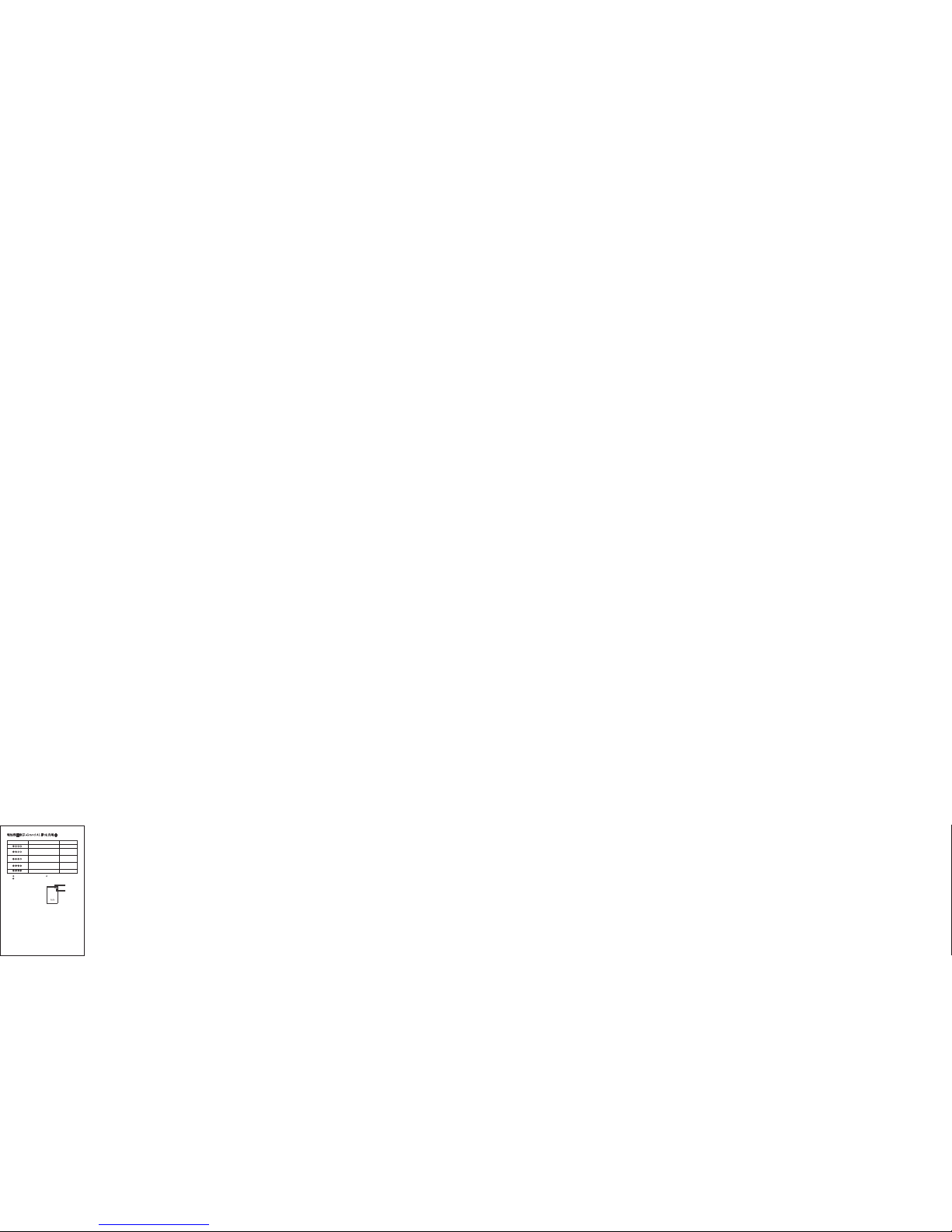
電池残量表示-G rand A1 F itを充電中
備考:
本製品が満充電を 確保するた めに、四つ 目のランプ が点灯後
に、また30分の給電 が必要とな りますので 、ご注意く ださ
い。一晩中給電を お勧め致し ます。
お使いの機器に 給電する
○USBケーブル をお使いの 機器につな ぎ、給電が で
きます。
17
LEDランプの点灯状況
バッテリ-残量
≥25%
<25%
LEDランプ:充電中
≥50%
≥75%
≥95%
一つ目のランプが点灯 、
二つ目のランプが点減
一つ目のランプが点減
二つ目のランプが点灯 、
三つ目のランプが点減
三つ目のランプが点灯 、
四つ目のランプが点減
四つ目のランプが点灯
“ ” LED indicato r flash “ ” L ED indi cator c lose
“ ” LED indicato r light
LED 1
LED 2
LED 4
LED 3
Page 19
1. Micro US Bの端子の一 つをGran d A1 Fitの 充電ポートにお
つなぎください 。
2. もう一つの端 子を30秒以内 にお使いの 機器のmicro U SB
ポートにつない だら、給電が始 まります。
3. 給電中は本体上 側面のLEDイ ンジケータ が点灯しま す。
4. 給電が完了した ら、LEDライ トが自動的 に消灯しま す。
電池残量表示-他の 機器を充電中
18
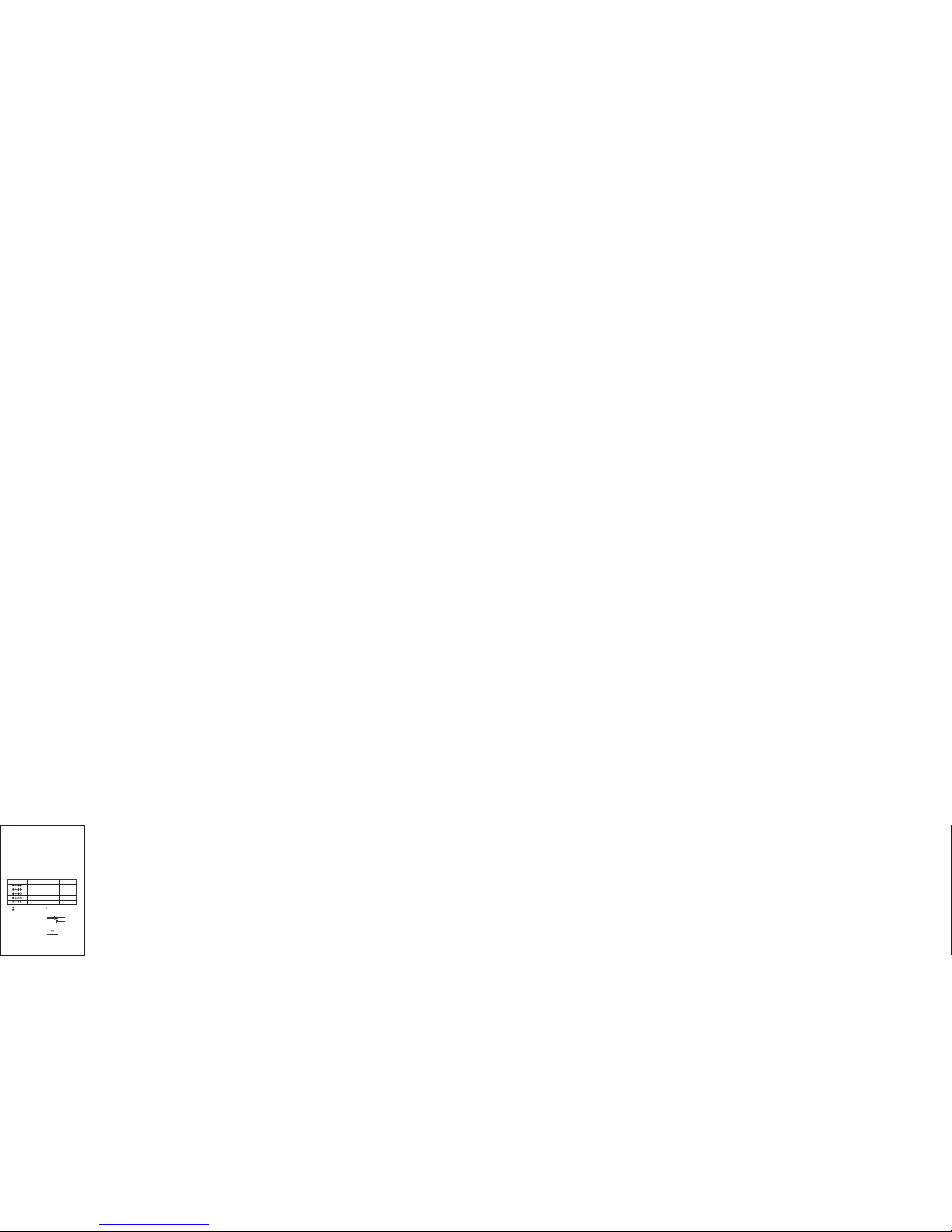
LEDランプの点灯状況 バッテリ -残量
≥75%
≥95%
LEDランプ:放電中
≥25%
三つのランプが点灯
四つのランプが点灯
二つのランプが点灯
一つのランプが点灯
一つ目のランプが点減
<25%
≥50%
“ ” LED indicato r flash “ ” L ED indi cator c lose
“ ” LED indicato r light
LED 1
LED 2
LED 4
LED 3
Page 20

注意事項
●最初にフル充電 してくださ い。
●充電が完了した 場合、または途中 で充電を中 止したい 場合
は、ケーブルを 抜いてください 。
●本製品の使用寿命 を延ばす ために、4ヶ月間に 一度のフル充
電をおすすめし ます。
●必ず付属の充電用 ケーブル をご使用くださ い。
※iPad mini、i Phoneシ リーズを充電す る場合はそれぞれ の
機器の付属ケー ブルをご使用くだ さい。
●本製品の出力電圧 は5Vです。 ご使用前に 、必ず接続した機 器
の入力電流と電圧 をご確認 ください。
●他の機器を接続し たまま本製品を 充電しないでく ださい。
●本製品に物を置い たり、落下しや すい所に置かな いでくださ
い。
●できるだけ落下 などの衝撃 を避けて ください。
●本製品の分解や改 造をしな いでください。
●水の中に入れた り、湿気やほこり の多い環境で使 用、保管し
ないでください 。
●炎天下、直射日光 の当たる 場所や火のそばな どで、使用、保
管しないでくだ さい。
●乳幼兒の手が届か な
い場所でご保管 ください。
●金属製のネック レスやヘアピン 等と一緒に持ち 運びや保管は
しないでくださ い。
19
Page 21

セット内容
1. USBケーブル
2. 取扱説明書
3. 保証書
免責事項
●火災、地震、その 他の天災地変、公 害や異常電圧など による
異常や故障した場 合。
●消耗品が自然摩擦 または自然劣化し たことによる故障 や損
傷。
●お買い上げ後の輸 送、移動時の落下 や衝撃など、お取 り扱い
が原因で生じた故 障や損傷。
●取扱説明書の記載 内容に反するお取 り扱いにより生じ た故障
や傷。
●ご使用上の誤り、 または接続してい る他の機器より受 けた障
害による故障や損 傷。
●当社以外で部品交 換、調整、改造な どを行った場合。
●その他、交換を認 めがたい行為があ った場合。
20
Page 22

保証とアフター サービス
● 本製品の保証期間 は、お買い 上げ日より1 2ヶ月間です 。正
常な使用方法によ り本製品が 故障した場 合のみ承り ます(修
理、機器データの 復旧は承っ ておりませ んので予め ご了承く
ださい)。
● 本製品に関するご 質問がござ いましたら 、Amazo n
messageまた はメールア ドレスsup port@lu msing.co m
にてお問い合わせ ください。
21
Page 23
Gracias p or habe r escog ido Lum sing. P or su
segurid ad y para u n óptim o uso del p roduc to,
por favor l ea este m anual a tenta mente a ntes
de su utili zació n.
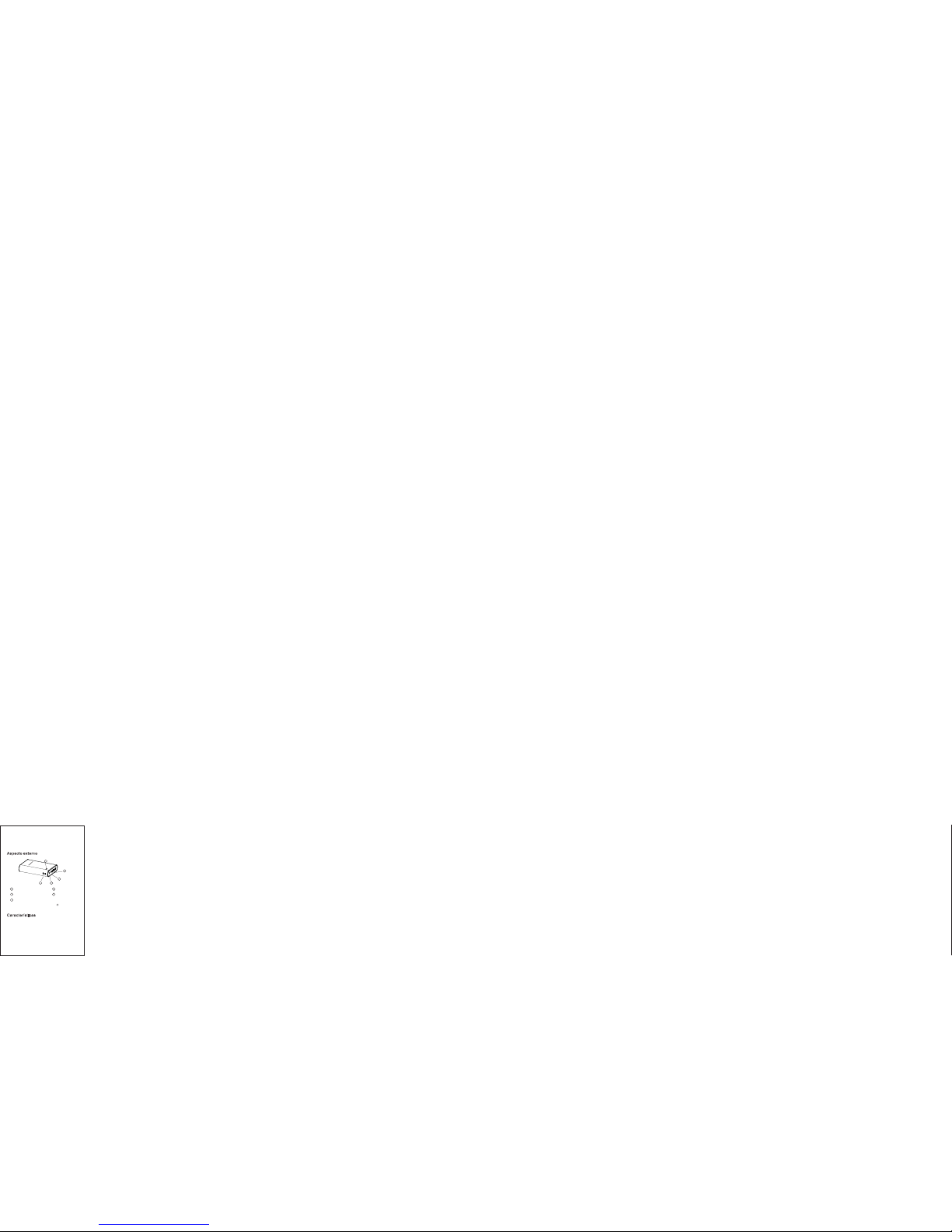
Aspec to exte rno
Nota: Presio nar el bo tón de ence ndido y a pagad o duran te alred edor
de 3 segundos pa ra ence nder y/ o apaga r la lint erna LE D.
Carac terís ticas
● Segurid ad – Sist ema int erior m ulti-
protecc ión IC pu ede pre venir l a sobrec arga, l a
sobre-d escar ga, sub ida de vo ltaje , de
corrien te, cor toci rcuito y e l sobre
calenta mient o.
22
1
3
2
Puerto de entrada Puerto de salida
LED
4
Linterna
5
Encendido/Apagado
3
4
2
1
5
Connecting Simple Life
5
Page 24

● –Po see una e ficac ia de car ga Ef icien cia
supe rior de sal ida,la e fica cia , 5V/1.8A
ener gétic a es mayo r del 90% .
● –Compat ibili dad El cont rol ador inte rno d e
carga in teli gente U SB per mite la
compa tibi lidad c on la, ma yoría d e prod uctos.
● –B atería Calida d Premium origina l
LGABF 1L186 5.
Bate ría: Bat ería de iti oL
Capac idad 1340 0mAh:
Tempera tura de f unc ionam iento -10 60: ℃ ℃~
Tempera tura de a lmace naje 20 60: - ℃ ℃~
Dimens ion : 9 79 21es 8mm* mm* mm±0.5 mm
Peso: 2 62g
Tiempo de carg a: Apr ox. 8 hor as
Voltaj e de salid a DC 4. V~DC 5. V: 7 1
Voltaj e de entr ada: D C . V~D C .5V48 5
Corrie nte de s alida 0- A de sali da: 3.0 dua l USB ,
Max. co rrie nte de sa lida 3. 0A
Corrie nte de e ntr ada: >1. 8A Voltaj e de la (
bate ría entrada de vo lta
je<3.8V, >DC5.0 V)
Esper anza de v ida d el produ cto: >5 00 vece s
2323
Page 25

¿Cómo s e carga t u Grand A 1 Fit?
1. Enchuf a el cabl e Micro U SB en el pu erto de
entrada d el Gran d A1 Fit.
2. Inser tar el ex tremo re stant e del cab le USB en
el adapta dor AC qu e se ha de en chufa r al
enchufe d e pared , o tambi én pued e conec tarlo
a un puert o USB de un o rdenad or.
3. La bater ía come nzará a c argar se
automát icame nte y se ap agará c uando e stá
complet ament e carga da.
24
Page 26
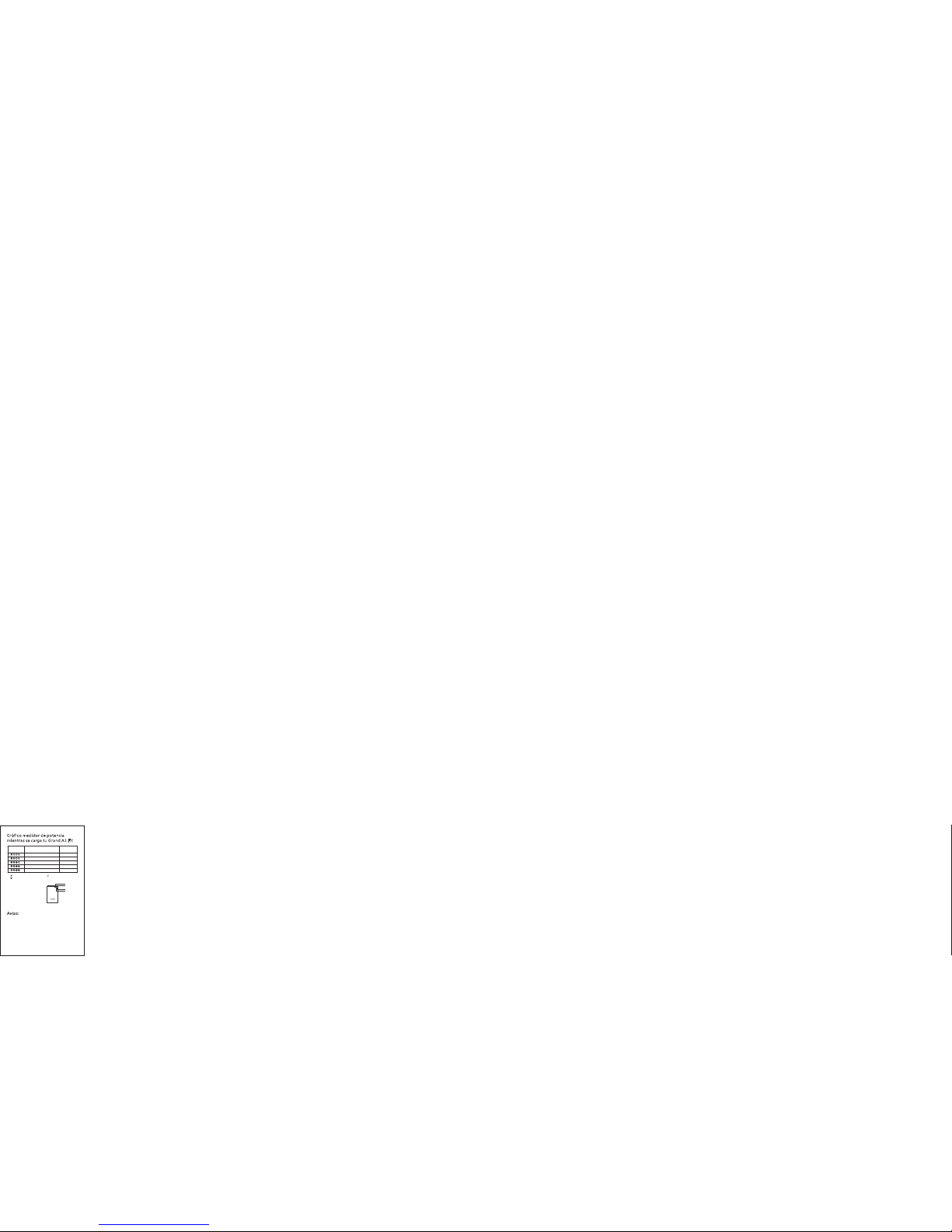
Gráfi co medi dor de po tenci a
m
ientr as se car ga tu Gra nd A1 Fit
Aviso :
Para aseg urar qu e la bater ía se hay a carga do
complet ament e al 100% , se debe rá cont inuar
la carga de l a bater ía medi a hora má s a parti r
del momen to en que l as 4 luce s estén
encendi das. Se r ecomi enda la c arga du rante l a
noche.
25
LED 1
LED 2
LED 4
LED 3
“ ” Indicador LE D parpa dea “ ” Ind icado r LED apa gado
“ ” Indicador LE D encen dido
Monitor LED
Capacidad
de la batería
<25%
Indicador LED
1ª luz parpade a
≥25%
≥50%
≥75%
≥95%
1ª luz encendi da, 2ª lu z parpa dea
2 luces encend idas, 3 ª luz par padea
3 luces encend idas, 4 ª luz par padea
4 luces encend idas
Page 27

¿Cómo u tiliz ar Gran d A1 Fit pa ra
c
argar o tros dis posit ivos
e
lectr ónico s?
1. Enchuf a el cabl e USB a uno d e los pue rtos d e
recarga .
2. Conect a el extr emo res tante d el cabl e USB a
tu dispos itivo e n un marg en de 30 se gundo s.
3. Tu dispos itivo c omenz ará a carg arse
automát icame nte.
4. El medid or de pot encia L ED se apa gará
automát icame nte cua ndo el di sposi tivo se
haya carg ado com pleta mente y n o conti nuará
liberan do corr iente .
26
Page 28
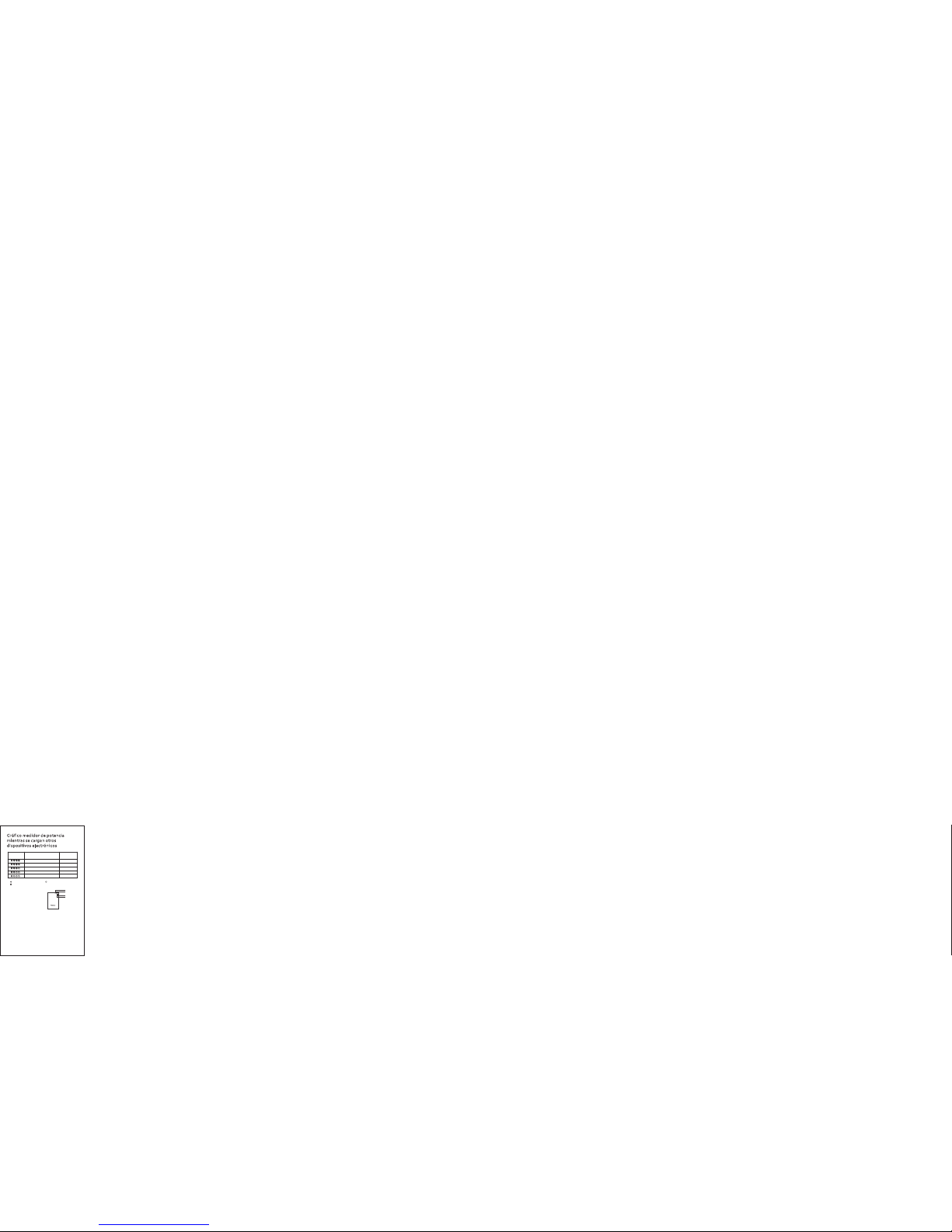
Gráfi co medi dor de po tenci a
m
ientr as se car gan otro s
d
ispos itivo s elect rónic os
27
Monitor LED
Capacidad
de la batería
≥75%
≥95%
Indicador LED
≥50%
≥25%
<25%
3 luces encend idas
4 luces encend idas
2 luces encend idas
1 luz encendid a
1ª luz parpade a
“ ” Indicador LE D parpa dea “ ” Ind icado r LED apa gado
“ ” Indicador LE D encen dido
LED 1
LED 2
LED 4
LED 3
Page 29

Atenc ión
1. Por favo r cargue c omple tamen te el Gra nd A1
Fit en su pri mer uso .
2. Para pro teger la c apaci dad de us o a largo
plazo de la b aterí a de su dis posit ivo, po r favor
descone cte el ca ble de al iment ación d espué s
de que el dis posit ivo se ha ya carg ado
complet ament e.
3. Por favo r, recarg ue comp letam ente pow er
bank al men os 1 vez ca da 4 mese s para ev itar
acorta r la espe ranza d e vida de l produ cto.
4. Asegúr ese de ha cer un us o corre cto del
cable de al iment ación .
5. Asegúr ese ant es de rec argar qu e su
disposi tivo ti ene ent rada de 5 V para ev itar
cualqui er daño .
6. No tire, g olpee o a bra el po w
er bank, s i no
funcion a corre ctame nte, po r favor n o inten te
reparar lo.
28
Page 30

7. No lo sume rja en el a gua, o en u n espac io
con ambie nte húm edo.
8. No lo expo nga baj o fuer tes rayo s de sol o
cerca de fu entes d e calor o a mbien tes
inflama bles.
9. Mantén galo al ejado d el alca nce de lo s niños .
10. No intr oduzc a ningu na sust ancia e n el
interio r del pue rto US B.
Acces orios
1. Cable de r ecarg a Micro U SB
2. Manual d el usua rio
3. Tarjeta de u suari o Lumsi ng
29
Page 31

Garan tía
● Todos los ar tícul os powe r bank de l a marca
Lumsing t ienen u na gara ntía de 1 2 meses
desde la fe cha de co mpra. S i hay cua lquie r
problem a sobre l a calid ad del pr oducto , por
favor no du de en pon erse en c ontac to con
nuestro s ervi cio de at enció n al clie nte.
● Para cual quier t ipo de co nsult a y/o
comenta rios ac erca de c ualqu iera de n uestr os
product os, por f avor co ntact e con nos otros a
través de m ensaj e en Amaz on o envi ando un
email a sup port@l umsing .com, le
respond eremo s tan pro nto como n os sea
posible .
30
Page 32

support @lumsi ng.comsupport@lum sing.c om
www.lumsi ng.co mwww.lumsi ng.co m
 Loading...