

Page 1
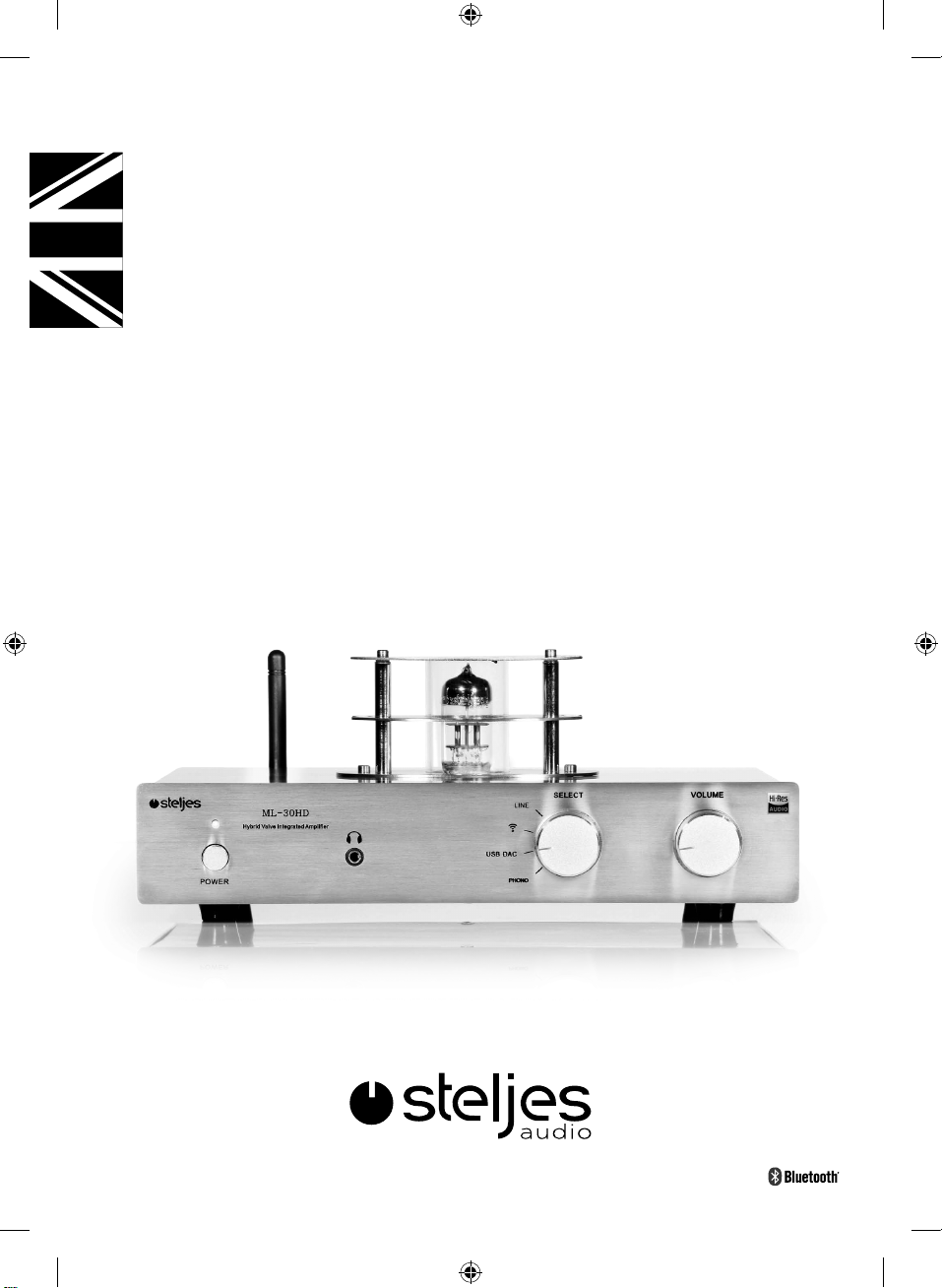
VACUUM TUBE AMPLIFIER
ML-30HD
Luen Hing Electrical(H.K.)Ltd.
ML-30HD Product Manual.indd 1 27/01/2016 08:56
Page 2
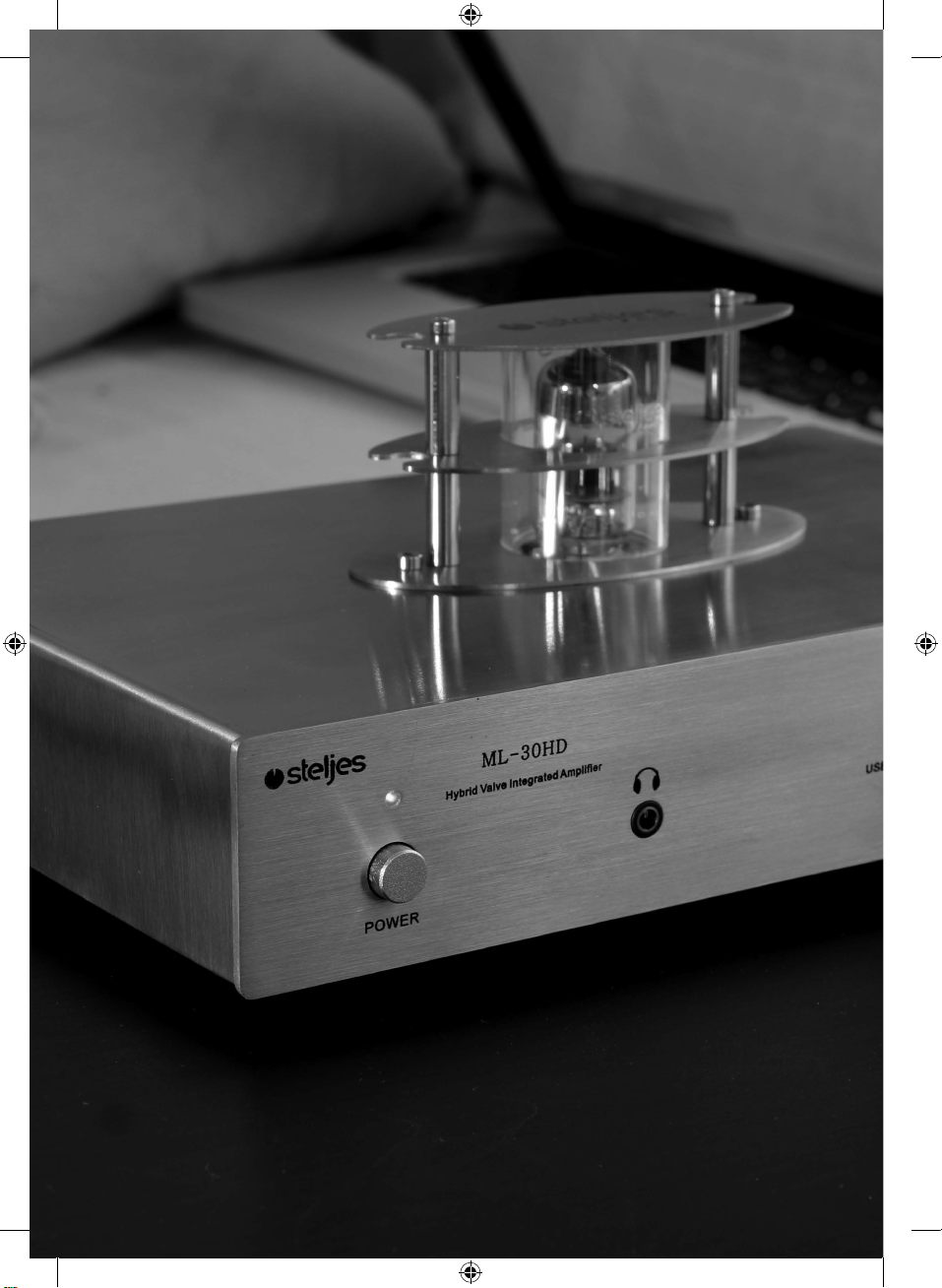
2 Steljes Audio . ML - 30HD User Guide
ML-30HD Product Manual.indd 2 27/01/2016 08:56
Page 3
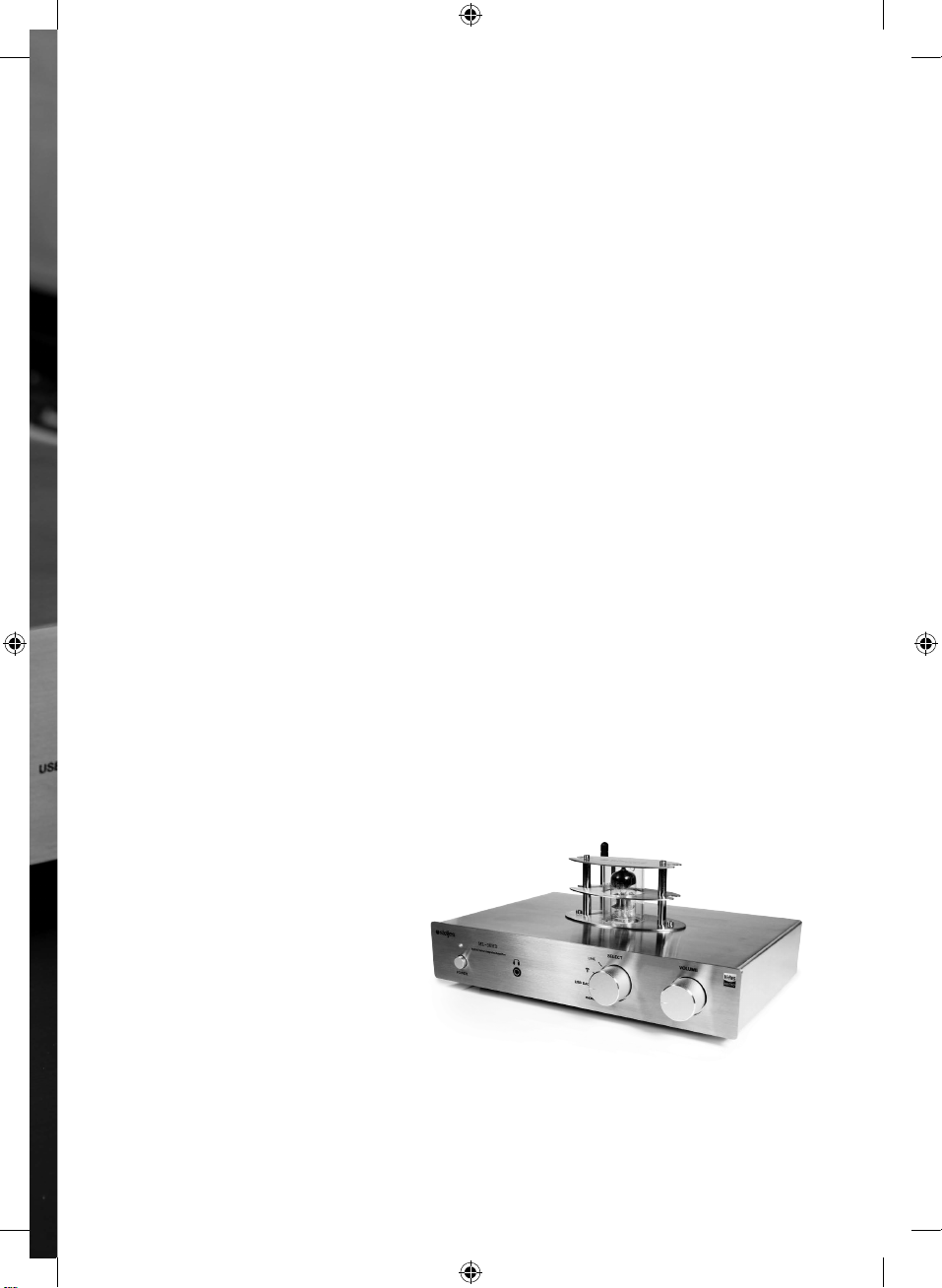
ML-30HD
HYBRID TUBE
INTE
CONTENTS
Important Information ...... . . . . . ..... . . . . . ..... . . . . . ..... . . . . . ..... . . . . . .. 4
Front and Rear Panel and Controls . . .... . . . . . . .... . . . . . . .... . . . . . . 5-6
Connection Diagram . . . . . . .... . . . . . . .... . . . . . . .... . . . . . . .... . . . . . . .... . . . . . . 7
Bluetooth Connection .. . . . . . ..... . . . . . ..... . . . . . ..... . . . . . ..... . . . . . ..... . . 8
Trouble Shooting ...... . . . . . . .... . . . . . . .... . . . . . . .... . . . . . . .... . . . . . . .... . . . . . 9
Limited Warranty .. . . . ..... . . . . . ..... . . . . . ..... . . . . . ..... . . . . . ..... . . . . . .... 10
Specifications . . . . . . . .... . . . . . . .... . . . . . . .... . . . . . . .... . . . . . . .... . . . . . . .... . . . . . 11
Beautifully engineered
& designed in Great Britain
GRA
TED AM
PLIFIER
Steljes Audio . ML - 30HD User Guide 3
ML-30HD Product Manual.indd 3 27/01/2016 08:56
Page 4
Important InformatIon
READ BEFORE OPERATING EQUIPMENT
Read all the instructions carefully before
using the unit and keep them for future
reference. Check that the voltage selector
is switched to the correct position for
your country.
SAFETY INSTRUCTIONS
• Do not use this product near water or
moisture.
• Do not place the unit on sloped or
unstable surfaces as the unit may fall off
or tip over.
• Clean only with a dry cloth. Unplug this
product from the wall outlet.
• Do not attempt to service this product
yourself.
• Opening or removing covers may expose
you to dangerous voltages or other
hazards.
• Please contact the manufacturer to be
referred to an authorized service center
near you.
• Do not block any ventilation openings.
• To prevent risk of fire or electric shock,
avoid over loading wall outlets.
• Do not put it in a closed bookcase or
cabinet that may keep air from flowing
through its ventilation openings.
• Do not let objects or liquids enter the
ATTENTION
The owner’s manual contains important operating and
maintenance instructions, for your safety, it is necessary
to refer to the manual.
DANGEROUS VOLTAGE
Voltage is of sufficient magnitude to constitute a risk of
electric shock. Do not open this product unless you are a
qualified service engineer.
product.
• Protect the power cord from being
walked on or pinched, particularly at
plugs and the point where they exit from
the product.
4 Steljes Audio . ML - 30HD User Guide
ML-30HD Product Manual.indd 4 27/01/2016 08:56
Page 5
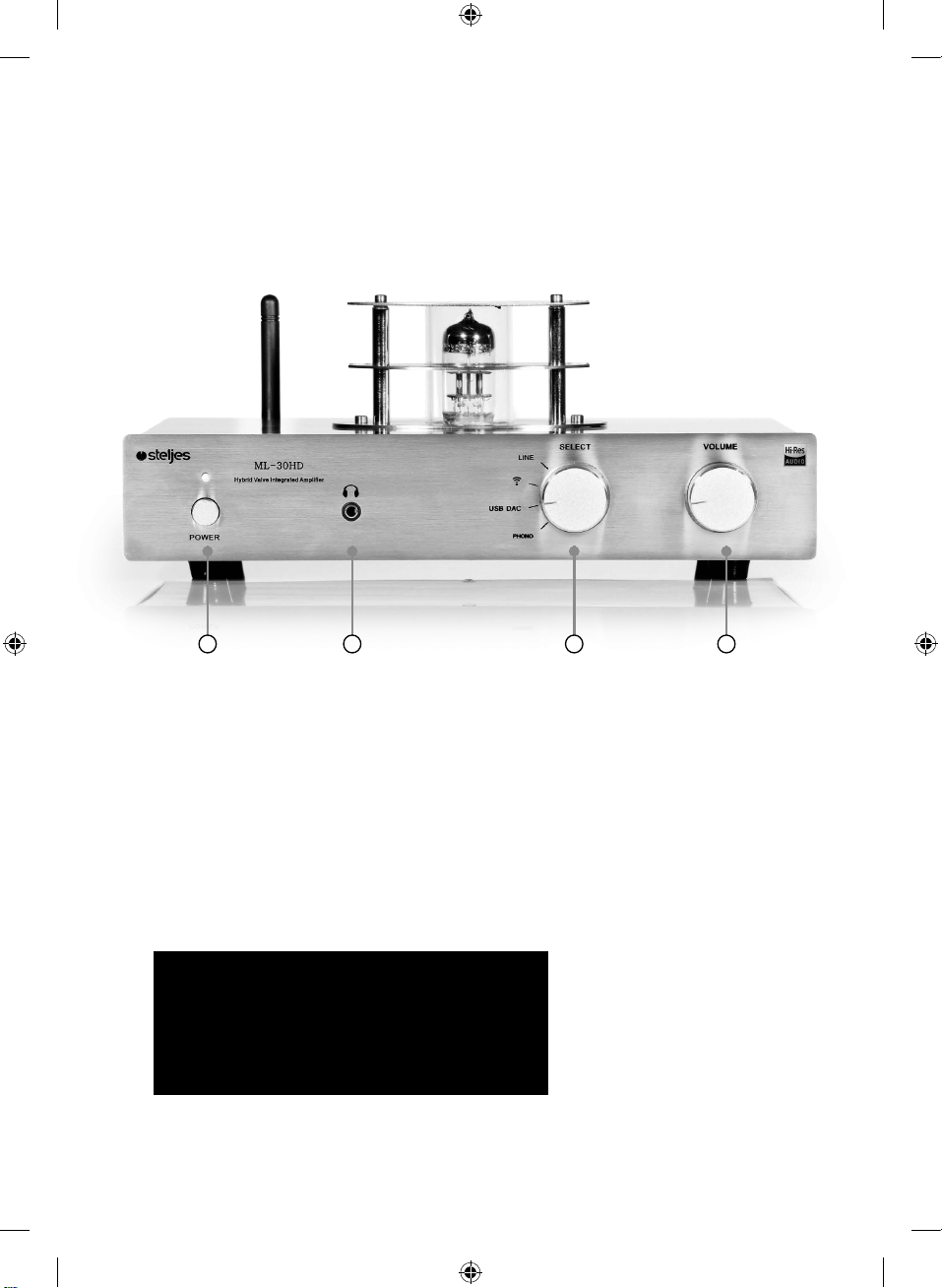
front panel and Controls
1 2 3 4
1. Power switch/indicator. Press in to turn on the power. Press again to turn off.
2. Headphone Output
3. Input Select (LINE, Bluetooth, USB DAC, Phono)
4. Volume Control
ATTENTION: When connecting audio cables the
power switch should be tumed OFF.
After connecting all cables the power can be
tumed ON and the system is now ready to use.
Steljes Audio . ML - 30HD User Guide 5
ML-30HD Product Manual.indd 5 27/01/2016 08:56
Page 6
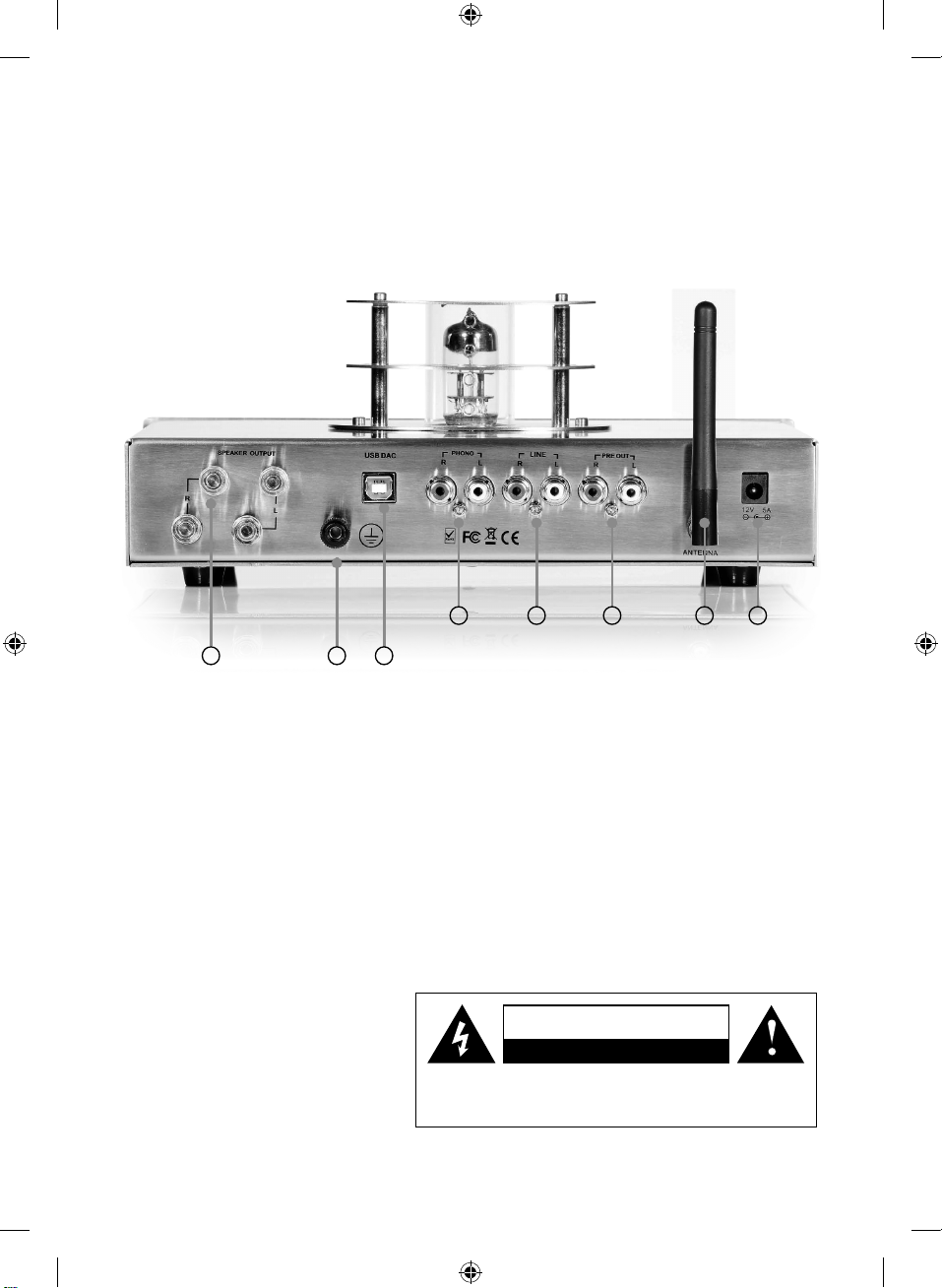
rear panel and ConneCtIons
4 5 6 7 8
1 2 3
1. Right & Left Speaker Output
2. GND for Phono input
3. USB DAC input (Digital-to-Analogue Conversion)
4. Phono input (for Turntables)
5. Line input (for CD Player, Tuner, TV, DVD etc)
6. Preamplifier output (Right & Left)
7. Antenna for Bluetooth receiver
8. Power input jack
CautIon
rIsk of eleCtrIC shoCk do not open!
CAUTION: TO REDUCE THE RISK OF ELECTRIC SHOCK, DO NOT
REMO
VE COVER (OR BA
REFER SERVICING TO QUALIFIED SERVICE PERSONNEL.
6 Steljes Audio . ML - 30HD User Guide
ML-30HD Product Manual.indd 6 27/01/2016 08:56
CK). N
O USER SERVICEABLE PARTS INSIDE.
Page 7
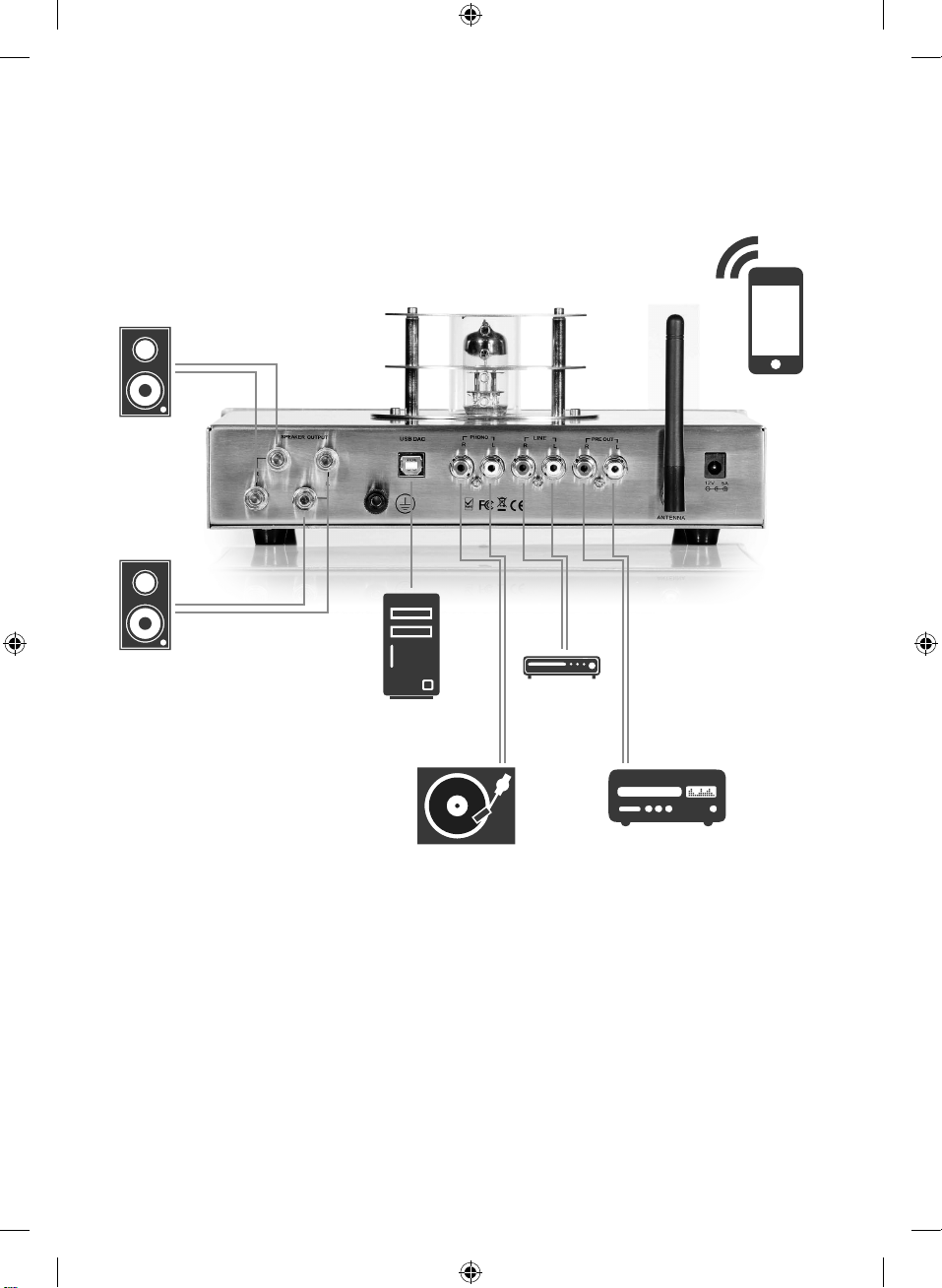
ConneCtIon dIagram
USB
Wireless
CD Player
Amplifier
Turntable
Basic Operation
1. Press in the main power button. There is a 20 second delay before the valve operates
at full capacity. This is called a “Soft Start” to increase the longevity of the valve.
2. While the unit is heating up, make sure the volume is to a lower level.
3. Select the desired source to the desired input setting.
4. Turn on the input device.
You are now ready to begin listening to music.
Steljes Audio . ML - 30HD User Guide 7
ML-30HD Product Manual.indd 7 27/01/2016 08:56
Page 8

Bluetooth ConneCtIon
Pairing between Bluetooth devices and Steljes Audio ML - 30HD:
1. If you have a Bluetooth audio device, such as phone, MP3, PC,
Tablet etc you should follow the pairing procedure.
2. Enable your Bluetooth device to search for a new Bluetooth device.
“Steljes ML-30HD” should appear in the list of Bluetooth devices. If
prompted for a pairing code enter “1234”.
3. If pairing is successful the LED will remain solid. The same Bluetooth
device will not require pairing again and will remain on your device
list - you may just need to reconnect from your device.
4. If for any reason the devices do not pair please repeat steps 1 and 2.
BLUETOOTH OPERATION
5. Connect your Bluetooth device as above / or reconnect the already
paired device.
6. You can navigate using your Bluetooth enabled device player.
8 Steljes Audio . ML - 30HD User Guide
ML-30HD Product Manual.indd 8 27/01/2016 08:56
Page 9
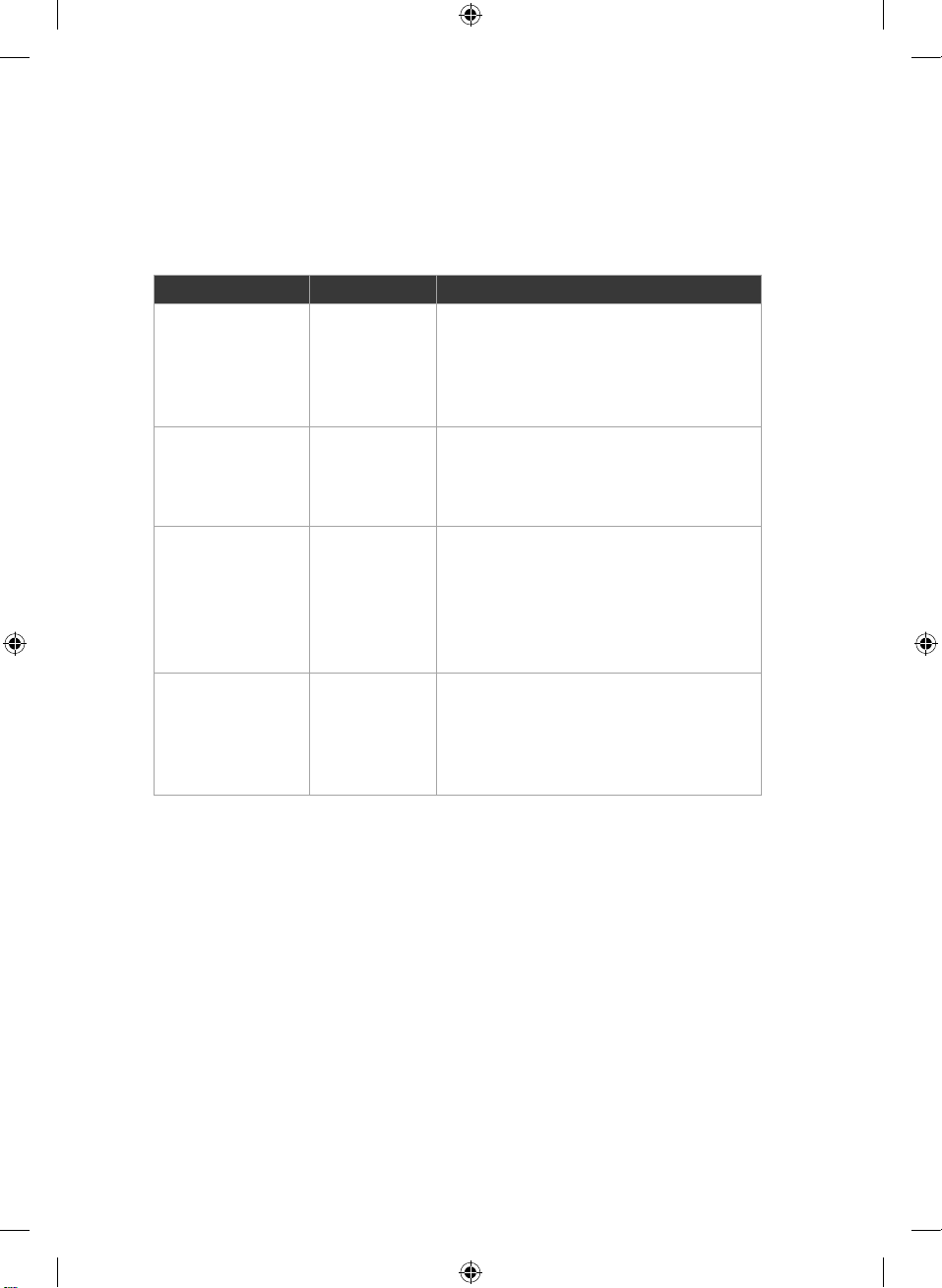
trouBle shootIng
Symptom Cause Remedy
The unit does not
power up when
the Power Switch
is Pressed
The unit powers
up. Vacuum tube
does not light up
or glow
No Sound
from speakers
connected to
amplifier
Sound is
distorted
No Power
to unit
1. Valve not
seated
2. Valve is
defective
Turntable
working, ML30HD seems
to be working
Turntable
working,
sound
volume is low
distorted
1. Check that Amplifier is plugged into
a powered electrical outlet
2. Check if the power cable is plugged
into the power socket on the rear
panel of the amplifier
1. Check valve
2. Replace valve
1. Check selector switch: make sure
proper input selected
2. Check that phono output is
connected to preamp LINE input
3. Ensure that phono output is
connected to MM input
1. Check to see if proper cartridge
input is selected: MM
2. Check setting of ML-30HD
3. Change valve
Steljes Audio . ML - 30HD User Guide 9
ML-30HD Product Manual.indd 9 27/01/2016 08:56
Page 10

lImIted Warranty
LIMITED WARRANTY
This product had been designed and
manufactured to the highest quality
standards; however, should you encounter
any problems with this product please
contact your local dealer or your country
distributor.
This limited warranty is valid for the original
owner for a period of one year from the date
of purchase, it is not transferable.
What is covered by the limited warranty:
The limited warranty covers all production
and material defects of the product, except
for the specifics stated below.
What is not covered by the limited
warranty:
Damage caused by packing and transport.
Defects caused by accidents, misuse, normal
wear and tear, mis-maintenance, voltage
variation and overloading.
Damage caused by incorrect installation or
operation. Damage caused by modification
or repair by a non-authorized service centre
and use of non-original spare parts.
How to claim parts or repair under warranty:
To have your product serviced under
warranty, you must contact the dealer from
whom the product was purchased.
You will need to produce this warranty
booklet completed and stamped by your
dealer on the date of purchase.
Alternatively, you will need the original sales
invoice or other proof of ownership and date
of purchase.
The supplier is liable only to repair or replace
defective parts of products and the supplier
is not responsible for indirect losses or
damage arising from the use of the product.
Transportation costs for servicing are not
covered by the warranty.
A service repair or replacement cannot
exceed the value of the product under
warranty; in no event shall the supplier be
responsible or liable for special, incidential,
consequential or indirect damage.
Other damage due to conditions beyond the
supplier’s control such as fire, rain, war and
other force majeure events.
10 Steljes Audio . ML - 30HD User Guide
ML-30HD Product Manual.indd 10 27/01/2016 08:56
Page 11

speCIfICatIons
SPECIFICATIONS
Steljes ML-30HD
Power Output : 30Wx2
requency Response : 20Hz-50kHz
F
Harmonic
Distortion : 0.01%
LINE Gain : 32dB
Phono Gain : 72dB
Input Impedance : 80 kOhms
Output Impedance : 4 Ohms - 8 Ohms
Phono Impedance : 47k Ohms
Headphone Impedance : 32 Ohms - 160 Ohms
USB DAC : 24Bit 96kHz
nputs: MM Phono, Bluetooth 4.0, USB DAC, LINE
I
Preamp, Speaker
Output:
xternal Power Supply: AC100V-240V/50-60Hz
E
Valve : 6
N3 (5670)
Dimensions : 260mm x 210mm x 120mm H x W x D
Net Weight : 2.4Kg
servICe & support
Please contact your local authorised dealer or reseller.
Email: [email protected]
All information contained in this guide herein may change without notice
and is provided on an “AS IS” basis, without warranties of any kind. Steljes
Audio reserves the right to change specifications without notice. Images and
Photos are for illustration only and actual product may vary. E&OE.
Steljes Audio . ML - 30HD User Guide 11
ML-30HD Product Manual.indd 11 27/01/2016 08:56
Page 12

This equipment has been tested and found to comply with the limits for a Class B digital
device, pursuant to part 15 of the FCC Rules. These limits are designed to provide
reasonable protection against harmful interference in a residential installation.
This equipment generates, uses and can radiate radio frequency energy and, if not
installed and used in accordance with the instructions, may cause harmful
interference to radio communications. However, there is no guarantee that
interference will not occur in a particular installation. If this equipment
does cause harmful interference
to radio or television reception, which can be determined by turning the
equipment off and on, the user is encouraged to try to correct the interference
by one or more of the following measures:
o Reorient or relocate the receiving antenna.
o Increase the separation between the equipment and receiver.
o Connect the equipment into an outlet on a circuit different from that to which
the receiver is connected.
o Consult the dealer or an experienced radio/TV technician for help.
Caution: Any changes or modifcations to this device not explicitly approved by
manufacturer could void your authority to operate this equipment.
This device complies with part 15 of the FCC Rules. Operation is subject to the
following two conditions: (1) This device may not cause harmful interference, and
(2) this device must accept any interference received, including interference that
may cause undesired operation.
The device has been evaluated to meet general RF exposure requirement.
The device can be used in portable exposure condition without restriction.
www.steljesaudio.co.uk
ML-30HD Product Manual.indd 12 27/01/2016 08:56
 Loading...