

Page 1
2339 3rd Street, Suite 59 support@lilitab.com
San Francisco, CA 94107 t: 888.705.0190 www.lilitab.com
lilitab Wall Basic Mount
Assembly Instructions
v2.0
Page 2

lilitab Wall Basic Mount Assembly Instructions v2.0
2
TABLE OF CONTENTS
Assembly Preparation and Packing List.............3
Assembly Instructions ...........................4
Page 3

lilitab Wall Basic Mount Assembly Instructions v2.0
3
ASSEMBLY PREPARATION
PACKING LIST
TO ASSEMBLE YOUR LILITAB YOU WILL NEED:
4 Apple iPad power adapter that came with your iPad
TO MOUNT YOUR LILITAB YOU WILL NEED:
4 4 x flat-head mount screws suitable for your wall surface
Page 4

lilitab Wall Basic Mount Assembly Instructions v2.0
4
ASSEMBLY INSTRUCTIONS
1. Use bumper plate to mark screw
locations on wall.
NOTE: If you are routing the USB cable through your
wall substrate, trace the oval opening in the center
of the bumper plate to mark the area that you will
need to cutout to pass the USB cable through.
2. Attach lilitab Wall mount arm to wall
using 4 x flathead screws appropriate for
your wall substrate (not included).
NOTE: Ensure the bumper plate is positioned
between the mount arm and wall in the desired
orientation to prevent the unit from hitting the wall
when positioned.
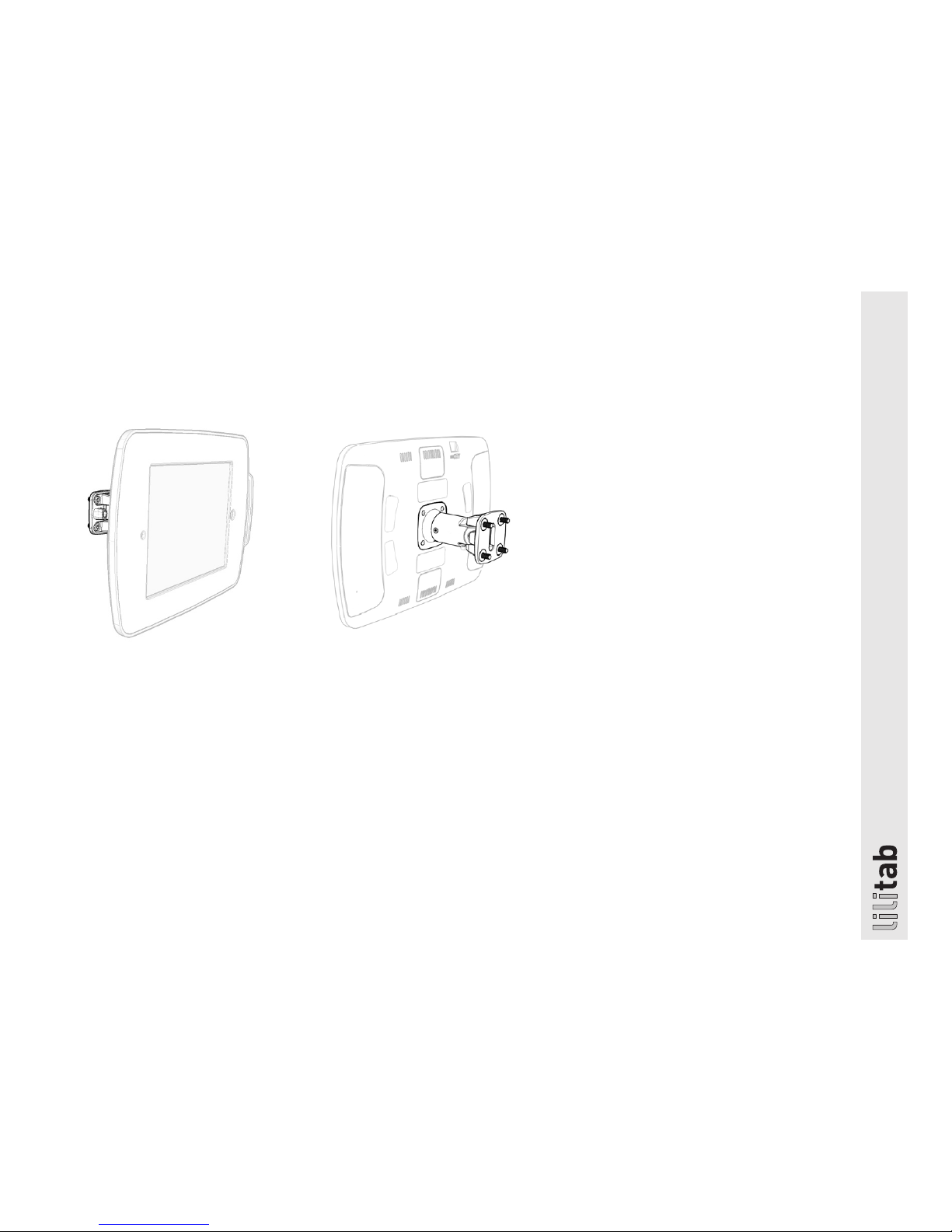
3. Attach the head unit using the four (4)
M3x7mm Head Mount Security Screws
and Silver L Key.
NOTE: Rotating the neck security cover 90° will make
access to the screw openings easier to access.
4. Install security cover. After you attached
your head unit, install the security cover
using the two (2) M3x10mm Security Cover
Screws and Silver L Key.
Refer to your lilitab Head owner’s manual
for tablet installation instructions.
 Loading...