

Page 1
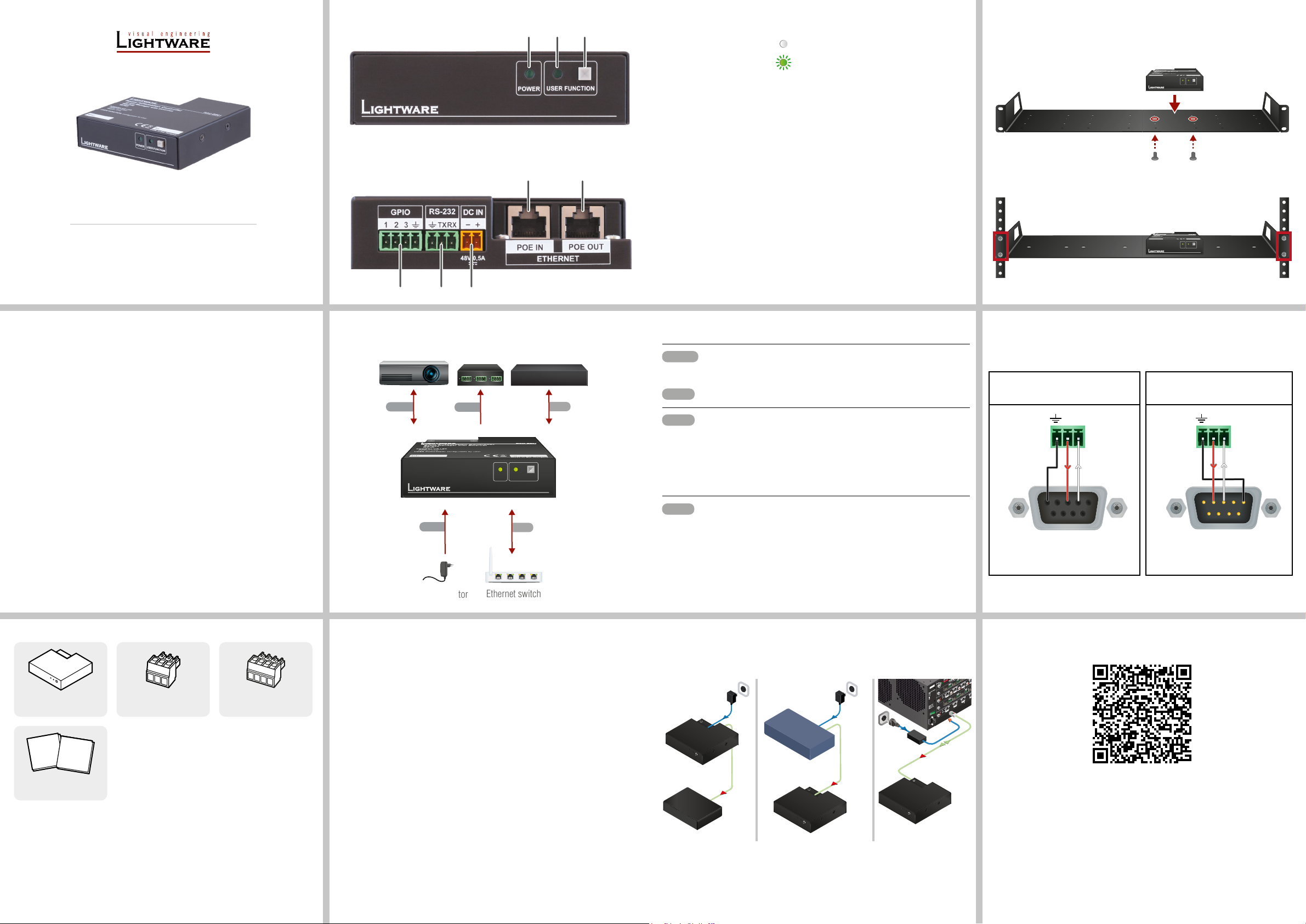
Quick Start Guide
RS-232
GPIO
LAN
Power
TPS IN 1 TPS IN 2 TPS IN 3 TPS IN 4
IN 4
12V power on TPS connector. Only use with compatible devices!
12V power on TPS connector. Only use with compatible devices!
TPS OUT 1 TPS OUT 2 TPS OUT 3 TPS OUT 4
OUT 3
PoE-compatible unit RAC-B501
RAC-B501
Power adaptor
Relay box
Projector
Lightware device
Ethernet switch
TX RX
5: Ground
TX RX
5: Ground
RAC-B501
Front View
Rear View
1 2
7
3
8
Power LED The LED gives immediate feedback about the current
1
power status of the device.
off The device is not powered.
blinking (green) The device is powered on.
User LED Congurable user LED for action feedback purpose.
2
Function button Special functions are available with the button (DHCP
3
settings, restore factory default settings, condition
launching in Event Manager).
GPIO port 4-pole Phoenix® connector for congurable general
4
purpose.
RS-232 port 3-pole Phoenix® connector for bi-directional serial
5
communication.
DC input The device can be powered by a local adaptor. For more
6
information see the Power Supply Options section.
Ethernet port with
7
PoE input support
RJ45 connector for Ethernet communication. The port is
PoE-compatible to receive power from a remote device.
Rack Mounting Instructions
The enclosure allows rack mounting for half-rack, quarter-rack and pocket sized units.
1U high rack shelf provides mounting holes for fastening two half-rack or four quarter-rack
sized units. Pocket sized devices can also be fastened on the self.
Always use M3x4 screws for fastening the device to the rack shelf. Using different
¢
(e.g. longer) ones may cause damage to the device.
USER FUNCTION
POWER
USER FUNCTION
POWER
Important Safety Instructions
Please read the supplied safety instruction document before using the product and keep it
available for future reference.
Introduction
Room Automation Controller (RAC) is an integrated room control device for automation
of complex AV systems. RAC features a processor running Event Manager, the versatile,
proprietary AV system control application of Lightware.
RAC device can send commands to or set the volume on third-party devices as well. Realtime clock with network time protocol and automatic daylight saving adjustment make possible
program scheduled or recurring actions in the Event Manager.
Compatible devices
RAC has standard RS-232, Ethernet, GPIO ports and they are compatible with other Lightware
products or third-party devices which handles the same signal levels.
4 5 6
Connecting Steps
RS-232
GPIO
USER FUNCTION
POWER
Power
LAN
LAN
LAN
Ethernet port with
8
PoE output support
RJ45 connector for Ethernet communication. The port is
PoE-compatible to send power to a remote device.
Optionally for RS-232 extension: connect a controller/controlled device
(e.g. Projector) to the RS-232 port.
Connect a controller/controlled device (e.g. relay box) to the GPIO port.
1. Connect the switcher to a LAN network in order to control the device.
2. Connect a PoE-compatible device for remote powering and control to the PoE
out LAN port.
Do not connect the PoE IN and PoE OUT connectors together. The device
can be powered remotely OR can power another device but the two functions
are not working at the same time.
Powering on the devices is recommended to do as the nal step during the
installation. Please check the Power Supply Options section for the details.
1U high rack shelf can be ordered separately, please contact [email protected].
Wiring Guide for RS-232 Data Transmission
RAC-B501 device is built with 3-pole Phoenix connector. See the below examples of connecting
to a DCE (Data Circuit-terminating Equipment) or a DTE (Data Terminal Equipment) type
device:
Lightware device and a DCE
D-SUB 9 - Phoenix
5
9
1
6
2: TX data
3: RX data
For more information about the cable wiring see the user’s manual of the device or
Cable Wiring Guide on our website www.lightware.com.
Lightware device and a DTE
D-SUB 9 - Phoenix
1
6
5
9
2: RX data
3: TX data
Box Contents
RAC-B501 device Phoenix® Combicon 3-pole
Safety and
Warranty
Info
Safety & Warranty Info;
Quick Start Guide
Quick
Start
Guide
connector
Phoenix® Combicon 4-pole
connector
Power Supply Options
RAC-B501 automation device is compatible with IEEE 802.3af standard - Power over Ethernet
(PoE) - and one Ethernet port can receive, and the other one can send power over the
Ethernet line.
The room automation device can be powered by any of the following ways:
1. Local adaptor and remote power (PoE OUT)
When it is locally supplied with 48V DC adaptor, the room automation device is able to send
remote power via POE OUT RJ45 connector to other PoE-compatible devices.
2. Remote power injector (PoE IN)
Remotely by a PoE-compatible power injector, like a PoE-compatible switch. Connect it to the
POE IN labeled RJ45 connector.
3. Standalone Matrix or Matrix board (PoE IN)
Powering by a matrix board* over the CATx (TPS) cable. Output board needs to be powered
by an external PSU. Connect it to the POE IN labeled RJ45 connector.
* TPS2 I/O board with PoE extension (-P)
Over the CATx cable, the Ethernet communication is transmitted.
1. Local adaptor and
remote power (PoE out)
48V DC
Power
adaptor
RAC-B501
Power
send
2. Remote power injector
(PoE in)
PoE-compatible
switch
Power send
3. Matrix board
(PoE in)
External
power supply
MX-HDMI-3D-OB-A
8CH OUTPUT BOARD FOR HDMI WITH 3D AND ANALOG AUDIO
48V 5A
MX-TPS2-OB-S
DC IN
8 CH TPS OUTPUT BOARD WITH DIGITAL AUDIO
MX-HDMI-3D-IB-A
8CH INPUT BOARD FOR HDMI WITH 3D AND ANALOG AUDIO
48V 5A
MX-TPS2-IB-P
- +
Ethernet
DC IN
8 CH TPS INPUT BOARD WITH POE
Power send
Further information on the device is available at www.lightware.com.
The User’s Manual is also available via the QR code below:
OUT 2
OUT 1
IN 3
IN 2
IN 1
CATx
(TPS)
Contact Us
+36 1 255 3800
+36 1 255 3810
Lightware Visual Engineering PLC.
Budapest, Hungary
Doc. ver.: 1.1
19210028
Page 2
Software Control – Using Lightware Device Controller (LDC)
The device can be controlled from a computer through the Ethernet port
using Lightware Device Controller. Please download the application from
www.lightware.com, install on Windows PC or macOS and connect to the
device via the Ethernet port.
Firmware Update
Lightware Device Updater (LDU2) is an easy and comfortable way to
keep your device up to date. Establish the connection via Ethernet.
Download and install LDU2 software from the company’s website
www.lightware.com where you can nd the latest rmware package as well.
Set Dynamic IP Address (DHCP)
1. Keep the Function button button pressed for 5 seconds; front panel LEDs start to blink.
2. Release the button, then press it 3 times quickly. DHCP is now enabled.
Restore Factory Default Settings
1. Keep the Function button pressed for 10 seconds; after 5 seconds front panel LEDs
start to blink but keep the button pressed; LEDs start to blink faster 5 seconds later.
2. Release the button, then press it 3 times quickly; the following factory default settings
are restored:
IP address (static) 192.168.0.100
Subnet mask 255.255.255.0
Static gateway 192.168.0.1
DHCP Disabled
TCP/IP port nr. LW2 / LW3 10001 / 6107
RS-232 mode Command Injection
RS-232 control protocol LW2
RS-232 port setting 57600 BAUD, 8, N, 1
RS-232 command injection port 8001
GPIO output level High
GPIO output direction Input
GPIO (General Purpose Input/Output Ports)
The device has three GPIO pins which operate at TTL digital signal levels
and can be set to high or low level (Push-Pull). The direction of the pins
can be input or output (adjustable). The signal levels are the following:
Input voltage (V) Output voltage (V) Max. current (mA)
Logic low level 0 - 0.8 0 - 0.5 30
Logic high level 2 -5 4.5 - 5 18
GPIO connector and plug pin assignment
Pin nr. Signal
1, 2, 3 Congurable
4 Ground
The total available current of the controller is 180 mA.
The recommended cable for the connectors is the AWG24 (0.2 mm2 diameter) or the generally
used ‘alarm cable’ with 4x0.22 mm2 wires.
1 2 3
Ethernet
The Ethernet port on the RAC-B501 can be connected to a LAN hub, switch, or router
with a LAN cable. The other one behaves as an Ethernet uplink port. The device supports
10/100 Mbps data transfer rate. The Ethernet port has auto crossover function. It is able to
recognize and handle both cable types: patch and cross TP cables.
RS-232
RAC device provides 3-pole Phoenix connector for bi-directional serial
communication. The unit can be controlled via serial port or it is able to send
serial messages to control devices with standard RS-232 port (e.g. thirdparty or Lightware devices).
The signal levels are the followings:
Output voltage (V)
Logic low level 3 - 15
Logic high level -15 - 3
RS-232 connector and plug pin assignment
Pin nr. Signal
1 Ground
2 TX data
3 RX data
The RAC-B501 series works as a DCE unit according to its pin-out.
2 3
 Loading...