

Page 1
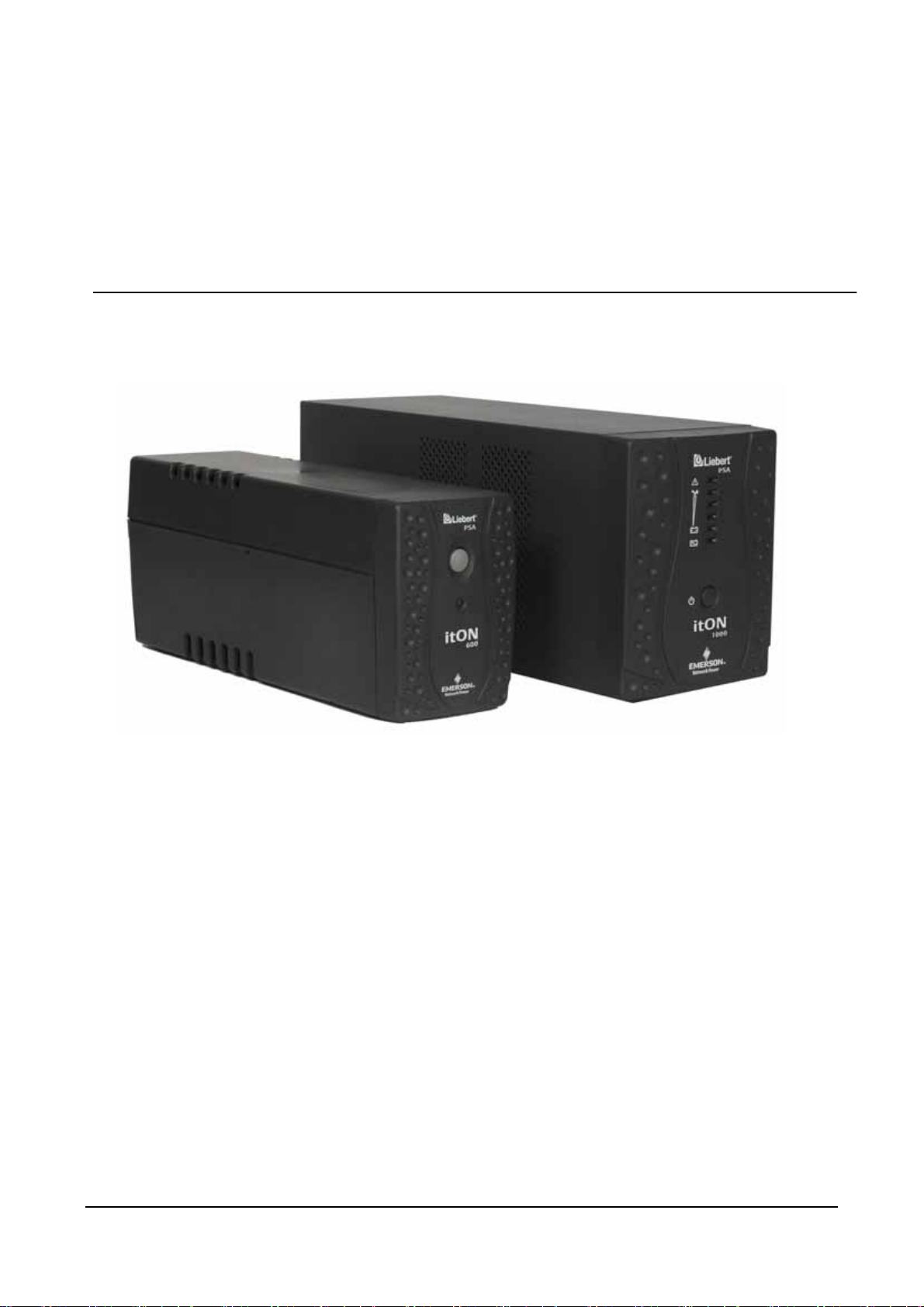
Liebert PSA itON Installation and User Manual
Liebert PSA itON UPS
User Manual
Version: V2.8
Revision date: November 14, 2005
Emerson Network Power provides customers with technical support. Users may contact the nearest
Emerson local sales office or service center.
While every precaution has been taken to ensure accuracy and completeness in this manual,
Emerson Network Power assumes no responsibility and disclaims all liability for damages resulting
from use of this information or for any errors or omissions.
Emerson Network Power pursues a policy of continuous product development and reserves the
right to change the equipment design without notice.
Copyright © 2005 by Emerson Network Power
All rights reserved. The contents in this document are subject to change without notice
Page 1 V2.8 Emerson Network Power
Page 2

Liebert PSA itON Installation and User Manual
Table of Contents
Contents
Safety Instructions
1. Product Introduction 5
2. System Description 6
3. Installation 7-9
4. Software 10
5. Troubleshooting 11
6. Technical data 12
Page 2 V2.8 Emerson Network Power
Page 3

Liebert PSA itON Installation and User Manual
Safety Instructions
Safety Instructions
As dangerous voltages are present within the UPS, only an Emerson technician or an Emerson-authorized
technician is permitted to open it. Failure to observe this could result in electric shock risk and invalidatio n
of any implied warranty
Transport
• Please transport the UPS system only in the original packaging (to protect against shock and
impact).
Set-up
•
Condensation may occur if the UPS system is moved directly from a cold to a warm environ ment.
The UPS system must be absolutely dry before being installed. Please allow an acclimatization
time of at least two hours.
•
Do not install the UPS system near water or in damp environments.
•
Do not install the UPS system where it would be exposed to direct sunlight or n ear heat source.
•
Do not block off ventilation openings in the UPS system’s hou sin g.
Installation
This manual contains information concerning the installation and operation of the Emerson Network Power
Liebert PSA itON Uninterruptible Power System (UPS)
All relevant parts of the manual should be read prior to commencing the installation.
• Do not connect appliances or equipment (e.g. laser printer) to the output socket, which would
overload the UPS system.
• Place cables in such a way that no one can step on or trip over them.
• Do not connect domestic appliances such as hair dryers to UPS output sockets.
• Connect the UPS system only to an earthed shockproof socket outlet. Connection to any type of
receptacle other than two pole, three wire grounded receptacle may result in shock hazard
• The building wiring socket outlet (shockproof socket outlet) must be easily accessible and close
to the UPS system.
• Please use only VDE-tested, CE-marked mains cable (e.g. the mains cable of your computer) to
connect the UPS system to the building wiring socket outlet (shockproof socket outlet).
• Please use only VDE-tested, CE-marked power cables to connect the loads to the UPS system.
• The UPS must be serviced by an authorized representative of Emerson Network Power. Failure
to do so could result in personnel safety risk, equipment malfunction and invalidation of warranty.
• The Liebert PSA itON has been designed for Commercial/Industrial use only, and is not
recommended for use in life support applications.
• In the event of Emergency press 'OFF' button and disconnect the power cord from AC Power
supply to properly disable the UPS
• Do not plug UPS input to its own output. Do not attach power-strip or surge suppressor to the UPS
Page 3 V2.8 Emerson Network Power
Page 4

Liebert PSA itON Installation and User Manual
Safety Instructions
Operation
• Do not disconnect the mains cable on the UPS system or the building wiring socket outlet
(shockproof socket outlet) during operations since this would cancel the protectiv e ea rthing of the
UPS system and of all connected loads.
• The UPS system features its own, internal current source (batteries). The UPS output sockets or
output terminals block may be electrically lived even if the UPS system is not connected to the
building wiring socket outlet.
• In order to fully disconnect the UPS system, first press the Standby switch then disconnect the
mains lead.
• Ensure that no fluids or other foreign objects can enter the UPS system.
Maintenance, servicing and faults
• The UPS system operates with hazardous voltages. Repairs may be carried out only by qualified
maintenance personnel.
• Caution - risk of electric shock. Even after the unit is disconnected from the mains power supply
(building wiring socket outlet), components inside the UPS system are still connected to the
battery and are still electrically live and dangerous.
• Before carrying out any kind of servicing and/or maintenance, disconnect the batteries and verify
that no current is present and no hazardous voltage exist in the terminals of high capability
capacitor such as BUS-ca pacitors.
• Only persons who are familiar with batteries and with the required precautionary measures may
replace batteries and supervise operations. Unauthorised persons must be kept well away from
the batteries.
• Caution - risk of electric shock. The battery circuit is not isolated from the input voltage.
Hazardous voltages may occur between the battery terminals and the ground. Before touching,
please verify that no voltage is present!
• Batteries may cause electric shock and have a high short-circuit current. Please take the
precautionary measures specified below and any other measures necessary when working with
batteries:
- remove wristwatches, rings and other metal objects
- use only tools with insulated grips and handles
• Do not short circuit battery terminals
• When changing batteries, install the same number and same type of batteries.
• Do not attempt to dispose of batteries by burning them. This could cause battery explosion.
• Do not open or destroy batteries. Escaping electrolyte can cause injury to the skin and eyes. It
may be toxic.
• Please replace the fuse only by a fuse of the same type and of the same amperage in order to
avoid fire hazards.
• Do not dismantle the UPS system
Page 4 V2.8 Emerson Network Power
Page 5

Liebert PSA itON Installation and User Manual
Product Introduction
2 . Product Introduction
This UPS is specially designed for Personal Computer with multi-functions. Its light weight, compact
design perfect fits to the limited working environment. The line of UPS is equipped with boost and buck
AVR to stabilize input voltage range. It is also built-in with DC start function. This function enables the
UPS to be started up without AC power supplied. Although it's a small UPS, it's equipped with Smart
RS-232 Communication Port to offer users more benefits. The download software helps users monitor
UPS inside status. The main features of the UPS are listed below:
• Microprocessor control guarantees high reliability.
• Equipped with Boost and Buck AVR to stabilize the input voltage.
• DC Start Function.
• Built-in RS-232 Communication Port.
• Free Software bundled. (Please check UPS Monitoring Software for detail information).
• Green Power Function for energy saving.
• Auto restart while AC recovers.
• Compact size, Light weight.
• Provides Modem and Phone line Surge Protection.
• Provide AC Overload Protection
Page 5 V2.8 Emerson Network Power
Page 6

Liebert PSA itON Installation and User Manual
System Description
3. System Description
Front panel
1. Power Switch
LED
AC Mode: Green LED on
Battery Mode: Green LED flashing
Back Panel
1. Output receptacles
2. AC Input
3. Modem / Phone line Surge Protection
4. Communication Port
4
3
1
itON 600
2
itON 1000
4
3
2
1
5
itON 600 (India Version)
Page 6 V2.8 Emerson Network Power
Page 7

Liebert PSA itON Installation and User Manual
(
)
Installation
4. Installation
Installing the UPS is as easy as following the steps shown. Be aware that the power Switch must
be kept in the “ON” position, otherwise, the UPS will be disabled and your equipment will not be
protected during a power failure.
4.1 Inspection
Remove the UPS from its package and inspect it for damage that may have occurred during
shipping. If any damage is discovered, re-pack the unit and return it to the place of purchase.
4.2 Placement
Install the UPS unit in any protected environment that provides adequate airflow around the unit,
and is free from excessive dust, corrosive fumes and conductive contaminants. Do not operate your
UPS in an environment where the ambient temperature or humidity is high.
Also, place the UPS unit away from the monitor at least 20cm to avoid interference.
4.3 Charging
This unit is shipped from the factory with its internal battery fully charged, however, some charge
may be lost during shipping and the battery should be recharged prior to use. Plug the unit into an
appropriate power supply and allow the UPS to charge fully by leaving it plugged in for at least 8
hours.
Page 7 V2.8 Emerson Network Power
itON 600
itON 1000
itON 600
India Version
Page 8

Liebert PSA itON Installation and User Manual
Installation
4.4 Computer Connection
Connect one computer-related device into each of the power receptacles supplied on the back of
the UPS.
COMPUTER COMPUTER
UPS
UPS
COMPUTER
UPS
itON 600 itON 1000 itON 600 (India Version)
4.5 Modem / Phone line Connection
Plug incoming internet line into the “In” socket at the back of the UPS. Use one more Internet line
cable and plug one end of the Internet line cable to the “Out” socket at the back of the UPS. Plug
the other end of the modem input socket as shown below.
MODEM
UPS
MODEM
UPS
MODEM
itON 600 itON 1000
itON 600 (India Version)
4.6 Serial cable Connection
To allow for unattended system shutdown for your operating system, connect the serial cable as per
diagram below.
COMPUTER
UPS
COMPUTER
COMPUTER
UPS
itON 600 itON 1000
itON 600 (India Version)
UPS
UPS
Page 8 V2.8 Emerson Network Power
Page 9

Liebert PSA itON Installation and User Manual
4.7 Turn On / Off
To turn on the UPS, just simply press power switch. Please do so gently to extend the life of the
power switch
4.8 DC Start Function
DC Start Function allows the UPS to start up when AC utility power is not available and the battery
is fully charged. Just simply press the power switch to turn on the UPS.
4.9 Green Power Function
All these Series are equipped with Green Power Function*. If no load connects to the UPS, it will
automatically shut down in 45 seconds for energy saving while power failure. The UPS will restart
while AC recovers
* This feature is only applicable with itON 600
Installation
Page 9 V2.8 Emerson Network Power
Page 10

Liebert PSA itON Installation and User Manual
Software
5. Software
Free UPS Monitoring Software
The UPS monitoring software, provides user-friendly interface to monitor and control your UPS.
This unique software provides safe auto shutdown for multi-computer systems during a power
failure. With this software, users can monitor and control any UPS on the same LAN no matter how
far from the UPSs.
Features:
• Saves files before shutdown occurs
• Scheduled system shutdown
• Graphic display of UPS status
• Warning notification via E-mail
• User-friendly interface
• Multi-language versions
Installation procedure:
1. Insert the CD into CD ROM.
2. Connect the software cable
3. Follow the on-screen instructions to install the software.
When your computer restarts, the software will appear as a green plug icon located in the
system tray, near the clock
Page 10 V2.8 Emerson Network Power
Page 11

Liebert PSA itON Installation and User Manual
Trouble Shooting
6. Trouble Shooting
If any abnormal situations occur that are not listed above, please call the authorized Emerson Network Power
service engineers immediately.
Page 11 V2.8 Emerson Network Power
Page 12

Liebert PSA itON Installation and User Manual
(
)
p
y
y
p
(
g)
(
g)
6. Technical Data
Liebert PSA itON
CAPACITY V/AW 600VA/360W 1000VA/600W
INPUT
OUTPUT
BATTERY
TRANSFER TIME Typical 4-8 ms 4-8 ms
INDICATOR
AUDIBLE ALARM
PROTECTION Full Protection
PHYSICAL
ENVIRONMENT
INTERFACE RS 232
*For additional information on backup please contact your local Emerson Network Power representative
Voltage Range 140-300 VAC 160-300 V
Frequency 45-65 Hz (Auto Sensing) 45-65 Hz (Auto Sensing)
Voltage Range 230V 230V
Voltage Regulation
Batt Mode
Frequency 50Hz or 60Hz 50Hz or 60Hz
Frequency Regulation
(Batt Mode)
Output Waveform Stepped Waveform Stepped Waveform
Overload
Battery Type &
Number
Backup time (*As per
the loads)
Recharge Time
AC Mode Green Lights up
Backup Mode Green Flashes
Fault Red Lighting up
Backup Mode Sounds every 10 seconds Sounds every 10 seconds
Low Battery Sounds every second Sounds every second
Overload Sounds every 0.5 seconds Sounds every 0.5 seconds
Battery Replacement Sounds every 2 seconds Sounds every 2 seconds
Fault Continuously Sounding Continuously Sounding
Dimension (m,m)
DxWxH
Net Weight 6 kg 13.5 kg
Operating Environment
Noise Level Less than 40 db Less than 40 db
PS600-TN PS1000-TN
600VA 1000VA
+/-10% +/-5%
+/-1Hz +/- 1 Hz
110% for 5 minutes as 'Mains'
mode
12V/7AH - 1Pc 12V/7AH - 2 Pcs
15-22* mins 30 min typical* (with 1 PC)
8 hours to 90% after complete
discharge
Discharge, overcharge and
overload
330 x 100 x 140 369x141x181
0-40 C 0-90% relative humidity
non condensin
Support Windows
95/98/NT/2000/XP and Linux
rotection
110% for 5 minutes as 'Mains'
mode
8 hours to 90% after complete
discharge
Green Lights Up
The 1st green lighting up, the
2nd to 5th green lighting up
indicates load ca
Green Flashes
The 1st green flashing, the 2nd
to 5th green gradually lighting
indicates batteries capabilit
Discharge, overcharge and
overloadprotection
0-40 C 0-90% relative humidity
non condensin
Support Windows
95/98/NT/2000/XP and Linux
acit
Page 12 V2.8 Emerson Network Power
 Loading...