

Page 1
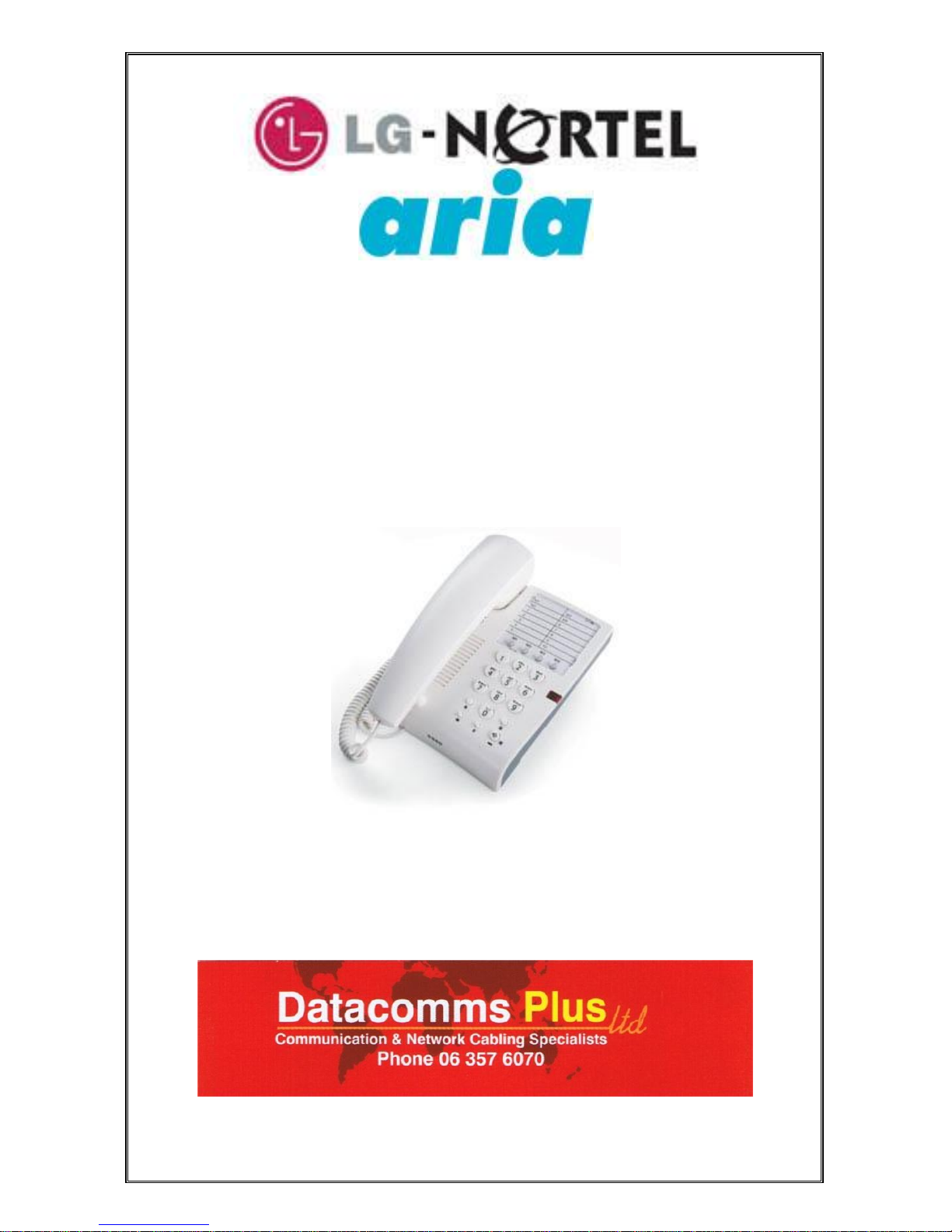
Aria LDK
Standard Telephone
User Guide
Page 2

2
Standard Telephone User Guide
Placing a Call
Lift handset.
Dial the external number required or dial extension number.
Call Transfer
While connected to an outside line, press recall button.
Dial the desired extension number.
Hand up to complete the call transfer.
Storing Station Speed Dial Numbers
Lift handset.
Dial * 4 0.
Dial the speed bin number (01-20) or dial the number you
wish to store.
Press the recall button.
Using the Speed Dial Numbers
Lift the handset.
Dial *9.
Dial the desired speed bin number (001-020), (2000-2499).
Do Not Disturb (DND)
Dial 5 3 (Toggle On/Off).
Call Forward
Lift handset.
Dial 4 9.
Dial the desired call forward number.
1. Immediate
2. Busy
3. No Answer
4. Busy/No Answer
7. Voice Mail Busy/No Answer
Then press the # key or dial the extension number you wish
to forward your calls to.
To Cancel Call Forward
Lift handset and dial 4 9 #.
Call Park
While connected to an outside call, press the recall button.
Dial the call park location (601-606)
Hang up.
To retrieve a parked call, dial call park location (601-606).
Voice Announcement
Dial slowly; wait for call confirmation tones to complete
dialling.
Page 3

3
Recording Your Message
Lift the handset.
Dial *3 6 1.
Record your message.
Hang up.
Deleting Your Message
Lift handset.
Dial * 3 6 6.
To Hear Your Recorded Message
Lift handset.
Dial 5 4 7.
Receiving Messages
Lift handset.
Dial 6 6.
Listen to your message.
Dial:
#1 to delete
#2 to save
#3 to listen again
Paging
Lift the handset
All call # 6
Internal call # 7
External Call # 5
You will then hear the warning tone, after the tone, speak
your message, then hang up.
Call Pick Up
Lift the handset.
Dial * 1 to answer an unattended phone ringing in your area.
Or dial *42 to and the extension number of the ringing
phone.
Page 4

4
PO Box 4565, Palmerston North
Phone: (06) 357-6070 Fax: (06) 357-6071 Mobile (027) 4357-689
 Loading...