

Lexmark Optra S1255, Optra S1625, Optra S 1250, Optra S 1620, Optra S 1650 Reference Manual
...Page 1
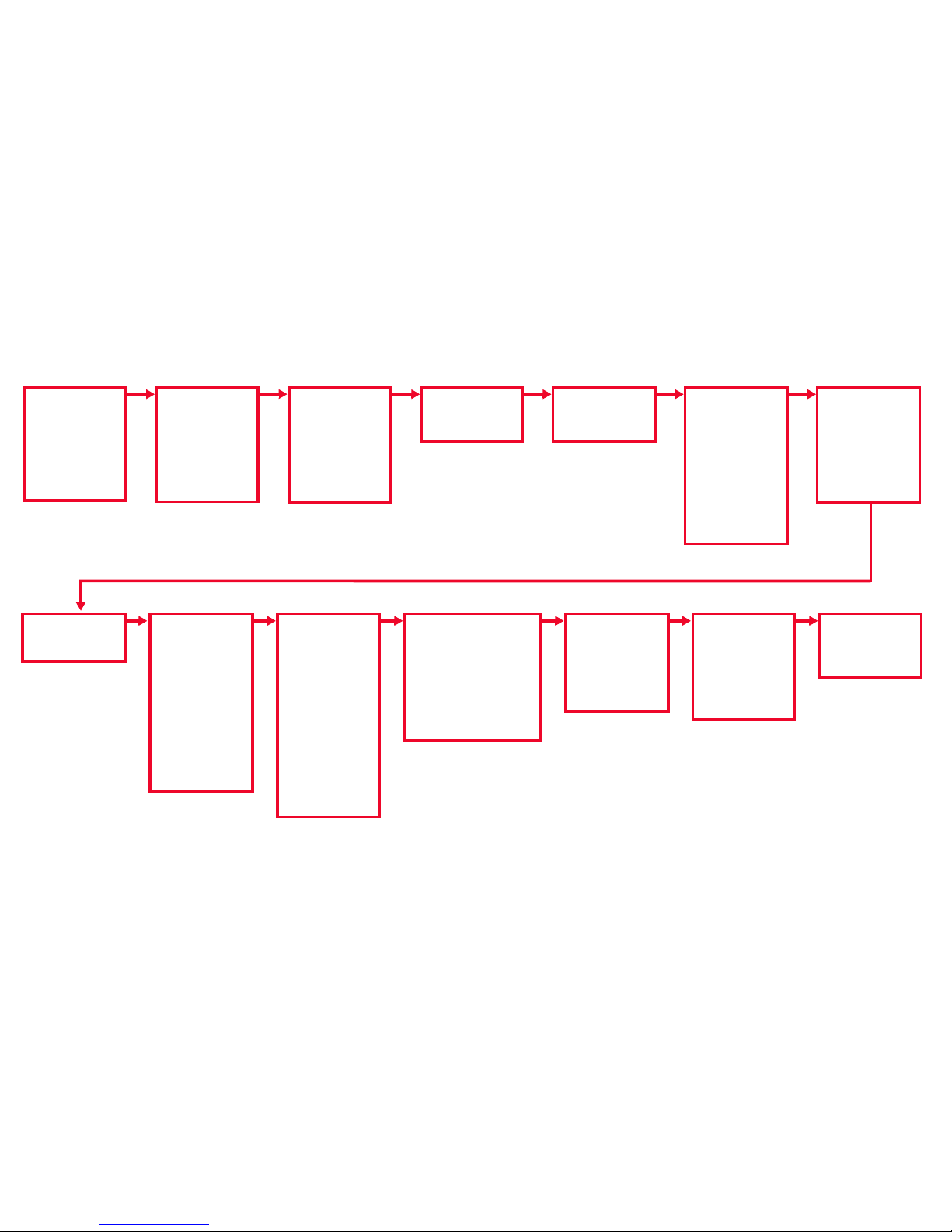
PAPER MENU
Paper Source
PAP ER SIZE
PAPER TYPE
CUSTOM TYPES
Output Bin
Configure Bins
Substitute Size
Cosnfigure MP
Envelope Enhance
PAPER TEXTURE
PAP ER WEIG HT
QUALITY MENU
Print Resolution
Print Darkness
Ton er Saver
PQET
SETUP MENU
Printer Language
Power Saver
Resource Save
Download Target
Print Timeout
Wait Timeout
Auto Continue
Jam Recovery
Page Protect
Print Area
Display Language
Alarm Control
Ton er Ala r m
Job Buffer Size
Job Accounting
Job Acct Limit
TESTS MENU
Quick Demo
Print Menus
Print Fonts
Print Directory
Print Demo
Factory Defaults
Format Flash
Defragment Flash
Format Disk
Job Acct Stat
Hex Trace
POSTSCRIPT MENU
PictureGrade
Print PS Error
Font Priority
LO CA LTAL K MEN U
LocalTalk Port
PCL SmartSwitch
PS SmartSwitch
NPA Mode
LocalTalk Buffer
Job Buffering
NPA Hosts
LocalTalk Name
LocalTalk Addr
LocalTalk Zone
JOB MENU
Cancel Job
Reset Printer
Reset Active Bin
Print Buffer
PARALLEL MENU
STD P ARALLEL
PAR ALLEL O PT 1
PAR ALLEL O PT 2
PAR ALLEL O PT 3
Each menu contains
the following items as
the value list:
PCL SmartSwitch
PS SmartSwitch
NPA Mode
Parallel Buffer
Job Buffering
Advanced Status
Protocol
Honor Init
Parallel Mode 1
Parallel Mode 2
PCL EMUL MENU
Font Source
Font Name
Point S ize
Pitch
Symbol Set
Orientation
Lines per Page
A4 Width
TRAY RENUMBER
Auto CR after LF
Auto LF after CR
INFRARED MENU
Infrared Port
PCL SmartSwitch
PS SmartSwitch
NPA Mode
Infrared Buffer
Job Buffering
Window Size
Transmit Delay
Max Baud Rate
SERIAL MENU
ST ANDARD SERIAL
SERIAL OPTION 1
SERIAL OPTION 2
SERIAL OPTION 3
Each menu contains
the following items as
the value list:
PCL SmartSwitch
PS SmartSwitch
NPA Mode
Serial Buffer
Job Buffering
RS-232/RS-422
RS-422 Polarity
Serial Protocol
Robust XON
Baud
Data Bits
Parity
Honor DSR
Note: Menu items in ita lics only appear on the display if the
corresponding option is installed. For all menus:
•Press
Go to return to Ready.
•Press
Return to back up to the previous menu level.
FINISHING MENU
Duplex
Duplex Bind
Copies
Blank Pages
Collation
Separator Sheets
Separator Source
Multipage Print
Multipage Order
Multipage View
Multipage Border
FAX M ENU
Fax Port
Fax Baud
Fax Data Bits
Fax Parity
Fax Buffer
NETWORK X MENU
NETWORK OPTION 1
NETWORK OPTION 2
NETWORK OPTION 3
Each menu contains the fo llowing
items as the value list:
PCL SmartSwitch
PS SmartSwitch
NPA Mode
Network Buffer
Job Buffering
NETWORK X SETUP
Overview of Printer Menus
Page 2
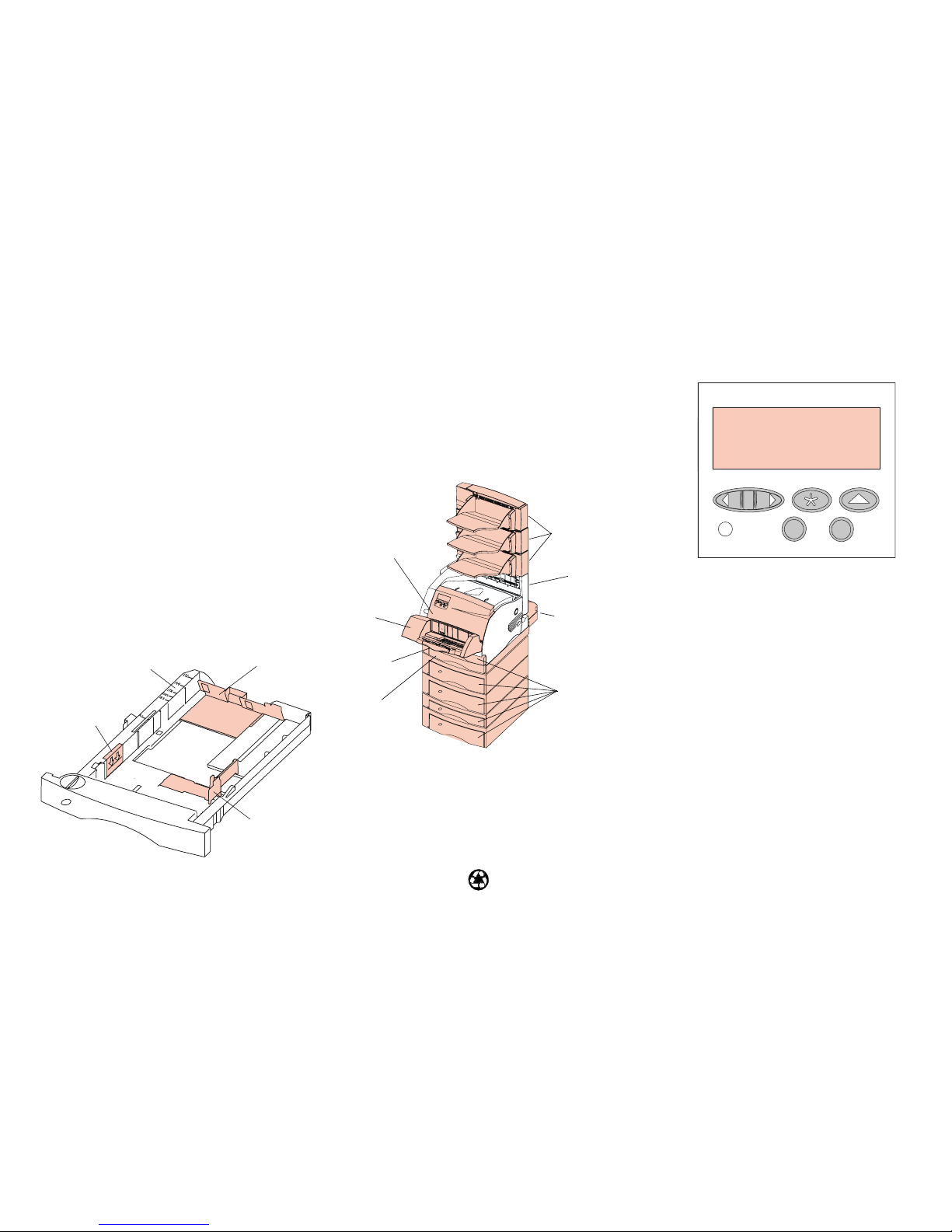
Optional Envelope
Feeder
260 Paper Jam
Operator Panel
<Menu>
• At the Ready
ReadyReady
Ready message, takes the printer out of the Ready
state, and enters the menus.
• At the
Busy
BusyBusy
Busy message, takes the printer to the JOB MENU.
• When the printer is not ready, goes to the next item in the
menus.
• Press and hold the
Menu>
Menu>Menu>
Menu> button to scroll forward or the
<Menu
<Menu<Menu
<Menu button to scroll backward in numerical value menus.
Select
• Selects the menu item shown on the second line of the
display.
• Saves the selection as a new default setting.
Return
• Returns to the previous menu level.
Stop
• Stops all print activity. (No data is lost.)
Go
• Returns the printer to Ready
ReadyReady
Ready. The printer must display
Ready
ReadyReady
Ready for jobs to print.
• Exits printer menus.
• Clears messages.
Output Expander
Rear Door
27x Paper Jam
Duplex Rear Door
230 Paper Jam
Duplex Front
Access Cover
230 Paper Jam
Rear Door
202 Paper Jam
Upper Front Door
200 Paper Jam
201 Paper Jam
Quick Reference for the
Lexmark Optra S Family
Accessing Paper Jam Areas
If a paper jam should occur, you may be required to open
doors and covers, remove paper trays or remove options.
Loading Paper
Paper is loaded into all trays in the same manner.
1 Remove tray from printer.
2 Adjust length guide to correct size.
3 Load paper into tray making sure that it lies flat.
Note: Do not load paper above paper capacity mark.
4 Adjust width guide to touch edge of paper stack.
5 Re-insert paper tray.
Width Guide
Paper Capacity Mark
Length Guide
Paper Size Indicators
Select Return Menu
StopGo
Paper Trays
24x Paper Jam
Lower Front Door
250 Paper Jam
© Copyright Lexmark International, Inc. 1998. All rights reserved. Printed in U.S.A.
This document is printed on recycled paper. 2/98
E.C. 6A0485
P/N 43H5328
 Loading...