

Page 1
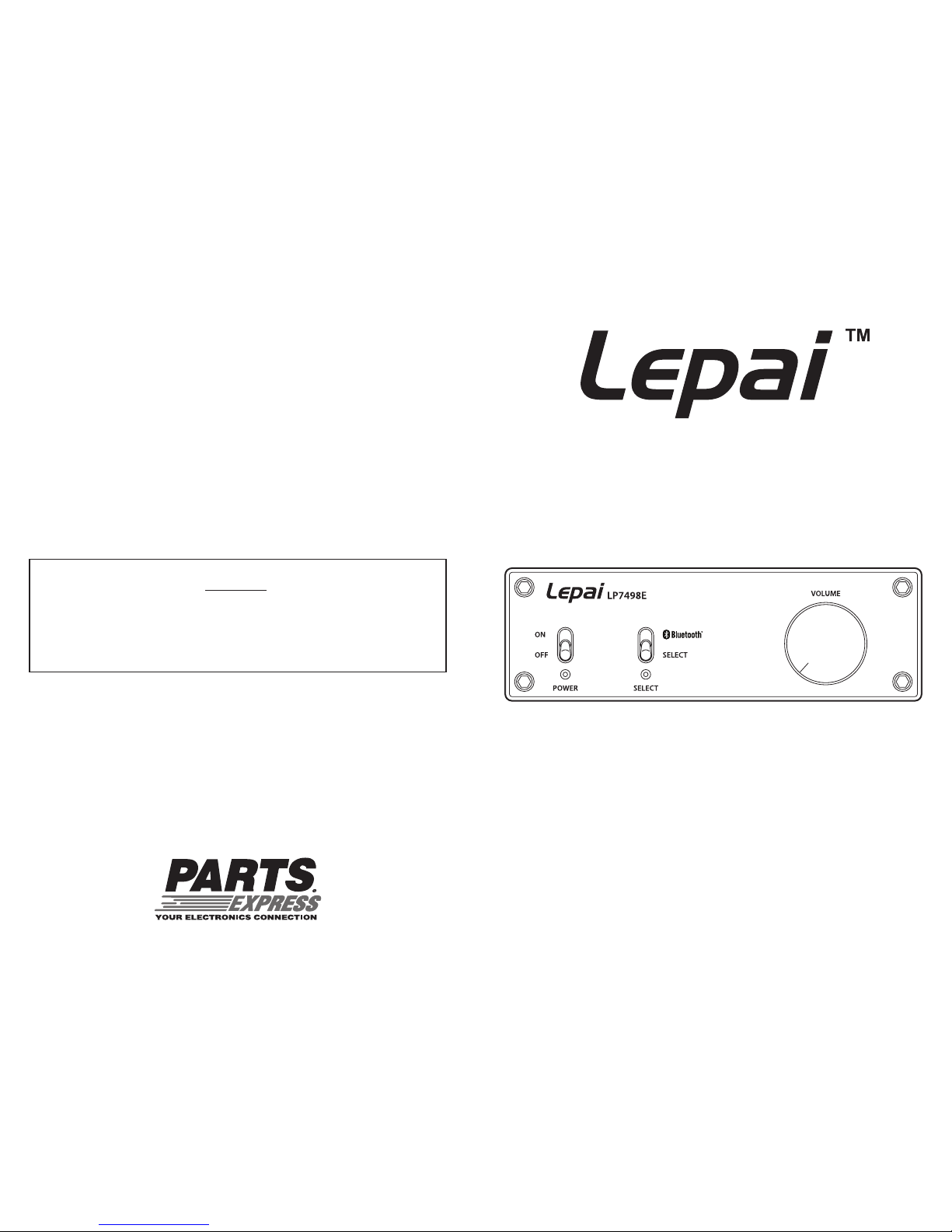
Model: LP7498E
Lepai™ is a trademark of Parts Express
®
parts-express.com
Stereo Amplier with Bluetooth
User Manual
Warranty
This product is warranted free from defects in material and workmanship
for one year from date of purchase. Warranty does not apply to misuse,
abuse, neglect, accident, improper use, etc. Contact your reseller for a
Return Merchandise Authorization.
Page 2
Introduction
The 100 Watt per channel Lepai LP7498E Stereo Amplier provides clean
Class D power from a small package. Powered by an included 36Vdc supply
and connected to 8 Ohm speakers, this amplier will ll any ofce or shop with
music. And, with the added convenience of Bluetooth wireless you can move
freely from system to system without dragging cords around with you.
Connection
Connecting Speakers
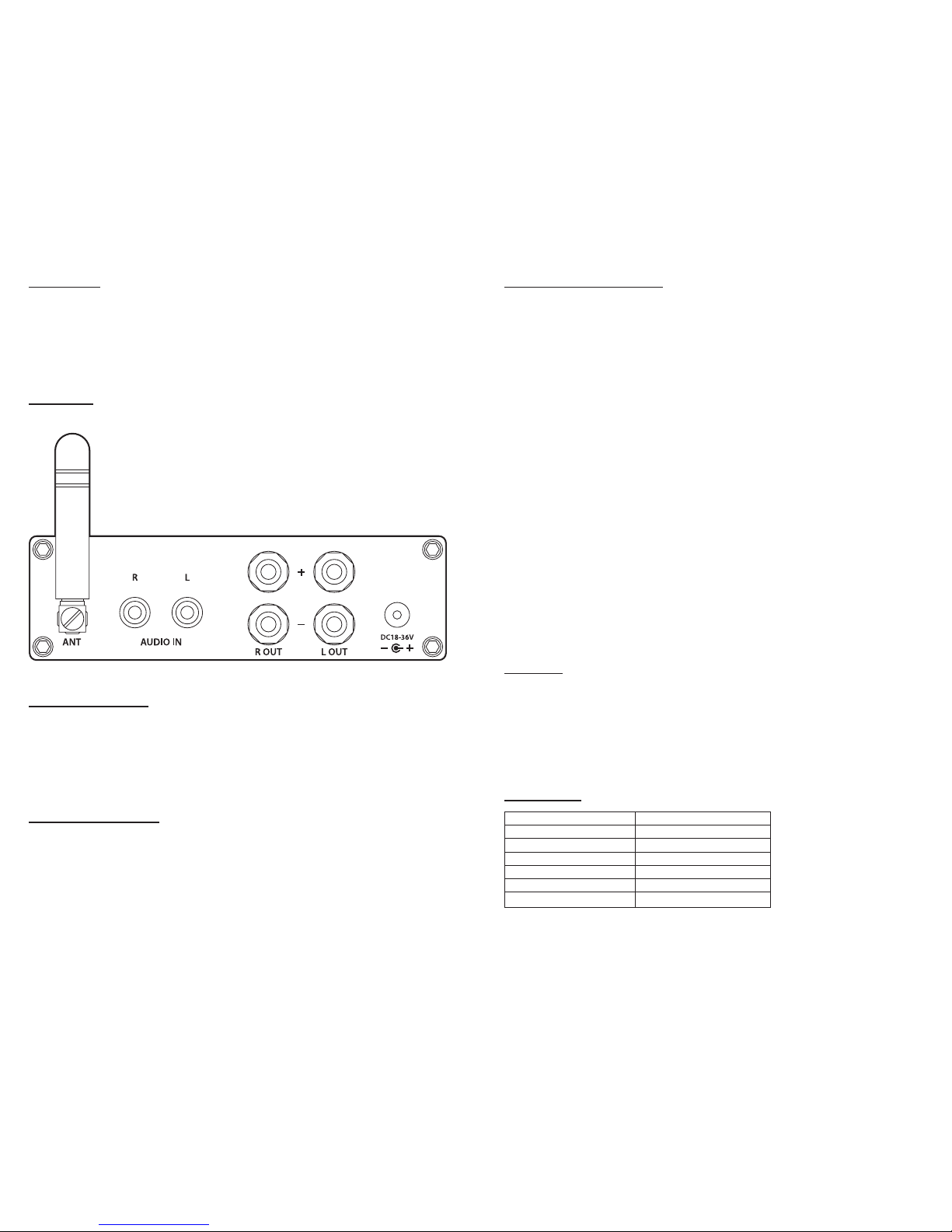
The LP7498E features binding posts for more convenient speaker connection.
These binding posts will accept bare wire, 3/8" spade terminals, or standard
banana plugs.
Note: The binding posts are 5/8" on center.
Using Line Level Input
Many portable music players use a 3.5mm jack to play music through headphones.
Connect a 3.5mm to RCA cable between the source headphone out and the
amplier’s line input. If the source device is not portable it likely uses RCA stereo
cables. Connect a stereo audio cable from the source device to the amplier’s
line input.
Using Bluetooth Connection
The Bluetooth audio source device must be paired and connected to the LP7498E
to play music wirelessly from your phone, tablet, or other music player.
Amplier
● Turn the power switch to “Off”
● Set the select switch to “Bluetooth”
● Turn the power switch to “On”
Mobile Device
● On your mobile device select “HiFi” from available devices to pair the devices
● From “Paired Devices” list select “HiFi”
● Under Settings, select “Use for media audio” if applicable
● The LP7498E will emit a beep to inform you that the mobile device is paired
and selected.
Adjust the output level of the mobile device to approximately 75% for best sound
quality and adjust the master volume on the amplier to set the ideal listening level.
Note: Some Bluetooth devices will have trouble pairing and connecting to the
amplier, this is common with Bluetooth audio devices. It may be necessary to
repeat all of these steps for the amplier and mobile device several times before
the amplier will play music from the mobile device.
Operation
● Connect 8 Ohm speakers to the binding posts
● Plug the power supply into the amplier then into the wall outlet
● Connect a line-level device to the RCA inputs and set input to “Select”
● Turn on the amplier and pair a mobile device with the Bluetooth connection
and set the input to “Bluetooth”
● Adjust the volume to the desired level and enjoy your Lepai LP7498E
Specications
Power Output 100 Watts x 2 @ 10% THD
Impedance 8 Ohms
Power Input 18 ~ 36 Vdc
Amplifier Class Class D
Bluetooth Class Class 2
Bluetooth Distance Up to 20 meters
Bluetooth Compatibility A2DP, AVRCP
 Loading...