

Page 1
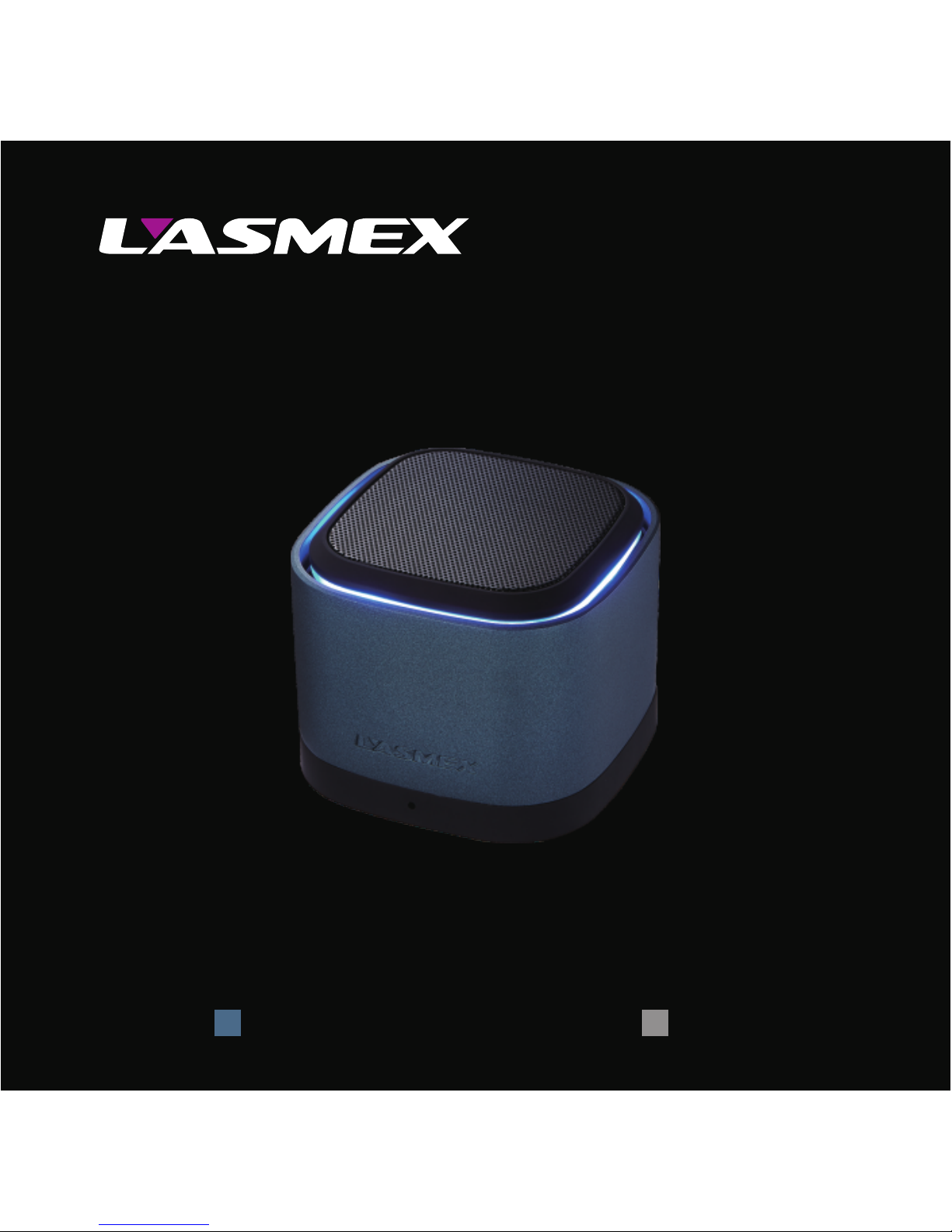
Portable Bluetooth Speaker
S-02 USER MANUAL
Shark GreyBarracuda GreyColor:
Page 2

English
Page 3
S-02 User Manual
English
01
Functional description
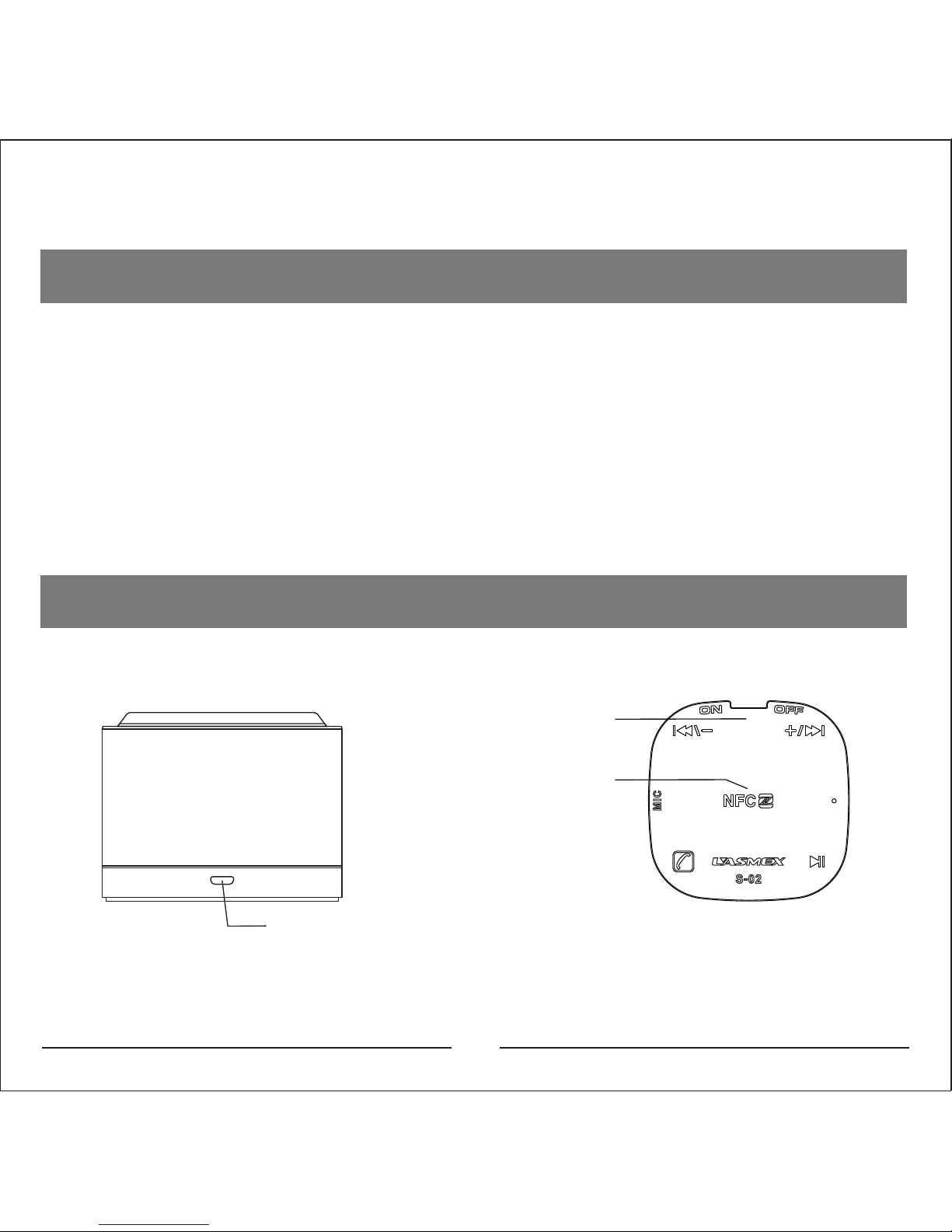
This Bluetooth speaker supports Bluetooth-Audio
transmission with control elements on the bottom. Easy
®
pairing via NFC is also possible. Get rid of all these
connection cables and enjoy a wireless audio
experience. Please read this manual carefully in order
to get the best possible experience with this product.
Key operation
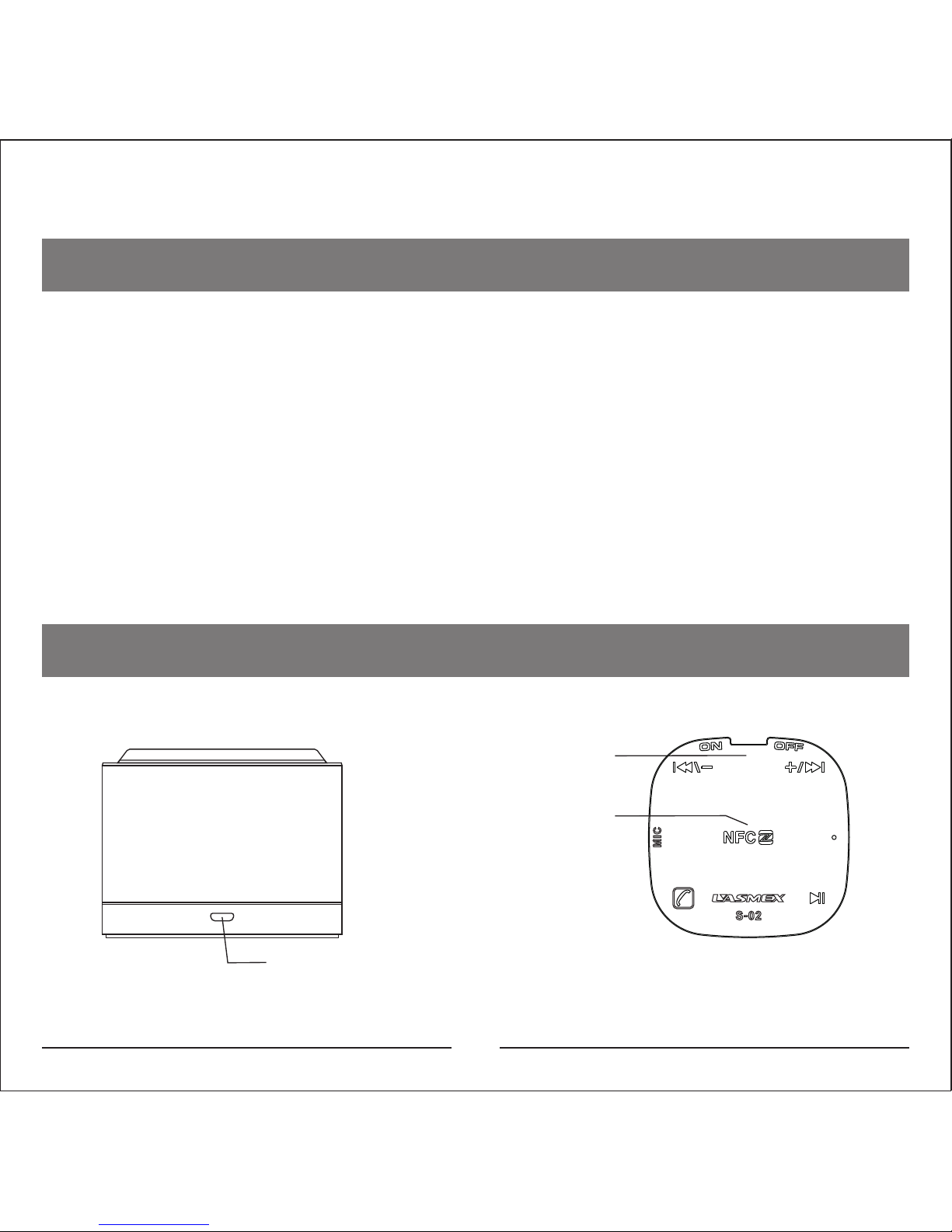
Micro USB line in/Charge
ON/OFF
NFC Pairing
Page 4
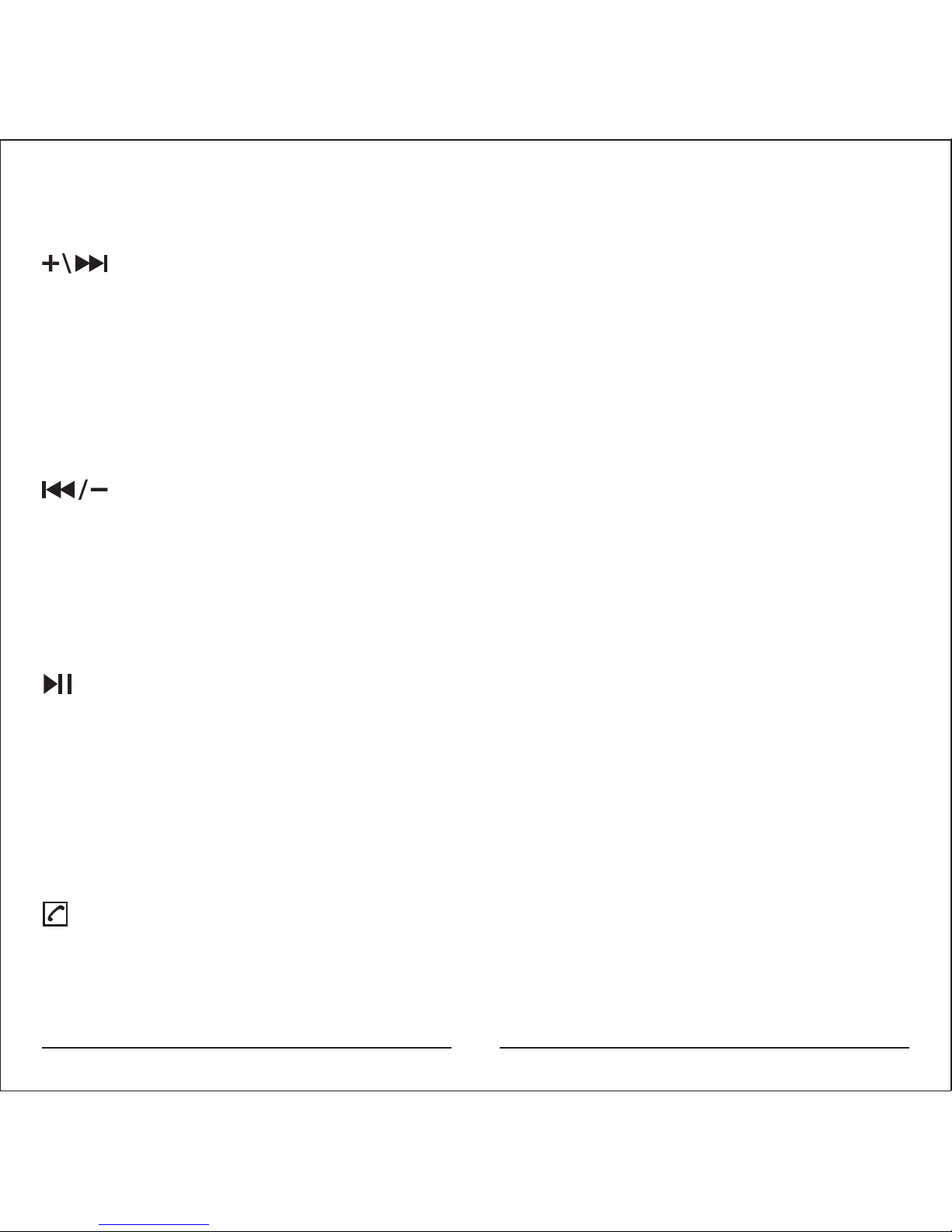
Next song / Volume increase key
A short press in Bluetooth mode switches to the next
track.
In Line In mode a short press does not have any function.
In both modes (Bluetooth and Line in) a long press on
this button leads to an increase of the volume.
Previous song / Volume decrease key
A short press in Bluetooth mode switches to the previous
track. In Line in mode a short press does not have any
function. In both modes (Bluetooth and Line in) a long
press on this button leads to a decrease of the volume.
Play / Pause / Bluetooth mode / Line in mode
During playback a short press pauses the current track,
again a short press will continue the playback. In Line in
Mode a short press of the button does not trigger a
function. A long press of the Play/Pause Button leads to
a switch of Modes between Bluetooth and Line In mode.
02
Answer calls / End calls
For answering calls you need to press this Button gently
to answer. When you want to end the call you shall also
Page 5
03
press this button gently. A long pressing of this button (3
seconds) will enter pairing mode. It is invalid in the Line
in (3.5mm audio input) mode.
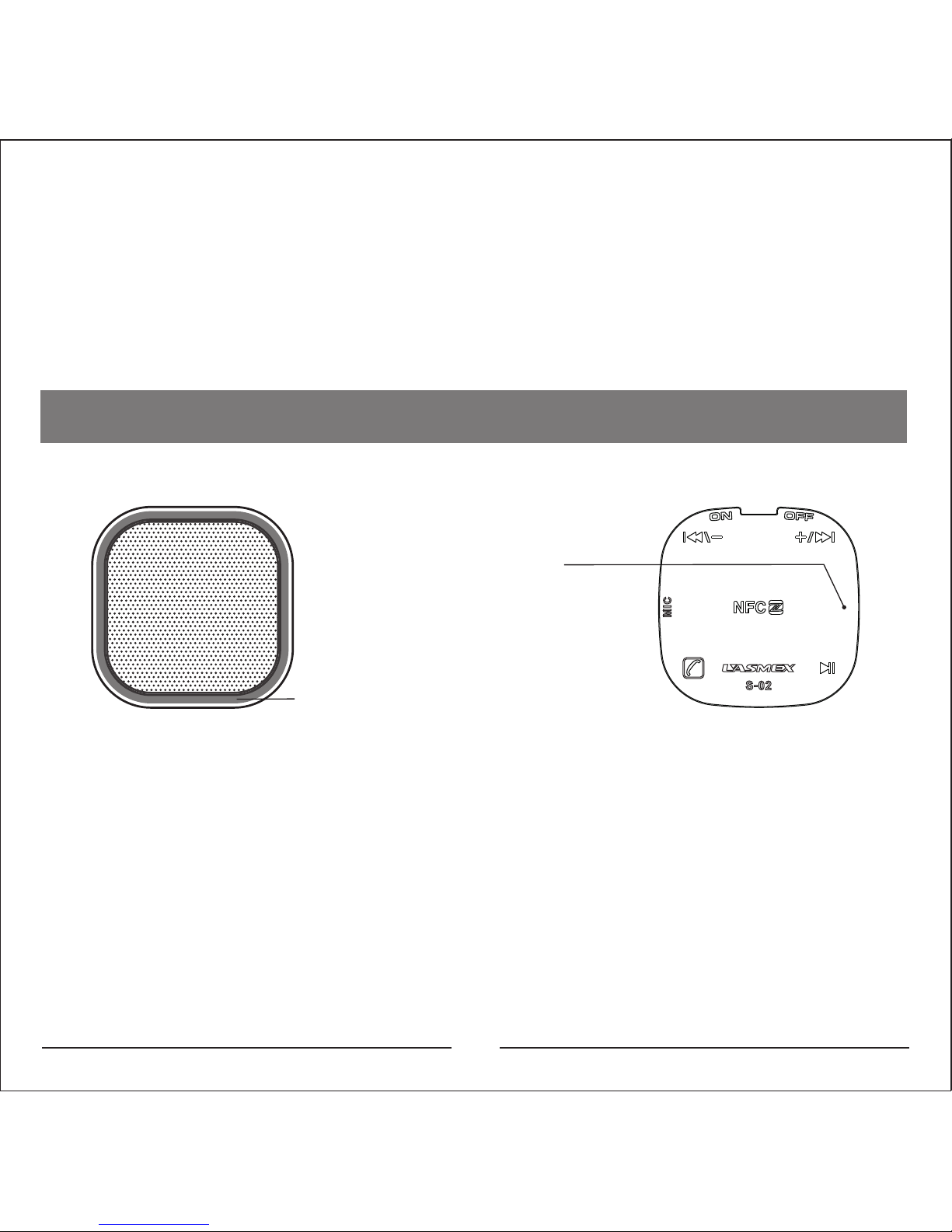
LED indicator light
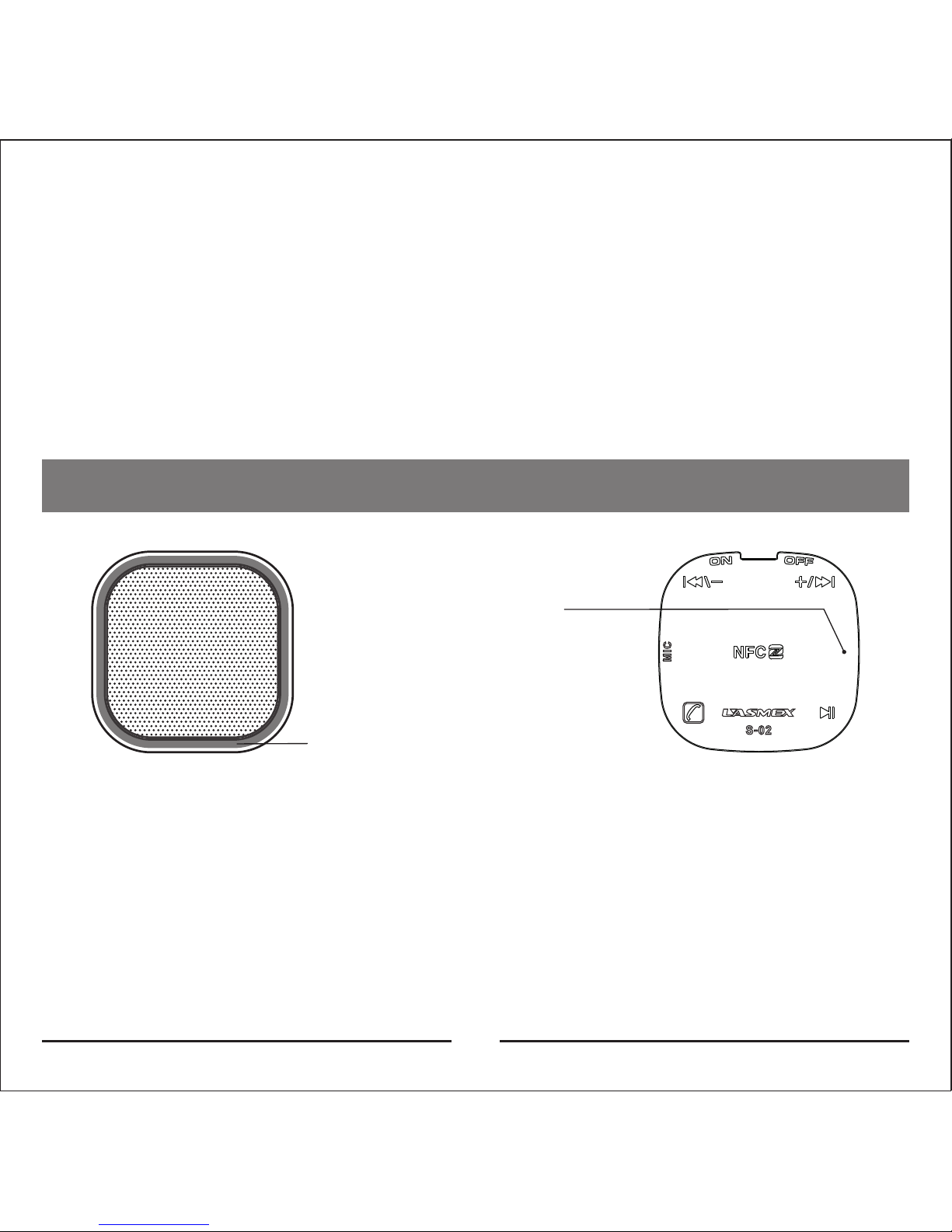
Background of blue LED
Red Indicator lamp
for charge
The Blue LED is an indicator for the power status. When
the blue LED lights up it means the device is powered on.
A red LED indicates that the device is charging. The red
LED will turn off then the charging is complete.
Page 6
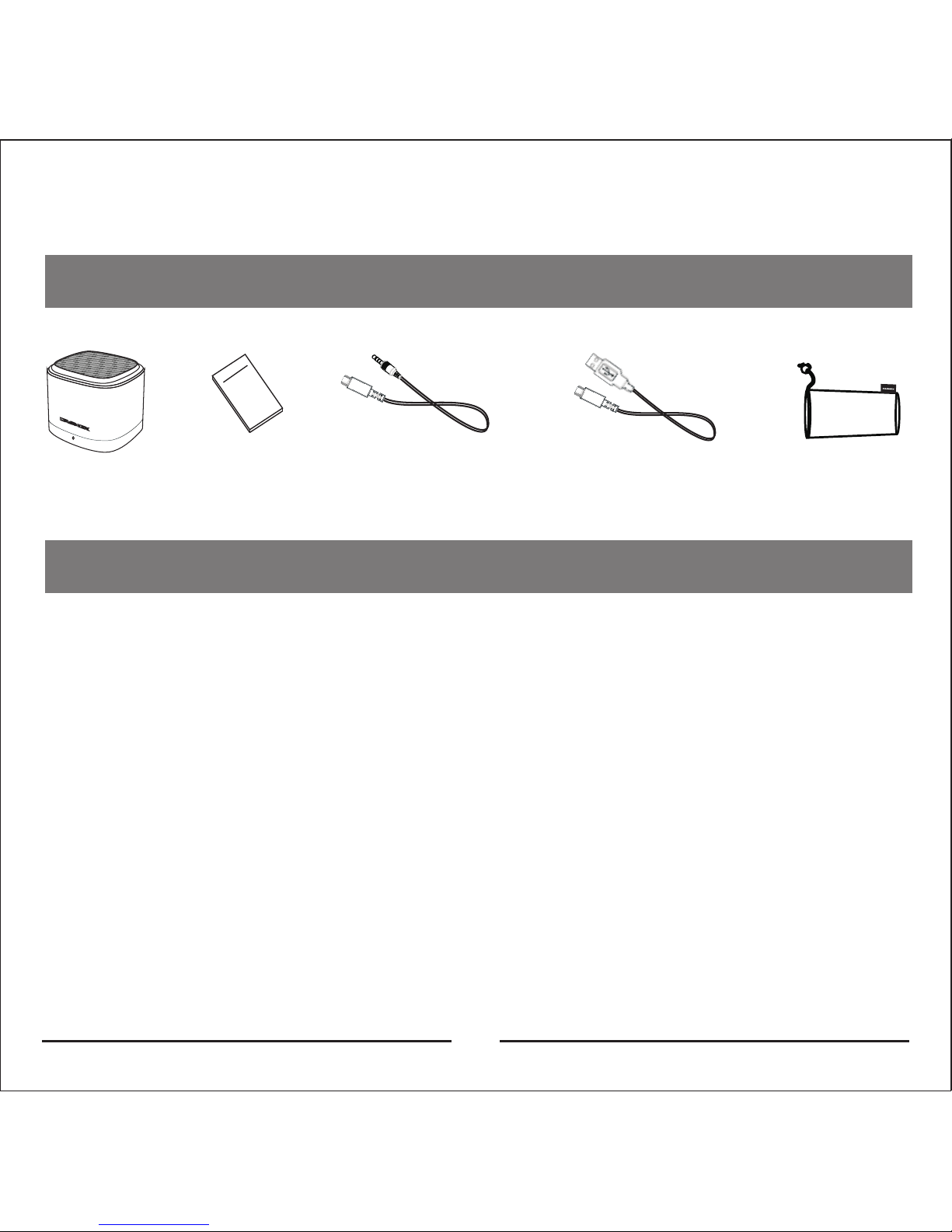
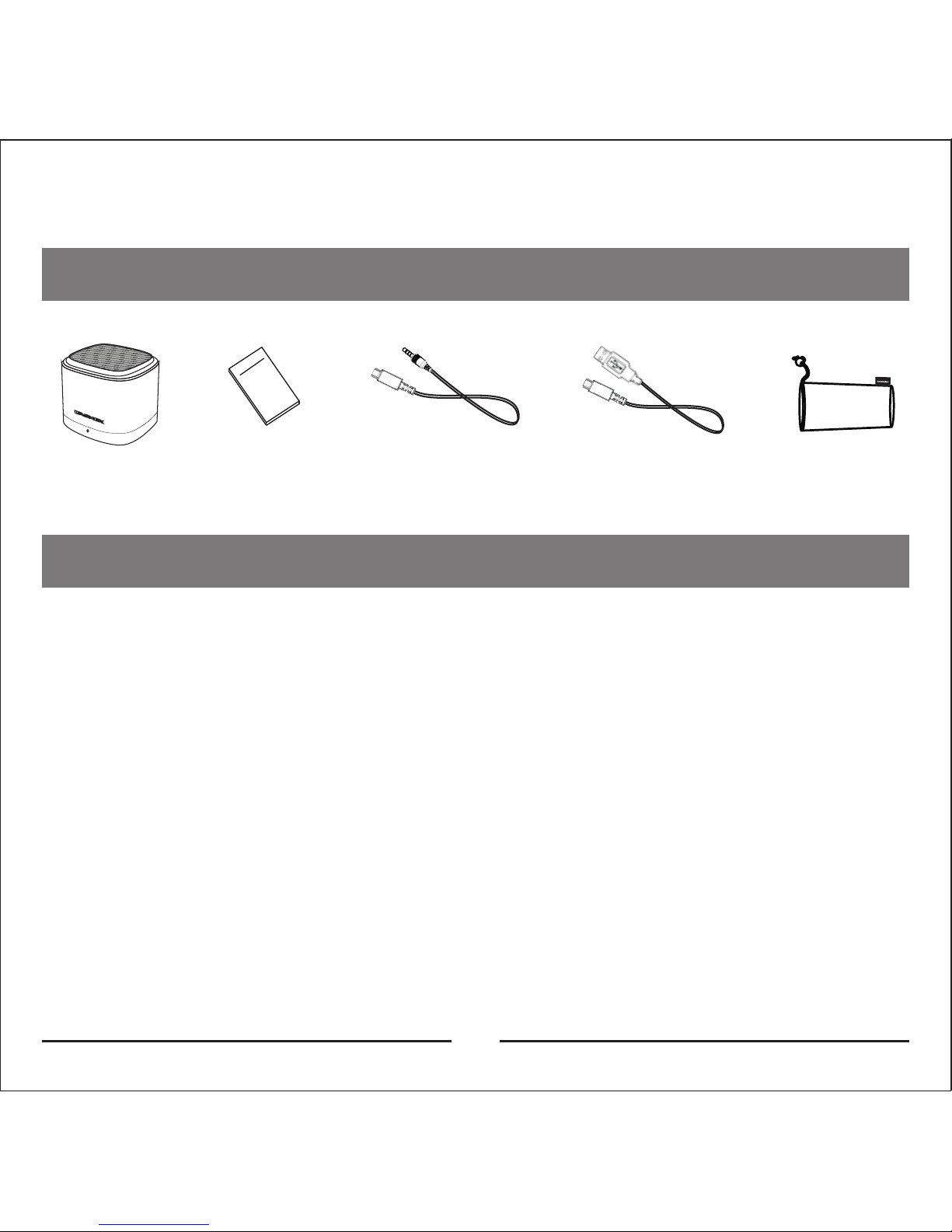
Speaker
User Manual
Warranty Card
Charging
Cable(for charging only)
cloth bag
Audio
Cable(1.0m)
Packing content
Use of products
How to charge
Connect the USB Charging Cable with your Computer
or to a USB Charger. The Red LED will indicate the device
is charging. The charging duration should be about 2-3
hours. When charging is complete the LED will turn off.
Pairing
Please pair the speakers to your Cell phone, computer
or any other compatible bluetooth device. Please be
aware that only one device can be connected via
Bluetooth at a time (1to1 limit).
04
Page 7

Start the loudspeaker box by toggling the power
The speaker automatically enters pairing mode and
should connect to the previously paired device. This
could take up to 10 seconds. If no device was paired
you will need to pair manually. If no device is paired
within 5 minutes the pairing mode will stop
automatically.
05
Pairing process
Start a search on the device you want to connect the
S-02 to. Of course the S-02 has to be turned on and
pairing mode must be active. You should find a Device
called “Lasmex S-02”. Select this device to establish the
connection. In Case you are asked for a password
please enter “0000” to complete the pairing. In Case
®
your Device supports NFC you can easily pair it to the
S-02 by holding it on the S-02 when in pairing mode. The
Pairing will then be completed automatically.
Pairing and connection
Power off state: After turning on the S-02 will connect to
the previously paired device if in range. If pairing fails
Page 8
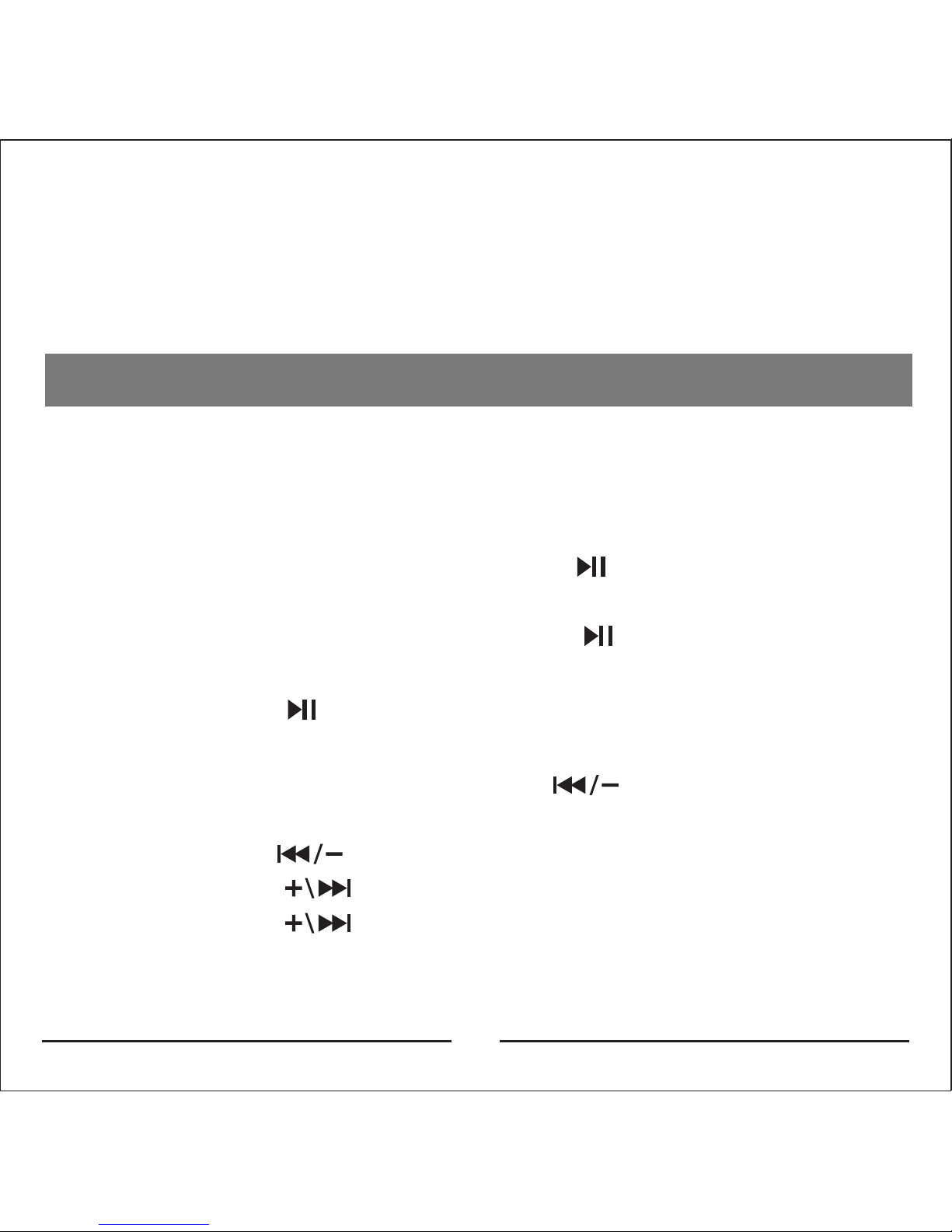
Long press on“ ”key to change the mode of
Bluetooth or Line in (audio input)
At the play state: Short press on“ ”key to switch to
the previous song.
Long press on“ ”key to decrease the volume.
Short press on “ ”key to switch to the next song.
Long press on “ ”key to increase the volume.
06
after 10 seconds the S-02 will automatically enter pairing
mode, then you can directly start pairing.
Music Playback
When connection is successfully established via
Bluetooth you can easily control your playback via the
following buttons.
At the play state, short press on “ ” key to pause the
playback.
At the pause state, short press on” ” key to continue
the playback.
Page 9
07
®
NFC Function
®
The S-02 has an integrated NFC function which allows
you to easily pair your Bluetooth device with your S-02.
For details see the section “Pairing process”
Solution to difficult problems
The S-02 cannot be found via Bluetooth
- Check if the S-02 is in pairing mode or in generell if it
enters pairing mode
- Please be sure that your mobile is in adequate
distance (within 10m)
- Please restart the speaker and reenter the pairing
mode.
- If the S-02 is already paired with another device the
pairing connection cannot be established
- If your cell phone is connected with other Bluetooth
devices please end the other connections.
Page 10
08
Capacity of battery
Every new battery needs a few charging cycles to get
to its full potential. So it may be possible that in the
beginnings the capacity is not as good as possible.
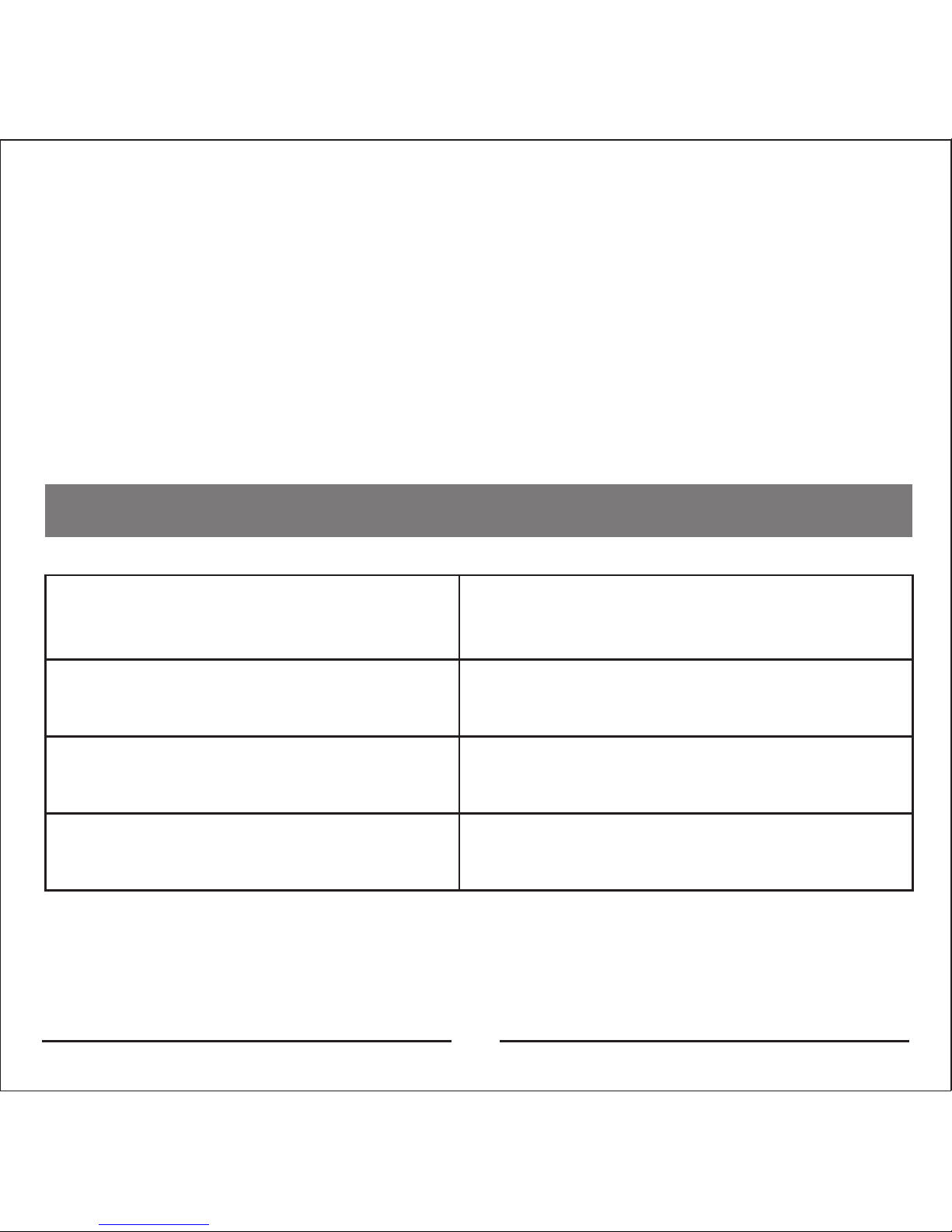
Technical Parameters
Voltage of internal lithium
battery: 3.7 V
Capacity of lithium battery:
800 mAh
Charging voltage: 5V@1A
Specification of loudspeaker
: 2" 4Ω 3 W
Bluetooth Band:2.402GHz-
2.480GHz
Signal and Noise Ratio of
Power amplifier:≥87 dB
Distortion: ≤1%
Size: 69x 69x 55mm(L) (W) (H)
Page 11

Deutsch
Page 12
Dieser Bluetooth Lautsprecher unterstützt
Audioübertragungen via Bluetooth mit
Kontrollelementen auf der Unterseite. Einfaches koppeln
®
ist über die integrierte NFC Funktion möglich. Genießen
Sie Ihre Lieblingsmusik ohne Kabel-Wirr-Warr.Bitte lesen
Sie dieses Handbuch sorgfältig durch um ein
bestmögliches Klangerlebnis zu erhalten.
09
Funktionsübersicht
Bedienelemente
Micro USB Line in/Charge
ON/OFF
NFC Pairing
Page 13
Nächster Song / Lautstärke +
Kurzes drücken dieser Taste schaltet zum nächsten
Track. Dies funktioniert allerdings nur im Bluetooth
Modus, nicht im Line In Modus. Langes Drücken dieser
Taste erhöht die Lautstärke, sowohl im Bluetooth als
auch im Line In Modus.
Vorheriger Song / Lautstärke Kurzes drücken dieser Taste schaltet zum vorherigen
Track. Dies funktioniert allerdings nur im Bluetooth
Modus, nicht im Line In Modus. Langes Drücken dieser
Taste verringert die Lautstärke, sowohl im Bluetooth als
auch im Line In Modus.
Play / Pause / Bluetooth mode / Line in mode
Während der Wiedergabe führt einmaliges Drücken zur
Pausierung der Wiedergabe. Erneutes Drücken setzt die
Wiedegabe fort. Im Line In Modus hat ein kurzer Druck
keine Funktion. Langes Drücken schaltet den Modus
zwischen Bluetooth und Line In um.
10
Anruf annehmen / Anruf beenden
Um Gespräche anzunehmen drücken Sie einmal kurz
Page 14
Blaue
Hintergrundbeleuchtung
Rote Ladeanzeige
Die blaue LED dient als Status Indikator. Wenn die blaue
LED aktiv ist bedeutet dies, dass der Lautsprecher
eingeschaltet ist. Die rote LED zeigt an, dass das
Gerät läd. Bei erfolgreicher Ladung erlischt die LED
Anzeige.
11
auf den Knopf. Zum Beenden des Gesprächs drücken
Sie wiederum auf die Taste. Im Bluetooth Modus führt
langes Drücken zum Start des Kopplungsmodus (3
Sekunden halten), im Line In Mode allerdings hat dies
keine Funktion
LED Anzeigen
Page 15
Lautsprecher
Handbuch/
Garantiekarte
Ladekabel
(nur zum Laden)
Stofftasche
Audiokabel
12
Verpackungsinhalt
Gebrauch des Produkts
Wie lade ich den Lautsprecher?
Verbinden Sie das USB Ladekabel mit Ihrem PC oder
einem USB Netzadapter. Die rote LED zeigt den
Ladestatus an. Erlischt die LED ist der Ladevorgang
vollständig. Eine vollständige Ladung dauert normal
zwischen zwei und drei Stunden.
Kopplung
Bitte verbinden Sie den S-02 mit Ihrem Handy, Computer
oder jedem anderen kompatiblen Gerät. Bitte
beachten Sie, dass immer nur eine Verbindung
gleichzeitig möglich ist (1zu1 Verbindungslimit)
Page 16

13
Einschalten des Lautsprechers durch betätigen des
Powerschalters
Der Lautsprecher startet automatisch in den
Kopplungsmodus. Er verbindet sich automatisch mit
dem zuletzt verbundenen/gekoppelten Gerät. Sollte
das Gerät nicht in Reichweite sein, oder aber kein Gerät
gekoppelt gewesen sein startet nach 10 Sekunden
automatisch der Kopplungsmodus und Sie können Ihr
Bluetoothgerät mit dem S-02 verbinden. Sofern
innerhalb von 5 Minuten keine Verbindung zu Stande
kommt wird der Kopplungsmodus automatisch beendet.
Kopplungsprozess
Starten Sie einen Suchlauf auf dem Gerät welches Sie
mit dem S-02 verbinden wollen. Der S-02 muss hierfür
natürlich eingeschaltet sein und sich im
Kopplungsmodus befinden. Sie sollten ein Gerät finden
mit dem Namen “Lasmex S-02”. Wählen Sie dieses Gerät
aus, um eine Verbindung herzustellen. Sollten Sie nach
einem Passwort gefragt werden lautet dieses “0000”.
®
Sollte das zu verbindende Gerät über NFC verfügen so
können Sie es einfach koppeln in dem Sie es mit
Page 17
14
®
aktiviertem NFC einfach an den S-02 halten. Die
Verbindung wird so automatisch hergestellt.
Kopplung und Verbindung
Aus-Zustand: Nach Einschalten des S-02 wird der S-02
automatisch eine Verbindung mit dem zuletzt
verbundenen Gerät herstellen, sofern dieses verfügbar
ist. Falls innerhalb von 10 Sekunden keine Verbindung
hergestellt werden kann startet automatisch der
Kopplungsmodus und Sie können eine neue Verbindung
herstellen.
Musikwiedergabe
Wenn die Verbindung erfolgreich über Bluetooth
hergestellt wurde können Sie die Wiedergabe einfach
über die nachfolgenden Tasten bedienen.
Während der Wiedergabe drücken Sie kurz auf “ ”
um die Wiedergabe zu pausieren
Während die Wiedergabe pausiert ist führt ein kurzer
Druck auf “ ” dazu, dass die Wiedergabe fortgesetzt
wird.
Page 18
®
Der S-02 hat eine integrierte NFC Funktion, die es Ihnen
erlaubt eine schnelle Kopplung durchzuführen. Für
Details schauen Sie bitte im Abschnitt
“Kopplungsprozess”
Langes Drücken auf “ ” ändert den
Wiedergabemodus zwischen Bluetooth und Line In
Während der Wiedergabe drücken Sie kurz auf “ ”
um zum vorherigen Song zu springen. Langes Drücken
auf“ ” verringert die Lautstärke.
Kurzes Drücken auf “ ” springt zum nächsten Song
Langes Drücken auf “ ” erhöht die Lautstärke.
15
NFC Funktion
®
Troubleshooting
Der S-02 kann über Bluetooth nicht gefunden werden
- Prüfen Sie ob der S-02 sich im Kopplungsmodus befindet
Page 19

16
- Stellen Sie sicher, dass sich das zu koppelnde Gerät in
Reichweite befindet (innerhalb 10m)
- Bitte starten Sie den Lautsprecher neu und starten Sie
den Kopplungsmodus
- Falls der S-02 bereits mit einem anderen Gerät
gekoppelt ist kann keine Verbindung hergestellt
werden
- Falls Ihr Handy bereits mit einem anderen
Bluetoothgerät verbunden ist beenden Sie diese
Verbindung.
Kapazität des Akkus
Jeder neue Akku benötigt einige Ladezyklen, um zur
vollen Kapazität zu gelangen. Es kann also sein, dass die
Kapazität am Beginn noch nicht das gewünschte
Resultat liefert.
Page 20
Technische Daten
17
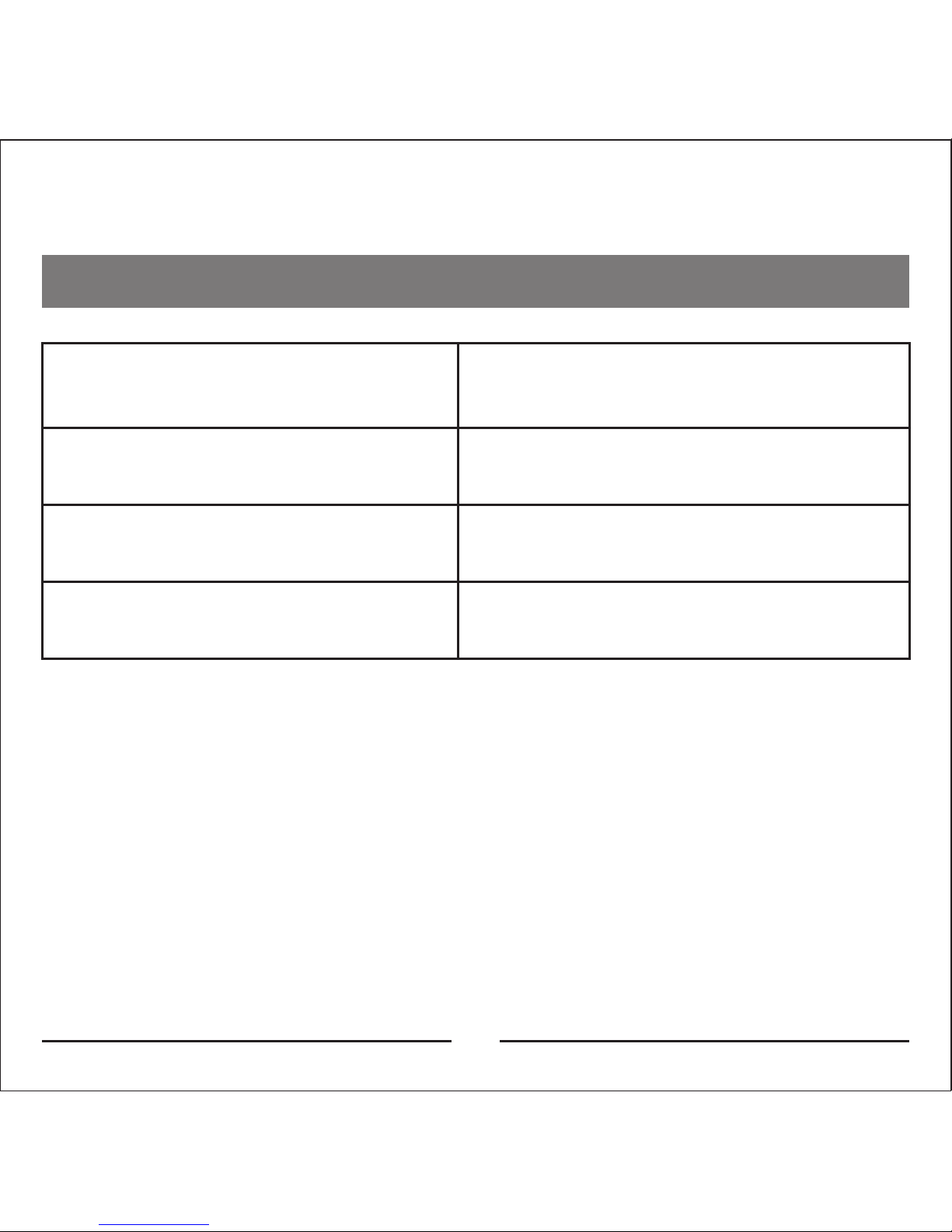
Spannung des Akkus:
3.7 V
Akkukapazität: 800 mAh
Ladespannung: 5V@1A
Lautsprecherspezifikationen
: 2" 4Ω 3W
S/N Ratio :≥87dB
Distortion: ≤1%
Abmessungen:
(L)69x(W)69x(H)55mm
Bluetooth Frequenzband:
2,402GHz - 2,480GHz
Page 21

1. Lassen Sie Kinder nicht mit dem Produkt spielen.
2. Das Gerät nicht schlagen
3. Halten Sie es fern von Wasser, Feuer, feuchten
Umgebungen sowie direkter Sonneneinstrahlung. Der
Gebrauch in kalter Umgebung kann die Performance
beeinflussen.
4. Nicht den Lautsprecher abdecken
5. Führen Sie keine eigenmächtigen Reparaturen durch.
6. Optische Änderungen am Produkt, die durch den
täglichen Gebrauch entstehen sind nicht durch die
Garantie abgedeckt.
18
Hinweise
Page 22
www.lasmex.com
www.facebook.com/lasmexsound
 Loading...