

Page 1
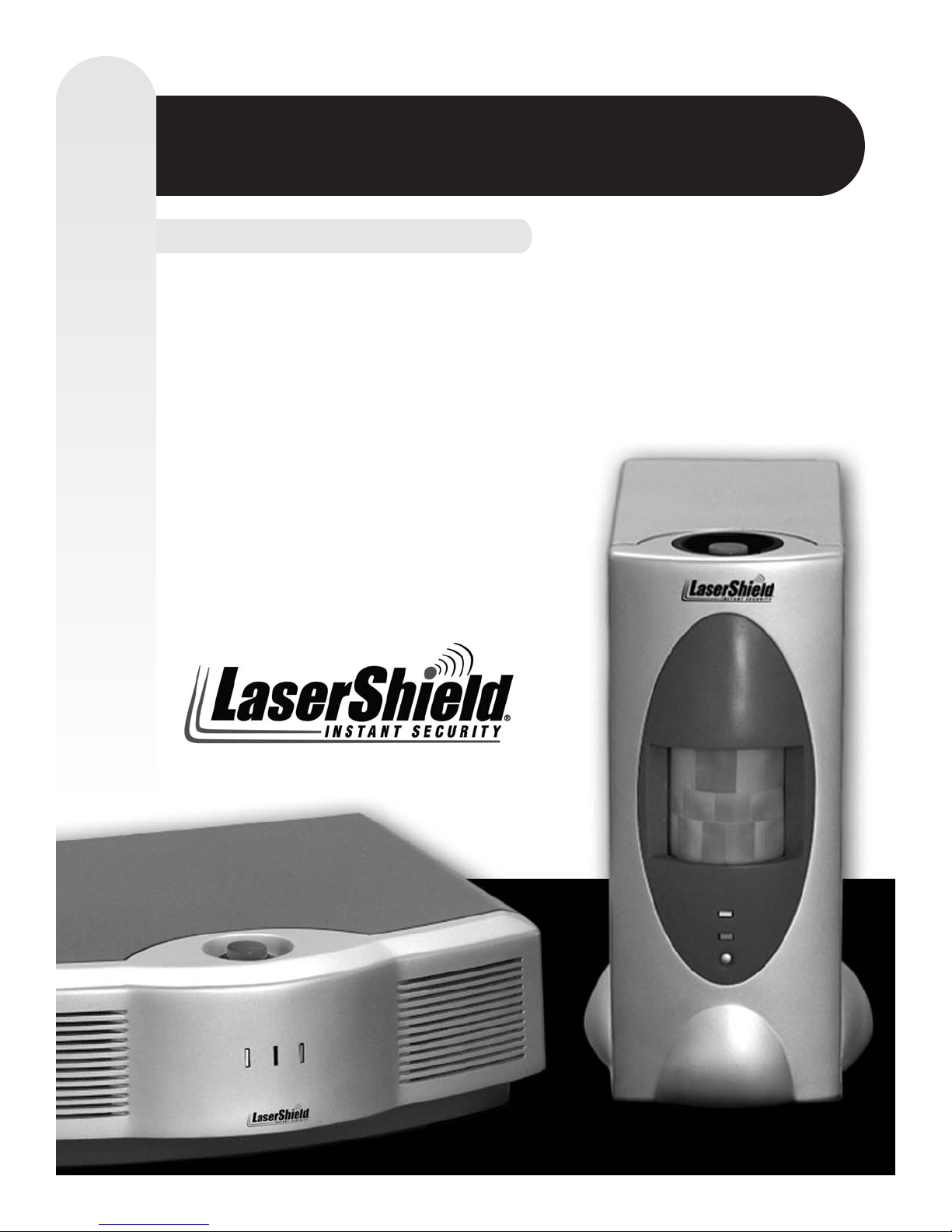
Included in this Package:
100503.4
LaserShield®Instant Security System
LaserShield
®
Master Alarm Unit (MAU)
LaserShield
®
Wireless Detention Unit (WDU)
2 Keychain Remotes
8’ foot Telephone Cord
AC Power Adapters
Monitoring Service Agreement
Monitoring Service Information Form
Owner’s Manual
Product Registration Card
2 Emergency Wallet Cards
Warning Decals
Pet Shield
•
•
•
•
•
•
•
•
•
•
•
•
QUICK START GUIDE
Page 2
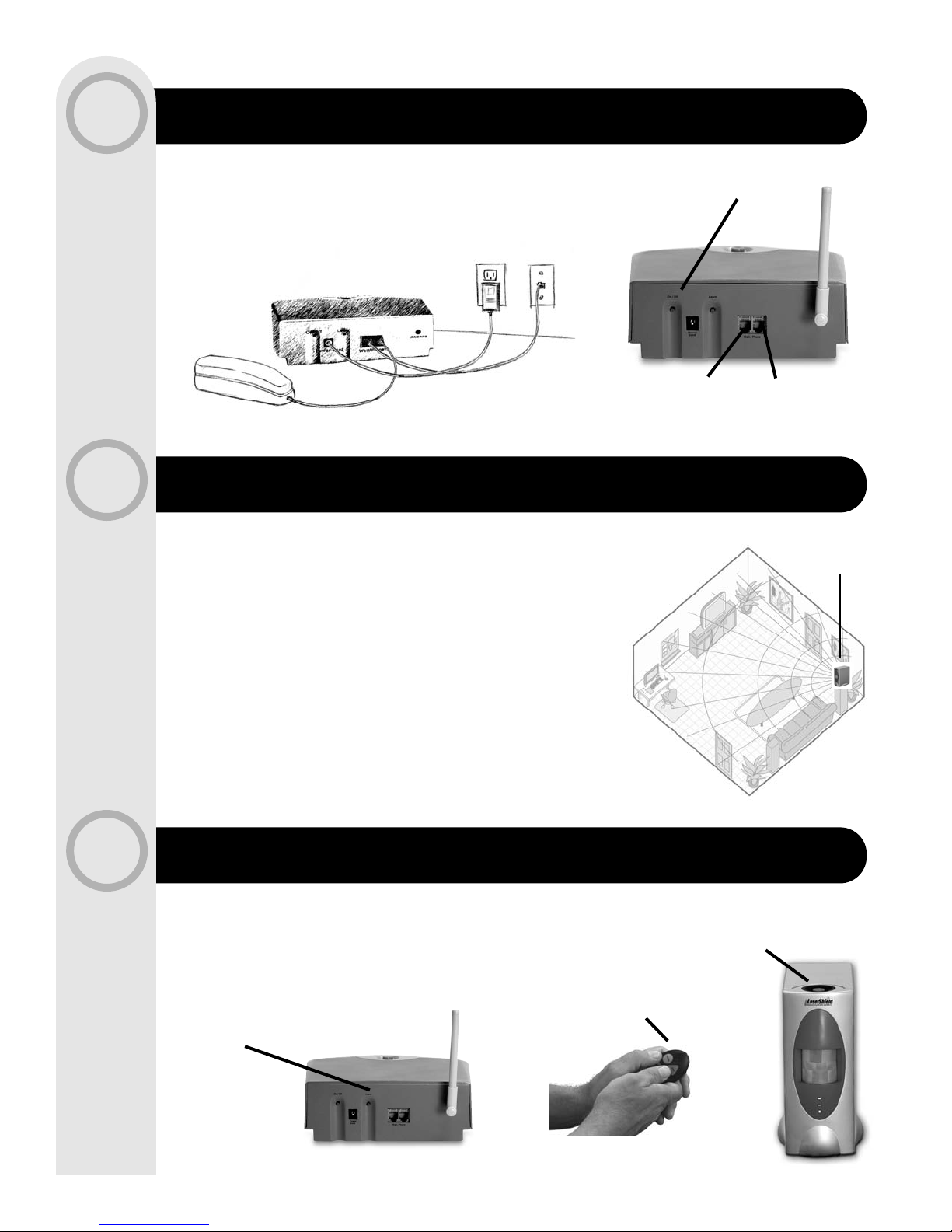
Recommended Placement
for the WDU
LEARN & LINK DEVICES
WIRELESS DETECTION UNIT (WDU)
MASTER ALARM UNIT (MAU)
1
2
3
NOTE: Do not place other electronic devices or objects on top of the MAU.
NOTE: Optimum height is 4' to 6' feet above floor.
Positioning and aiming unit from a corner delivers best protection.
Position so there are no obstructions to units view.
See LaserShield
®
Owner's Manual for using system with pets.
PLACE, PLUG & POWER
• Place Wireless Detection Unit (WDU) to cover desired
area for protection
• Plug power cord between unit and wall outlet
• Press on/off button on rear of unit
PLUG & POWER
• Plug Master Alarm Unit (MAU) into power and phone
• Press ON/OFF button until the unit announces
“LaserShield On”
Press Button to Turn
On/Off
Wall Phone
You must link your WDUs and Keychain Remotes to the MAU for the system to work:
• Press Learn button on rear of MAU
• Press Panic button on all Keychain Remotes and
Wireless Detection Units*
• The MAU will announce successful linking
NOTE: Pressing Panic button on MAU during Learn Mode will erase all devices.
* Wireless Detection Unit is sometimes referred to as a Satellite Unit
Press Learn Button
Press Panic Button
Press Both
Buttons Together
Page 3
TEST SYSTEM
ACTIVATE MONITORING AND RESPONSE
EXIT LEARN MODE
4
5
6
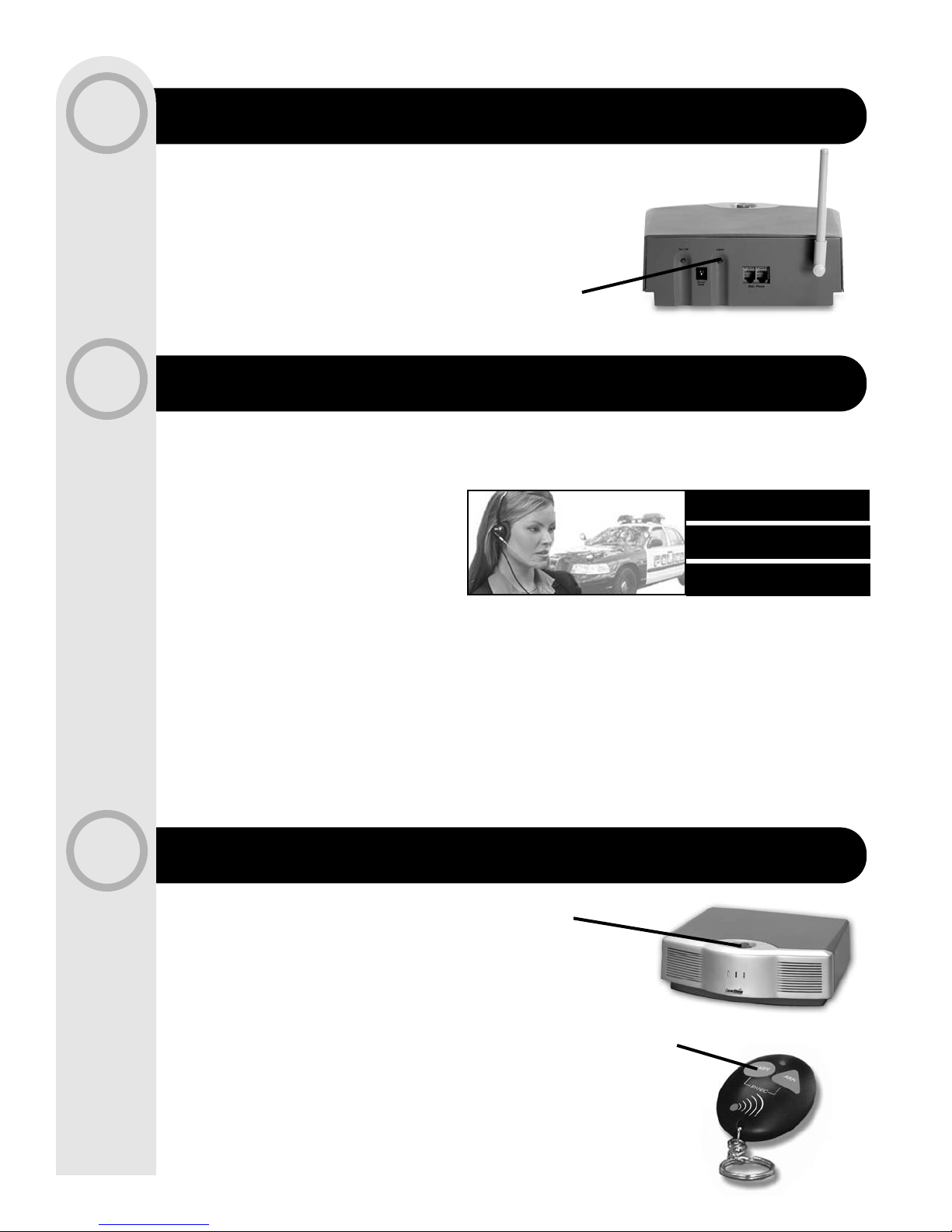
• Press Learn button on rear of MAU or wait 60 seconds
• MAU will announce all learned devices
NOTE: Be certain all devices are acknowledged by the MAU.
• Press a Panic button
• Allow siren to ring for 10 seconds
• Disarm system with Keychain Remote and wait
for a phone call from LaserShield
®
• Prepare to enter your Passcode using telephone
touch pad to complete the Activation process.
NOTE: Your Passcode is located on the Emergency Wallet Cards
included with your LaserShield
®
System.
Press Button to Disarm
Press Panic Button to Test
Press Button to Exit
Learn Mode
NOTE: You may use the alarm without response while waiting for Monitoring Service
Activation. Internet registration is immediate. Notification and response is an important
precaution against walking in on an intruder.
• Go to www.lasershield.net
• Click on "Activate" LaserShield
®
• Prepare to enter your Device ID
Number located on bottom of MAU
• Follow instructions
NON-INTERNET USERS
• Fax or mail Activation Forms (included in box) to LaserShield
®
Customer Care
• Wait for LaserShield
®
Customer Care to contact you to request you to test the system
and confirm activation
You are not fully protected until you activate monitoring
www.lasershield.net
24/7 Monitorin
g
Professional Response
Immediate Notification
Page 4
CONTACT INFORMATION
ARMING AT NIGHT
ARMING AND DISARMING
7
8
NOTE: When returning, the alarm will beep will beep 20 seconds to remind you to Disarm
NOTE: Remember to press Bypass button to reactivate unit before leaving.
MAU will always announce any bypassed unit during arming.
Wireless Detection Unit Panic buttons still work during Bypass mode.
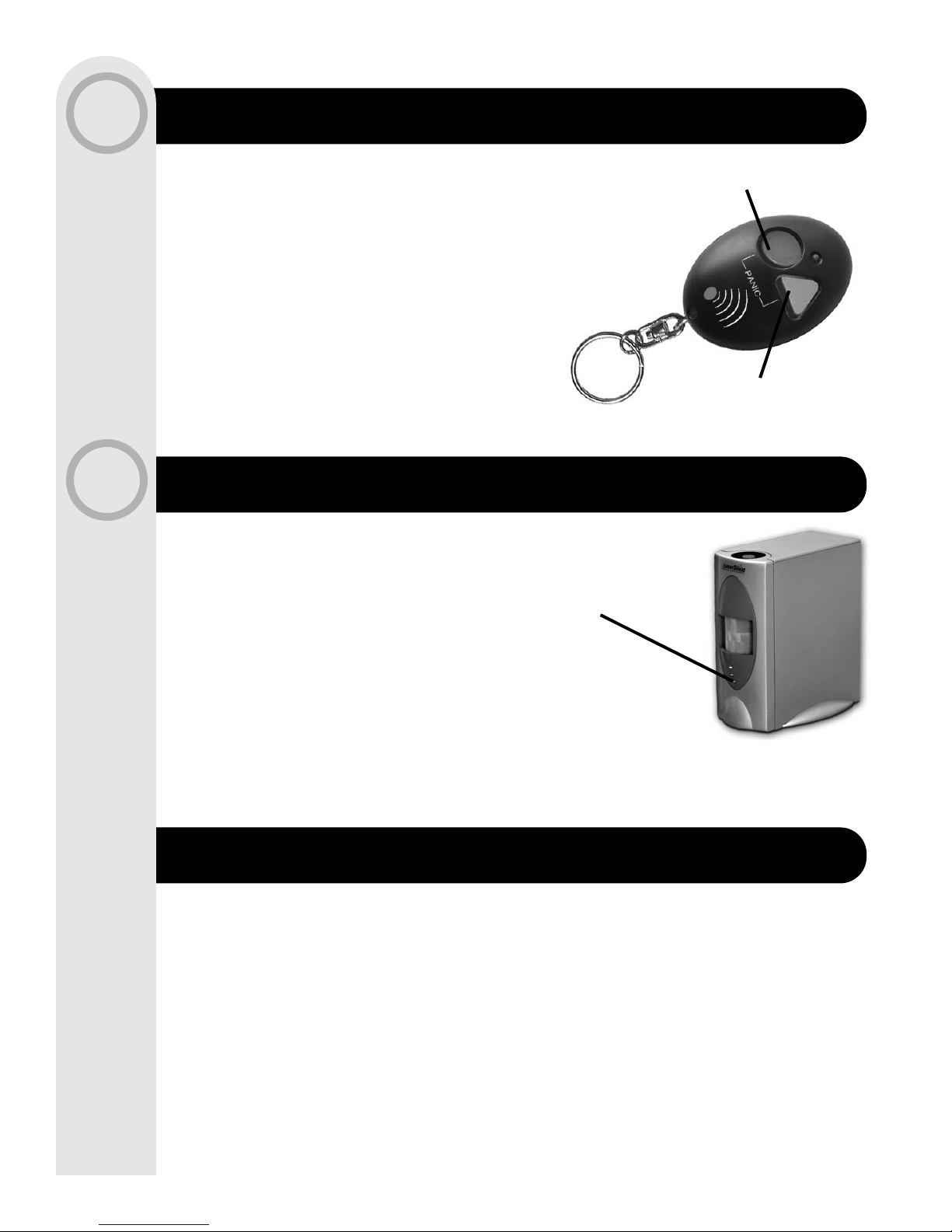
• If you have a Wireless Detection Unit for your bedroom,
press the Bypass button
• Arm your system
• System will ask you to press Arm a second time during
Bypass arming
Please contact LaserShield
®
Customer Care at 1-866-618-4336 if you have any
questions.
LaserShield
®
Security Systems, Inc.
LaserShield Customer Care,
c/o Accent,
645 Park East Boulevard,
New Albany, IN 47150
Visit us on the Internet:
www.lasershield.net
© 2003 LaserShield®Systems, Inc. All Rights Reserved.
Press Button to Arm
Press Button to Disarm
Press Button to Bypass
• Before leaving, press Arm button on your Keychain Remote
• Exit within 60 seconds
• When returning, press Disarm on Keychain Remote
 Loading...