

Page 1
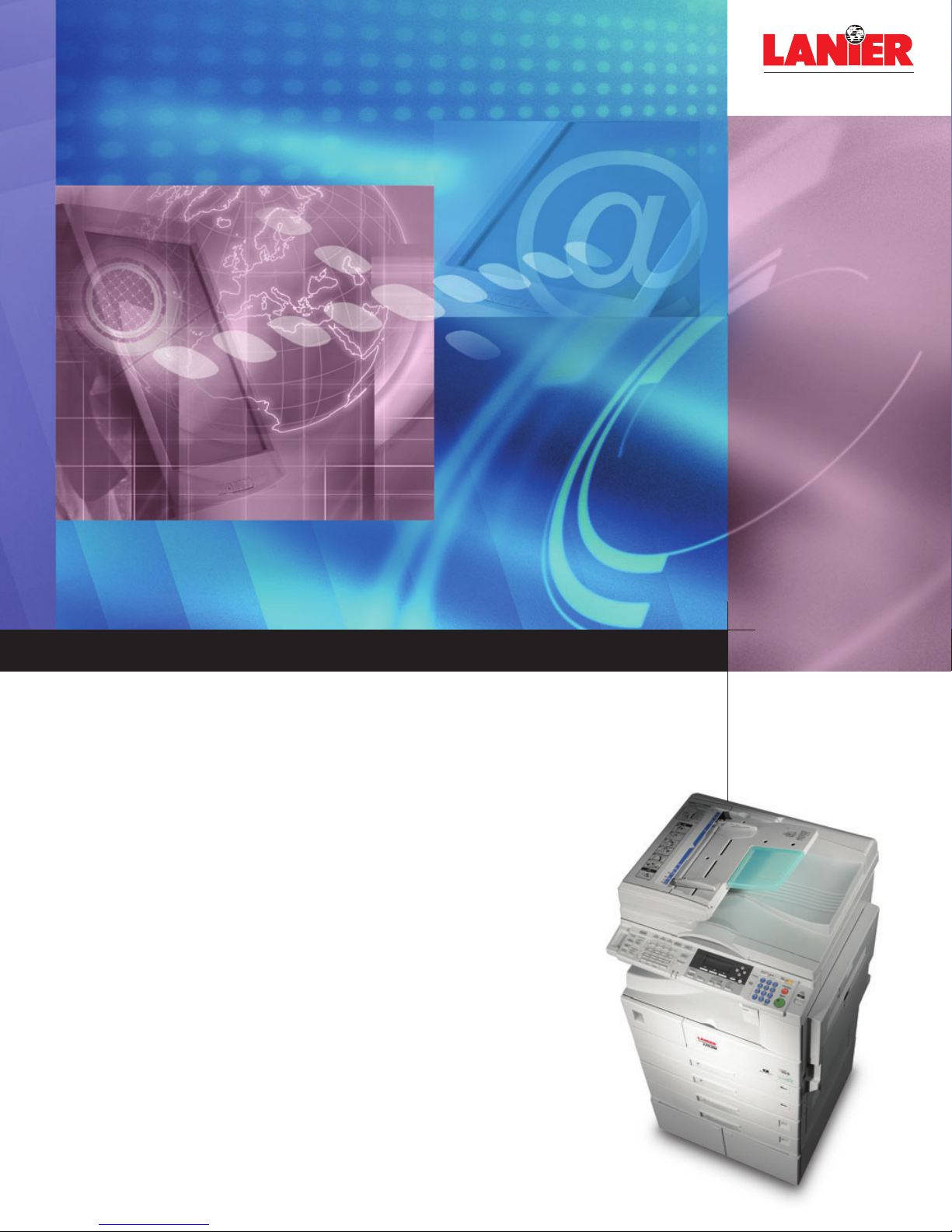
your document management partner
Powerful multifunction capabilities
DIGITAL MFP
A RICOH COMPANY
LD1 16
/
12 0
LD120d
Three versatile monochrome systems that deliver high-resolution digital copying
and printing, network scanning, document distribution, and PC/Internet
faxing in a cost-effective design that is ideal for small business
Page 2
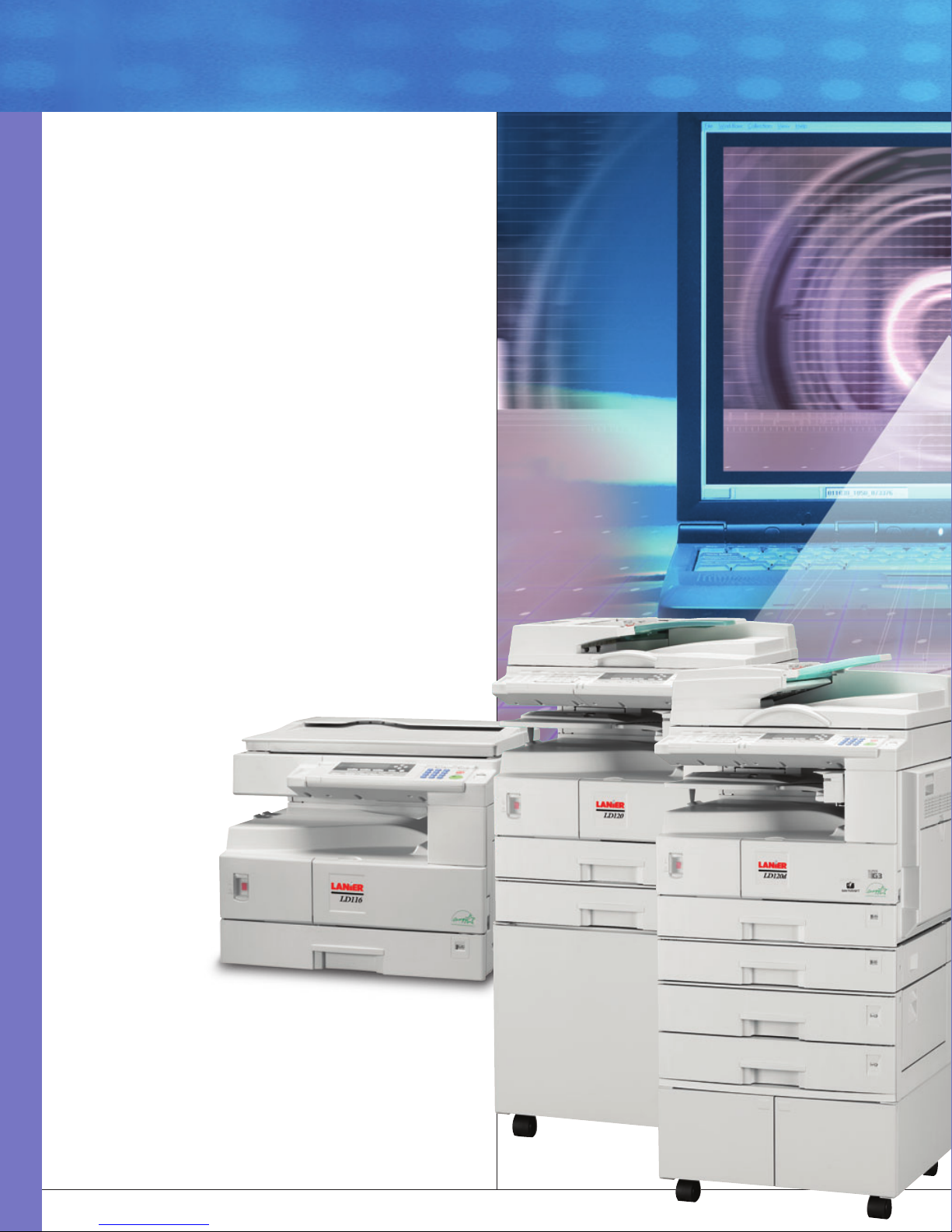
Now, with the Lanier LD116, LD120, and LD120d, smaller workgroups,
independent businesses, and other budget-conscious organizations
no longer have to choose between power and affordability when
it comes to document management technology.These versatile
multifunction products (MFPs) offer high-quality digital copying and
network printing, plus a full complement of advanced scan and fax
features previously reserved for high-volume systems. Yet they remain
among the most affordable systems in their class, delivering the
dependable performance, long-term reliability, and low operating
costs you need to protect your investment.
Specifically engineered for offices and workgroups with up to 20
users, the LD116, LD120, and LD120d help you maximize productivity
with a solid foundation of essential features. These systems provide
600 dpi copying and network printing at 16, 20 or 21 pages per
minute, with emulations and drivers for all PC and Macintosh platforms
for easy network integration. They also feature 33.6 kbps fax modems
for fast document transmission. Plus, the LD120d comes standard
with automatic duplexing, enabling you to cut paper use in half for
all copy, print, and fax output.
Network scanning reduces costs, increases convenience
Advanced network scanning capabilities create opportunities to share
and manage documents more quickly, at a lower total cost. Scan-toemail enables you
to scan originals
just like you would
regular fax documents,
automatically converting
them to PDF or TIFF
files and sending
them directly to an
email address. This
eliminates the cost
of long-distance
faxing and improves
security with one-toone transmission.
And it does not require
a separate server or additional software. Scan-to-file and scan-tofolder are just as easy to use, except they transmit scanned originals
over your local network to a designated folder on any connected
server or PC workstation for fast, easy content management and
archiving. Or you can use each system’s TWAIN-compliant network
scanning features to integrate with the scanning software you
already use today.
Reach the next level of document management
The compact footprint
of the LD116, LD120,
and LD120d allows you
to consolidate up to
four devices in a single,
convenient system.
Page 3
About Lanier
Lanier Worldwide, Inc. is a wholly owned subsidiary of Ricoh
Corporation, the Americas sales and marketing unit of Ricoh
Company, Ltd., a $17.1 billion global manufacturer of digital
copier/printers. Lanier helps its customers succeed by understanding
their unique document management needs and delivering systems
and services that increase efficiency, reduce cost, and improve
document workflow.Award-winning solutions include digital
multifunction products (color and monochrome), printers (color and
monochrome), multifunction facsimile, scanners, digital duplicators,
and wide format systems, as well as facilities management and
outsourcing services.
Built-in management utilities
These systems all come standard with two utilities for remote
management. Web image monitor makes it easy to check system
status, change network settings, manage the email address book,
or monitor the job queue directly from your PC, through a Webbrowser interface. No additional software is required. Or you can
use SmartDeviceMonitor for more advanced functionality, such as
managing user codes for access control, tracking output by user code,
job end notification, and recovering stalled print jobs. On the LD120
and LD120d, SmartDeviceMonitor can be used to monitor copy and
fax status as well as print status.
Open platform for easier upgrades
For additional flexibility, all three systems feature an open systems
platform that enables you to add functionality quickly and easily via
Lanier software utilities.These systems are compatible with a wide
range of utilities for network scanning, output tracking, and many
other capabilities.
Low operating costs
To minimize operating expenses, the LD116, LD120, and LD120d
feature separate drum and toner supplies.As MFPs, they help
reduce your costs by consolidating up to four separate document
management systems — for copy/print/scan/fax — into one compact
footprint with a single power supply.These systems also feature a
robust duty cycle and high overall reliability, so you can count on
exceptional investment protection. And if you choose the LD120d,
automatic duplexing offers an easy way to reduce the costs of paper,
document storage, and mailing.
Paperless and Internet-ready faxing
In addition to conventional faxing, the LD116, LD120, and LD120d
offer paperless and Internet-enabled faxing. With PC faxing, you can
send documents directly from your PC workstation to another fax
system or digital MFP. It’s as easy as printing — just select the LAN
Fax option from the printer interface. This saves the time required to
print and fax documents manually, and improves document quality for
the recipient. You can also use Internet faxing, which converts scanned
originals to TIFF files and sends them to any ITU T.37 Internet-enabled
fax or PC. Instead of entering a fax number, you enter an email address.
Delivery confirmation is nearly instantaneous. Like scan-to-email, this
eliminates long-distance fax costs and streamlines fax workflow.
Make a smooth transition to digital document management
Convenient scanning features enable
you to distribute documents more
efficiently, at a lower total cost.
Page 4
Lanier, a world
of difference
The Lanier philosophy is
embodied in Customer Vision
®
:
a commitment we make
every day. It means seeing
the business through your eyes,
responding to your needs, and
exceeding your expectations.
www.lanier.com
© 2005 Lanier Worldwide, Inc. All rights reserved. – 11/05 Printed in USA
P1102-1201
Lanier Worldwide, Inc.
2300 Parklake Drive NE
Atlanta, GA USA 30345
GENERAL FEATURES
Machine Type
Desktop
Process
CCD scanning and laser
electrophotographic printing
Max. Copy Speed
LD116: 16 ppm
LD120/LD120d: 21 ppm (18 ppm duplex)
First Copy Time
Less than 6.5 seconds
Electronic Sorting
Standard
Duplex
Standard on LD120d only
Memory
16 MB
Standard Paper Supply
LD116: 1 x 250-sheet drawers,
1 x 100-sheet bypass
LD120/LD120d: 2 x 250-sheet drawers,
1 x 100-sheet bypass
Min./Max. Copy Size
5.5" x 8.5" – 11" x 17"
(5.5" x 8.5" – 11" x 17" from bypass)
Reductions/Enlargements
50 to 200% zoom in 1% increments
Dimensions (WxDxH)
LD116: 21.7" x 22.4" x 16.5"
LD120: 21.7" x 22.4" x 20.4"
LD120d: 23.1" x 22.4" x 20.4"
Weight
LD116: 77 lb.
LD120: 92.4 lb.
LD120d: 99 lb.
Power Requirements
120V, 60Hz, 12A
Special Features
Automatic, Manual and Photo Modes,
50 User Codes, Auto Tray Switch,
Book Copy, Power Save Modes, Image
Rotation, Scan Once/Copy Many, Rotate
Sort, 2-in-1 and 4-in-1 Combine Copy
OPTIONS
RADF
50 sheets, 18 opm (LD120d only)
ADF
30 sheets, 18 opm
System Stands
1 x 500-sheet paper bank,
2 x 500-sheet paper bank
1-bin Tray
Additional internal paper output tray
OPTIONAL SCANNING/PRINTING MODULE
Max. Speed/Resolution
LD116: 16 ppm/600 dpi
LD120/LD120d: 21 ppm/600 dpi
Max. Print Size
A3/11" x 17"
Memory
192 MB
Printer Emulations
RPCS, PCL5e, PCL6 (standard);
PostScript 3 emulation (optional)
Interface
Ethernet (RJ45-45: 100Base-TX/10Base-T),
USB 2.0
Optional Interfaces
Wireless LAN IEEE 802.11b, IEEE1394 x 2
port, Parallel IEEE1284, Bluetooth
Network Protocol
TCP/IP, IPX/SPX, Net BEUI, AppleTalk
Network Interface
10Base-T, 100Base-TX Ethernet for Novell
NetWare, Windows NT
Network Operating Systems
Windows 9x/Me/NT 4.0/2000/XP/Server
2003, Netware 3.12/3.2/4.1/4.11/
5.0/5.1/6, Unix (Sun Solaris 2.5/7/8/9,
HP-UX 10.x/11x, SCO Open Server 5.0.6,
RedHat Linux 6.x/7.x/8.x, IBM AIX V4.3/5L/
V5.1), Mac OS 8.6 – 9.2.x (OS X Classic),
Mac OS 10.1 or later
Standard Drivers
RPCS, PCL, PostScript (for PS3 option),
LAN-Fax, TWAIN
Standard Utilities
Web Image Monitor, SmartDeviceMonitor
for Admin, SmartDeviceMonitor for Client,
Font Manager 2000, Mac printing utility,
Scan Router V2 Lite, DeskTopBinder V2
Lite, Acrobat Reader
Optional Utilities
Scan Router Pro, DeskTopBinder Pro
Scan Resolution
100, 200, 300, 400, 600 dpi
Scanning Time
0.72 seconds per page (Letter)
OPTIONAL SCAN TO EMAIL
Authorization
SMTP authentication, POP3 authentication,
POP before SMTP authentication
Register Email Addresses
Max. 150 destinations
Message Options
Attention (to:), Subject, Greeting text
(from:), Scan Date, Send Queries to
(Key Operator’s address)
File Format
TIFF, PDF
Max. Document Size
11" x 17"
Duplex Scanning
Model LD120d only
OPTIONAL FAX MODULE
Modem Speed
33.6 kbps
Scanning Speed
1.2 sec.
Compatibility
G3
Fax Memory
160 pages*
Memory Backup
1 hour
LAN-FAX Driver
Requires optional scanning/
PC Desktop Faxing
printing module
One-Touch Keys
32
Abbreviated Codes
150
Group Dial
10 groups, 100 numbers per group
Dual Access
Yes
Special Transmit Modes
Ledger
*Transmission times apply to text data using the ITU-T No. 1 test chart phase C in standard
resolution, between the same or similar machines at maximum modem speed. Transmission times
may vary in actual use.
For best results, we recommend that you use only Lanier consumables and supplies. Due to our
policy of continued improvement, Lanier reserves the right to alter specifications of this product
without prior notice.
All registered trademarks or trade names are the property of their respective owners and are
hereby acknowledged.
SPECIFICATIONS
A RICOH COMPANY
As an E
NERGYSTAR
®
Partner, Lanier Worldwide, Inc. has determined that this product meets the E
NERGYSTAR
®
guidelines for energy efficiency.
DIGITAL MFP
LD1 16
/
12 0
LD120d
 Loading...