

Page 1

BFit
Quick start guide
Charging and replacing the wristband
Remove the b ody of the BFit from t he strap according to t he instructions in the p icture b elow. Charge t he tness ba nd before u sing it
for the rs t time. Plug i t into any USB char ger or USB por t on your
computer. Wh ilst chargi ng, the whi te LED ashes an d stops whe n
fully charged. Charging takes about half an hour.
1
Page 2

Controls
The tnes s band can be contro lled by moving the w rist or via touch.
Rotating t he band ac tivates th e horizont al screen w hich then di splays the cu rrent time. T his func tion can be e nabled o r disable d in
the mobile app.
Touch the BFit display to do the following operations:
Action Operati ng the tness band
Turn on
the tness b and
Light up
the display
Turn o
the tness
band
Enter the men u
Browse
the menu ite ms
Conrm
selection
Swipe on the s creen from lef t to right using your
nger until y ou see the icon
power swi tch icon
the display.
Touch and hold th e display.
Touch the displa y or rotate your
wrist to a hor izontal positi on.
. Then touch t he
. To turn o, touch and h old
Swipe acros s the screen from l eft
to right usin g your nger.
Touch the displa y on the home
screen or in t he menu.
Touch and hold th e display.
Fitness band functions
Time Pedometer
Date Calories burnt
Bluetooth connecti on Camera remote control
Finding connection Inactivity alert
Sleep monitor Alarm clock
Phone locate Display caller
Turn o wristband Display incoming messages
Day of the week
2
Page 3
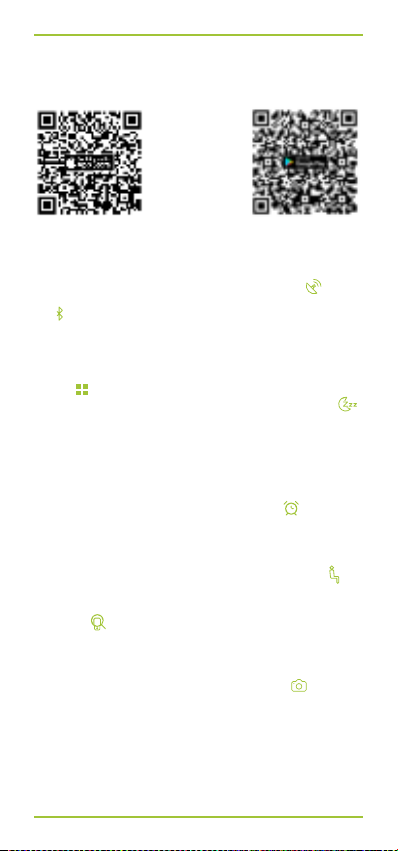
Installing the mobile app and pairing the tness band
The tnes s band is compatibl e with iOS (7.0 and higher) and An droid
(4.4 and high er). Download the mo bile app from the f ollowing link:
http://tech.lamax-electronics.com/
BFit/BFit-app-app-store
Enable Blu etooth on your sm artphone. Turn on y our BFit band. Wh en
the band is n ot paired, it is in searc h mode and this icon
next to th e time displ ay, above the bat tery st atus. Once p aired, th is
icon
is then disp layed next to t he time and above t he battery s tatus.
To properly di splay the time, you ne ed to synchroni ze the time in the
application rst.
Sleep monitor
Swipe the sc reen from lef t to right using your nger until you can s ee
. Then touch and h old the disp lay. The band t hen brie y
the icon
vibrates a nd displays t he exac t time toget her with th e icon
Sleep monitoring is now activated. Turn o sleep monitoring by
pressing a nd holdin g the display i n this mode. T he display w ill light
up, vibrat e briey an d the connec tion icon r eappear s next to th e
time. Autom atic sleep monit oring can also be en abled in the app.
Alarm clock
In the app go to a larm set tings. Se t the day and tim e of the alarm .
At the set tim e the tness band wi ll display this icon and vibrate.
Inactivity alert
In the app se t the time ran ge and days of t he week that yo u want
the BFit to en courage your acti vity. If you are inac tive for a long time
within thi s period the band v ibrates and this ico n is displayed
Phone locate
Navigate th e menu of tn ess band, w hich is paire d with the ph one,
to the icon
The phon e will now be gin to ring or ju st vibrat e, if the mobi le is set
to vibrate.
Smartphone camera remote control
In the app nav igate to the ca mera contr ols. The ico n
played on th e paired t ness band. To tak e a photo, pres s and hold
the BFit dis play.
. Touch and hold t he display unt il the band v ibrates.
http://tech.lamax-electronics.com/
BFit/BFit-app-google-play
appears
.
is then dis-
.
3
Page 4
Display incoming call and message notications
In the app nav igate to the in coming cal l and messag e notica tion
settin gs. Select whi ch notications t o display on the tnes s band. If a
notica tion does not appe ar on the BFit scree n, despite being p aired
with the ph one and with the n otication f unction enab led in the app,
disconne ct and reconne ct the band to the sm artphone vi a Bluetooth
and turn th e notications o a nd on again in the app.
Water and dust resistant
The tnes s band is resi stant to the i ngress of wat er and fore ign
object s according to the IP67 rat ing. This means that it i s resistant to
water for 30 m inutes up to a de pth of 1 m and res istant to fo reign
matter including dust.
Technical specications
Bluetooth v 4.0
Display 0.91“ OLED
Weight of bod y 9 g
Weight of who le
device
Body dimensions 46 mm x 18.7 mm x 7.9 mm
Charging USB 5 V / 0.5 A
Battery 3.7 V 75mAh Li-Ion
Water resistant in accordan ce with IP67, up to 1 m for 30 minutes
Compatibility mobile devices with iOS 8+ and Android 4.4+ *
* Modied Android versions from some manufacturers may cause problems
with conne cting Blue tooth devi ces. For the cur rent except ions, check
www.lamax-electronic s.com/BFit/compatibility.
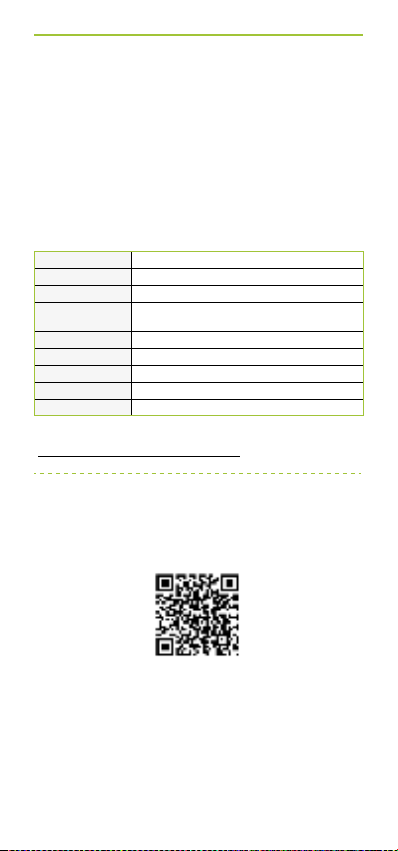
To use this product correctly and for detailed instructions on
installing and operating the mobile app and pairing
the band with your smartphone, read the most recent version
26 g
of the manual which is available to download
at the following link:
http://tech.lamax-electronics.com/download/
BFit_manual.pdf
4
 Loading...