

Page 1
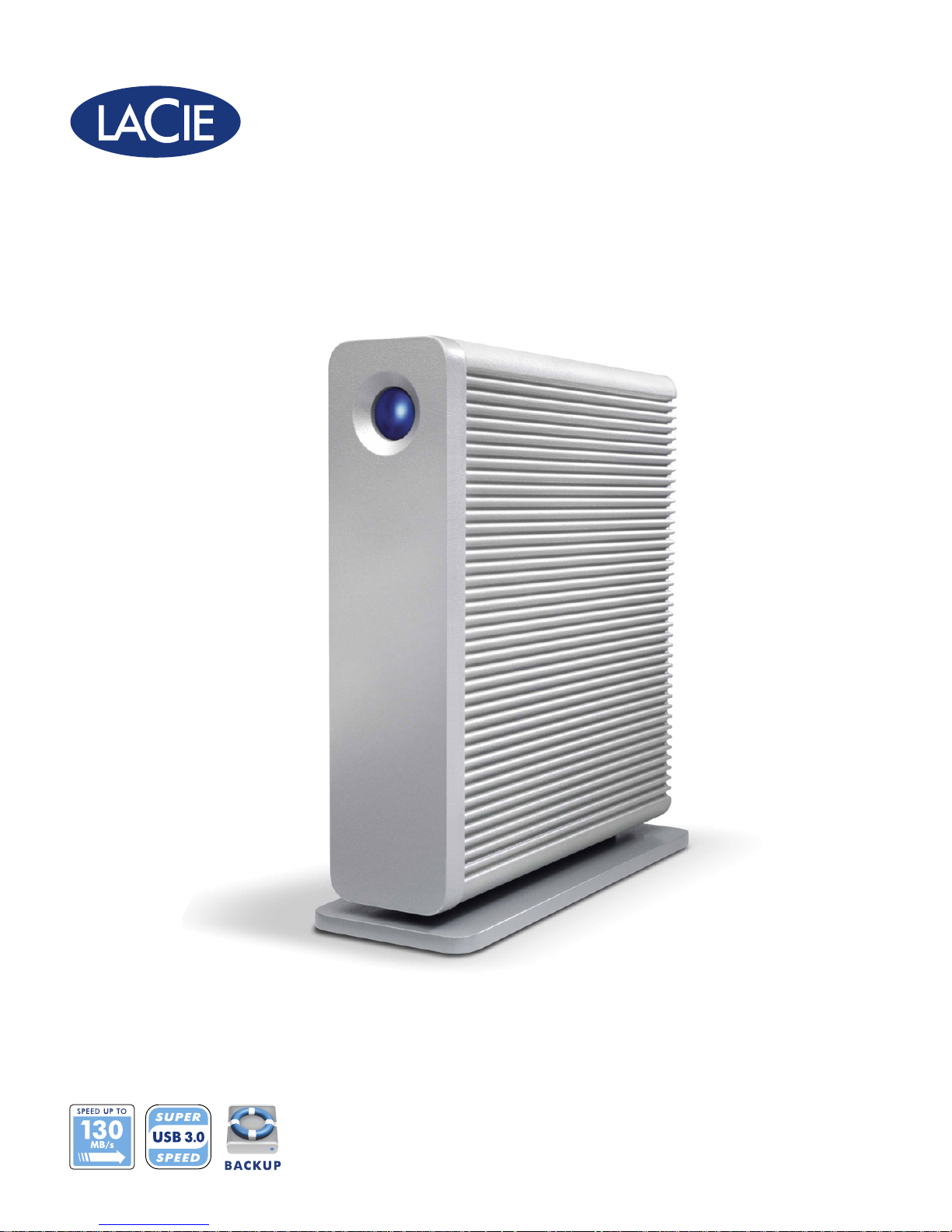
d2 USB 3.0
DESIGN BY NEIL POULTON
3x FASTER
Professional Hard Disk
SuperSpeed USB 3.0 | Hi–Speed USB 2.0
Page 2
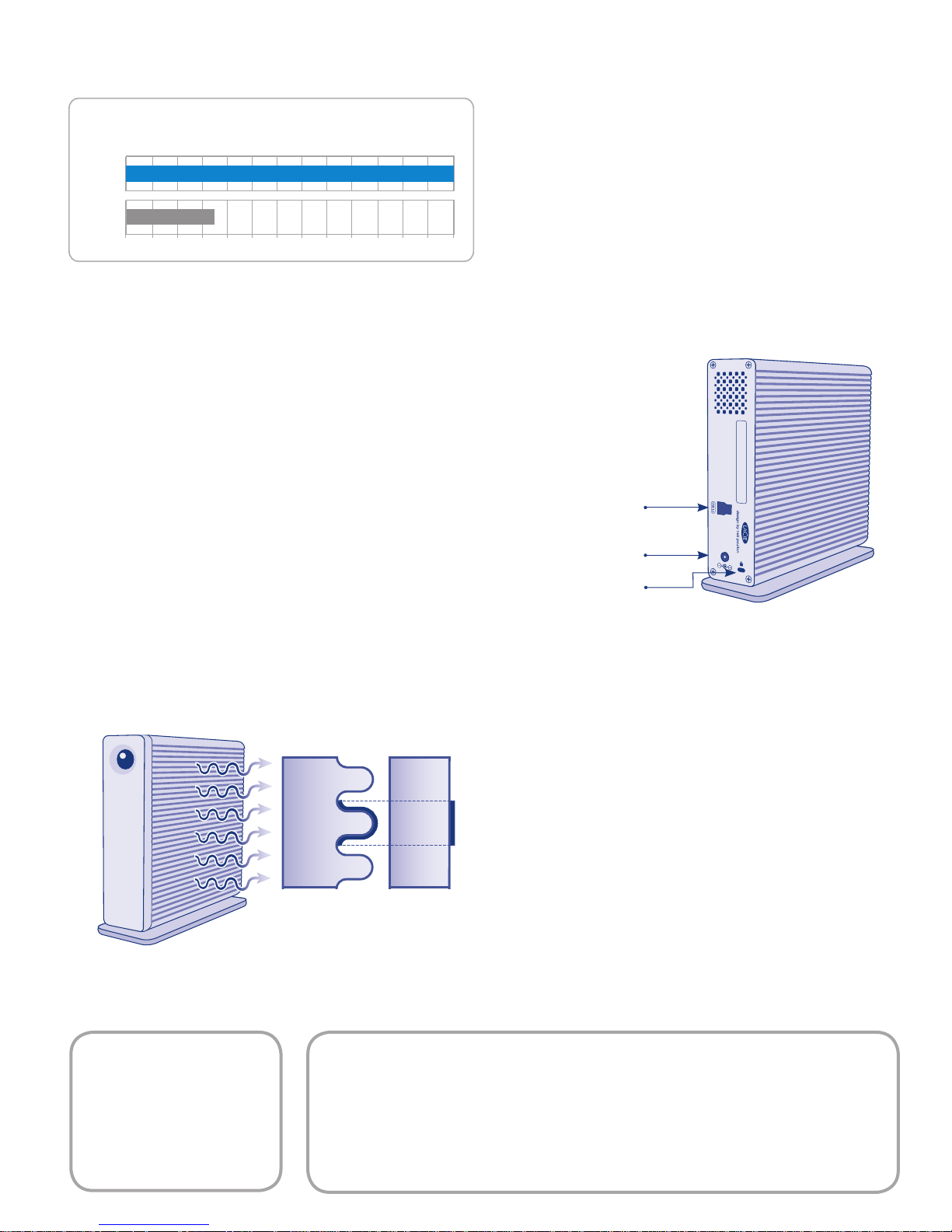
Heat Sink
Design
Standard
Design
PERFORMANCE COMPARISON
Read maximum transfer rate benchmark*
USB 3.0
USB 2.0
MB/s
130 MB/s
33 MB/s
0102030405060708090100 110 120 130
Clever, Advanced Design
The d2 USB 3.0 is designed to integrate into any professional
work environment. Sturdy and compact, it is ideal for intensive
professional use. The unique and ultra-quiet, fanless aluminum
heat sink design gives you 60% more surface area for heat
dissipation for high reliability. The LaCie d2 USB 3.0 is versatile
and can stand upright, be stacked horizontally with other drives
or rackmounted to save desktop space.
SuperSpeed USB 3.0
The d2 USB 3.0 gives you SuperSpeed perfomance.
Featuring 7200 rpm drives, the d2 USB 3.0 reaches up to
130MB/s, making it ideal for creative professionals looking for
high transfer speeds. With an advanced backup solution for
Mac® and PC, it is also perfect for any workstation setup and
it’s compatible with USB 2.0.
USB 3.0 direct connection
Power adaptor connection
Kensington lock slot
Eco Management
Developed with the environment in mind, the LaCie d2 USB 3.0
helps you reduce power consumption by switching to its eco
mode after 30 minutes of inactivity. For better energy efficiency,
it will also automatically shut down when unplugged from the
computer. On top of that, it’s recyclable and ROHS-compliant.
1T B**=
2 hours of uncompressed
HD video or
70 hours of DVD or
77,500 RAW photos
***
• USB 3.0 connection compatible with USB 2.0
• Superior burst transfer rates up to 120-130MB/s (USB 3.0)
• Space-saving versatility: stack, rackmount or stand upright
• Sturdy, aluminum d2 heat sink design
Page 3
Features
• USB 3.0 speed: 4x faster than USB 2.0
• Aluminum fanless cooling design for quiet operation
• Optimized power management
• Space-saving design for upright, rackable or stackable congurations
Box Content
• LaCie d2 USB 3.0
• SuperSpeed USB 3.0 cable (USB 2.0 and 1.1 compatible)
• Drive stand for upright use
• External power supply
• LaCie Utilities and Software (preloaded on the drive):
• LaCie Backup software with data restore for Windows® and Mac
• User Manual
• Quick Install Guide
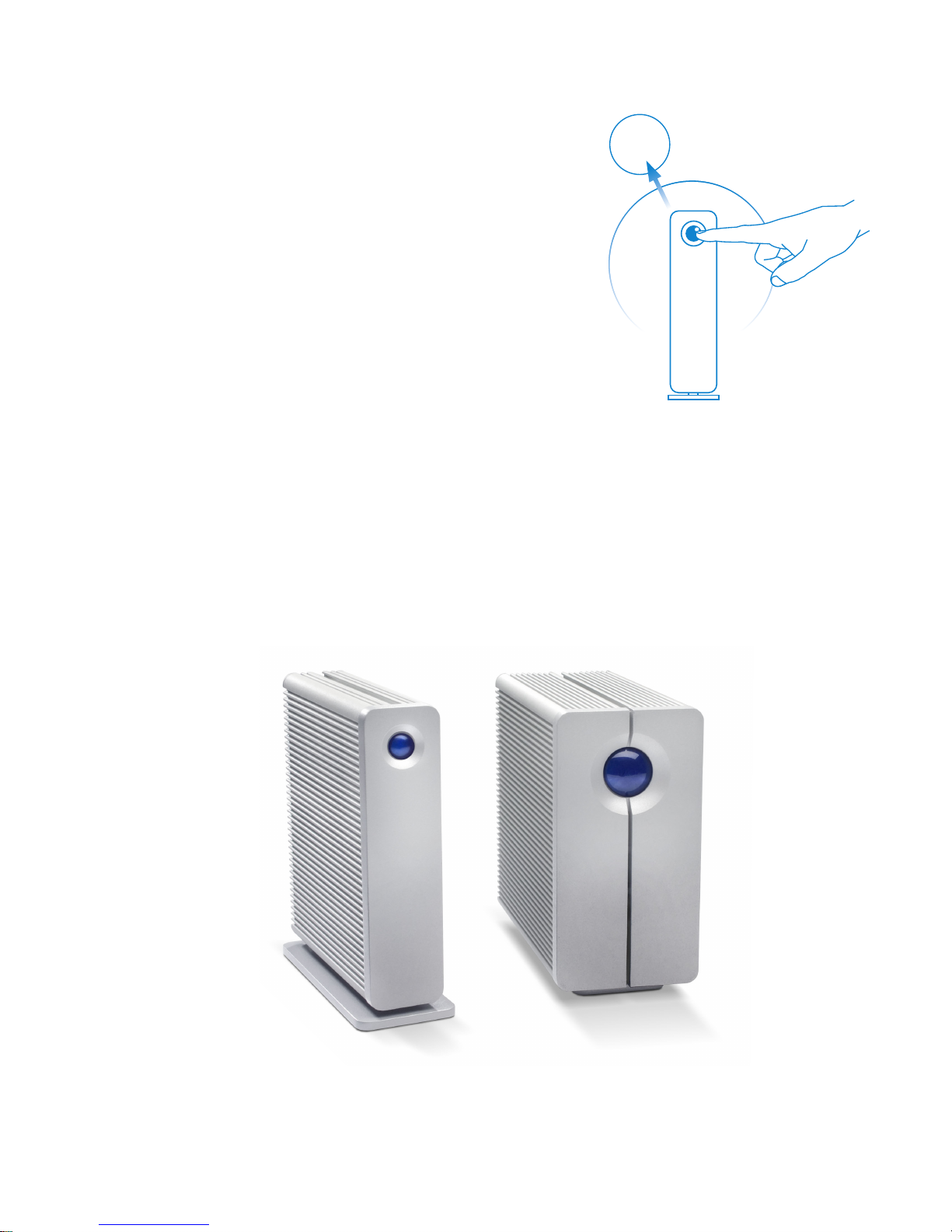
1-CLICK POWER SETTING
SWITCH
ON/OFF
Minimum System Requirements
• Computer with a USB 3.0 or USB 2.0 port
• High-speed Internet for online storage
• Latest version of Windows XP®, Windows Vista®, Windows 7 /Mac OS X 10.5, 10.6
• Minimum free disk space: 600MB recommended
Simply switch on or off with
one button
LaCie 2big USB 3.0
LaCie d2 USB 3.0
Page 4
d2 USB 3.0
DESIGN BY NEIL POULTON
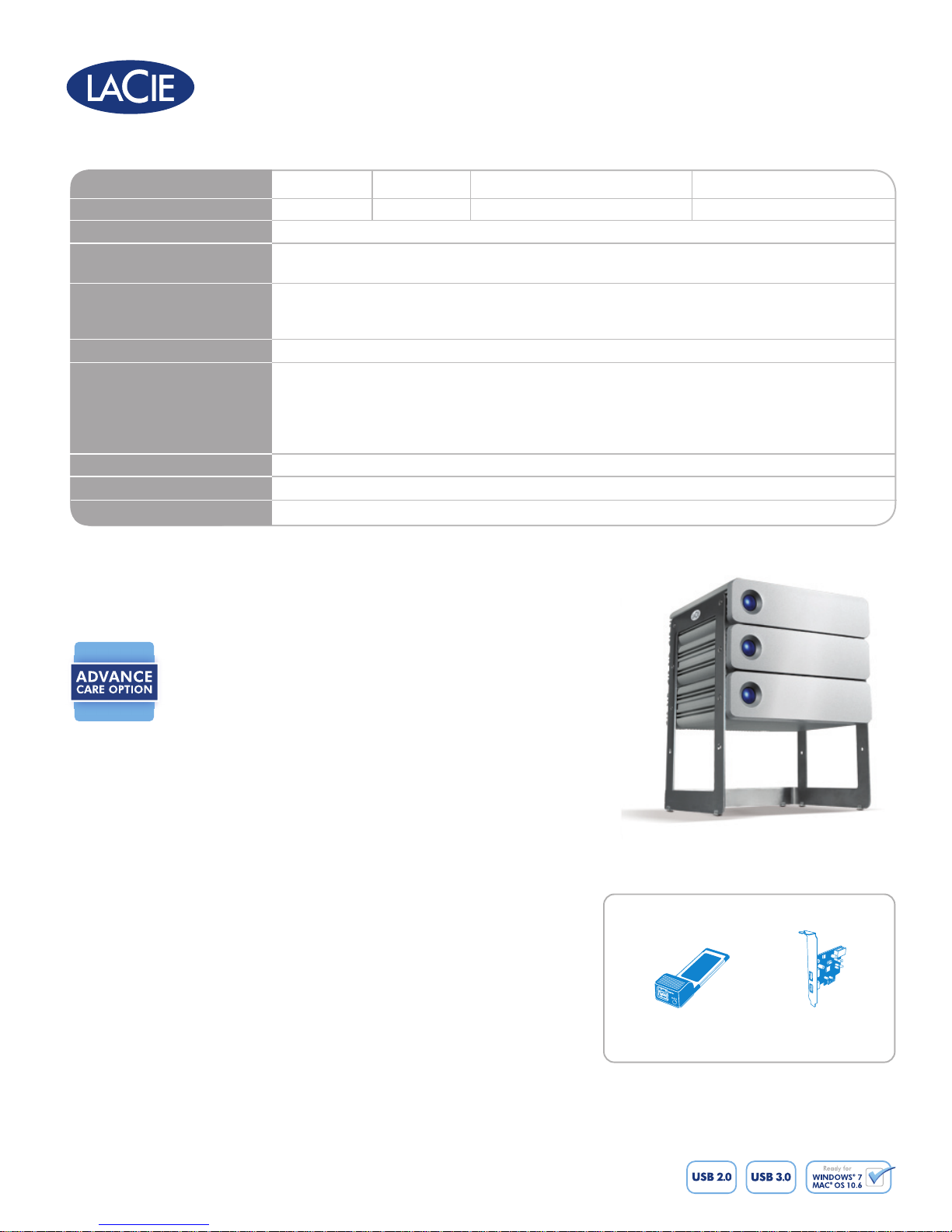
Item Number
Capacity**
Interface
Interface Transfer Rates
(maximum bus speed)
Maximum Drive Speed*
(measurement made with
Blackmagic Disk Speed Test)
Rotational Speed / Cache
LaCie Advanced Power Button
Dimensions (WxDxH)
Weight
Warranty
301527 301528 301540 301541
1TB 2TB 1TB (USB 3.0 PCI Express card included) 1TB (USB 3.0 PCI Express card included)
1 x SuperSpeed USB 3.0 port (USB 2.0 and 1.1-compatible)
SuperSpeed USB 3.0: 5Gb/s
Hi-Speed USB 2.0: 480Mb/s
SuperSpeed USB 3.0: Read/Write: 130MB/s / 120MB/s
USB 2.0: Read/Write: 33MB/s / 27MB/s
7200RPM / 16MB or greater
Advanced power management:
• Product operates in auto mode for increased energy efciency
• Simply press the power button to turn on the d2 USB 3.0
• Press and hold the power button to switch off the d2 USB3.0 for more
security and to reduce energy consumption
60 x 168 x 183 mm / 2.3 x 6.6 x 7.2 in.
1.7 kg / 3.7 lbs.
3-year limited
Premium 3 Year Warranty
The d2 USB 3.0 comes with a 3 Year Limited Warranty. For superior
service, it also comes with the LaCie Advance Care Option, which can
be purchased separately online within 30 days of the purchase date.
Under the Advance Care Option, LaCie will immediately swap out the
product without it needing to be returned first for minimal interruption
of your workow. LaCie covers all freight costs. Availability depends on
the sales area. See www.lacie.com for details.
*Burst transfer rates vary from one computer to another and may vary slightly from one drive to another. Average speed is usually
lower, depending on host configuration.
**1TB (Terabyte) = 1000GB. 1GB = 1,000,000,000 bytes. Total accessible capacity varies depending upon operating
environment (typically 5–10% less).
***Calculations are based on approximately 13GB/hour of DV video, 2.85MB/MP3 song, and 1MB/JPEG photo.
© 2010, LaCie. The LaCie logo is a trademark of LaCie. Other products and brand names mentioned herein may
be trademarks or registered trademarks of their respective owners. Specifications and appearance are given as
guidelines and may change without notice. www.lacie.com
100903
SUGGESTED
LaCie USB 3.0 ExpressCard/34
PRODUCTS
www.lacie.com/accessories
LaCie USB 3.0
PCI Express Card
 Loading...