

Page 1
USER’S MANUAL
13
FM Transmitter
C52-M
Page 2
OPERA TIO N MAN UAL
11
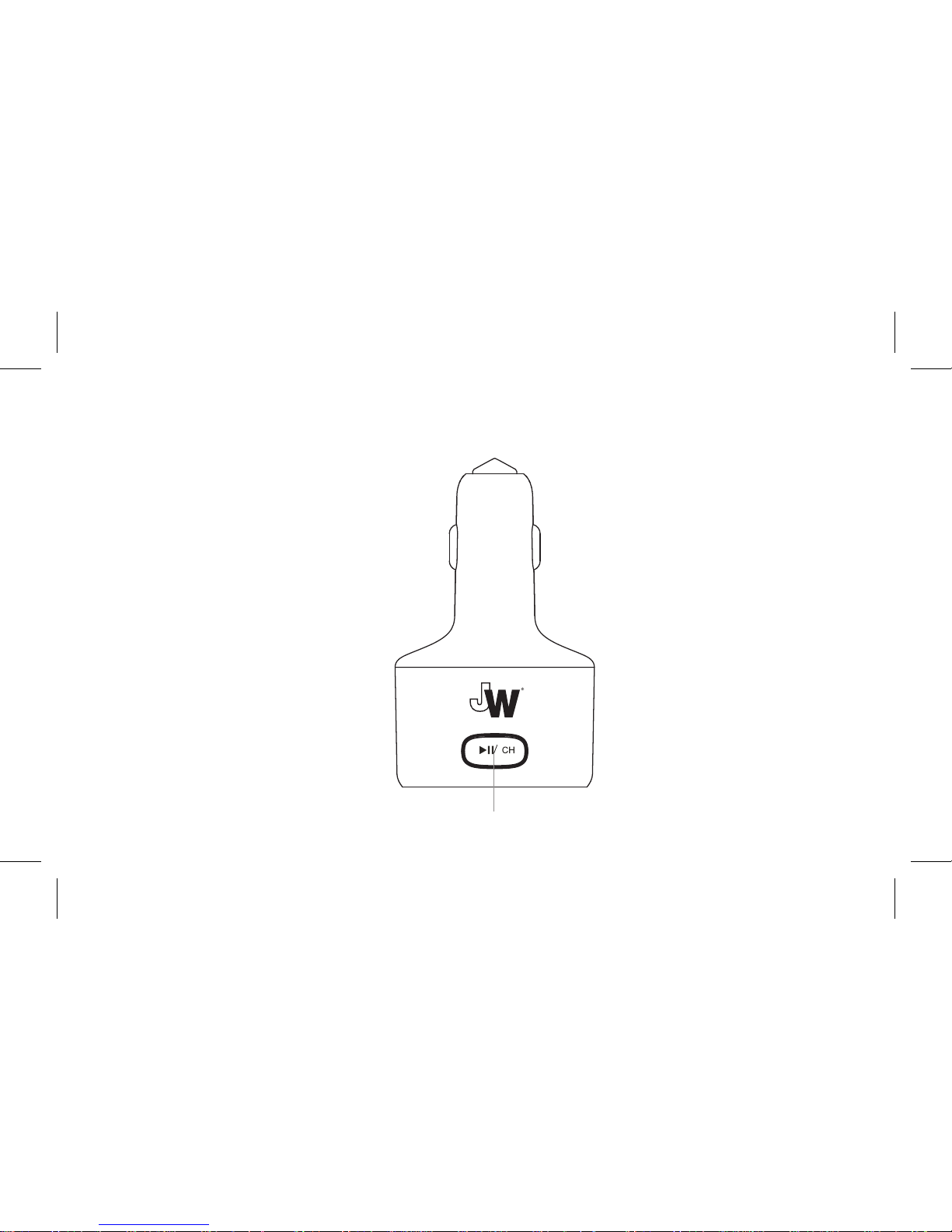
Play/Pause/Channel
Page 3
OPERA TIO N MAN UAL
2
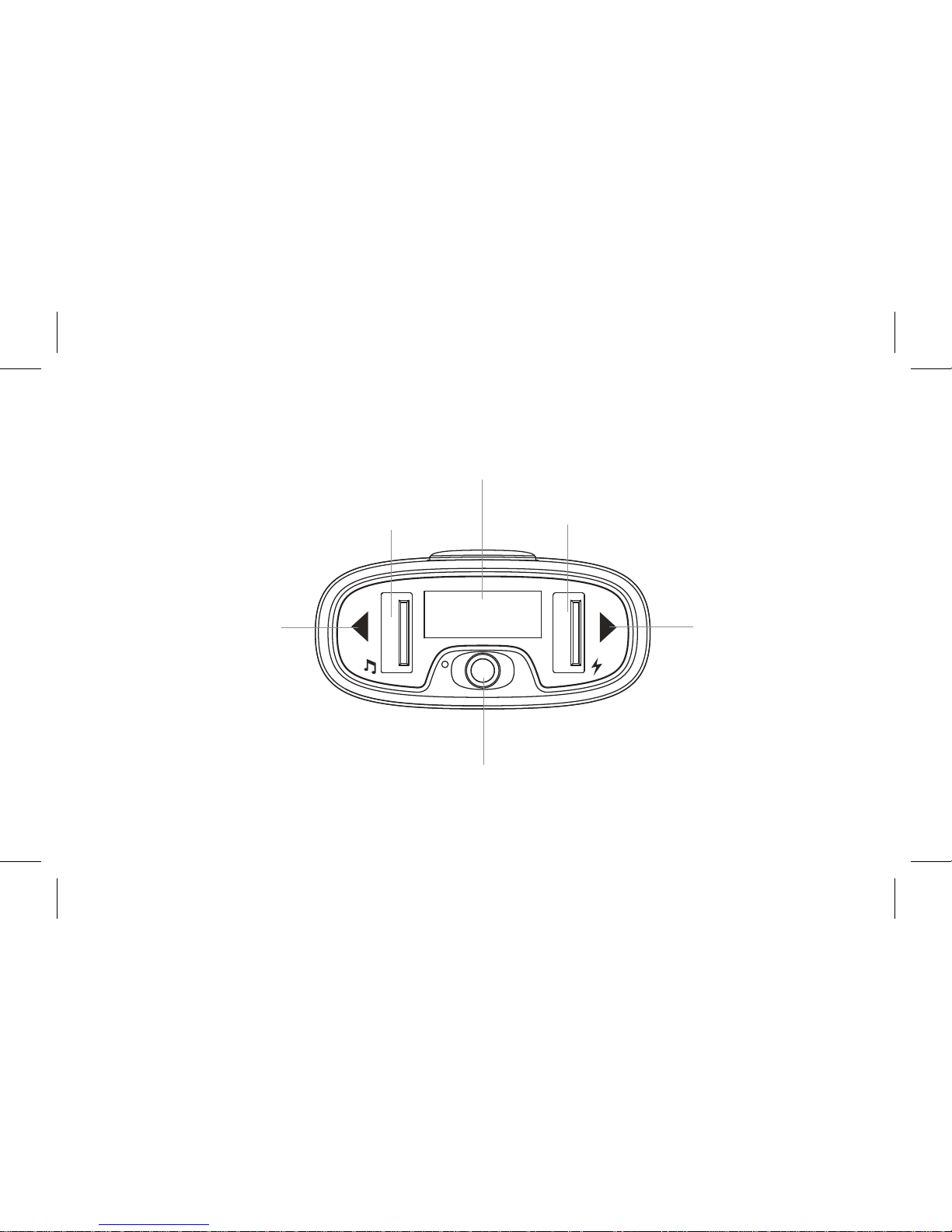
Next/
Increase Volume (
+
)
Previous/
Decrease Volume (
-
)
LED Display
USB Reader Output 5V/2.4A
3.5mm Aux-in Port
Page 4

33
1
2
1
2
3
4
5
FEATURES
SPECIFICATIONS
FM transmitter
Charges your device via USB power port
Supports USB drive
3.5mm jack aux-in function
LED display screen
Input voltage:12-24V, output power: 5V DC/2.4A
Supports MP3 and WMA format files
Page 5

4
1
Plug the FM transmitter into your vehicle’s DC power port.
Connect your device to your FM transmitter using the supplied 3.5 mm aux cable.
Tune your radio to an unused FM station, where you should only hear static,
then match to the same frequency on your FM transmitter unit. To change
frequency press the “ ❙❙ /CH” and hold until frequency on display is flashing,
then press “ ” button to increase the frequency or press “ ” button
to decrease the frequency. The FM transmitter will play music through
your car stereo once the frequency is matched.
If using a flash drive containing MP3/WMA files, insert it into the left USB port
(indicated by the “
” symbol), it will play the MP3 files automatically.
Only the left USB port can serve as a USB reader.
FM TRAN SMITTER FUNCTION
2
3
4
Page 6

5
CHARGER FUNCTION
When unit is plugged in to your car’s DC power port, connect
your device to the USB power output port (indicated by the “” symbol)
with a compatible USB cable (not included).
Note: You can play music while charging your device.
Page 7
6
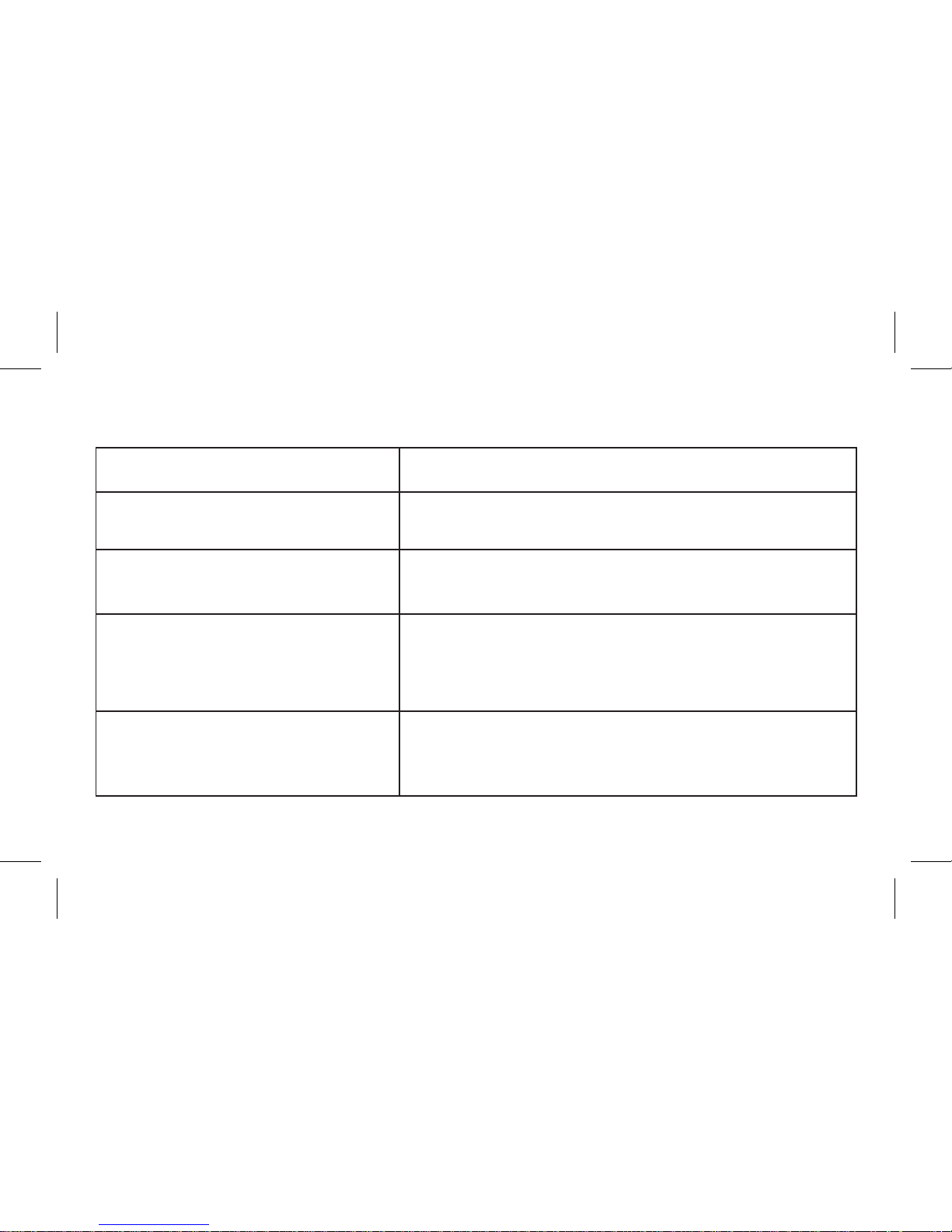
QUICK GUIDE
1. How to Play and Stop
2. How to adjust the Volume
3. How to change
the channel
4. How to choose music
Press “❙❙/CH”: Play music
Second Press: “❙❙/CH”: Pause playback
Press and Hold “”Button: Increase Volume
Press and Hold “” Button: Decrease Volume
Press “❙❙/CH” and hold until Frequency flashes,
then press “” Button to increase the frequency,
or press “” Button to decreasse the frequency
Press “”Button: Play the next song
Press “”Button: Play the previous song
OPERATION GUIDE FM TRANSMITTER
Page 8
SKU 20086 REV022018
 Loading...