

Page 1
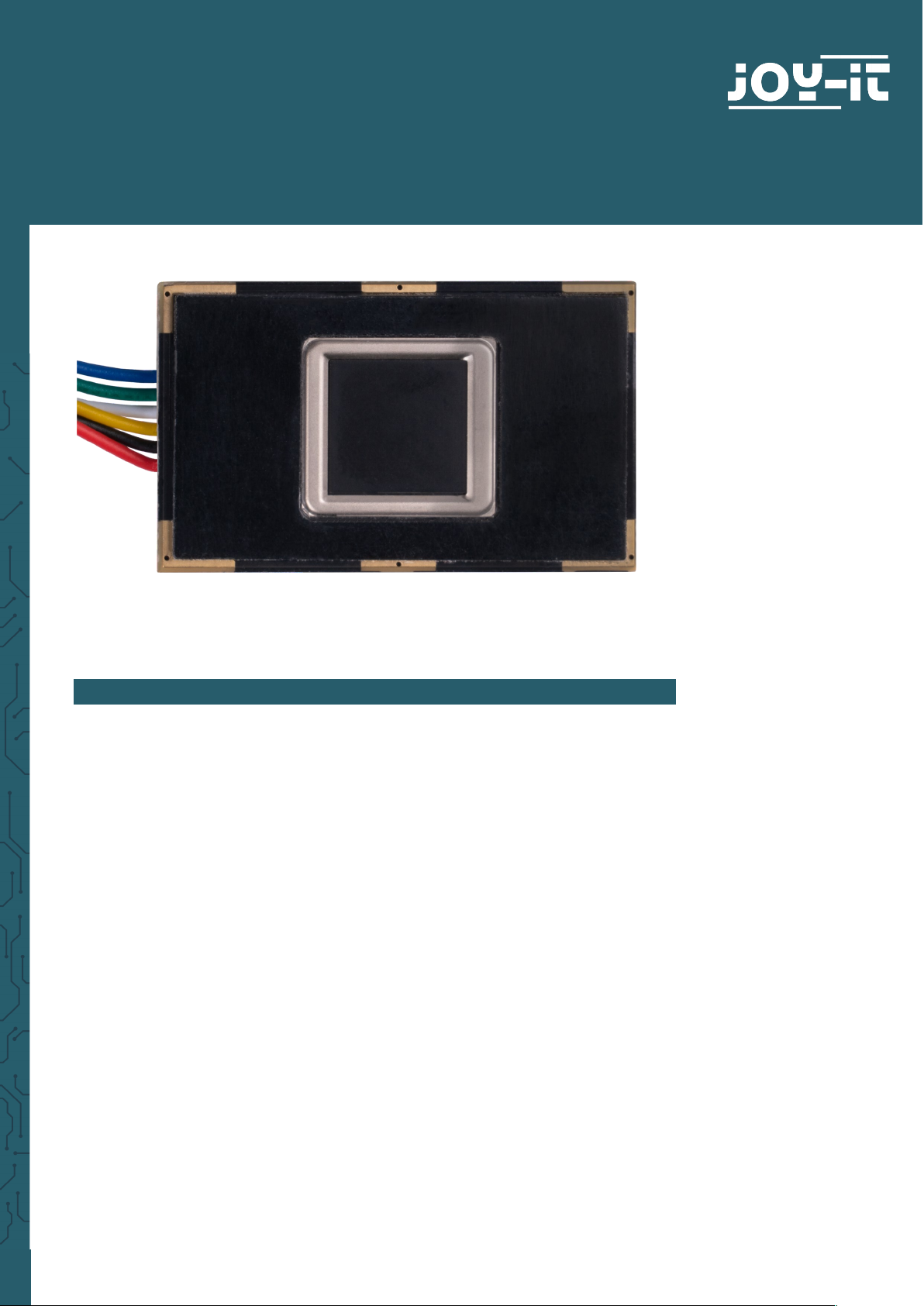
FINGERPRINT SENSOR
COM-FP-R301T
1. GENERAL INFORMATION
Dear customer,
thank you for choosing our product. In the following, we will show you how
to use this device.
Should you encounter any unexpected problems during use, please do not
hesitate to contact us.
Page 2
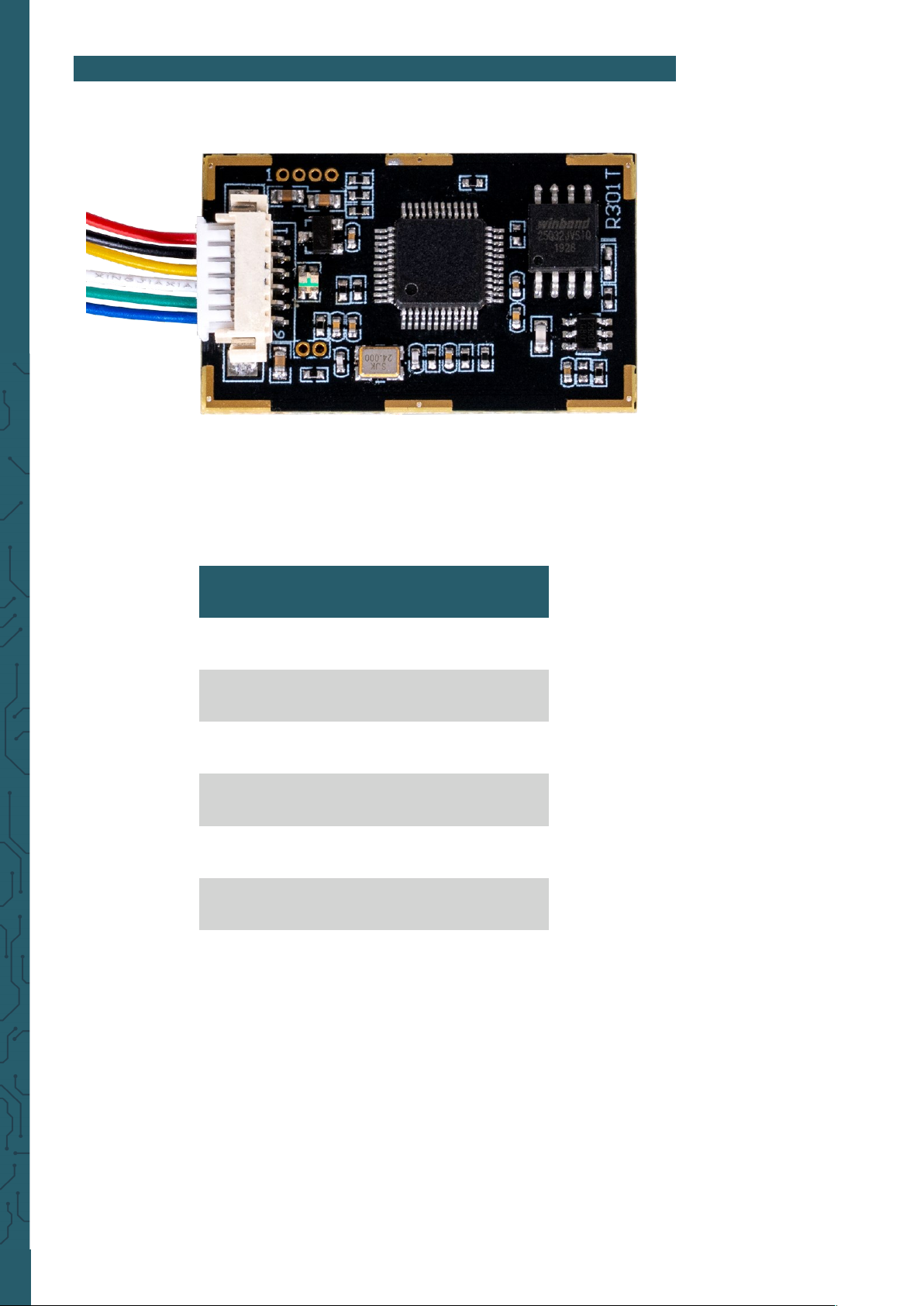
2. PINOUT
Name Colour
5 V Red
GND Black
TXD Yellow
RXD White
Touch Green
3,3 V Blue
Page 3

sudo bash
3. USAGE WITH RASPBERRY PI
3.1 Connection
For the Raspberry Pi, we use a USB to TTL module. In our application example, we use our SBC-TTLitem for this.
Therefore, we connect the fingerprint sensor to the adapter as shown below..
Now connect the SBC-TTL to one of your Raspberry Pi's USB ports.
We use the SBC-TTL because the sensor is supplied by 5 V and TXD /RXD
only have a logic level of 3,3 V. Therefore, the Raspberry Pi could be
damaged during a direct connection with the sensor.
The pin Touch is an output pin, which sends a signal, if a finger has been
placed on the sensor. The sensor can be operated with the 3.3 V pin, but
is then only able to detect whether a finger has been placed on it via the
touch pin and cannot read the fingerprint.
3.2 Installation
We use the pyfingerprint library by bastianraschke, released under the
German Free Soware License
, to control the fingerprint sensor. To
install the library and all its dependencies, run the following commands:
wget -O - https://apt.pm-codeworks.de/pm-codeworks.de.gpg | apt-key add -
wget https://apt.pm-codeworks.de/pm-codeworks.list -P /etc/apt/sources.list.d/
apt-get update
apt-get install python3-fingerprint --yes
apt-get -f install
exit
sudo stty -F /dev/ttyAMA0 57600
Fingerprint sensor SBC-TTL
5 V (Red) 5 V
GND (Black) GND
TXD (Yellow) RXD
RXD (White) TXD
Touch (Green) -
3,3 V (Blue) -
Page 4

You can use the following command to query your fingerprint to see if it is
found in your data.
python3 /usr/share/doc/python3-fingerprint/examples/example_search.py
You can see how many fingerprints are currently stored by using the
following command to see:
python3 /usr/share/doc/python3-fingerprint/examples/example_index.py
4. USAGE WITH ARDUINO
4.1 Connection
Fingerprint sensor SBC-TTL
5 V (Red) 5 V
GND (Black) GND
TXD (Yellow) Pin 2
RXD (White) Pin 3
Touch (Green) -
3,3 V (Blue) -
The pin Touch is an output pin, which sends a signal, if a finger has been
placed on the sensor. The sensor can be operated with the 3.3 V pin, but
is then only able to detect whether a finger has been placed on it via the
touch pin and cannot read the fingerprint.
3.3 Usage with the library
If you now execute the following command, you can store a fingerprint.
python3 /usr/share/doc/python3-fingerprint/examples/example_enroll.py
Page 5

4.2 Installation
We use the library Adafruit-Fingerprint-Sensor-Library from Adafruit,
which is released under the
BSD License
. You can install the library in the
Arduino IDE under
Tools → Manage Libraries…
.
4.3 Usage with the library
You can run sample codes under
File → Examples → Adafruit Fingerprint
Sensor Library
. You can use the
enroll
script to add fingerprints and
fingerprint
to compare a fingerprint to the stored data.
When executing this, make sure that you have selected the correct Board
and Port in
Tools
.
Page 6

PR
5. OTHER INFORMATION
Our information and redemption obligation according to
the Electrical and Electronic Equipment Act (ElektroG)
Symbol on electrial and electronic products :
This crossed-out bin means that electrical and electronic products do not
belong into the household waste. You must hand over your old appliance
to a registration oice. Before you can hand over the old appliance, you
must remove used batteries and accumulators which are not enclosed by
the device.
Return options :
As the end user, you can hand over with the purchase of a new device your old appliance (which has essentially the same functions as the new
one) free of charge for disposal. Small devices which do not have outer
dimensions greater than 25 cm can be submitted independently of the
purchase of a new product in normal household quantities.
Possibility of restitution at our company location during our opening
hours:
Simac GmbH, Pascalstr. 8, D-47506 Neukirchen-Vluyn
Possibility of restitution nearby :
We send you a parcel stamp with which you can send us your old appliance free of charge. For this possibility, you must contact us via e-mail at
service@joy-it.net or via telephone.
Information about packaging:
Please package your old appliance safe during transport. Should you not
have a suitable packaging material or you do not want to use your own
material, you can contact us and we will send you an appropriate packa-
ge.
6. SUPPORT
If any questions remain open or problems arise aer your purchase, we
are available by email, telephone and ticket support system to answer
these.
E-Mail: service@joy-it.net
Ticket-System: http://support.joy-it.net
Telephone: +49 (0)2845 98469 – 66 (10 - 17 o‘clock)
For more information visit our website:
www.joy-it.net
Published: 02.08.2021
www.joy-it.net
SIMAC Electronics GmbH
Pascalstr. 8, 47506 Neukirchen-Vluyn
 Loading...