

Page 1
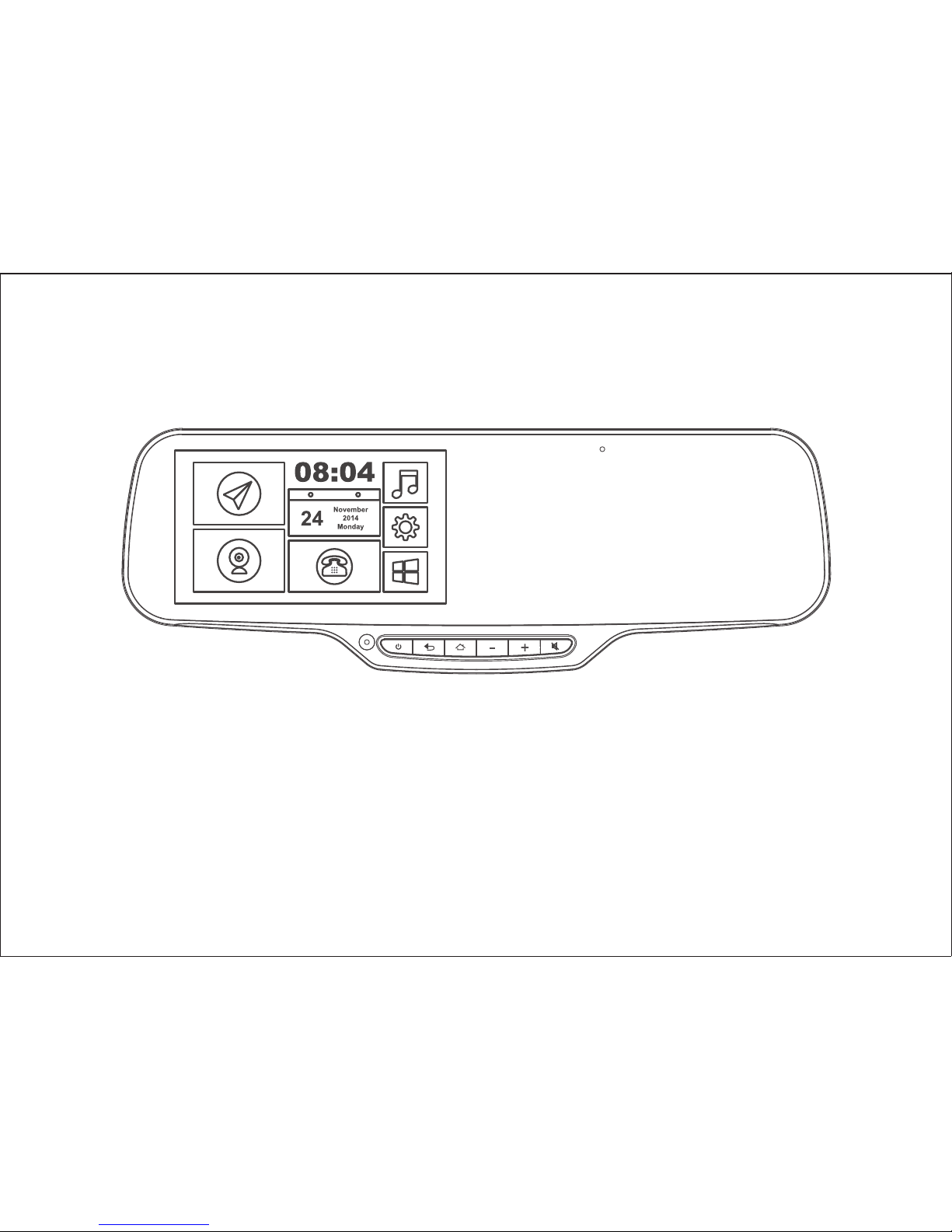
JC900 USER MANUAL
V1.0
Page 2

Page 3

Before use
Note
1
1.This device should be connected with a 5-volt general charger or a 12-volt vehicle power
system (must be grounded). Do not install the unit directly on a 24-volt battery in the truck
or bus.
2.Do not install the unit onto position that would block the vision or operation of the drivers.
3.For safe driving, the driver must not watch T V program or operate the unit while driving.
4.Do not replace the power fuse without professional guidance.
5.Please avoid strong impact as the device consists of high-precision components. Do not
disassemble or adjust any inner part. If you have any questions, please turn off the device
and notify your local vendors.
6.Do not scratch the mirror with sharp materials.
7.Do not use anything that contains alcohol or corrosive dilution to clear the screen.
8.Prevent the device from places that is too hot or too cold.
Operating temperature: 0℃~50℃.
9.Do not expose the unit to moisture, dust, vapors, fumes, direct sunlight or related
environment.
1.When installed Third party APK, the App might not work well due to compatibility
difference, which might even cause constant reboot. It’s not a functional error of the device.
2.Turn off the device before removing the T F card.
Page 4
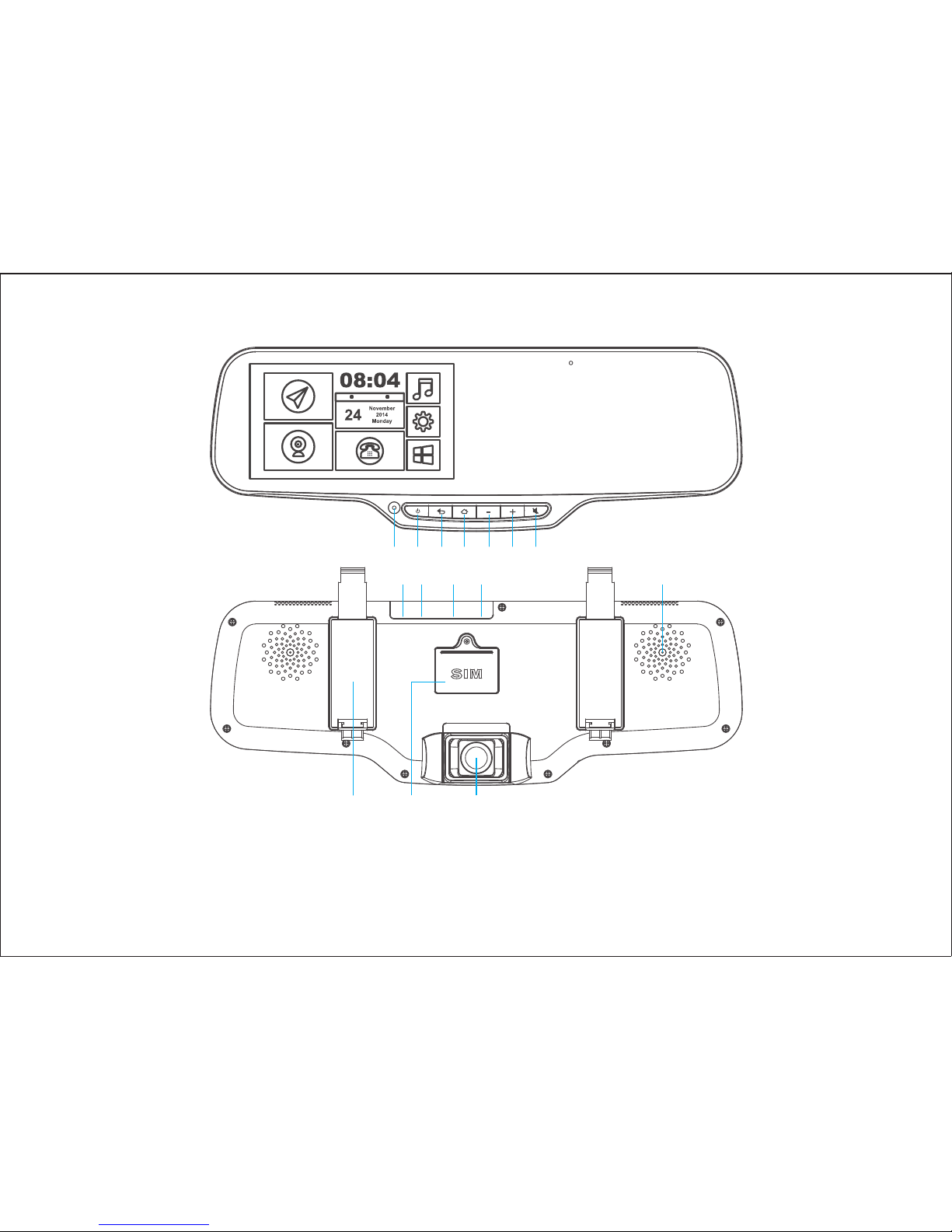
Interface
2
1 2 3 4 5 6 7
8 9 10 11 12
13 14 15
1.Inward camera 2.Power 3.Back 4.Home 5.Volume- 6.Volume+
7.Mute 8.Power interface 9.AV interface 10.U S B interface 11.T F card slot
12.Speaker 13.Strap base 14.SIM card slot 15.Front camera
Page 5

CPU
3
Quad-core M T6582
OS
Android 4.4
LCD screen
5.0" Capacitive Multi-point touch screen
QHD 960*540 resolution
Auto-adjusting Brightness: 280-340 cd/㎡
Tri-Camera
Front-facing camera
For video recording
Rotatable Full H D 1080P camera
Adjustable viewing angle: FOV (D) 150°
Driver-facing camera
For in-car Live tracking service
0.3 mega pixel, resolution 640*480
viewing angle 61.6°
Reversing camera External CVBS camera
GPS Tracking
GPS
GPS Navigation
Google/Waze/Navitel/IG O Map etc.
Built-in GPS antenna
Free GP S Tracking Service with Platform and App
Specification
Page 6

4
DVR
Full HD 1080P, 30fps
3G
GSM 850/900/1800/1900
WCDMA850/1900/2100
Bluetooth
Bluetooth Hands-free Phone IOS & Android phone supported
Bluetooth for data transferring Android phone supported
Memory
RAM 1GB
Flash memory EMMC 8G B
TF Card memory Max 32GB
Speaker
3040 BO X
Battery
1000mAh
Voltage
DC 12V-24V
Page 7

Basics
1. ON/OFF
1) External 12V supply
Press and hold power button to turn on device; same operation to turn off device.
When power supplied by cigarette lighter, device would boot up automatically when
engine turned on.
Note:
When connected to external power, it’s not allowed to power off the device. Manually to
power off the device would cause reboot automatically.
2) Internal power supply
Turn on: Press and hold for 3 seconds to turn on.
Turn off: Press and hold for 2 seconds to turn off.
2. SIM Card installation
Unbolt the S I M cover on the backside of the device by screwdriver. Insert the SIM card
followed the indicated direction.
Note:
Make sure the power is off before removing the S I M card.
5
Page 8
Home page
6
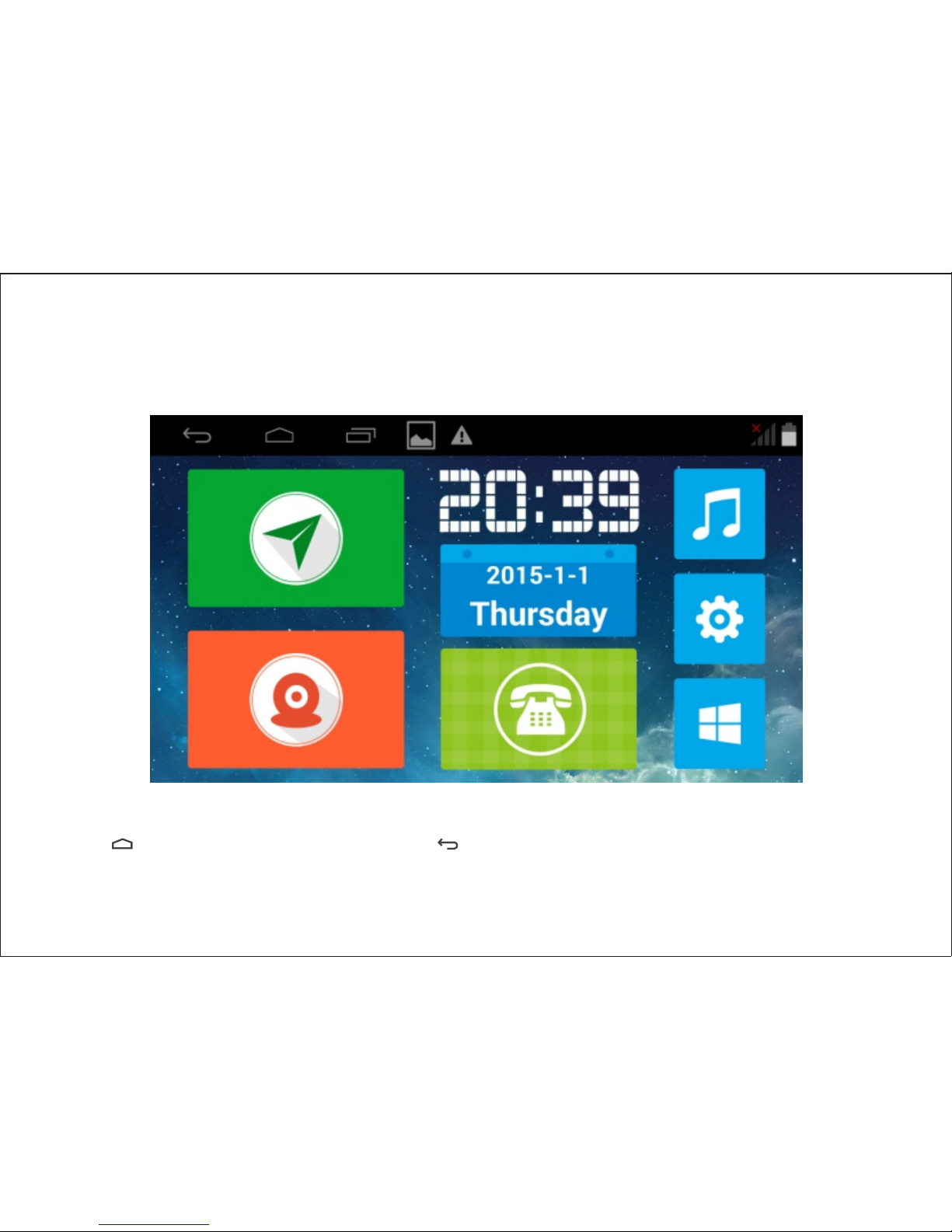
The system provides G PS navigation, D V R , Bluetooth, media player, Android App store.
Tap button to return to main screen, button to return to last screen.
Page 9
Navigation
7
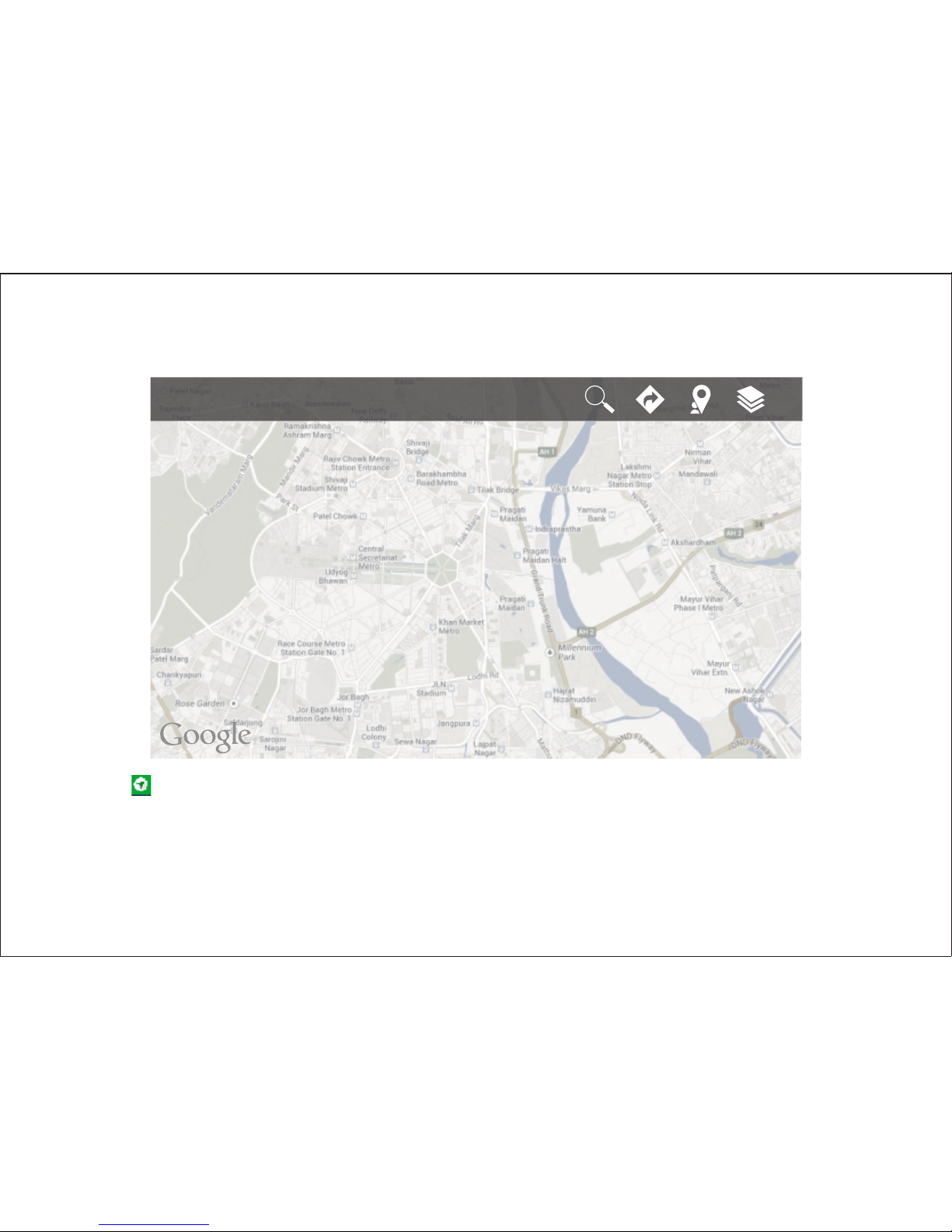
1. Tap to enter Google Map for navigation.
2. 3G/GSM network or Wifi should be available to activate the Google map.
3. When there is no SIM card, offline navigation could be set as preference with offline
map downloaded.
Page 10
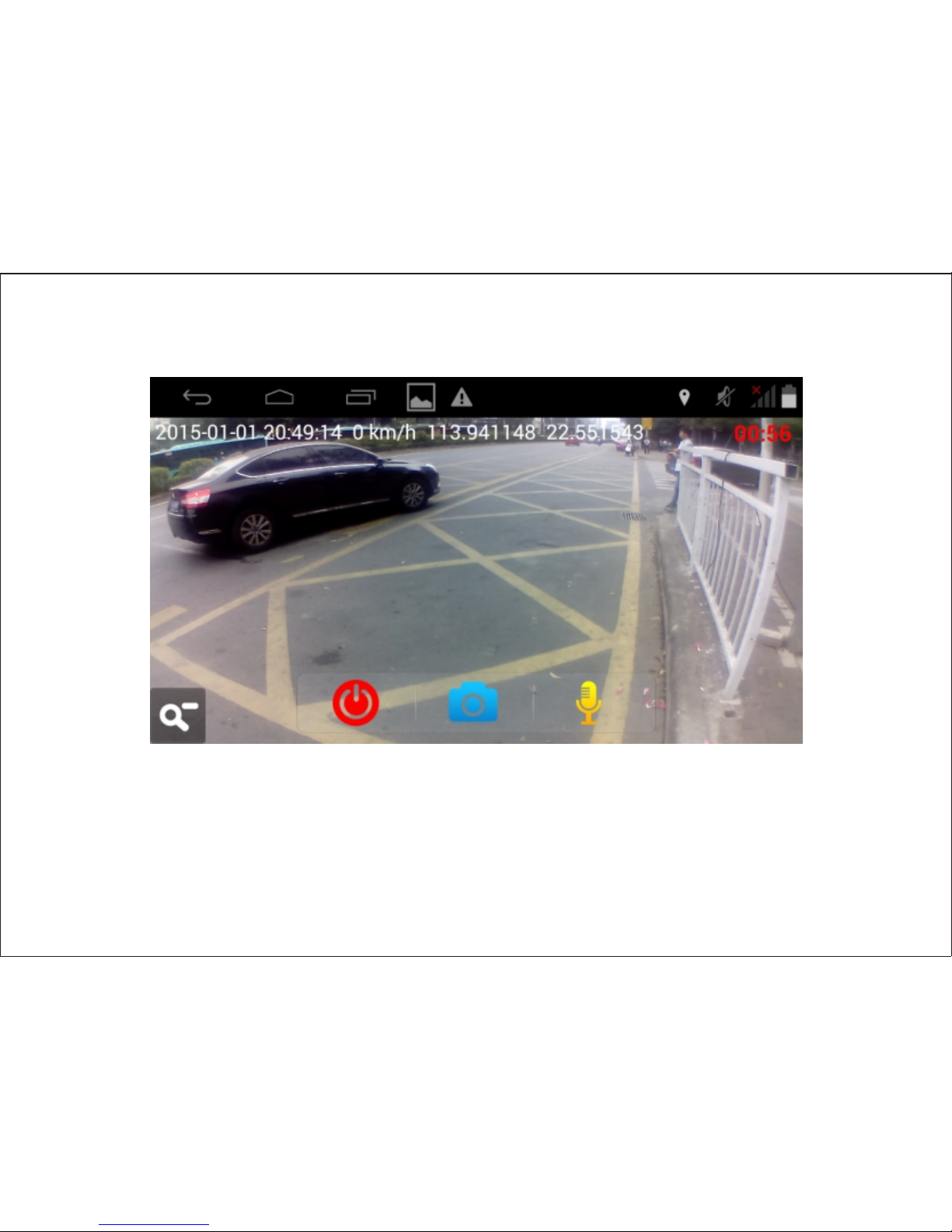
DV R
8
1.D VR O N &O F F
When powered by cigarette lighter, D V R would operate as the device turns on.
When power is disconnected and no vibration is detected in the following 4 minutes,
DVR would stop working.
Page 11
9
2. Operation
Tap to enter DV R full screen, on which you could do setting as resolution, video
record, photograph, size down the window, mute record etc.
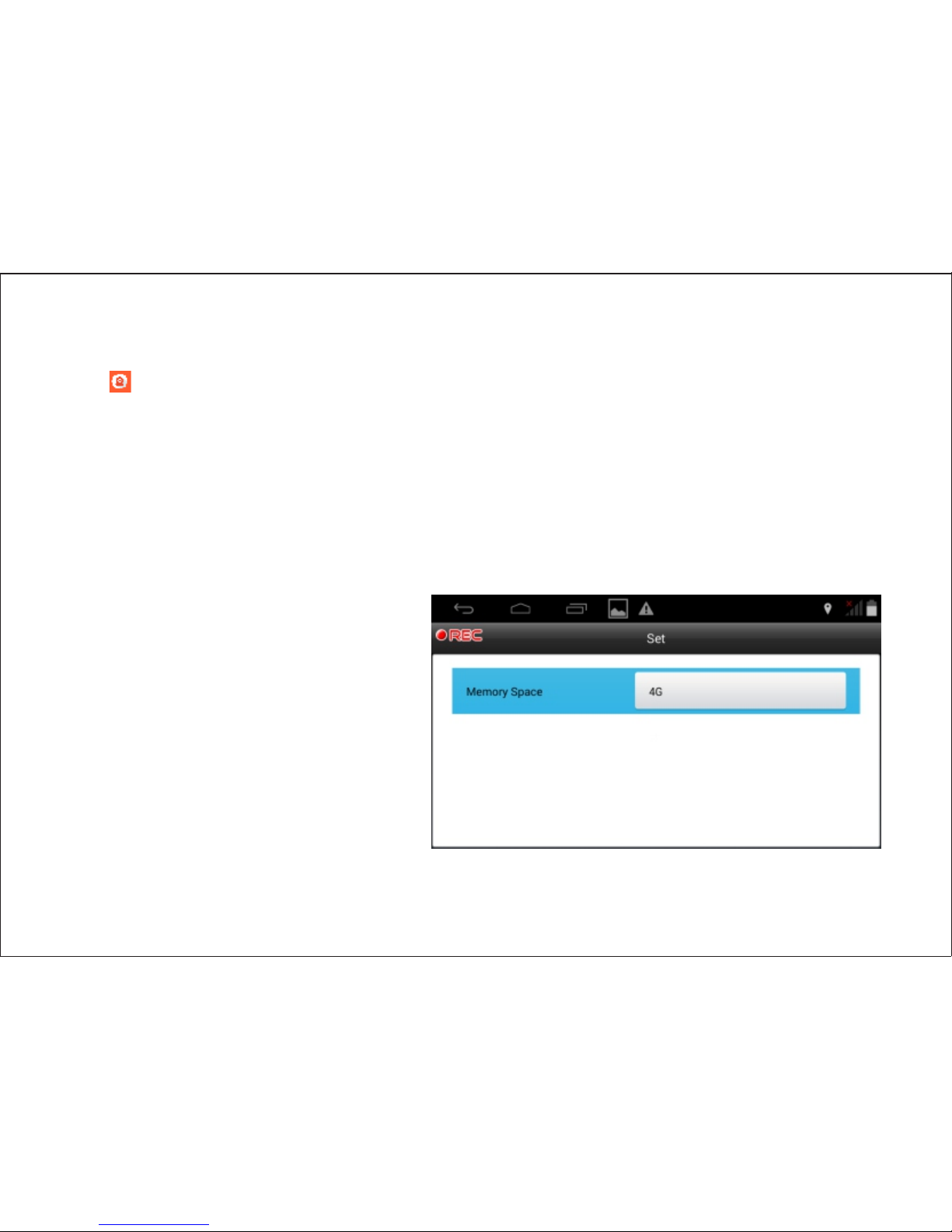
3. Storage
When T F card is inserted the system would store the video in T F card that has available
space. You could set the memory space within the maximum T F card storage.
When there is no TF card, the system would store the video in the internal storage that
has available space.
Page 12
10
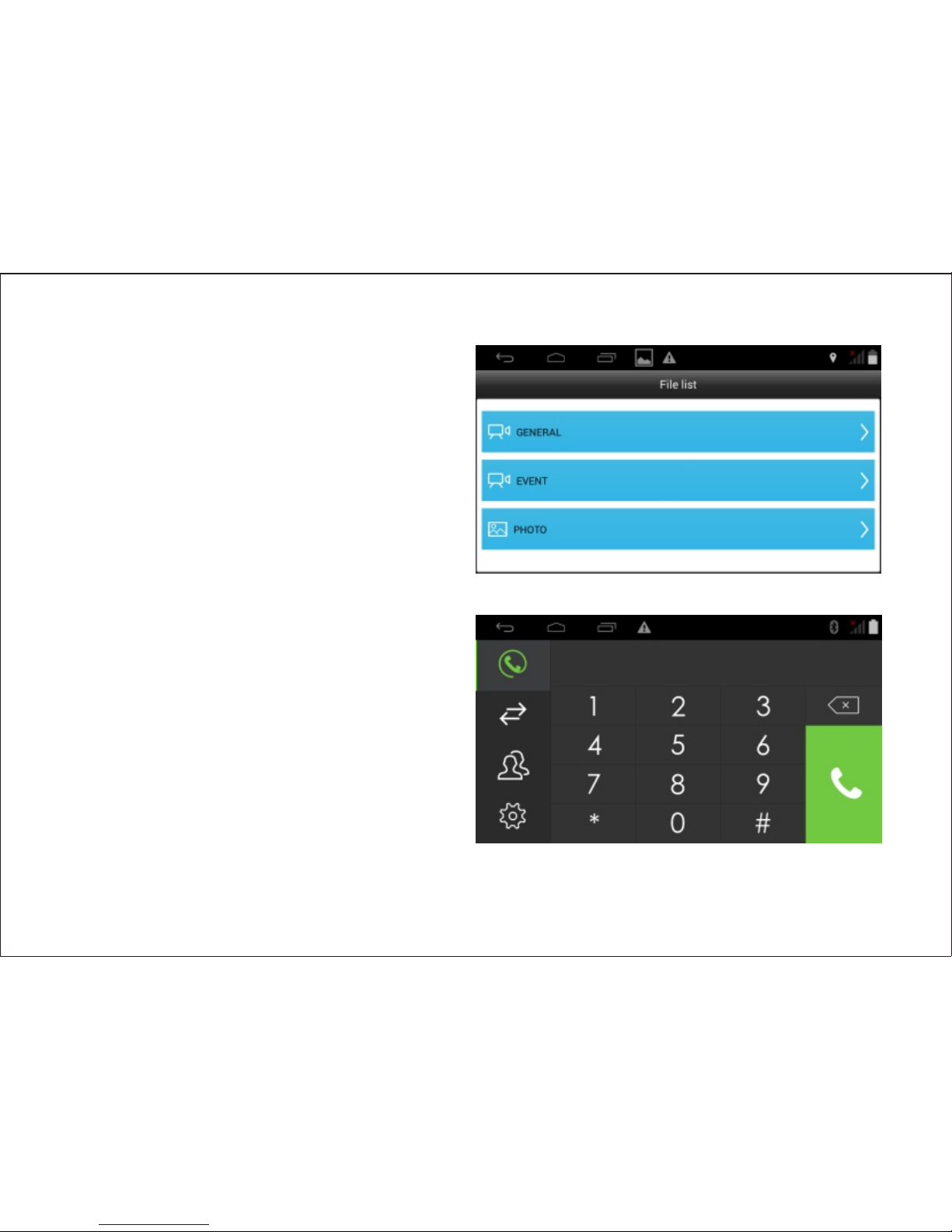
The default resolu tion of recorde d
video is 1080P. Each record period is
3 minutes. Video is stored in the file
“Gen e ral ” . Ea r l y r eco r d w oul d be
replaced when space is full.
When accident like emergency brake
or crash happens, D V R would record
for 15 seconds more and store this
video in the file “Event”
Bluebooth calling
T h e f u n c t i o n a s k s f o r b l u e t o o t h
pairing with mobile phone first.
After pairing, you can dial or answer
mobile phone through the device’s
Bluetooth hand free calling.
Page 13
11
GP S tracking
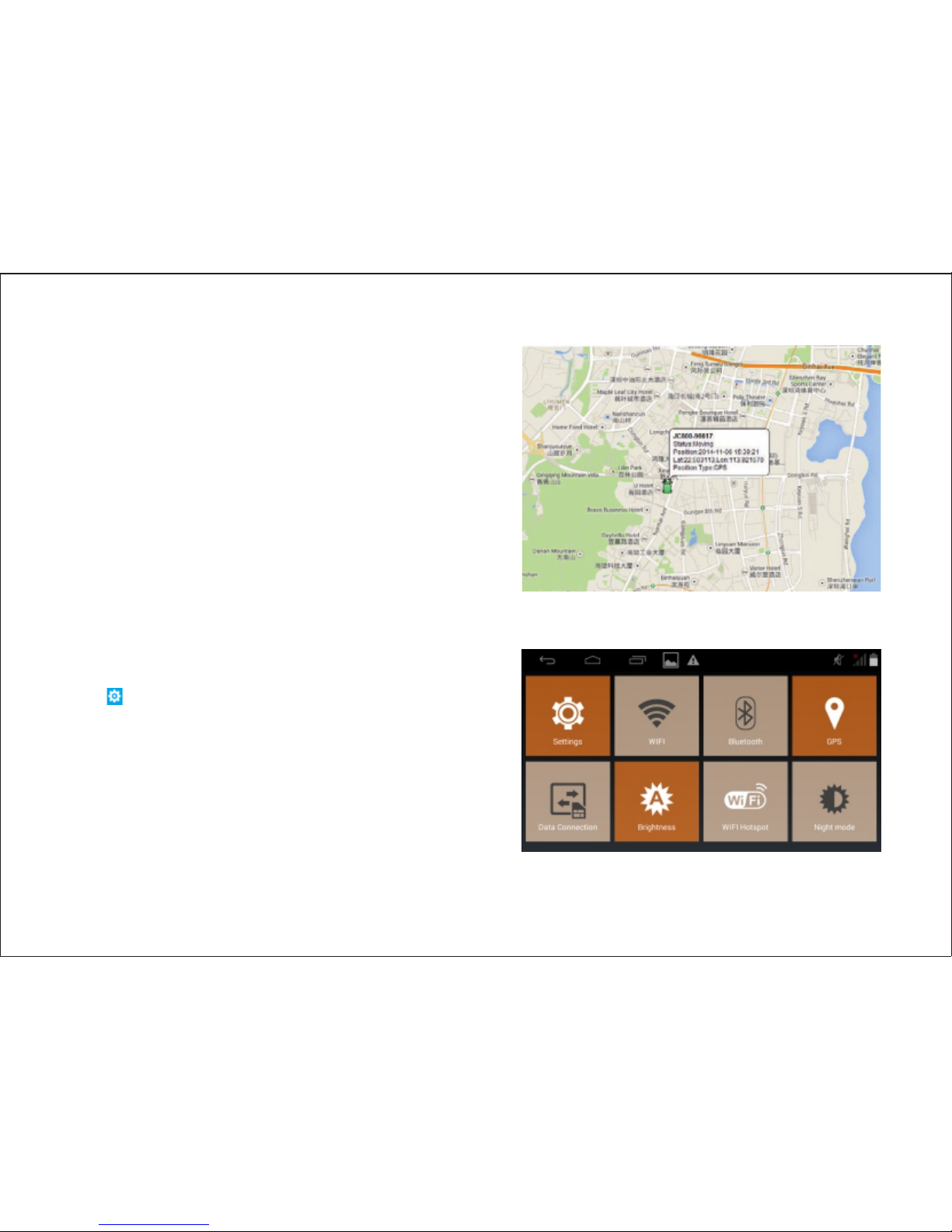
1. Insert SI M card access to G PRS, after
connection the device will send GPS data to
platform.
2. Tr a cking f unction is on under default
setting. First fix will take around 2-5 minutes.
3. Place the device in open air for accurate
positioning.
4. Please contact your local vendor for the
tracking platform address.
System setting
Tap to enter setting page where you can set
brightness, WIFI switch, navigation, etc.
Page 14
12
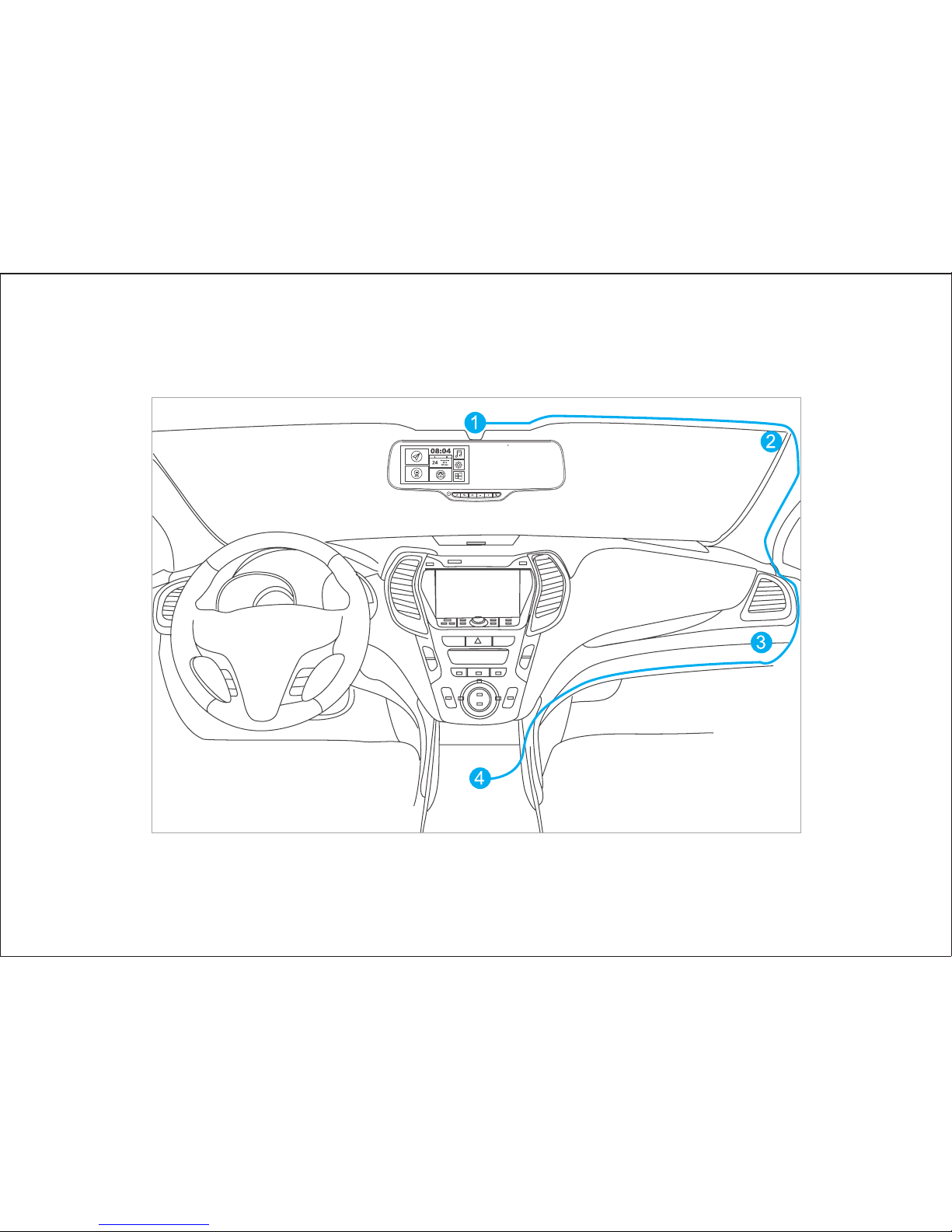
Wire diagram
Page 15

Page 16

 Loading...