

Page 1
Dosing Pump DP-2
User’s manual
Jecod DP-2 dosing pump is an automatic dosing pump designed to enable
the addition of liquids to an aquarium at user defined times and volumes. Before
operation , please read the manual fully.
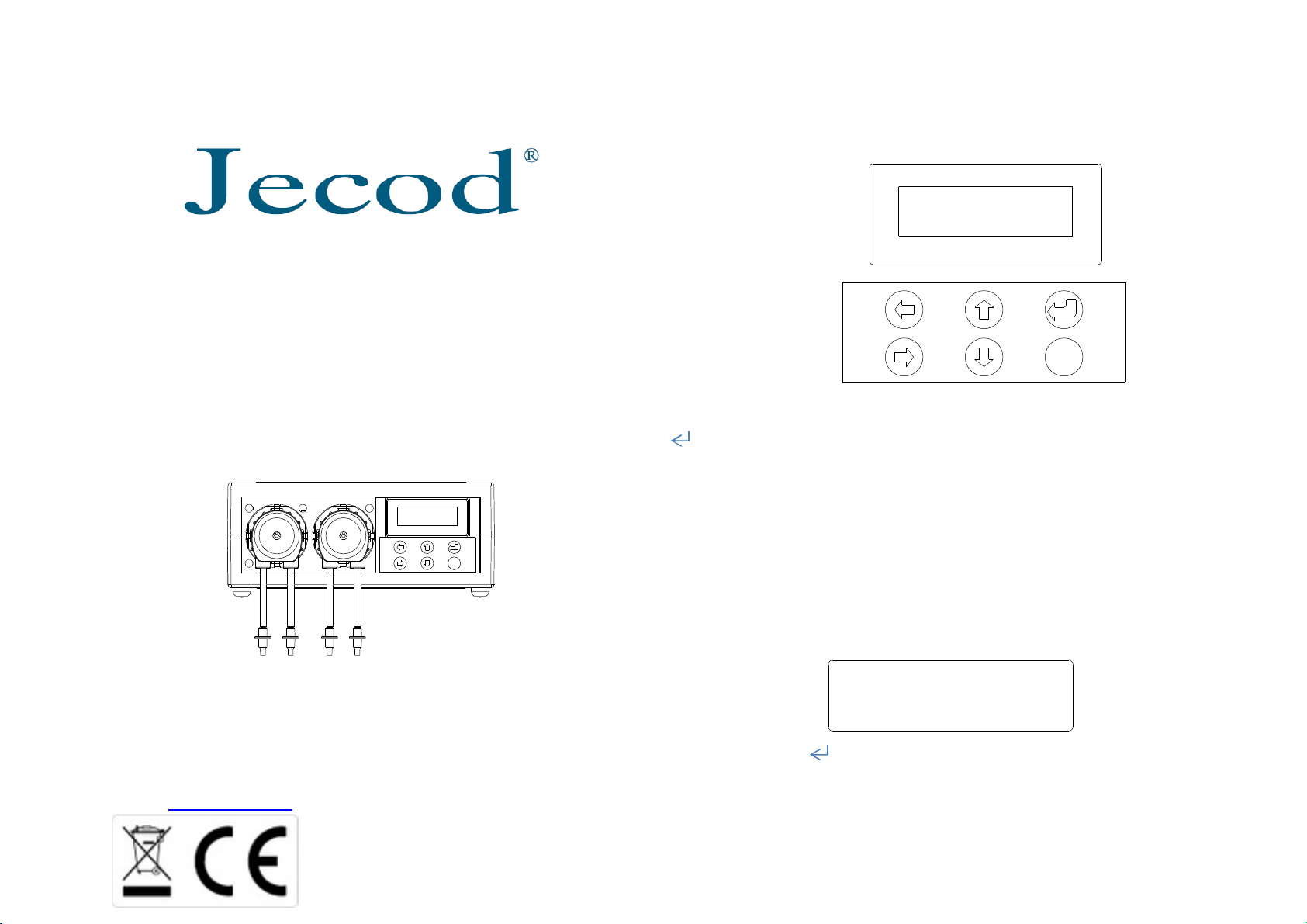
ESC
Control Panel Overview
Date: 2015-01-01
Time: 12:00:00
ESC
: Menu & confirm
ESC: Return back
↑: shift Up, plus
↓: shift down, minus.
←: shift left
→: shift right
Company:Jecod Co.Ltd
Address:TONGMAO INDUSTRIAL PARK, DONGSHENG TOWN,
ZHONGSHAN CITY, GUANGDONG PROVINCE
Tel.: +86-760-28136716/17/18 Fax: +86-760-28136725
E-Mail: [email protected] Website: www.jecod.com
Date and Time Setting
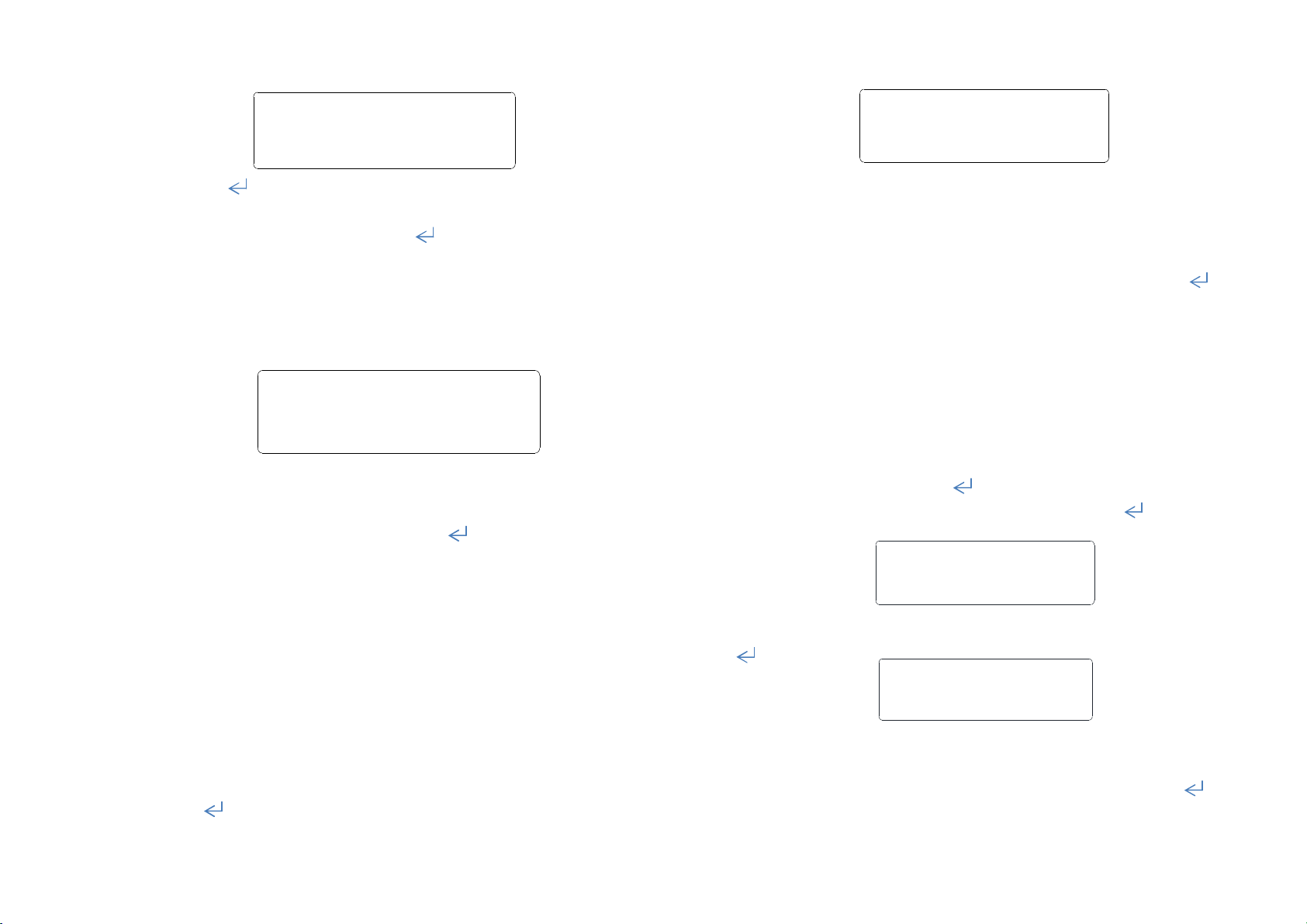
Set New Date:
2013-11-13
Press “ „to enter Menu, select“Set Date & Time”by
pressing“↑”“↓”button. Press “←”“→”to shift between
date fields. Increase/decrease by pressing“↑”“↓”button.
Page 2
Set New Time:
Pn Correct Fluid
12:00:00
Press“ ”to save the data and move to clock setting screen,
press “←”“→”button to select the time digit. Press “↑”“↓”
to increase/decrease digit. Press “ ” to save and return back
to Main page
Prime pump tube
Menu Mode:Pumps
1 2 3 4 5 6 7 8
From the main menu, press either “←”or“→” button
to enter the manual mode. To select the required pump press
either “←”or“→”. Press and hold “ “ to run the pump and
prime the tubing.
Before use, check each pump operation. Prime the tubing to
ensure the tubing is filled with liquid. Make sure that no air
bubbles are present in the tubing. Perform calibration.
To achieve greatest precision, please keep the dosing pump
horizontal.
Flow rate calibration
From main page, Press“↑”or“↓”button to enter Calibration
mode. Select the desired pump by pressing“←” or “→”and then
pressing“ ”
100ml = 200
Calibration Method:Make sure pump tubing is primed with
liquid first. Using a measuring cylinder( 100ml or larger), place
the pump outlet tube into the measuring cylinder – make sure
the inlet tube is in liquid. Press "↑“ to start calibration. Once
100 mL has been dispensed, press "↑“ again to stop the pump.
Press” ” to save the calibration value.
Repeat for all other pumps. press“ ESC“ after calibration of all
pumps to return to main menu.
Auto-Control setting
From main menu, press “ ” to enter setting menu. Press
“↑”“↓”button to select “Set Program”,press“ " to select
the pump.
Select Pump:
1 2 3 4 5 6 7 8
Pump selection:press“←”“→”to select the pump. Press
“ ”to enter the number of doses per day setting.
Pn Times Dosing:
For: 1 (1~24)
Doses per day:Choose from 1-24 times per day. Press “↑”
“↓” to increase or decrease the number of doses .Press“ ”
to enter the interval days setting.
Page 3
Pn Interval Days:
For: 0 (0~30)
Interval days - this sets the number of days between dosing - it can
be set in the range 0 -30. 0= dosing every day, 1 = dosing every other
day etc.
Press “↑”“↓” to increase or decrease the number of
days. Press “ ”to enter dosing volume setting
Pn Dosing Volume:
Num: 1 -- 0010ml
Dosing Volume:The volume to be dosed. Press “←”“→”
to select the volume digit, press“↑”“↓”to increase or decrease
(Max. setting is 9999ml). Press“ ” to enter the first dosing time
setting. Num“1” means 1st dosing period.
Pn Dosing Time:
the flow rate of each pump.
4, Do not disassemble the product.
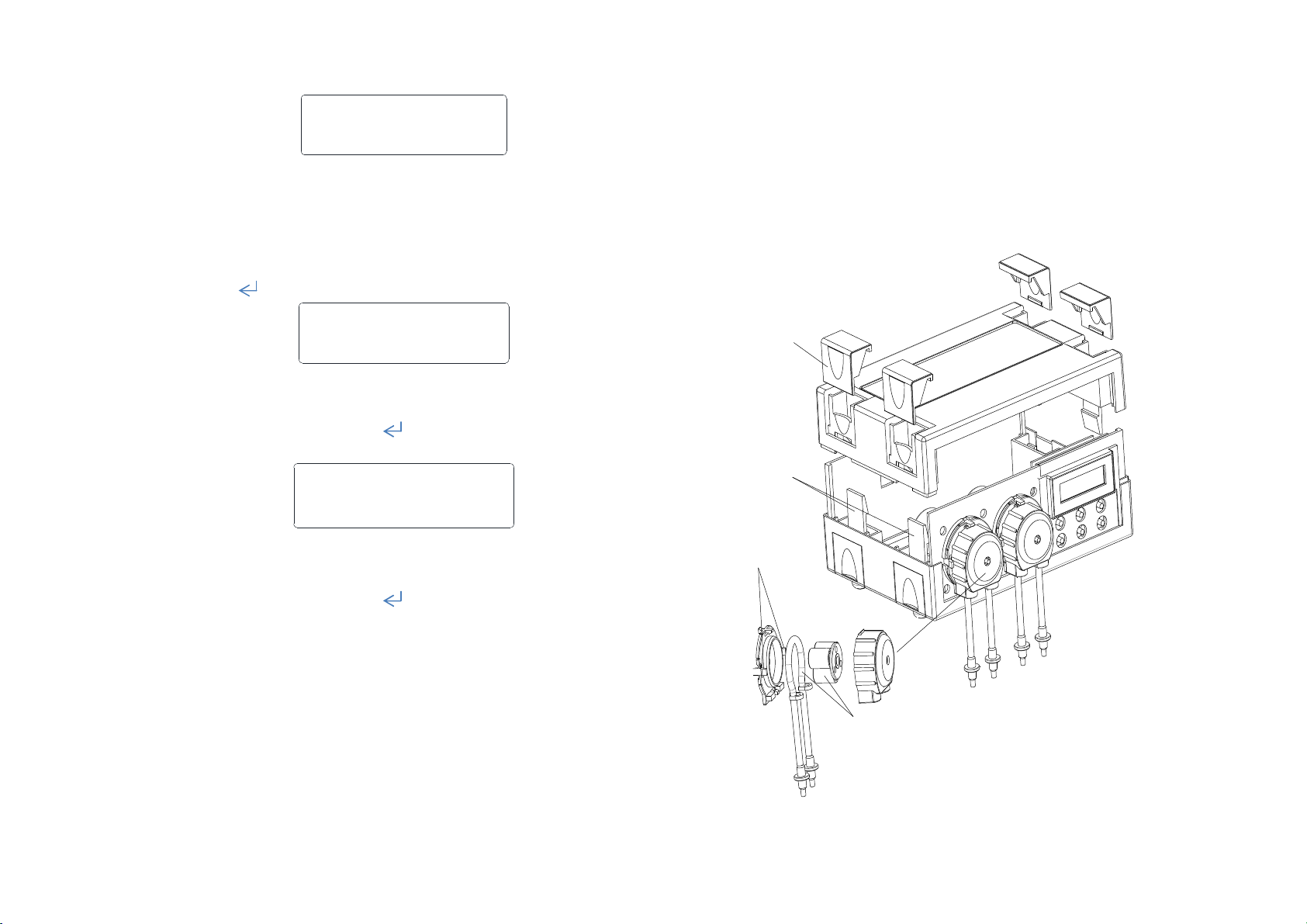
Assembling drawing
Press and pull the click
strongly when disassemble
the grey card
Loose the four
click,dispart the
above & under
cover slightly
Num:1 -- 12:00
Dosing time set:Set the time the pump starts to dose.
Press “←”“→” to choose the hour or minute. Press“↑”“↓”
to increase or decrease。Press“ ” to enter the next dosing
period volume setting. Repeat until each dosing period is set.
Repeat for each pump. When finished setting all pumps, press
ESC“ to return to main menu.
Warning
1, For indoor use only. Avoid contact with moisture and humidity.
2, Do not use with corrosive liquids or liquids that can easily crystallise.
3, Before use, please prime the tubing with liquid via manual mode, and calibrate
Press the lock click
strongly when disassemble
Replace the rubber hose,Make
sure the position and
tightness of the hose please
 Loading...