

Page 1
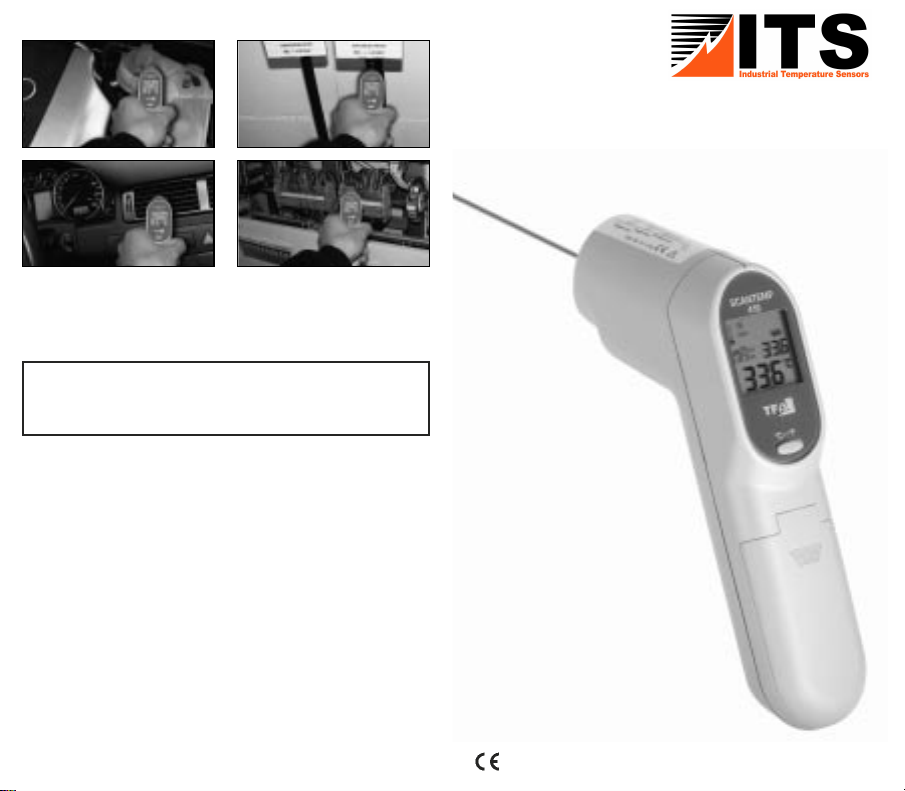
Operating Instructions
LASER RADIATION
DO NOT STARE INTO BEAM!
CLASS 2 LASER PRODUCT
MAX. OUTPUT < 1 mW, WAVELENGTH 635 – 650 NM
Page 2
ScanTemp 410 – Infrared Thermometer
Introduction:
We are confident you will find many uses for your
"ScanTemp 410” non contact thermometer. It is compact
and easy to use. Within one second you can safely measure
surface temperatures without contact, even of hot, hazardous, or hard-to-reach objects.
With the laser pointer the measuring point can be focused
exactly.
Features:
• 2 x 1.5 Volt batteries AAA included
• Large LCD-display with backlight
• Indication of measured value and maximum value
• Auto power of
•
Switch °C/°F
• With laser pointer
Use:
•
Just aim at the measuring
object and press the measure
button
Read the surface tempera-
•
ture in a second.
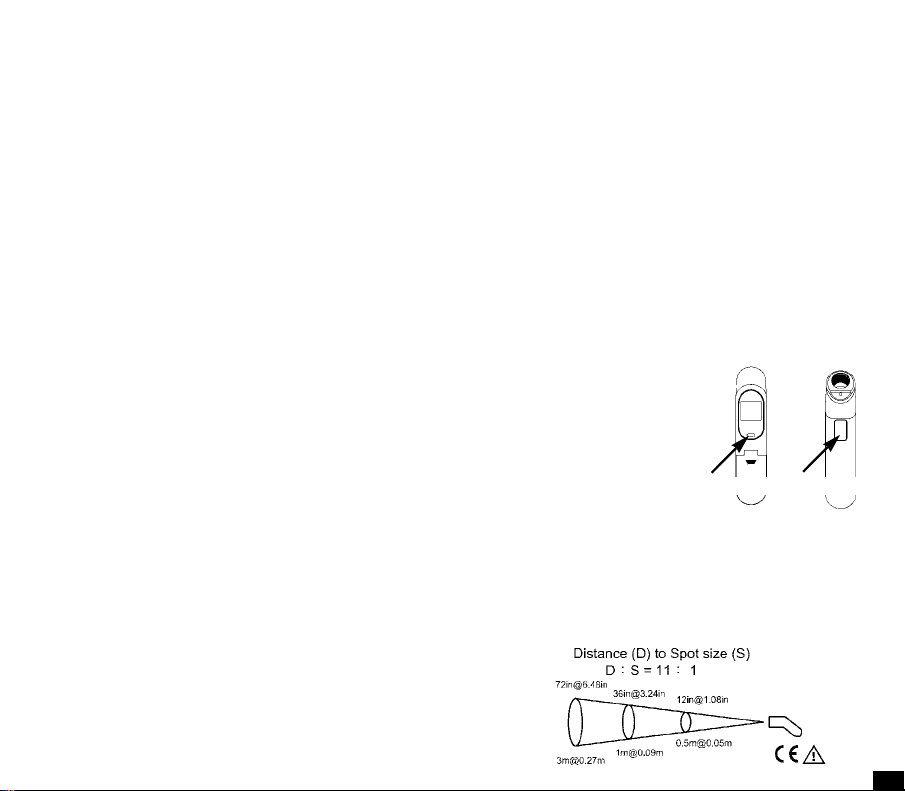
Distance, Spot Size, and Field of View
As the distance (D) from the object increases, the spot size
(S) of the area measured by the unit becomes larger at a
ratio of D:S = 11:1. T
reading, aim at the target as near as possible.
f after 15 seconds
°C/°F-Button Measure-Button
o get the most accurate temperature
Page 3
ScanTemp 410 – Infrared Thermometer
Safety Cautions:
EMC/RFI
• Protect the unit from EMI (Electro
Magnetic Interference) from induction heaters and microwave
ovens and Electro Static Discharge.
Readings may be affected if the
unit is operated within a radio frequency electromagnetic field
strength of approximately 3 volts per meter, but the performance of the instrument will not be permanently
affected.
Attention
• Do not look directly into the laser beam – permanent
eye damage may result.
• Keep out of the reach of children
• Protect the unit from "thermal shock” (caused by large
or abrupt ambient temperature changes).
•
Do not leave the unit on or near objects of high temperature.
• Not recommended for taking human temperature.
Battery:
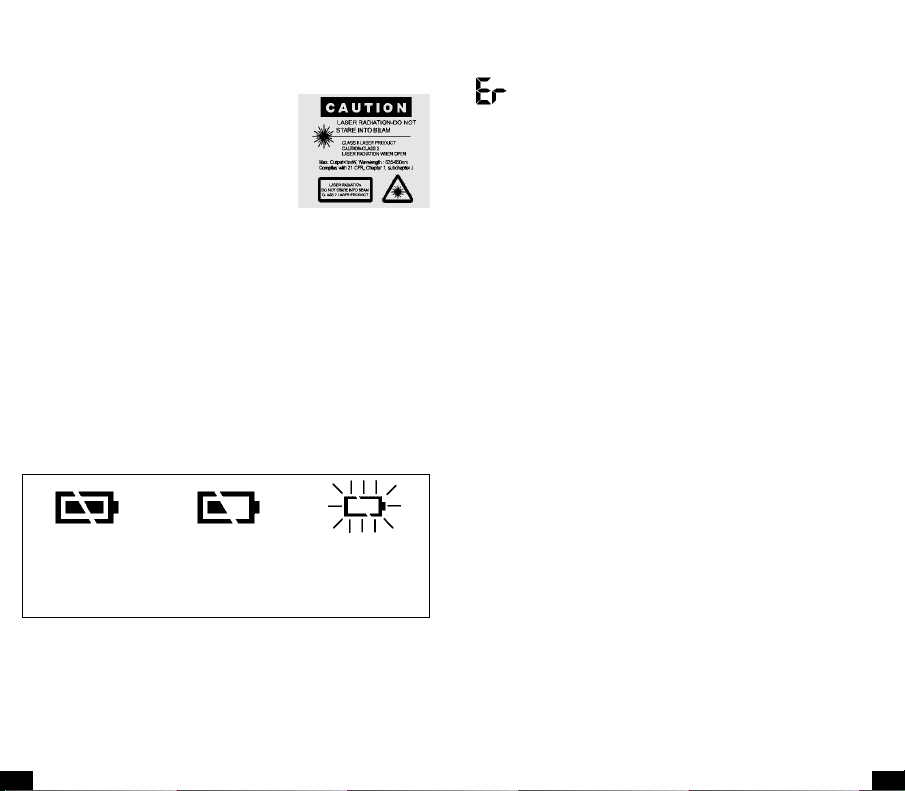
Battery OK Battery almost
• Change the battery when the middle or right battery
power symbol appears on the display (2 x 1,5 V
•
Remove the battery compartment opening the cover in
direction of the arrow.
Attention: Confirm the unit is power off before changing battery.
• Do not dispose of empty batteries in household waste.
Take them to special local collection sites.
exhausted
replace
soon
exhausted
Battery
replace
at once
olt AAA).
ScanTemp 410 – Infrared Thermometer
Trouble Shooting:
➞ Confirm the unit is power off before.
➞ Remove the battery for 1 minute, then repower it.
➞ If the error message does not disappear, contact the
retailer for further service
Reminders:
• Not recommended for use in measuring shiny or polished metal surfaces (stainless steel, aluminum, etc.)
• The unit cannot measure through transparent surfaces
such as glass or plastic. It will measure the surface temperature of the glass instead.
• Steam, dust, smoke, etc., can prevent accurate measurement by obstructing the unit’
Care and Cleaning:
•
The Sensor Lens is the most delicate part of the thermometer. Please protect the sensor part from dirt. Gently
clean it with a soft cloth moistened with water or medical alcohol.
• Avoid splashes and spills on the unit.
•
Store at a temperature of between -20°C to +65°C.
Specifications:
Temperature range: -33 .. +500 °C
Accuracy:
Operating environment:
Storing conditions: -20 .. +65 °C (-4 .. 149°F),
Response time: 1 second
Optical resolution: 11:1
Emissivity: 0,95 fixed
Battery life: Minimum 14 hours
Dimension: 175 x 39 x 80 mm
Weight: 180 g
s optics.
(-76 .. +932 °F)
+2 °C or +2% of reading
(whichever is greater)
0 .. +50 °C (32 .. 122°F)
95%RH
 Loading...