

Page 1
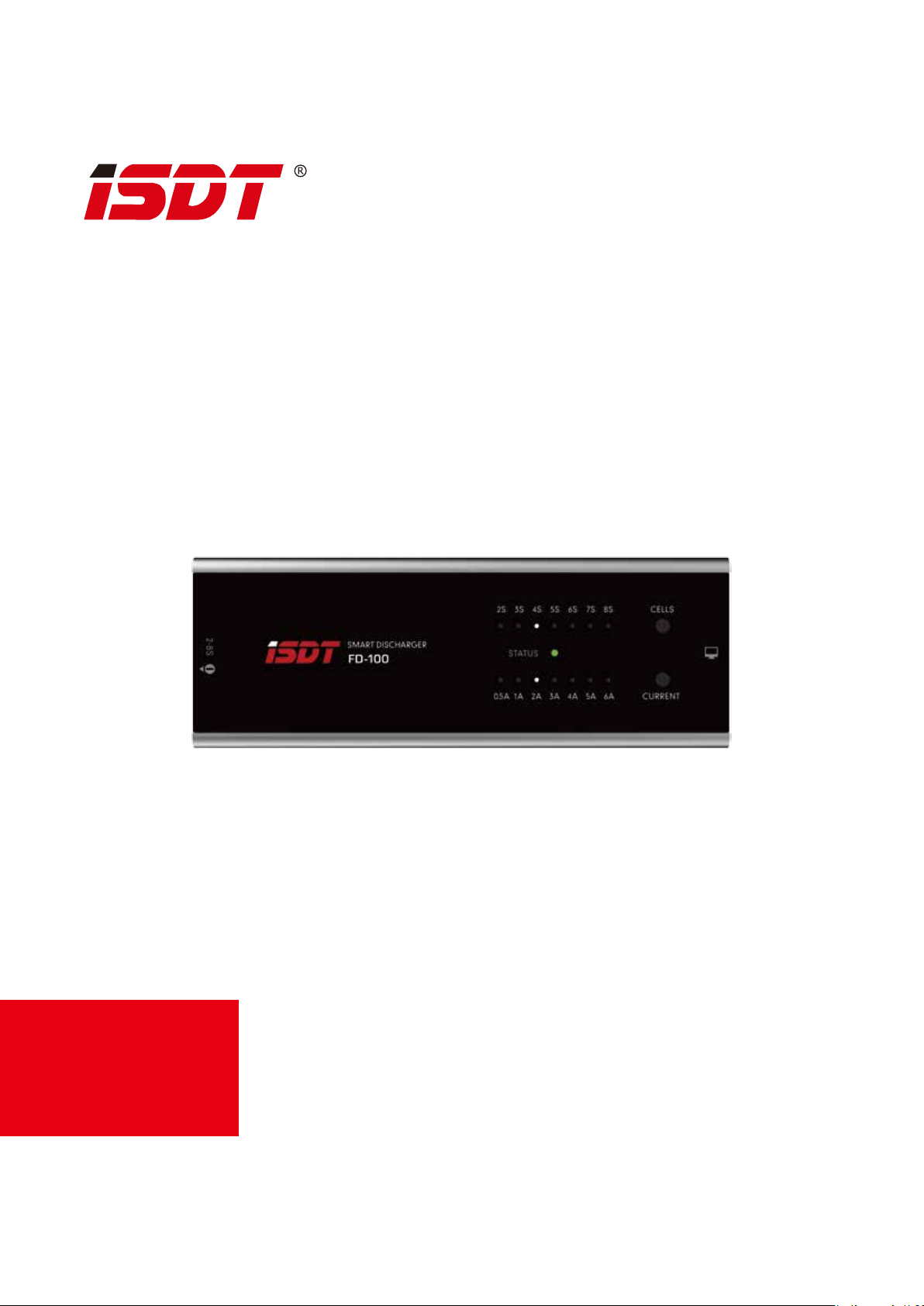
SMART DISCHARGER
FD-100 80W
GE.211
Vtfs!nbovbm Wfs!2/2/223
Page 2

Ejtdmbjnfs!boe!Xbsojoh
Thank you for using the product from SHENZHEN ISD TECHNOLOGY CO.,LTD
This product is specifically designed for RC, not appliance in other areas. We strongly recommend
you read our user’s guide before using FD-100. ISDT accepts no liability for damage, injury or any
legal responsibility incurred directly or indirectly from the use of this product.
ISDT reserves the right to update the design, appearance, function and usage requirement without
notifying.
10. 20, 2017
Sfwpmvujpo!Tubsut!Ifsf
xxx/jteu/dp
Page 3

Qspevdu!Jogp
Max Discharging Power
Min input voltage
Max input voltage
Support battery cells
Support battery type
Self power o protection
Wrong voltage alarm
Wrong cell setting alarm
Beeper
Weight
80W
6V
35V
2-8S
LiPo, LiHv, LiFe, LiIon
support
support
support
80dB
295g
Gvodujpo!Cvuupo
2/!Dfmmt!tfmfdujpo!cvuupo!
3/!Dvssfou!tfmfdujpo!cvuupo!
4/!Xpsljoh!tubuvt!mjhiu
5/!Cbuufsz!joqvu!qpsu
6/!QD!qpsu
7/!Cffqfs
67NN
4
2
3
23 1 N N
1
6
5
54NN
Page 4

Pqfsbujpo!Hvjef!
1.Plug in battery, select cells button
2.Make sure selected number of cells is correct
( For wrong number of cell selection, red light will blink, beeper
alarm for 60 second, then auto power off )
3.After 5 second, FD100 would start working, green light will blink.
4.When battery voltage reaches cut off voltage, green light will be always
on, beeper alarm for 60s, then auto power off.
( Default discharging voltage is 3.80v /cell, voltage could be modi-
fied through PC software, ISDT Q6 pro, T8 smart charger. Adjust-
able range 3.3v-4.0v/cell )
Tbgfuz!Qsfdbvujpot;
Before connecting battery, make sure your battery
voltage is within working voltage of FD100.
FIRE HAZARD!WARNING!
During operation, make sure number of cells is correct
Failure to observe safety procedures may cause damages to property or injury.
Only operate this product in a cool ventilated area away from flammable objects.
This unit will generate a lot of heat during usage, make sure air is floating,
avoid any physical contact to the metal part of this unit during usage.
Page 5

QD!Pqfsbujpo!Hvjef!
JTEU!tdMjolfs
B!Ejtdibshf!dvu.pgg!wpmubhf!tfuujoh;
1,Connect the FD-100 and PC with a scLinker
2,Please make sure the battery is within allowed range rst,then
choose the series to get the FD-100 start work.
3,Use the “FD-100 linker.exe” to set the storage voltage(3.3V-4.0V/cell).When the background color turns green,the setting was successful.
Page 6

QD!Pqfsbujpo!Hvjef!
JTEU!tdMjolfs
C!GE.211!wpmubhf!dbmjcsbujpo!;
1,Connect the FD-100 and PC with a scLinker
2,Please make sure the battery is within allowed range rst,then
measure the battery’s real voltage and take a note.
3,Use the “FD-100 linker.exe” to ll in the real voltage(measured on
step 1),and then click “Calibration(F8)” botton.When the back-
ground color turns green,the caliration was successful.
* You could use ISDT BG-8S/BC-8S/Smart Charge to measure the battery’s real volt-
age. Please make sure the balance port was connected when you use a smart char-
ger.Or you could also use a multimeter to measure the voltage.
* In order to ensure proper functioning of FD-100,please repower after calibration.
Page 7

XXX/JTEU/DP
Shenzhen ISD Technology CO.,LTD
Address:!5th Fl., Bldg. 9, Mabian Industrial Zone, Yangtian Rd.,
Block 72, Xin'An Street,Bao'An District, Shenzhen, PRC Email:hi@isdt.co
Changes in specications and data will not be further noticed.
 Loading...