

Page 1
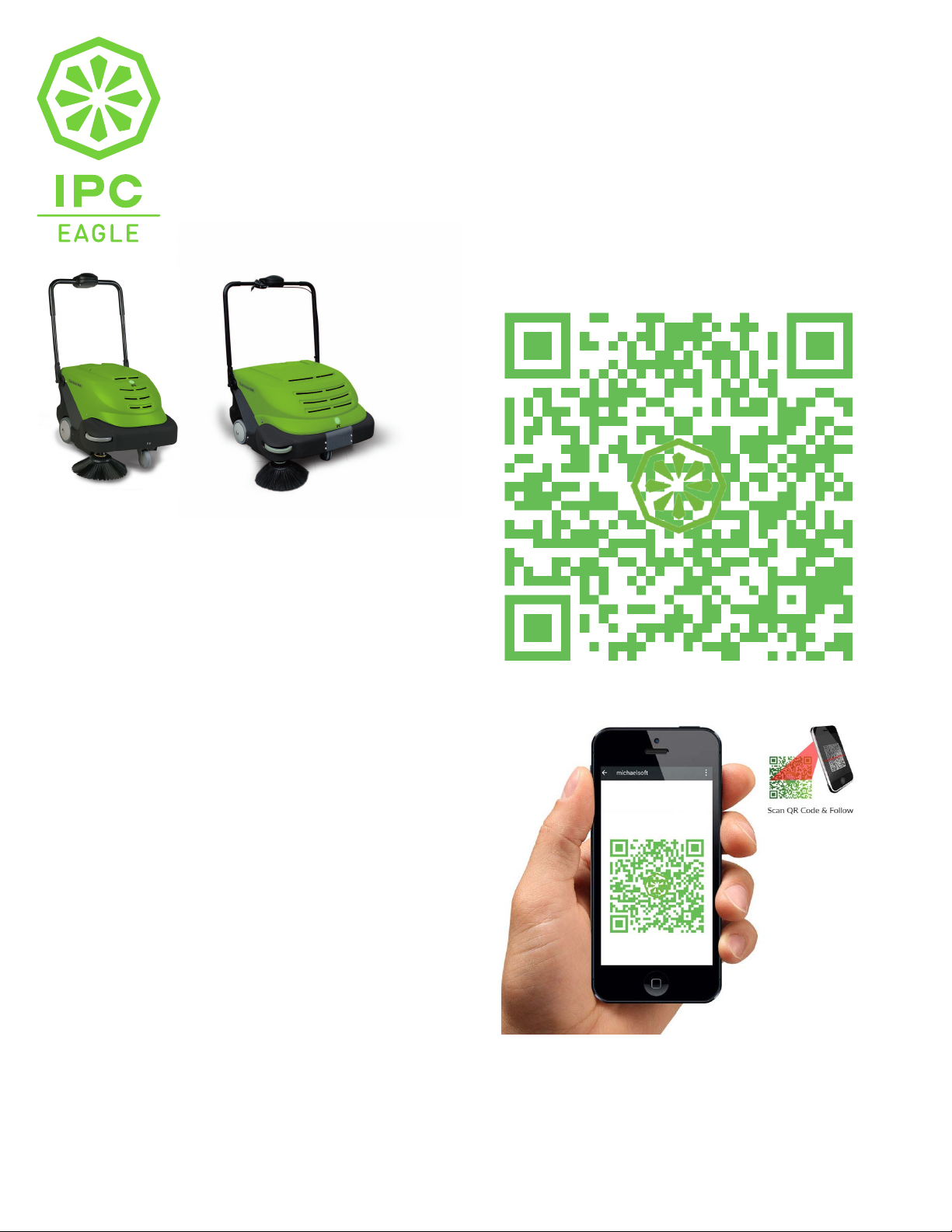
SmartVac
™
464, 664 Battery Powered Vacuum Sweepers 24” and 32”
THANK YOU AND CONGRATUALTION ON YOUR NEW SMARTVAC™
SmartVa
c™ 464
SmartVac™
664
To access your
SmartVac™ Setup and
Operations Guide Video
scan the QR code to the right using your
smart phone.
The QR code links directly to the video just
scan the code and your phone will do the
rest!
-To be able to scan QR Codes you will need to have a QR Code
Scanning App. installed on your smart phone.
-If you phone does not have a QR Code reader, please
download an FREE App. from you App. store (Play Store,
Apple App. Store or Windows Store) search for a 'QR scanner,
install and open. (Hit: Choose the highest ranked free App. for
best quality)
-To scan a QR code first open your QR scanner App. Adjust
your phone so the camera is focused on the code, and it fills
the specified area. You do not need to take a photo, once the
App. detects the code, it will automatically take you to the
App. or the URL. If you are shown a URL just touch the URL to
proceed to the video.
No camera? No worries, just visit
http://bit.ly/SmartVacSetupOperationGuide
to view our Online video.
IPC Eagle provides the Apps. listed on this insert as a resource for customers to
explore their new purchase and view features, info, and product operations. IPC
Eagle is not endorsing or recommending any Apps. listed on this insert and is not
responsible for any data usage or App malfunctions that may occur.
 Loading...