

Page 1
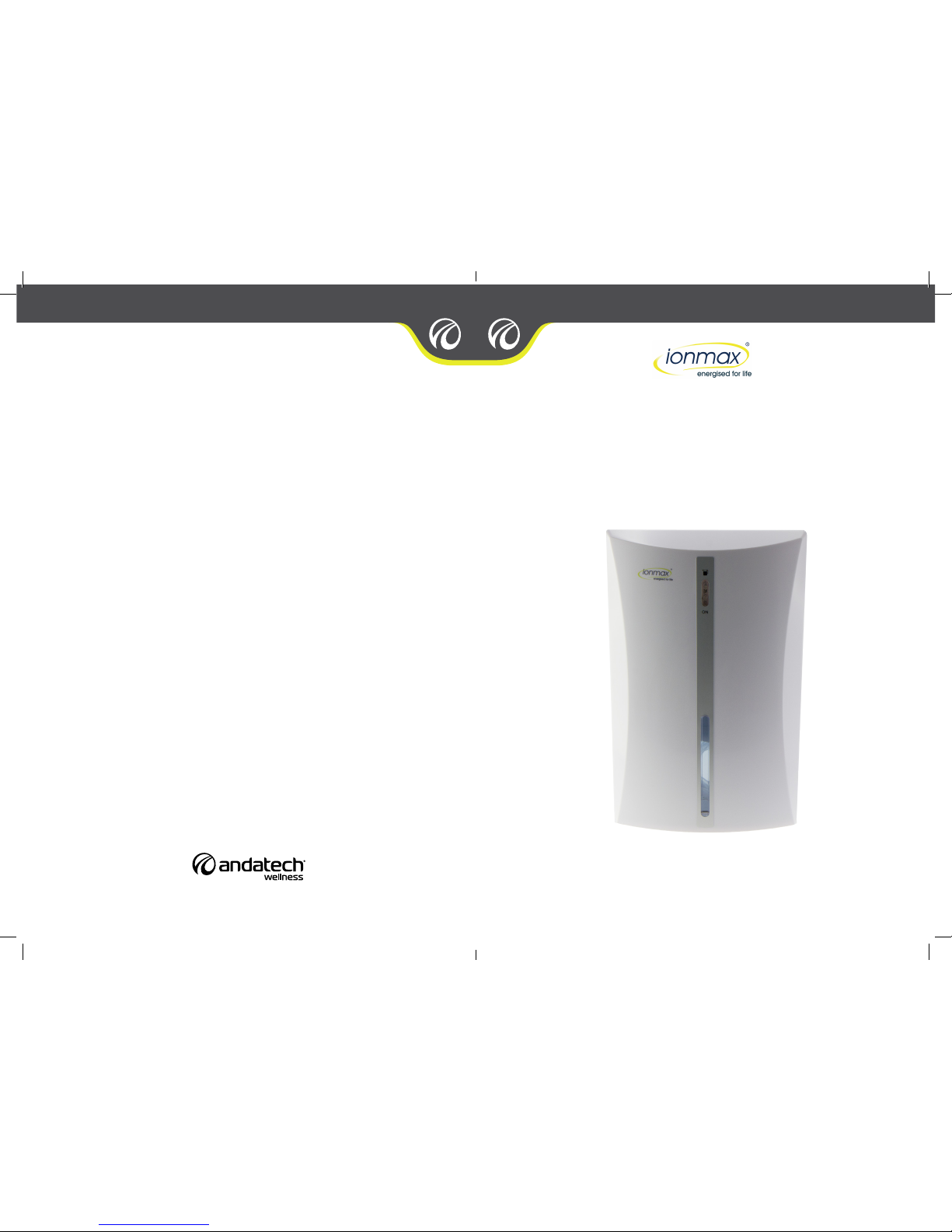
Inside you will nd many helpful hints on how to use and maintain your dehumidier properly. Just a
little preventative care on your part can save you a great deal of time and money over the life of your
dehumidier. You’ll nd many answers to common problems in the chart of troubleshooting tips. Review
the chart of Troubleshooting Tips before calling your engineers.
USER MANUAL
ionmax.com.au
1300 800 200
Updated: 13-08-2013. Version 1.0.
ION680
DEHUMIDIFIER
Page 2
PRODUCT DESCRIPTION
FEATURES
FUNCTIONS
HOW TO USE
WATER REMOVAL
SPECIFICATIONS
WARNING
CLEANING AND MAINTENANCE
WARRANTY
CONTENTS
1
PAGE 2
PAGE 3
PAGE 3
PAGE 3
PAGE 3
PAGE 4
PAGE 4
PAGE 4
PAGE 5
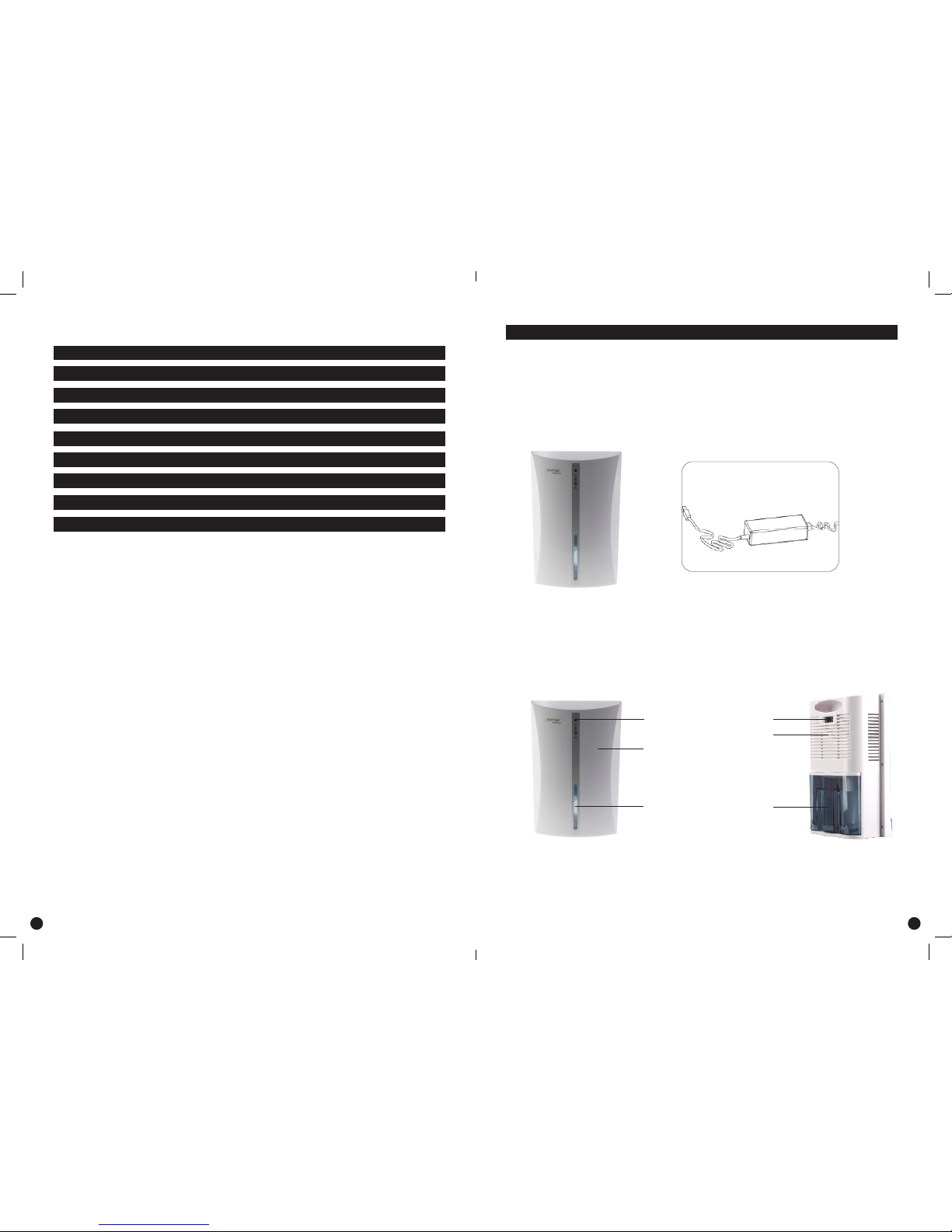
This product includes unit and adaptor
Unit DC 12V adaptor
Schematic
LED indicator
Front case
Water indicator Water tank
Back cover
-/O button
PRODUCT DESCRIPTION
2
Page 3
4
FEATURES
3
• Thermo-electric Peltier module (no compressor)
• Easy operation, automatically switches off when the tank is full
• Quiet operation
• Compact size, light and portable
• DC 12V adaptor for power supply
FUNCTION
• Dehumidification
HOW TO USE
• This unit is powered with a DC 12V adaptor included in the box
• Plug the adaptor’s input plug into the unit’s input socket for power supply
• Please use built-in water tank
• Press “-/o” button to be “-” position, “On” green LED in the front panel will lighten, the unit
starts to dehumidify
• To stop the unit press the “-/o” button to “on” position, the LED in the front panel will turn off
WATER REMOVAL
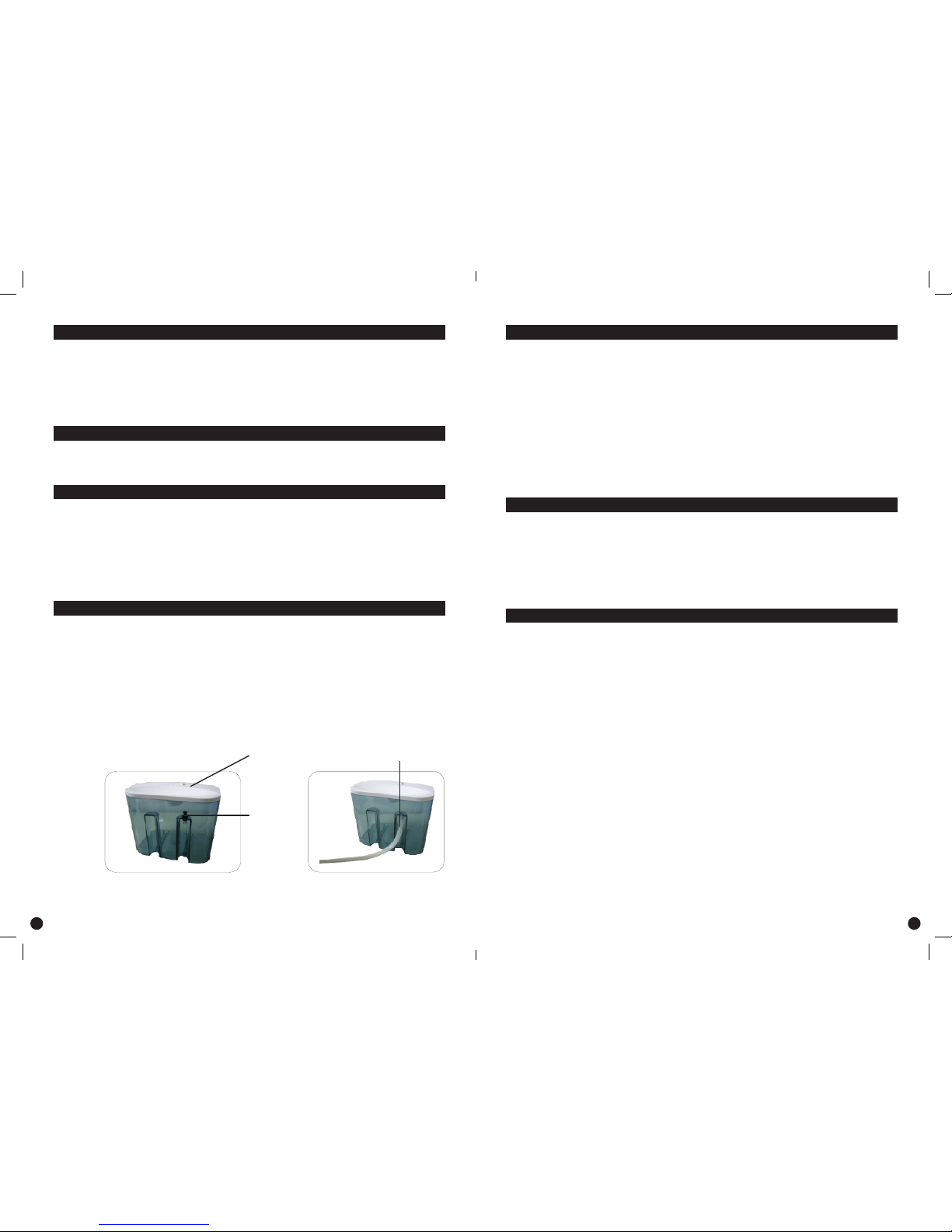
Use the grey rubber plug
If the water inside the tank is full, a Red LED will light up to notify you that it’s time to
remove the water. To remove the water tank, first turn off the dehumidifier, hold the top of
the unit, remove the water tank then pull the grey rubber plug out and empty. Replace the
water tank back into the unit (if the water tank is not in a proper position a red LED will
light up to notify you that you need to readjust the tank to the correct position) To continue
dehumidifying, press the “-/o” button to the “on” position.
Water Bobber
Rubber Plug
Water Pipe
SPECIFICATION
Working Voltage
Rated Power
Water Tank Capacity
Unit Weight
Daily Dehumidifying Rate
Product Size
DC 12V
70W
2200 ml
2.40kgs
600ml (30°C, 80% RH)
230 x 140 x 360mm
WARNING
• Do not use this unit in a bathroom
• Do not drip water onto the adaptor or dehumidifier
• Do not allow any water to drip onto internal parts
• Do not use petrol, benzene, or any chemicals to clean the unit as this will result in
damaging the surface
CLEANING AND MAINTENANCE
• Before cleaning the unit, first turn off and unplug from the main socket
• Use a damp soft cloth to clean off any dust and stains on the unit
Page 4
WARRANTY DETAILS
Congratulations on your purchase! It is our aim to provide you with quality products that you can
trust. Our products come with guarantees that cannot be excluded under the Australian Consumer
Law. You are entitled to a replacement or a refund for a major failure and for compensation for any
other reasonably foreseeable loss or damage.
You are also entitled to have the goods repaired or replaced if the goods fail to be of acceptable quality
and the failure does not amount to a major failure.
The Guarantee
The product is guaranteed to be free from defects in workmanship and parts for a period of 12
months from date of purchase for domestic use and 3 months for commercial use. Defects that occur
within this warranty period, under normal use and care, will be repaired, replaced or refunded at our
discretion, solely at our option with no charge for parts and labour. The benets conferred by this
warranty are in addition to all rights and remedies in respect of the product that the consumer has
under the Trade Practices Act and similar state laws.
Proof of Purchase
This warranty is valid for the original purchase and is not transferable. Please keep your purchase
docket or receipt as proof of purchase and as proof of date on which the purchase was made. The
purchase docket (or a copy) or receipt must be presented with the warranty when making a claim
under this warranty.
Service during the Warranty Period
To claim for warranty, contact us on 1300 800 200 or [email protected] to get an RA# (Return
Authorization Number). Ensure that the RA# is clearly stated on the outside of the packaging and that
the product is properly packaged so that no damage occurs to the product during transit. Shipping of
the product back to us for warranty will be at your cost. A product return without the RA# or proof of
purchase will not be accepted.
Extent of Warranty
This warranty is limited to defects in workmanship or parts. All defective products or parts will be
repaired or replaced. This warranty does not cover manuals and packaging.
Normal Wear and Tear
This warranty does not cover normal wear and tear to the product or parts.
Exclusions
This warranty does not cover:
• Any defect caused by an accident, misuse, abuse, improper operation, lack of reasonable care,
unauthorised modication, loss of parts, tampering or attempted repair by a person not authorised
by the distributor.
• Any product that has been damaged by a lightning strike either directly or indirectly or a main power
surge or liquid ingress.
• The product if it is located outside of Australia.
• Any damage caused by improper power input or improper cable connection.
Andatech Corporation Pty. Ltd.
PO Box 3038, Nunawading VIC 3131, Australia.
Phone: 1300 800 200 Fax: 1300 883 802 Email: [email protected]
5 6
 Loading...