

Page 1
Page 2

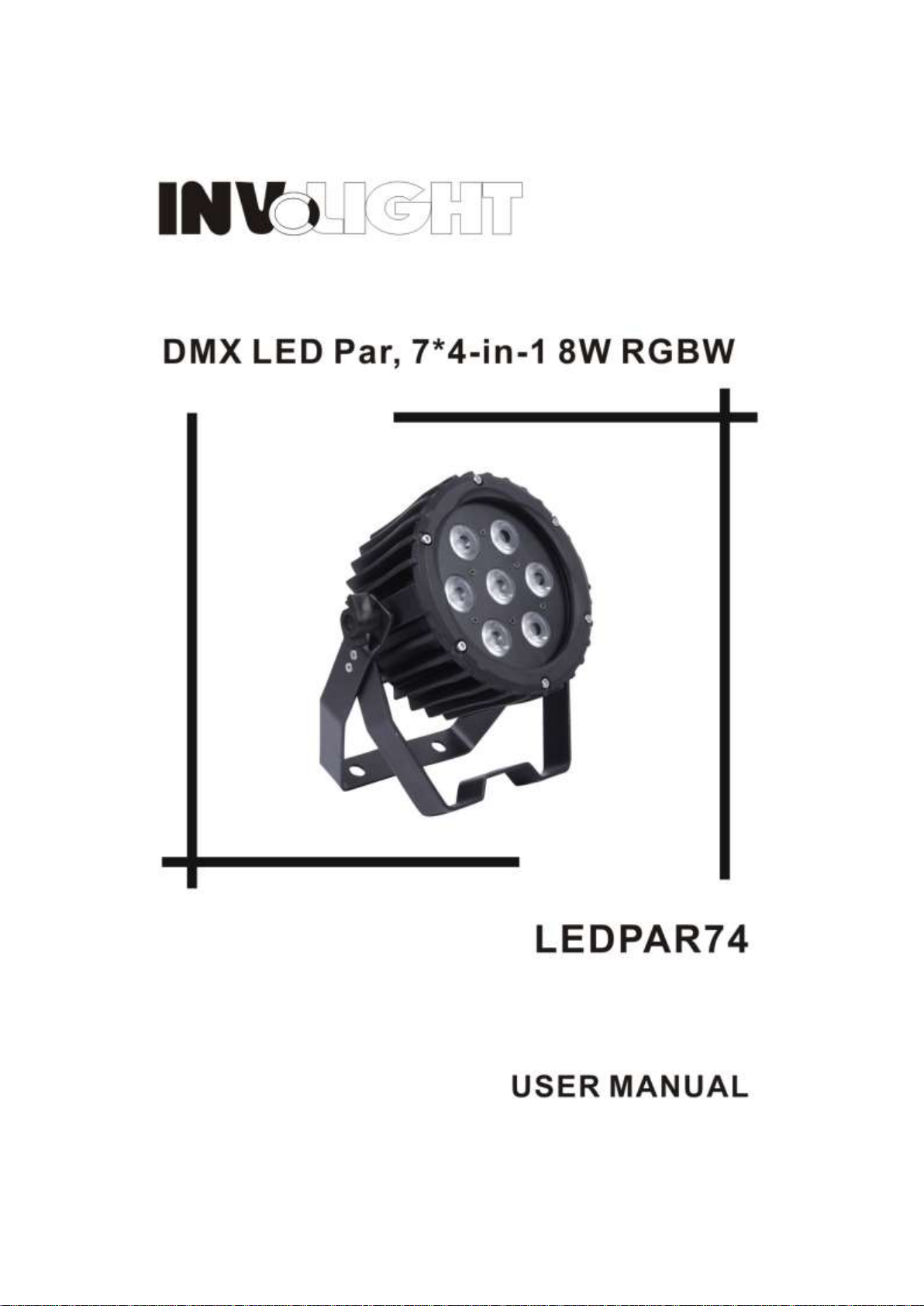
DMX LED Par, 7*4-in-1 RGBW
User Manual
Our indoor par light offers many possibilities to achieve very nice laser effects which you want. It is specially
designed for the stages, disco, night clubs etc. Please read the manual before operation.
A. SPECIFICATION
1. Voltage: AC 100V-240V, 50Hz/60Hz
2. Power consumption: 56W
3. Current: 0.65A@110V, 0.28A@240V
4. Fuse: 1A/125V@110V, 1A/250V@240V
5. LED: 7* 4-in-1 8W led
6. Beam angle: 28 degree
7. Working environment: -10℃~40℃
8. DMX channels: 4, 6, 8CH
9. DMX linking: 3-pin
10. Operation mode: DMX mode, slave mode, built-in programs, auto running, sound active, static color
11. Lumen: R 420lux@2m
G 515lux@2m
B 525lux@2m
W 455lux@2m
RGBW 1795lux@2m
12. Power linking: 10pcs@110V, 24pcs@240V
B. OPERATION
This series of product has rich effect programs, easier operation, there are four working modes:
· Built-in programs
·Auto running mode
·DMX mode
·Slave mode
·Sound active mode
·Static color
Page 3

1. Built-in Programs Mode
CH1
CH2
CH3
CH4 R G B W
0-255
0-255
0-255
0-255
CH1
CH2
CH3
CH4
CH5
CH6 R G B W
Dimmer
Strobe
0-255
0-255
0-255
0-255
0-255
0-255
CH1
CH2
CH3
CH4
CH5
CH6
CH7
CH8
Master
R G B W Program
SPEED
Strobe
0-255
0-255
0-255
0-255
0-255
CH2—CH6
0
0-255
Pr.02
1-26
0-255
Pr.03
27-53
Pr.04
54-80
Pr.05
81-107
Pr.06
108-134
Pr.07
135-161
1) Press the “MODE”, enter built-in programs mode menu “ ”.
2) Press the “UP” or DOWN”, select the effect programs “ — ”.
3) When the LED display show “ ”, press the “SETUP” can enter into static color editing environment, press
the “UP” or “DOWN” can select the static colors (1.rgb, 2.—r, 3.-rg, 4.—g, 5.-gb, 6.—b, 7.-bu, 8.—u, 9-rb, 10.ru.1
1.ug, 12.on, -OFF), and then press the “SETUP” can set the preset static color strobe “ ”, through the “UP” or
“DOWN” can adjust the strobe speed ~ . when the LED display show “ — ”, the first time
press the “SETUP”, will display “ ”, now through the “UP” or “DOWN” can set the programs operation speed
~ ; the second time press the “SETUP”, will show “ ”, now through the “UP” or “DOWN” can set the
programs strobe speed ~ .
2. Auto Running Mode
Press the “MODE”, enter auto running mode menu “AUTO”.
In this mode, will operating the program segment which in built-in programs, the speed as same as the setting
operation speed in built-in programs mode.
3. DMX Mode
1) Press the “MODE”, enter DMX mode menu “ ”.
2) Press the “UP” or “DOWN”, set the DMX address value ~ .
3) Press the “SETUP”, enter DMX working mode menu X-ch.
4) Press the “UP” or “DOWN”, set the DMX working modes: , ,
DMX mode 1:
DMX mode 2:
DMX mode 2:
Page 4

Pr.08
162-188
Pr.09
189-215
Pr.10
216-242
Sound Mode
243-255
Sensitivity
4. Master/slave Mode
Press the “MODE”, enter slave mode “ ”.
If in this mode, the fixture working mode will all follow the host changing.
5. Sound-Active Mode
1) Press the “MODE”, enter sound active mode “Soud”.
2) Press the “SETUP”, enter to set the sound active sensitivity.
3) Press the “UP” or DOWN”, the user can set the sound active sensitivity “ ~ ”, the maximum value is
31.
6. Static Color Mode
1) Press the “MODE”, enter static color mode “ ”.
2) Press the “SETUP” can select the static colors: , , ,
3) Press the “UP” or “DOWN”, the user can adjust the monochrome brightness value, the maximum value is 255,
will achieve the color dimming effect.
 Loading...