

Page 1
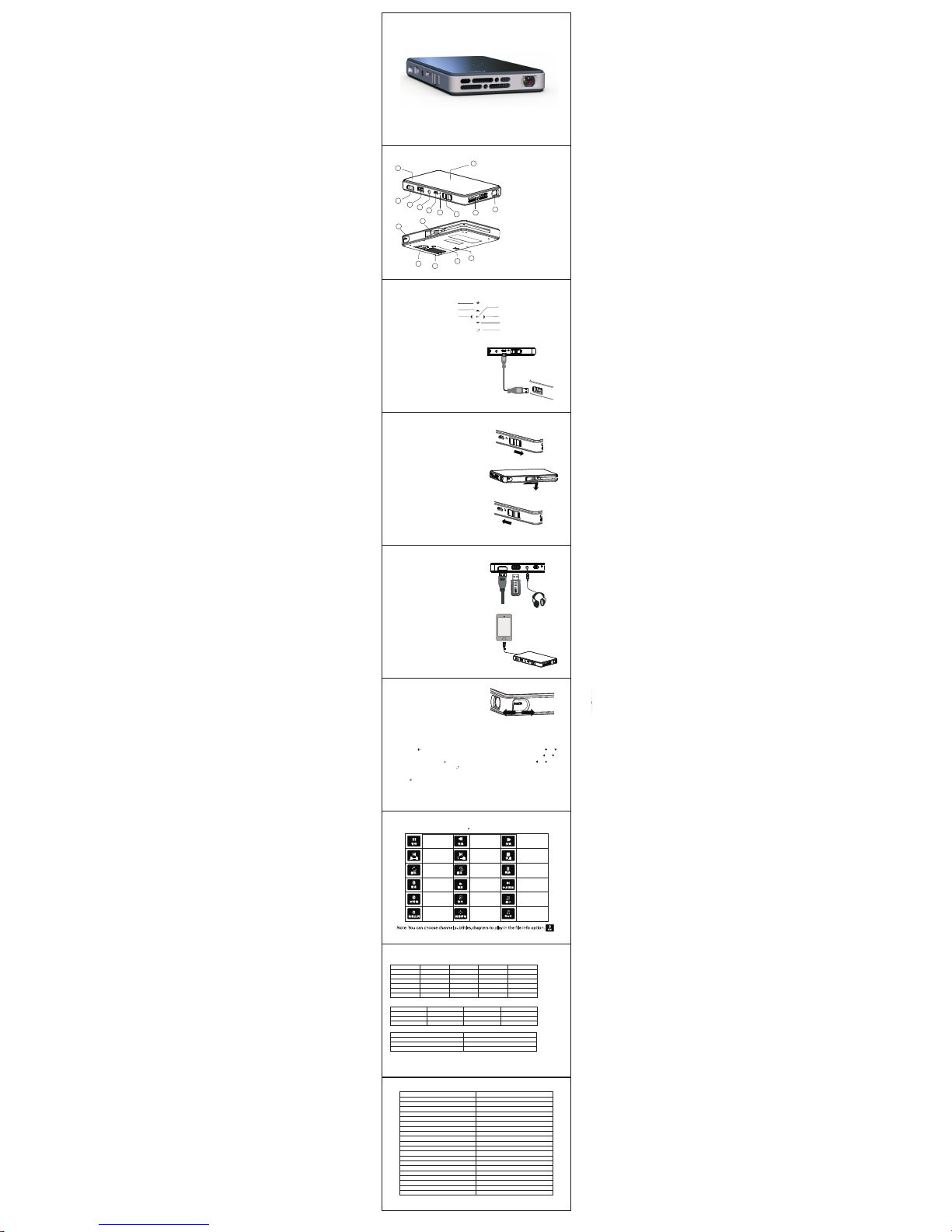
V 1.0
Use r Manua l
Color a nd appe aranc e may diff er with t he icon s in this m anual , Produ ct
speci ficat ions ma y vary du e to the im prove d perfo rmanc e witho ut noti ce
Su mm ary
1.Len s
2.A ir outlet
3.O N/OFF,Cha rging S witch
4.Ch argin g Indic ator
5.D C
6.H eadp hon e
7.USB I nterf ace
8.HDM I Inter face
9.Tou ch Key(O ptiona l)
10.B attery Le vel Ind icator
11.Fo cus
12.Su ppor t Knob
13.Ai r Inlet
14.Tr ipod Ho le
15.Sp eaker
16.MH L Cable(O ption al)
8
7
6
5
3
4
2
1
9
10
11
12
13
15
16
14
Return
OK/Menu
Source
Left/Pre vious/Fas t Backward
Up/Vol+
Right/Nex t/Fast Forwa rd
Down/Vol-
Touch Ke y(Optional)
Technical Specifications
● This product and user manual for future improvement or supplemented without notice.
Chargi ng
Chargin g for mobile dev ices
The internal ba ttery can no t only be used for pr ojection
,but also can ch arging for mob ile devices. P ush the
switch forw ard, switch to ch arging mode, ca n charging
mobile devic es by followin g connection s:
1.Charging v ia USB Plug one en d of the USB cable to t he
projector USB , the other end to t he mobile devi ces.
2.Charging v ia MHL Remove the M HL cable, plug
to the mobile de vices.
Turn on/ off the projecto r
Push the switc h backward for 3 se conds to turn on/ off the project or.
Focus Ad justmeng
Can Stir the focu s to adjust the fo cal length, ge t
clear image.
Mobile De vices Connec t to Projector
耳机
HDMI
HDMI
U盘
HDMI Connect ion
Use the HDMI cab le to connect th e HDMI output
device and pro jector, it will sel ect the source
automatica lly after a few se conds, or you ca n also
select the sou rce manually.
MHL Connecti on
Use the built- in MHL cable to co nnect to mobil e
phone. The mob ile phone will d etect the sign al automatic ally,
and project im age afer few sec onds.
*Do not pull th e MHL cable hardl y.
*Can use the MHL e xtension cab le to extend the bu ilt
-in MHL cable.
Headphone I nterface
Sound output . Connect to
headphone or o ther audio dev ice.
USB Interfa ce
Can plug the U-d isk to play medi a files(opti onal)
Can charging f or mobile devi ces via USB cabl e.
When Chargin g, insert one e nd of the USB cable
to the USB of the pro jector, the other en d to PC/
Laptop/mob ile power adap tor or original a daptor.
*Charging af ter 5 hours, the p rojector is ful ly charged,
the LED light cl ose.
*Please turn o ff the projecto r before chargi ng, only power
off the project or will chargin g the inside bat tery.
Power Ada ptor
Media Pl ay(Optional)
Note: 1 SupportDIVX﹑X VID﹑H264 enco ded file, do not su pport: MSVC /CRAM﹑MP42 GMC﹑I V32﹑RLE﹑cvid﹑RV2 0.
2 Support AC3﹑MP3﹑AAC﹑Co ok encode file , do not suppor t: SonyATRAC3﹑Dobl y HD.
3 Subtitle name and vi deo name must be s ame, and in the sam e folder. No subtit le file name for mat: XX.XXs uffix, XX.. XX.suffix,e tc.。
The projector c an play these me dia files(vi deo/photo/ music/text ), supporte d format includ es:
Video File Fo rmat:(supp ort video pla y with subtitl es. support f ile suffix)s rt,idx,
ssa,ass,sm i,txt,
ttx,sub.)
Music File Fo rmat:
Photo File Fo rmat:
File Type
Suffix Name
Interna l Code Max Resol ution
Max Baud Ra te
MPEG1 DAT/MPG/MPE G \ 1920×1080/30 P 20Mbps
MPEG2 MPEG \ 1920×10 80/30P 20Mbp s
MPEG4 AVI/MP4 DIVX .XVID 1920×10 80/30P 20Mbp s
RM/RMVB RM/RMV B RV8,RV9,RV10 128 0×720/30P 10M bps
H.264 MKV/MOV H. 264 1920×1080/ 30P 20Mbps
MJPEG AVI H.264 640×48 0/30P 10Mbps
File Type Samp ling Rate Baud Rate S ound Channel
WMA 8K-48K 32K-3 20Kbps Mono. Stereo
MP3 32K-48K 32K- 320Kbps Mono .Stereo
M4A(AAC) 8K-48K 32K -320Kbps Mon o.Stereo
File T
ype Max Resoluti on
JPEG 15360×8640
BMP 9600×6400
PNG 9600×6400
Press the 【 】longly or shortly,appear corresponding menu interface, press 【 】【 】to
select different adjustment item, appear corresponding icon and options, press 【 】【 】to enter
menu adjustments, press 【 】to confirm, now enter item adjustment, press 【 】【 】to archieve
adjustment requirements, press【 】to exit, or wait few seconds to exit automatically.
Select “Source”Input
Press 【 】, switch to signal input channel, there is corresponding icon and character prompted
after switch.
Battery In dicator
Green Norma l
Red Low
Multimedia Shortcuts Menu: Press 【 】when playing, appear below menus:
Pau se/Pl ay
Fast Backw ard
Fast Forwa rd
Previou s
N ext
Stop
Play List
Ch apter Set
Play
Rep eat
File info
Fram e-byF ram e
Playba ck
Electio n
Broa dcast
Zo om in
Zo om o ut
Asp ect Ratio
Im age
M ovem e nt
Left/R ight Ch annel
Select ion
Note: You can choos e channel,su btitles,ch apters to play in t he file info opt ion.
暂停 快退 快进
上一曲 下一曲
停止
循环
循环 A
列
表
信息
慢放
分步播放
时间轴
放大
缩小
图像比列
图像移动
左+右
信息
Prod uct Nam e
Na tive Resolution
Display Techn ology
Lam p
Pow er Supp ly
Pow er Consu mp tion
Di mensi on(L×W×H)
W eight
HDMI
Sup port Sto rage Device File System
He adph one Ou tput
Spe aker
W orking Tem perature
W orking Hum idity
LED ini P rojec torM
854×480
DLP
R,G,B LE D
5V 2A
Proje ction :6W C harging:3 W
145×78×16 mm
190g
Standa rd HDMI I nput( Suppo rt Andr oid Stic ker)
0℃-35℃
0-85%
USB NTFS ,FAT16, FAT32
3.5mm s tereo he adpho ne
8Ω/1W
MHL
Buil t-in MH L cable
Pow er Outpu t
5V 500m A
Battery
4000m Ah Li-i on Batte ry
Projecti
on Size
37.8' '@1m
Ch arging Mod e
150% (Sa msung G alaxy S 2)
Projection Mo de
Max 120 m inute s
M edia Playe r
Buil t-in 10 80P med ia play er
Slow S peed
innovative
.
K6
 Loading...