

Page 1
8
7
1
2
5
9
4
3
6
ULTRA
compact
Made in USA
IKELITE
Digital Housing
i
k
e
l
i
te
3
5
A
F
i
k
e
l
i
t
e
A
U
T
O
F
L
A
S
H
supplemental instructions
for
#6241.22 Canon A2200 ULTRAcompact Digital Housing
#6241.33 Canon A3200 IS, A3300 IS ULTRAcompact
Digital Housing
Initial Camera Settings
- Set camera to “P” Program mode.
- Set White Balance to auto “AWB.”
- Set Light Metering to “Center Weighted Avg.”
- Set ISO to 80.
- Set Flash to forced ON (flash always fires) “Lightning Bolt.”
- Set Review to “5 Seconds.”
- Set AF-assist beam to “Off.”
- In the Flash Settings menu, Set Red-Eye Correction and Red-Eye Lamp
to “Off.”
- Set AF Frame to “Center” and Servo AF to “Off.”
- Set AF-Point Zoom to “Off.”
Ikelite W-20 Wide-Angle Conversion Lens #6420.46
This housing features a 46mm threaded port for attachment of
external 46mm accessory wet lenses such as the Ikelite 46mm
W-20 lens #6420.46. Moderate vignetting noted with this lens.
#9306.81 67mm Threaded Adaptor
Allows attaching Ikelite W-20, Epoque, and Type II Inon screw-on lenses
with 67mm threads. Includes larger size removable flash deflector. Moderate
vignetting noted with these lenses.
#9306.79 Bayonet Mount Adaptor
Allows attaching of the Inon UWL-105AD, UFL-165AD, UWL-100 28AD, and
macro bayonet style lenses. Includes larger size removable flash deflector.
Slight to moderate vignetting noted with the listed W/A conversion lenses.
NOTE: External wide angle conversion lenses increase angle of coverage,
so you can get much closer to your subject while still fitting everything in the
frame. Add the Ikelite W-20 or other wide-angle lenses with an Ikelite
accessory port adapter for increased angle of coverage, color, and clarity.
Moderate vignetting may occur at widest angle camera lens setting with
some conversion lenses. Zoom in slightly to eliminate, or crop the image in
post-processing. Also, slight edge softness around the picture edges in
some situations is normal.
2
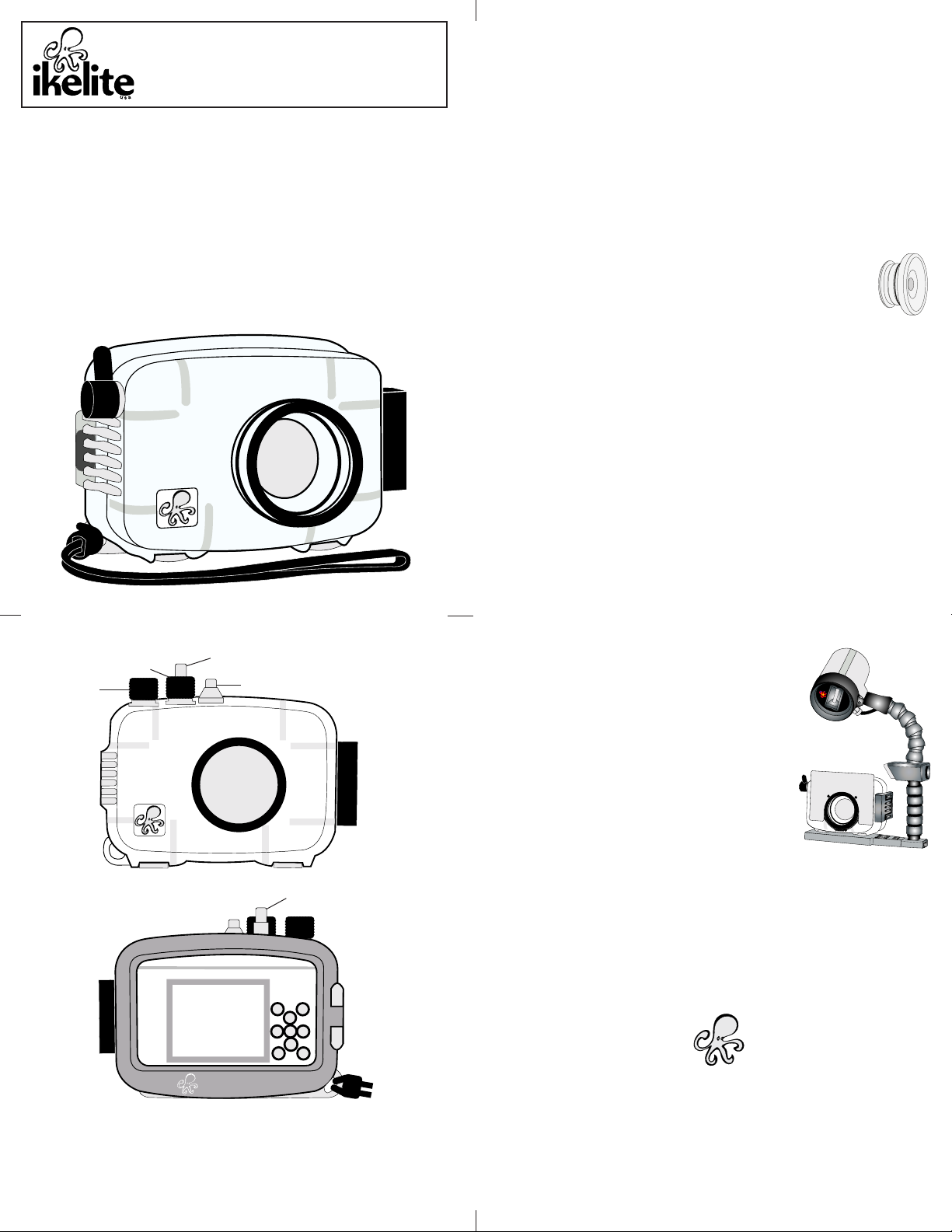
Housing Controls
Zoom Lever
Mode Dial
Front View
1. Face Selector Button
2. Playback Button
3. Exposure Compensation Button
4. Macro Button
5. FUNC./SET Button
Shutter Button
Lens Port
Back View
3
Power Button
Shutter Button
6. Flash Button
7. Self-Timer Button
8. Display Button
9. Menu Button
AF35 Strobe Package #4035
The AutoFlash AF35 kit is a great compliment, and
an effortless, affordable way to add a flash to your
new Ikelite point and shoot camera system.
Everything you need to get started is in the box.
Just attach it to the bottom of your housing and
start taking pictures!
AF35 AutoFlash kit includes:
AF35 strobe - Flex arm - AutoFlash sensor
Handle with rubber grip - Tray (single or dual)
Mounting hardware.
Ikelite Technical Support
E-mail: [email protected]
Phone 317.923.4523
Fax 317.924.7988
Ikelite Underwater Systems
50 West 33rd Street
Indianapolis, IN 46208 USA
www.ikelite.com
6241.22.33_Canon_A2200_A3200IS_A3300IS_ULTRAcompact_1-0311
 Loading...