

Page 1
VL5KIT
5" HDMI Field Monitor QUICKSTART GUIDE
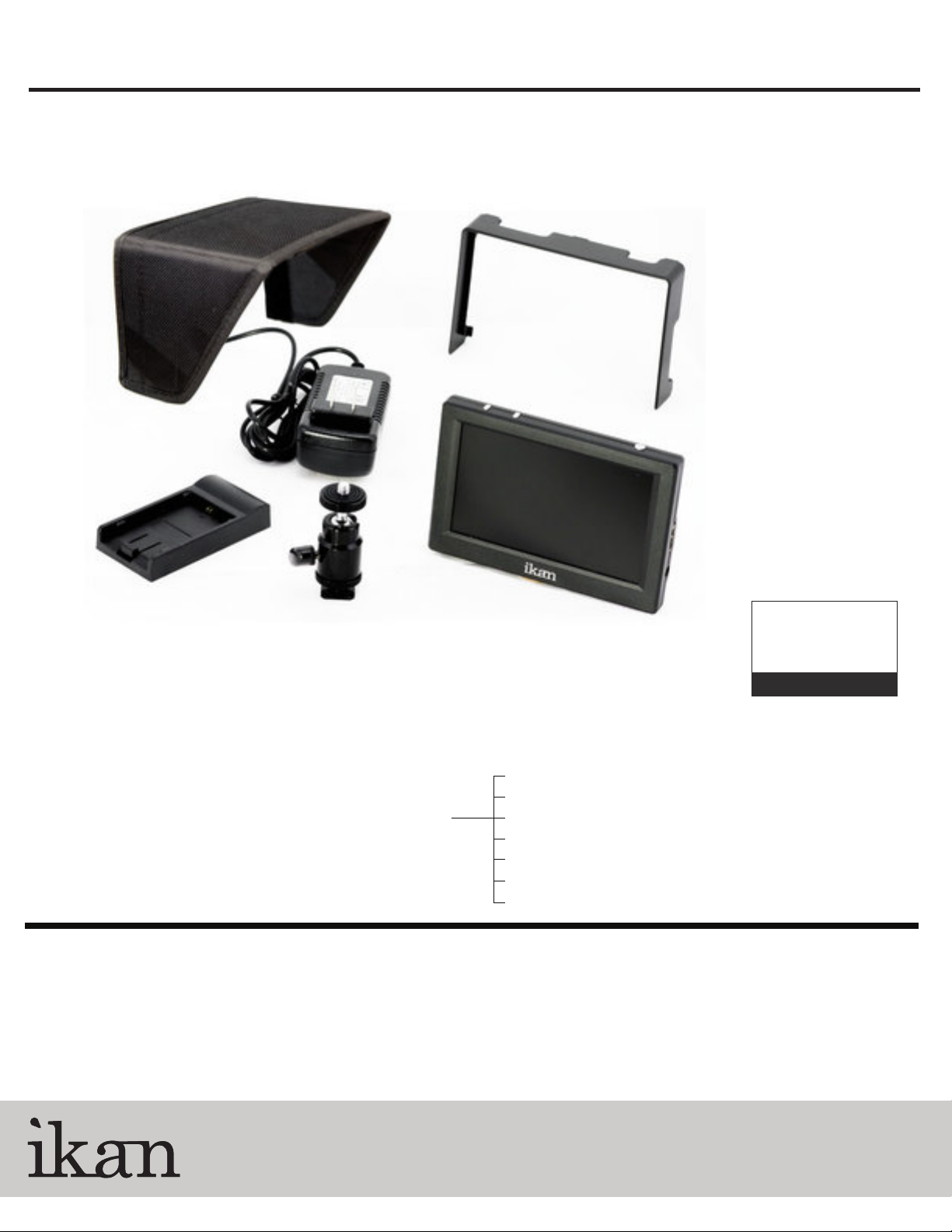
What’s included
Checked by
1 x VL5 Monitor
1 x AC Adapter
1 x Camera Shoe Mount
1 x Sun Visor
1 x Sunhood
1 x DV Battery Adapter (Check one)
CONDITIONS OF WARRANTY SERVICE
• Free service for one year from the day of purchase if the problem is caused by manufacturing errors.
• The components and maintenance service fee will be charged if the warranty period has expired.
Free Service will not be Provided in the Following Situations: (* Even if the product is still within the warranty period.)
• Damage caused by abuse or misuse, dismantling, or changes to the product not made by the company.
• Damage caused by natural disaster, abnormal voltage, and environmental factors etc.
BP5-S Sony "L" Series
BP5-SU Sony "BP-U" Series
BP5-C Canon "900" Series
BP5-E6 Canon 5D
BP5-P Panasonic "D54"
BP5-PG6 Panasonic "G6"
BP5-N Nikon “EL15”
www.ikancorp.com
1.713.272.8822
© 2014 ikan Corporation. All right reserved
Page 2
VL5KIT
5" HDMI Field Monitor QUICKSTART GUIDE
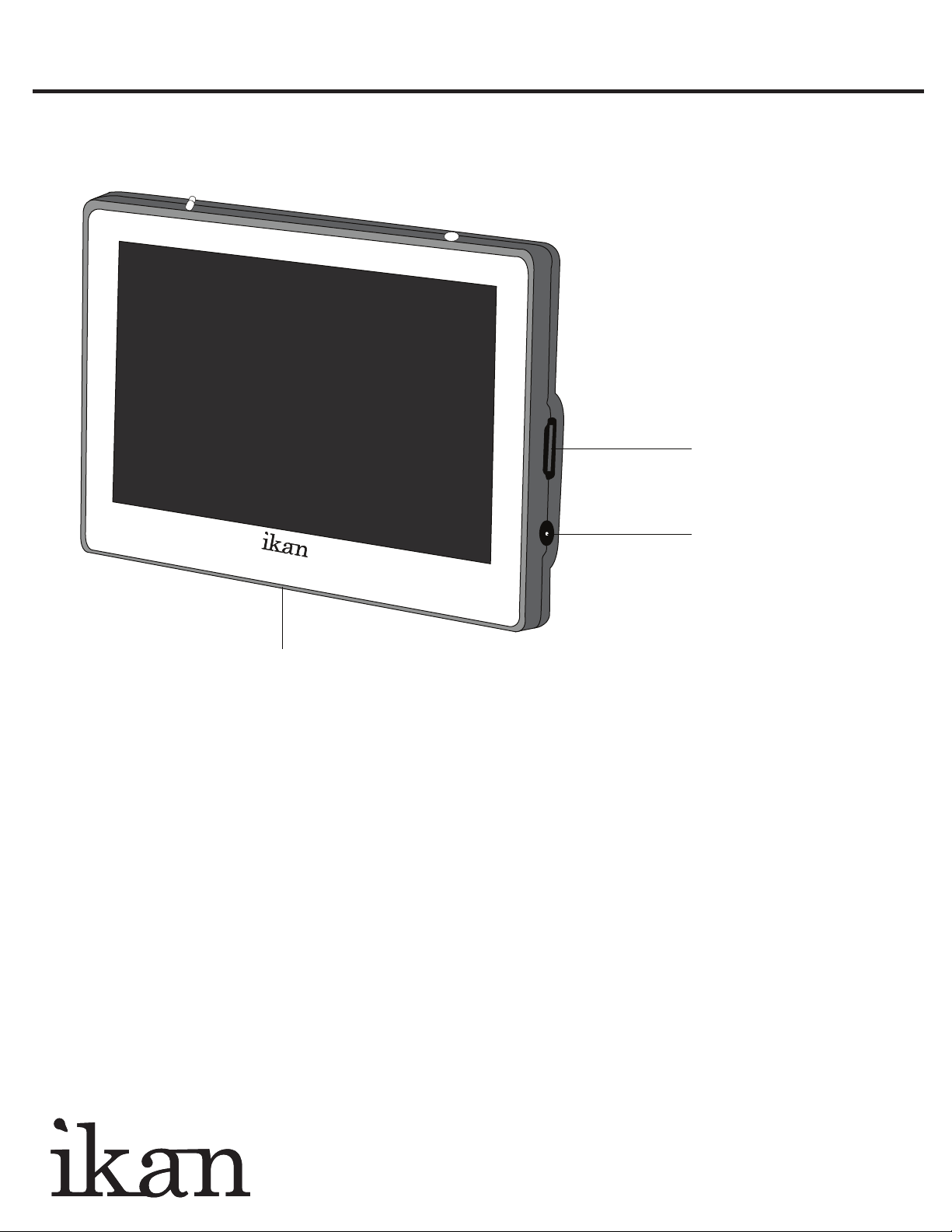
HDMI terminal
HDMI Input
¼-20 Threaded Insert
Mounting Monitor
POWERING THE MONITOR
1. Plug the AC power adapter into the DC Connector.
2. Attach the DV battery plate on the slot, and connect DV battery to the plate.
SPECIFICATIONS
Screen Size : Diagonal 5"
Resolution : 800 x 480
LCD Brightness : 400cd/m2
Contrast Ratio : 600:1
Viewing angles : 150(H) 130(V)
Operating Volts : DC 5 to 16V
Power Consumption : 7.5 Watt
Color Arrangement : RGB-stripe
Surface Treatment : Anti-Glare
Backlight : LED
Dimension : 91H x 134W x 16D(mm)
Weight : 0.33lbs (150g)
DC 5~16V
Standard DC Connection
www.ikancorp.com 713-272-8822
Page 3

VL5KIT
5" HDMI Field Monitor QUICKSTART GUIDE
Power Switch
On/Off
HDMI
DC
5 ~ 16V
HDMI LCD MONITOR
Model: A5H-WS
Picture Size: 5 inch
Resolution: 800 x0480
Aspect Ratio: 16:9 / 4:3
Color System: NTSC / PAL
Operating Volts: DC 5 ~ 16V
AC 110 ~ 220V
Signal Input: 480i/p 576i
720p 1080i/p
RoHS
COMPLIANT
A5H-WS
MADE IN CHINA
Under ScanPeaking
UNDER SCAN PEAKING
PUSH
LOCK
MENU
ASPECT/
EXIT
Power Indicator Light
When the power is ON, the
LED green lights up.
While in MENU mode,
toggle as up adjust setting
MENU Button
(Duration, Guides, Blue Gun,
Language, & Reset.)
While in MENU mode,
toggle as down adjust setting
ASPECT/EXIT Button
(16:9, 4:3, Full)
In MENU, it is to exit the menu.
201107020019
DV Battery Plate Slot DV Battery Plate Lock
CONFIGURATION OF SETTING MENUS
Contrast 0-100
Brightness 0-100
Hue 0-100
Saturation 0-100
Sharpness 0-100
User - R 0-255
User - G 0-255
User - B 0-255
Duration 5-60 second
Guides Off, Mode 1, Mode2
Blue Gun Off/On
Language English, Chinese
System Reset
www.ikancorp.com 713-272-8822
 Loading...