

Page 1
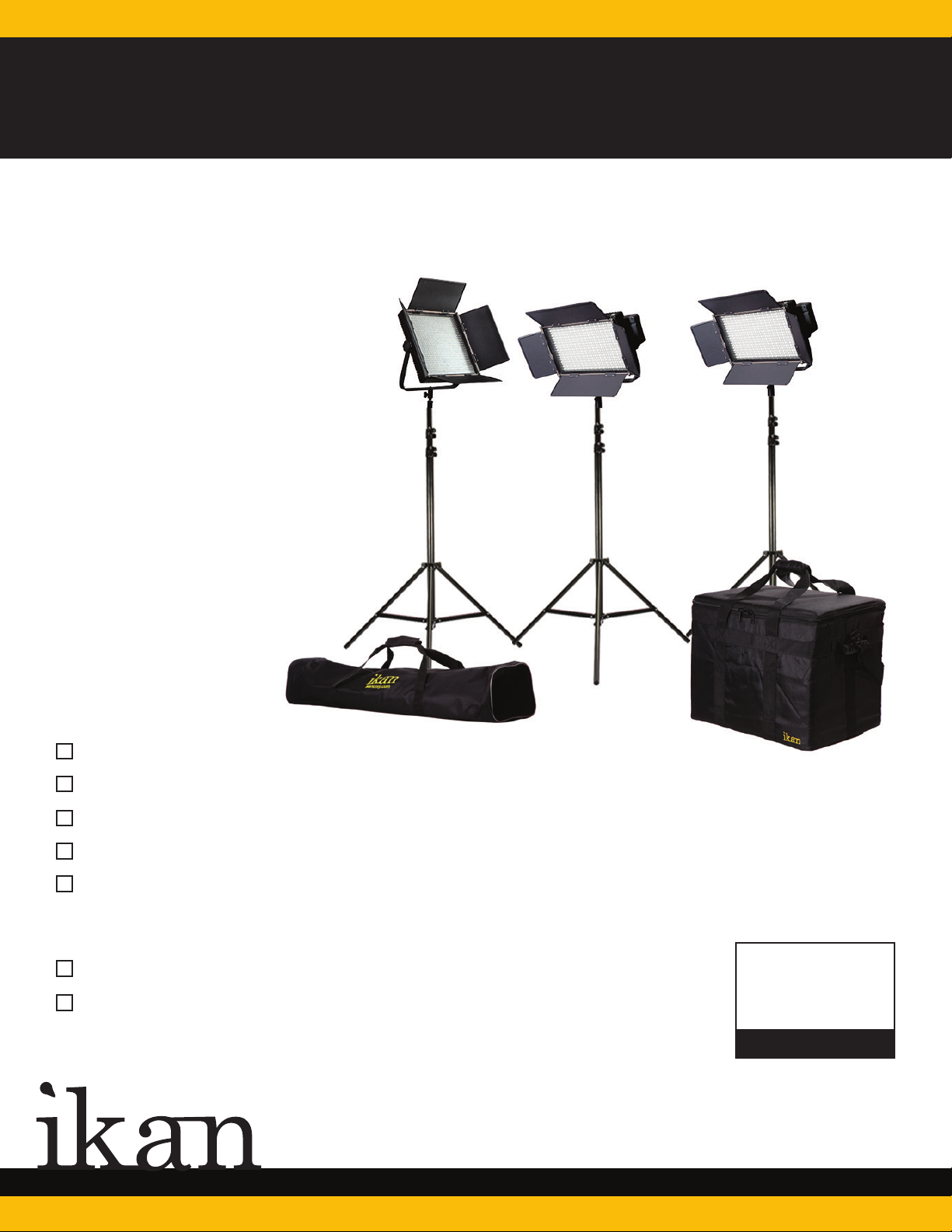
IFB2511
Featherweight Bi-Color Kit w/ 2x IFB576 & 1x IFB1024 w/ AB & V-Mount Plates
QUICK START GUIDE
What’s Included
2 x IFB576 LED Lights
1 x IFB1024 LED Light
3 x HD Stands
1 x IBG-1000-3L
1 x Stand Bag
Additional Quickstart Guides
IFB576 LED Light QSG
IFB1024 LED Light QSG
CHECKED BY
www.ikancorp.com
713.272.8822
713.272.8822
Page 2
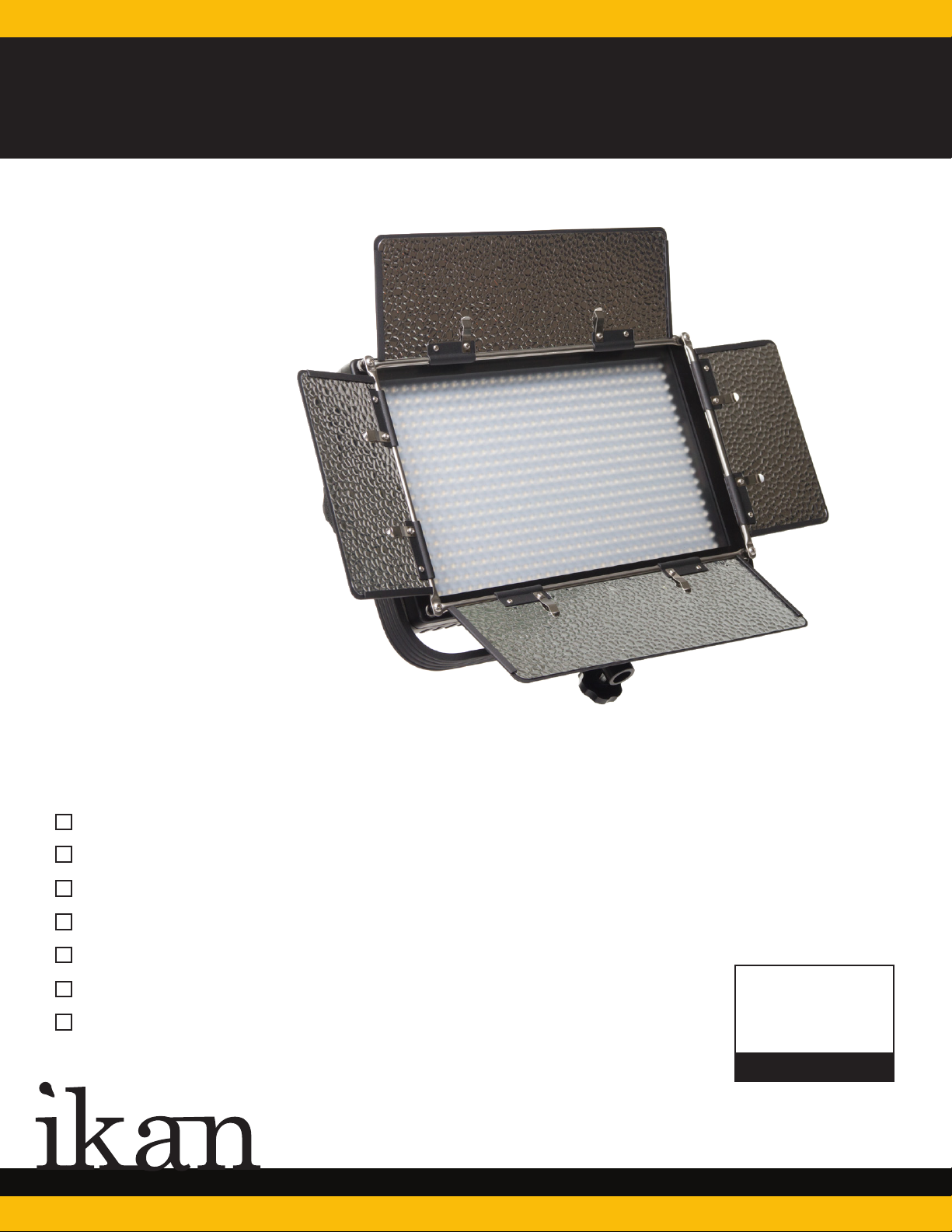
IFB576
576 Featherweight Bi-Colored LED Light
QUICK START GUIDE
What’s Included
1 x IFB576
1 x Yoke
1 x Remote Control
1 x Diffuser
1 x AC Adapter + Power Cord
1 x AB Mount Plate (Attached)
1 x IB-BTE AB to V-Mount Adapter Plate
CHECKED BY
www.ikancorp.com
www.ikancorp.com
713.272.8822
Page 3

IFB576
Getting Started
1. Connect the included AC Adapter to power the IFB576 light.
2. Turn the light on/off with the power switch.
3. Control the amount of light with the dimmer knob. Adjust the intensity of the
light by turning the dimmer knob clock-wise to increase the intensity, and counter
clock-wise to reduce it.
4. The IFB576 can also be powered by pro battery.
Pro Battery Plate
Diffuser Lock
Yoke
Color
Temperature
Knob
www.ikancorp.com
LCD Touch
Screen
Yoke
Adjustment
Knob
Power
Switch
OFF
ON
POW
10%Y 100%3200KY 5600K
ER
DC
12V
DC Power
Connection
Brightness
713.272.8822
Page 4
IFB576
Specifications
Product Specs
Beam Angle
Build Material
Color Temperature
Control
Cooling System
Dimming
Fixture Size
Focusing
Foot Candles
Head Type
Lens
Light Source
Mount
Power Supply
Rating
Fixture Weight
Shipping Weight
60°
Heavy Duty Plastic
3200K (±100) / 4000(±100K) / 5600(±100K)
Local Knob Control & Touchscreen
Passive Cooling
0-100%
14” x 8.5” x 2.75”
NO
323.9 / 409.0 / 587.2
Bi-Color
60° Lens
288 0.06watt LED @ 5600K / 288 0.06watt LED @ 3200K
Yoke
12v @ 3.33 Amps
120v @ 60Hrz
4 lbs
25 lbs
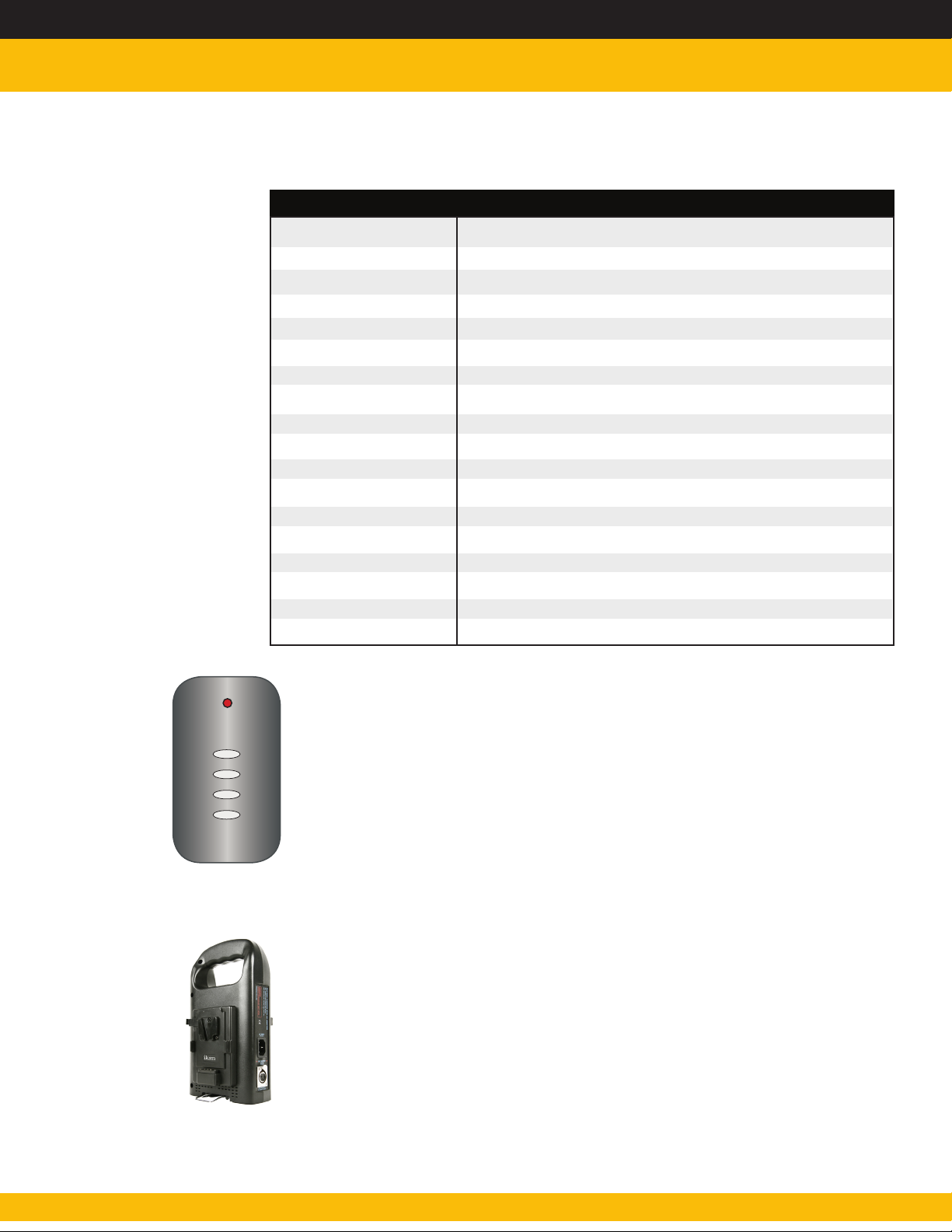
Remote Control Button Functions
A
B
C
D
Press & hold “A” for 5 seconds to sync remote control to light.
Press “A” to power ON/OFF
Press “B” to adjust 4 levels of light intensity in increments of 25%
Press & hold “B” for 5 seconds to enable/disable sound
Hold down “C” to increase light intensity 0%-100%
Hold down “D” to decrease light intensity 100%-0%
Optional Accessories
C-2KA-KIT
C-2KS-KIT
PWRGP-1
IB-L130A
IB-L 130S
IB-LD160
C-2KA-KIT
C-2KS-KIT
PWRGP-1
IB-L130A
IB-L 130S
IB-LD160
www.ikancorp.com
Page 5
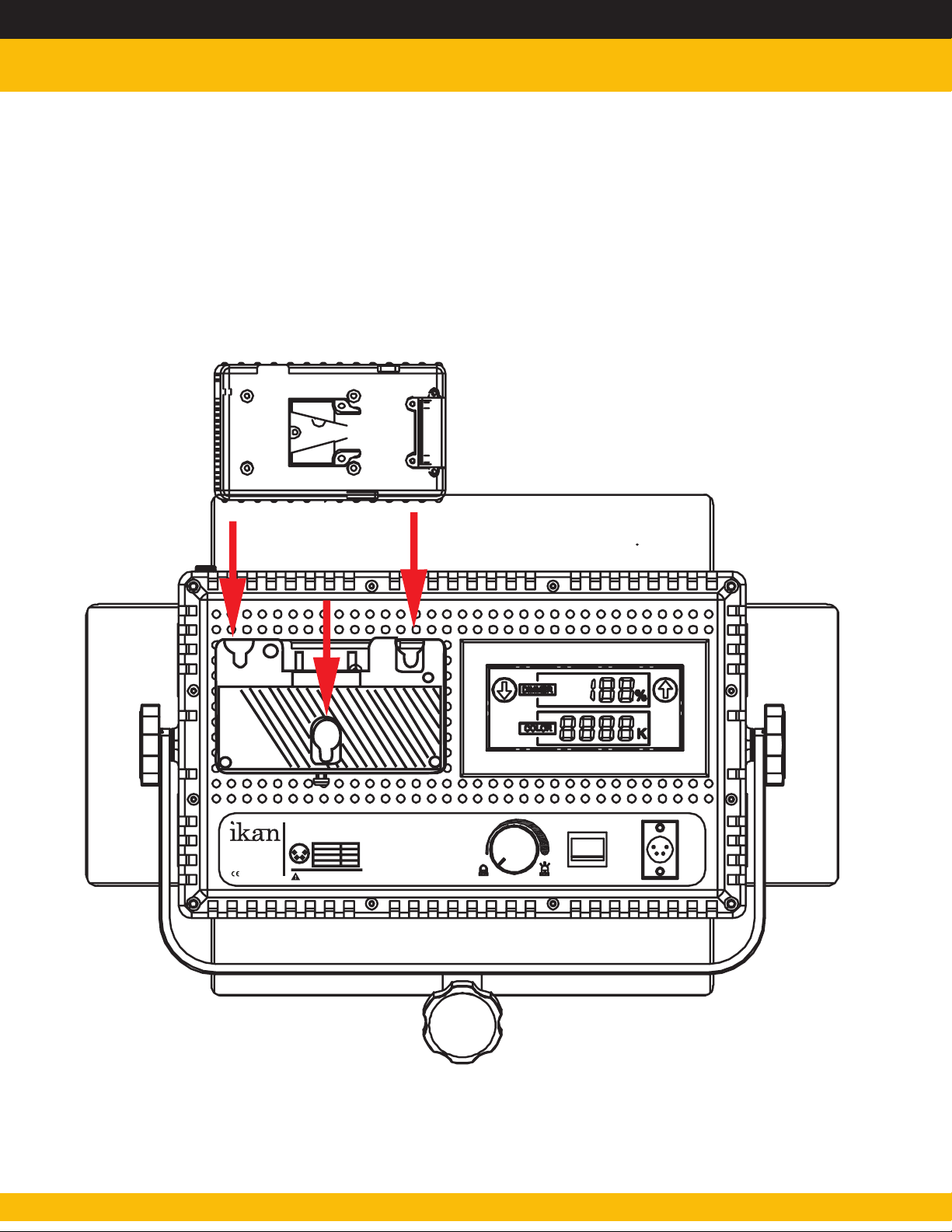
IFB576
Connecting AB-Mount to V-Mount
www.ikancorp.com
MADE IN CHINA
IFD576
Model: LED576AL
Operating Volts: DC 12V - 14.8 V
Pin numberS ignal
1234
1
GND
-
2,3
4
+12V
Do not block the vents or look directly
at the LED lights while its on.
10%Y 100%
POW
OFF
ON
ER
DC
12V
713.272.8822
Page 6
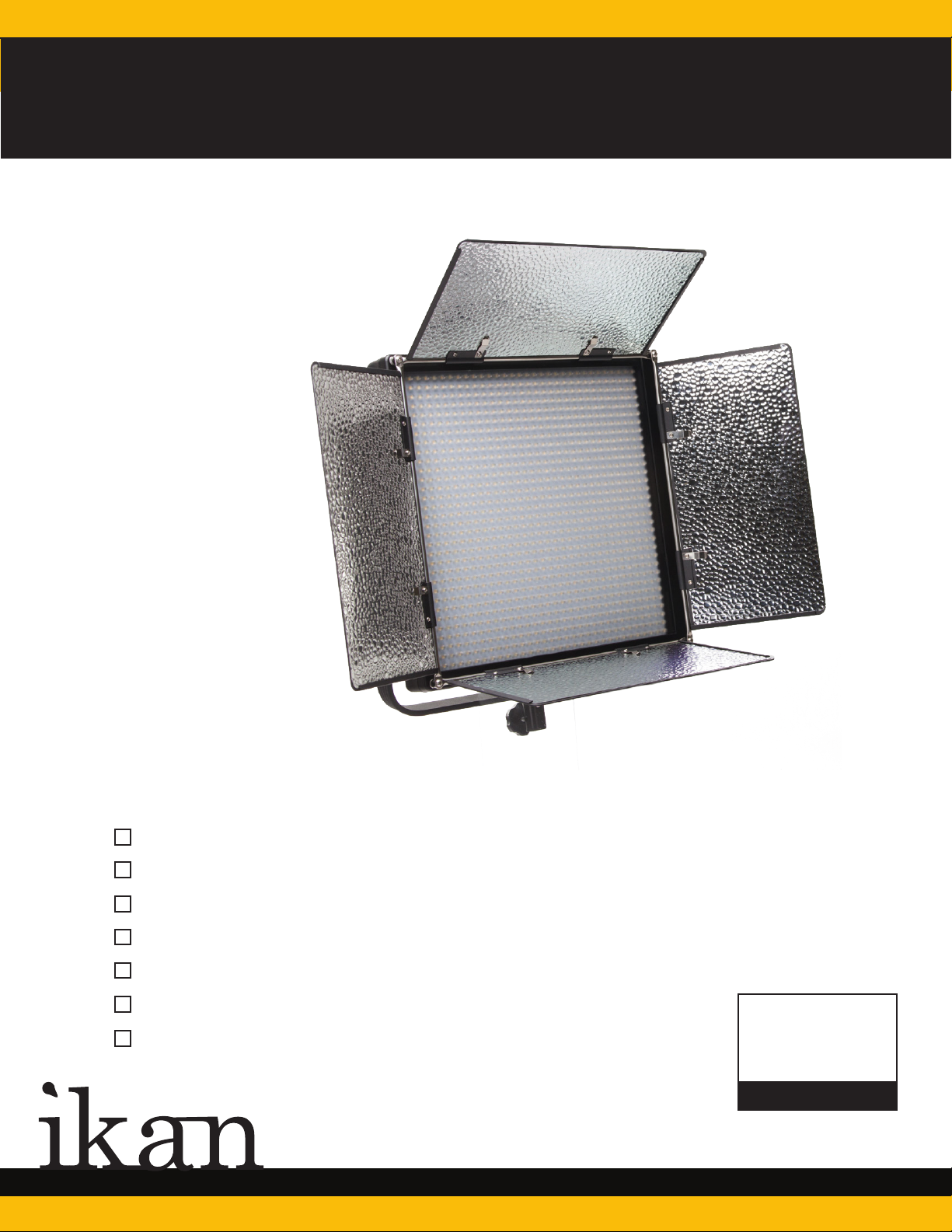
IFB1024
1024 Featherweight Bi-Colored LED Light
QUICK START GUIDE
What’s Included
1 x IFB1024
1 x AC Adapter + Power Cord
1 x Remote Control
1 x Yoke
1 x Diffuser
1 x AB Mount Plate
1 x IB-BTE AB to V-Mount Adapter Plate
CHECKED BY
www.ikancorp.com
www.ikancorp.com
713.272.8822
Page 7
IFB1024
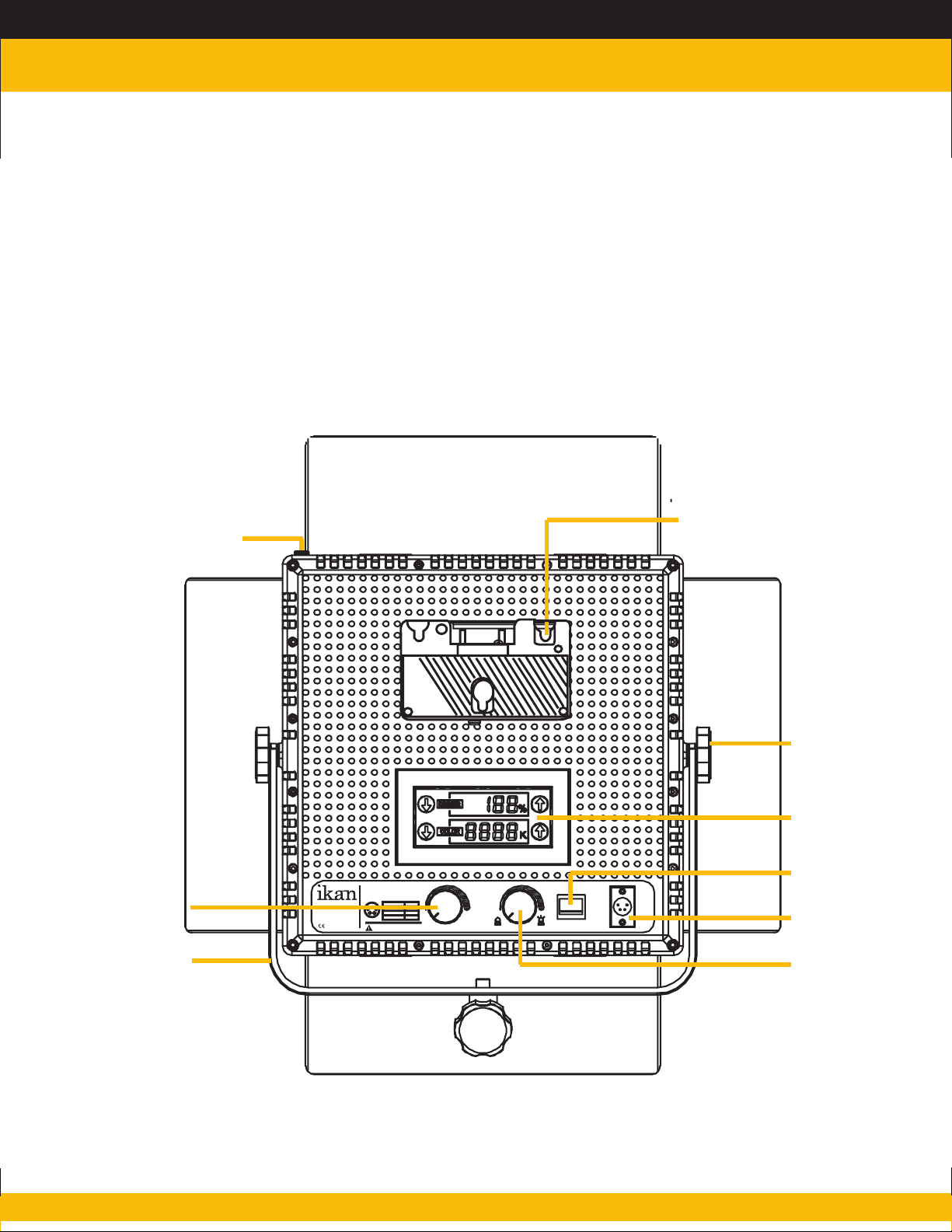
Getting Started
1. Connect the included AC Adapter to power the IFB1024 light.
2. Turn the light on/off with the power switch.
3. Control the amount of light with the dimmer knob. Adjust the intensity of the
light by turning the dimmer knob clock-wise to increase the intensity, and counter
clock-wise to reduce it.
4. The IFB1024 can also be powered by pro battery.
Diffuser Lock
Pro Battery Plate
Color
Temperature
Knob
Yoke
www.ikancorp.com
MADE IN CHINA
IFB1024
Model: LED1024ASL
Operating Volts: DC 12V - 14.8 V
Pin numberS ignal
1234
1
GND
-
2,3
4
+12V
Do not block the vents or look directly
at the LED lights while its on.
3200K
~
5600K
10
% 100%
Yoke
Adjustment
Knob
LCD Touch
Screen
Power Switch
OFF
ON
P
~
OWER
DC
12V
DC Power
Connection
Brightness
713.272.8822
Page 8
IFB1024
Specifications
Product Specs
Beam Angle
Build Material
Color Temperature
Control
Cooling System
Dimensions
Dimming
Fixture Size
Focusing
Foot Candles
Head Type
Lens
Light Source
Mount
Power Supply
Rating
Fixture Weight
Shipping Weight
60°
Heavy Duty Plastic
3200K (±100) / 4000(±100K) / 5600(±100K)
Local Knob Control & Touchscreen
Passive Cooling
17” x 14” x 3.75”
43.18 x 35.56 x 9.53 cm
14” x 14” x 2.75”
NO
506.5 / 961.3 / 613.1
Bi-Color
60° Lens
512 0.06watt LED @ 5600K 512 0.06watt LED @ 3200K
Yoke
12v @ 6.66 Amps
120v @ 60Hrz
6 lbs
10 lbs
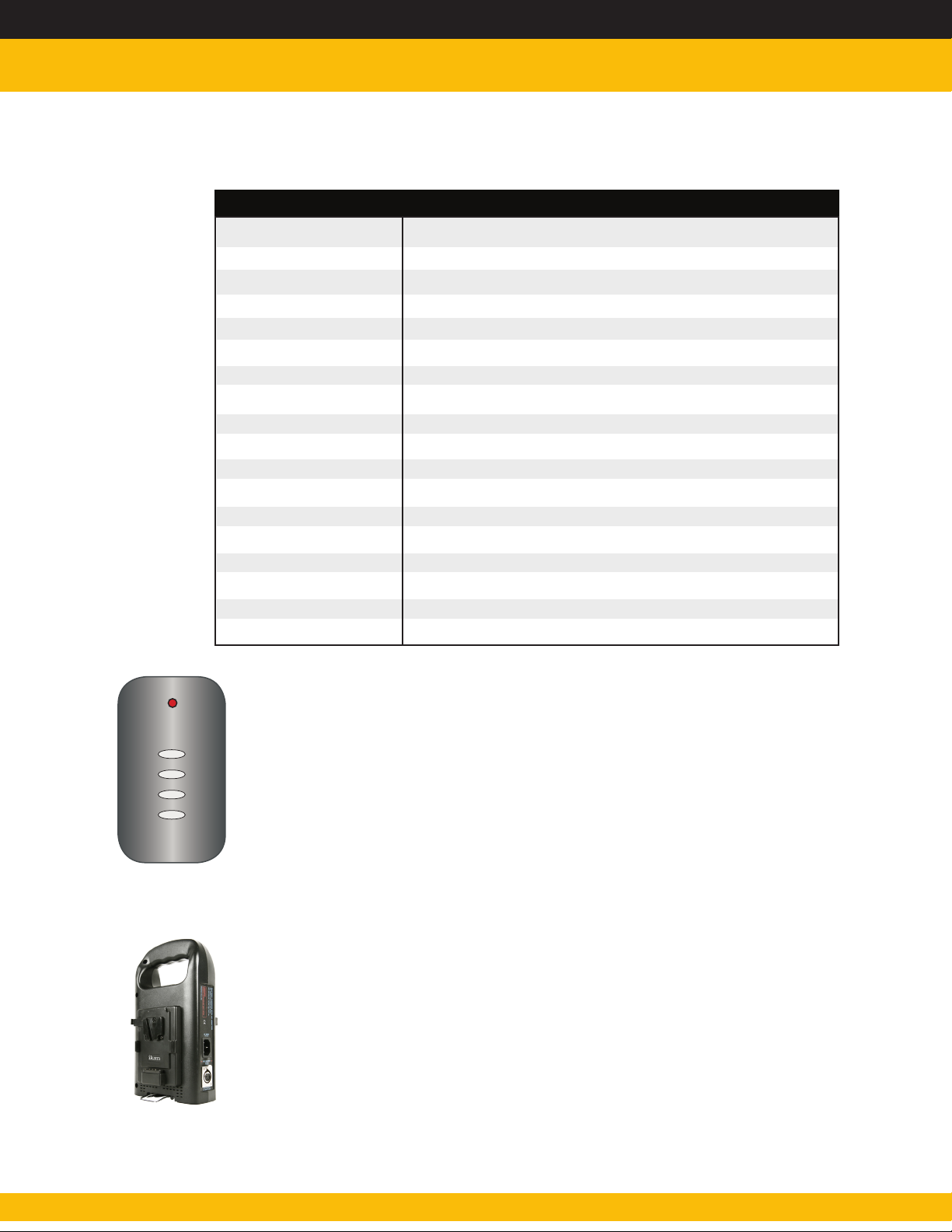
Remote Control Button Functions
A
B
C
D
Press & hold “A” for 5 seconds to sync remote control to light.
Press “A” to power ON/OFF
Press “B” to adjust 4 levels of light intensity in increments of 25%
Press & hold “B” for 5 seconds to enable/disable sound
Hold down “C” to increase light intensity 0%-100%
Hold down “D” to decrease light intensity 100%-0%
Optional Accessories
IB-L130A AB-Mount Professional Battery
IB-L130S V-Mount Professional Battery
IB-LD160 A
IB-LD160 S
C-2KA-KIT
C-2KS-KIT
www.ikancorp.com
Page 9
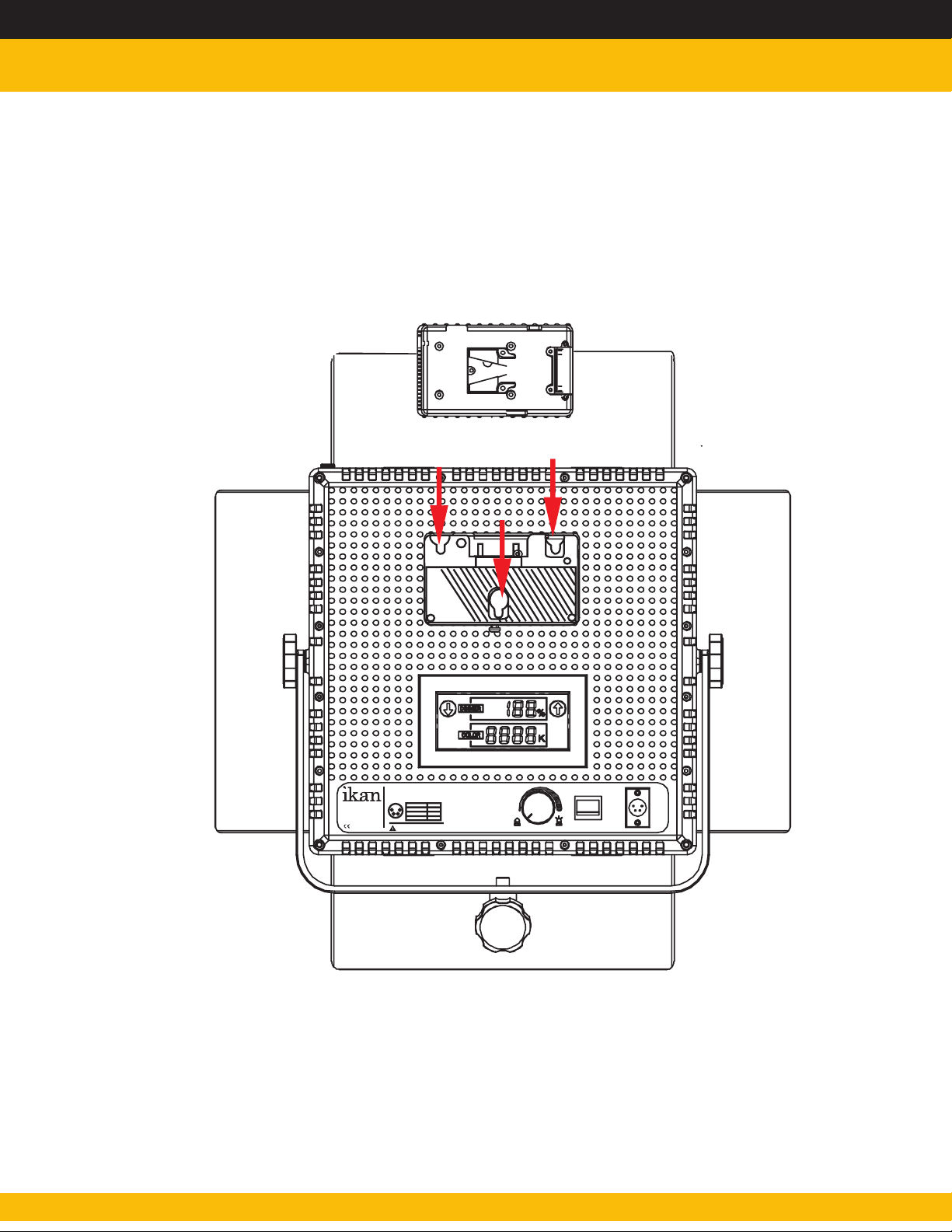
Connecting AB-Mount to V-Mount
www.ikancorp.com
MADE IN CHINA
IFD1024-SP
Model: LED1024ASL
Operating Volts: DC 12V - 14.8 V
Pin numberS ignal
1
4
1
GND
2
3
-
2,3
4
+12V
Do not block the vents or look directly
at the LED lights while its on.
10
% 100%
FF
O
ON
POW
~
ER
DC
12V
713.272.8822
Page 10

Learn More
More dynamic information at official website: www.ikancorp.com
Support
Contact email: [email protected]
CONDITIONS OF WARRANTY SERVICE
• Free service for one year from the day of purchase if the problem is caused by manufacturing errors.
• The components and maintenance service fee will be charged if the warranty period is expired.
Free Service will not be Provided in the Following Situations:(*Even if the product is still within the warranty period.)
• Damage caused by abuse or misuse, dismantling, or changes to the product not made by the company.
• Damage caused by natural disaster, abnormal voltage, and environmental factors, etc.
©2015 ikan Coporation. All rights reserved
www.ikancorp.com
 Loading...