

Page 1
GRH
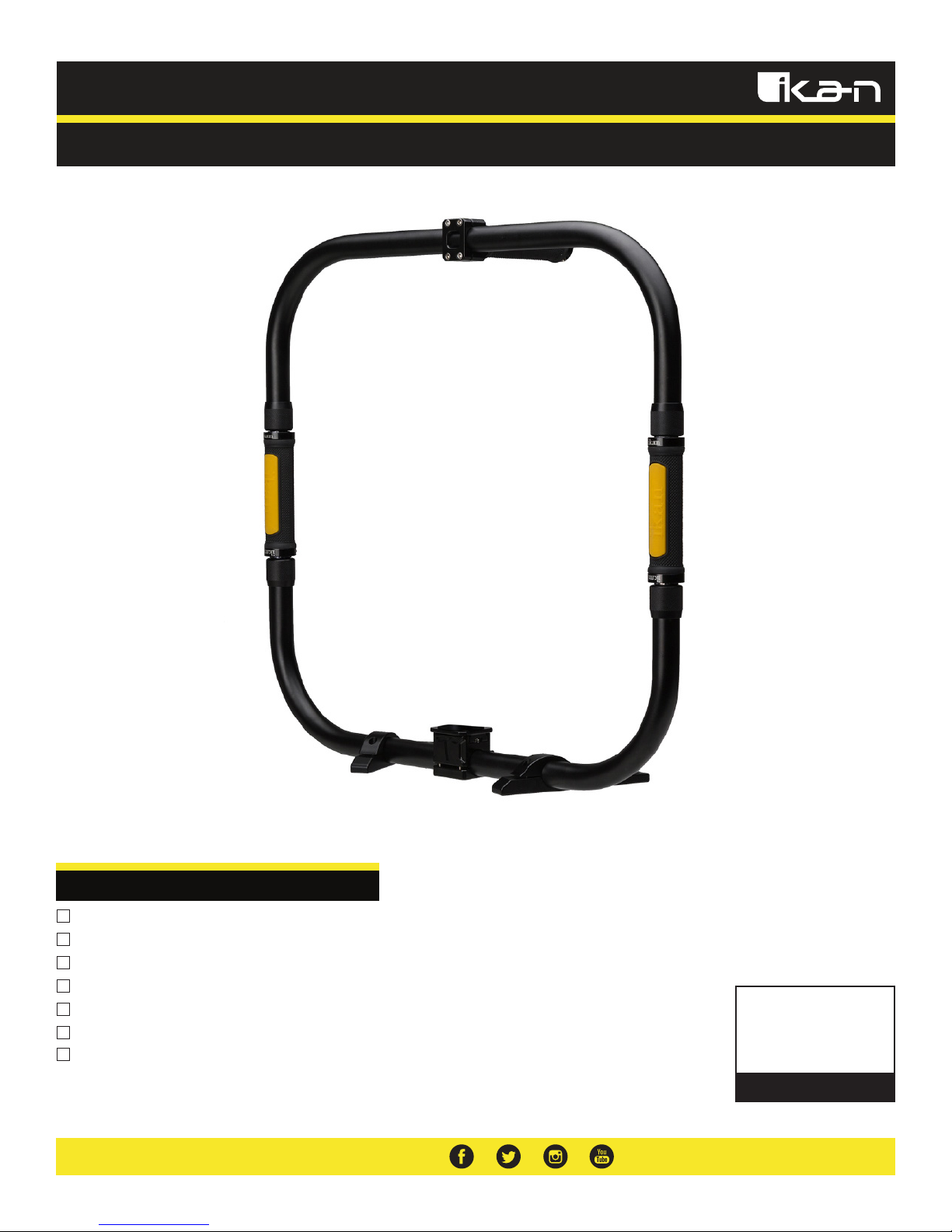
Gimbal Ring Handle
Quick Start Guide
What’s Included
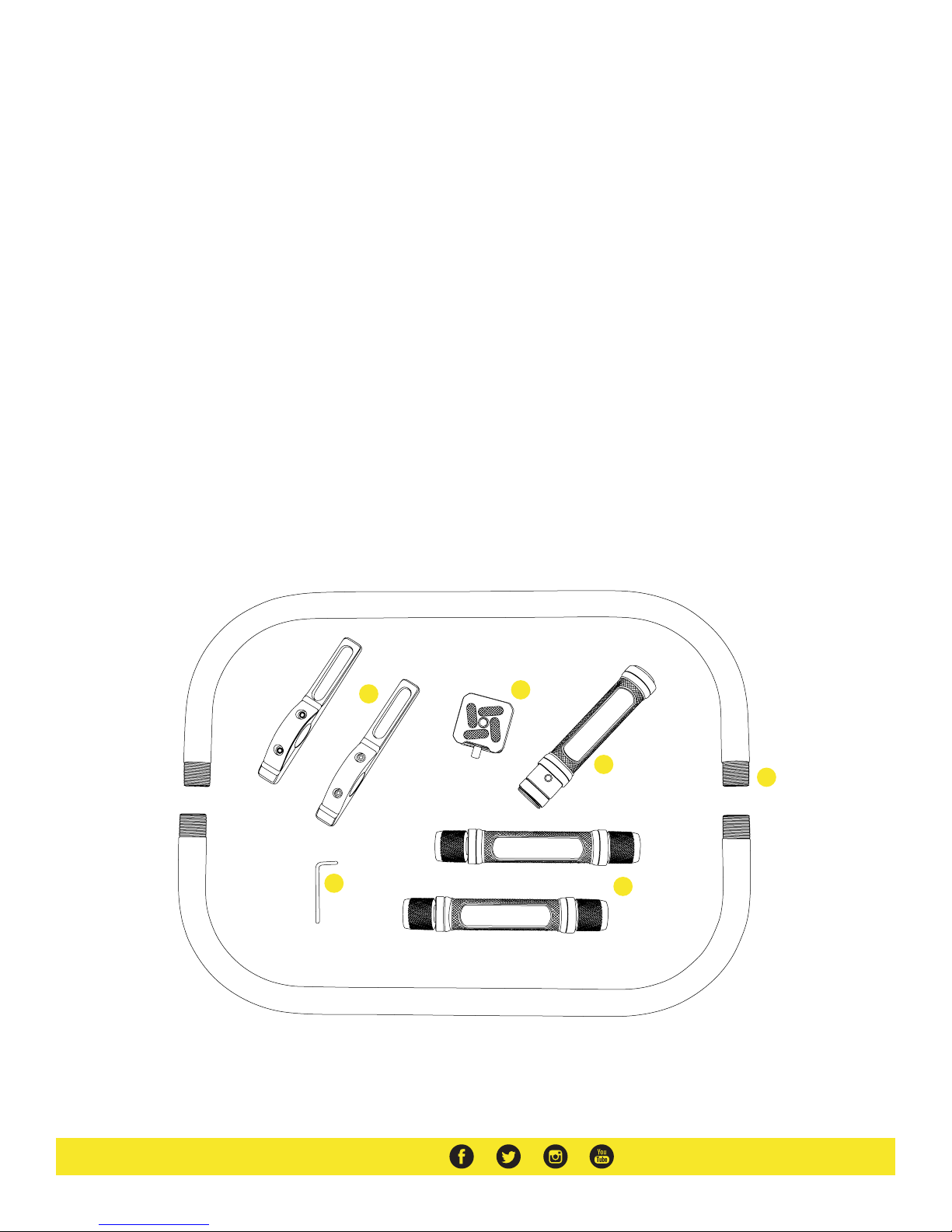
2 x Ring Halves
2 x Stand Legs
2 x Side Handles
1 x Top Handle
1 x Top Handle
1 x Quick Release Adapter Plate
1 x Hex Key
CHECKED BY
Page 2
Installation Instructions
1. Before you start, please make sure you find a leveled flat surface to work on. Using the hex key attach the two stand legs
onto one of the ring halves. After tightening the stand legs make sure both legs are flat.
2. Install the quick release adapter and plate between the two stand legs.
3. Next screw both side handles onto the ring half with the stand legs.
4. IMPORTANT: To install the top ring half simultaneously tighten both side handles at the same time. If one side gets stuck do
not use excessive force or continue tightening. Loosen the stuck side and make sure both side handles are being screws
on simultaneously at the same speed.
5. Tighten the top handle onto the top ring half. For a more comfortable hold it is suggested to tilt the handle slightly down
when installing.
If you need to take apart the Gimbal Ring Handle please remember to loosen both side handles at the same
time to avoid getting one side stuck.
1 Stand Legs
2 Quick Release Adapter Plate
3 Top Handle
1
2
3
5
6
4
4 Side Handles
5 Ring Halves
6 Hex Key
Page 3
Specifications
Fixture Specifications
Optional Accessories
Compatible With Beholder Gimbals
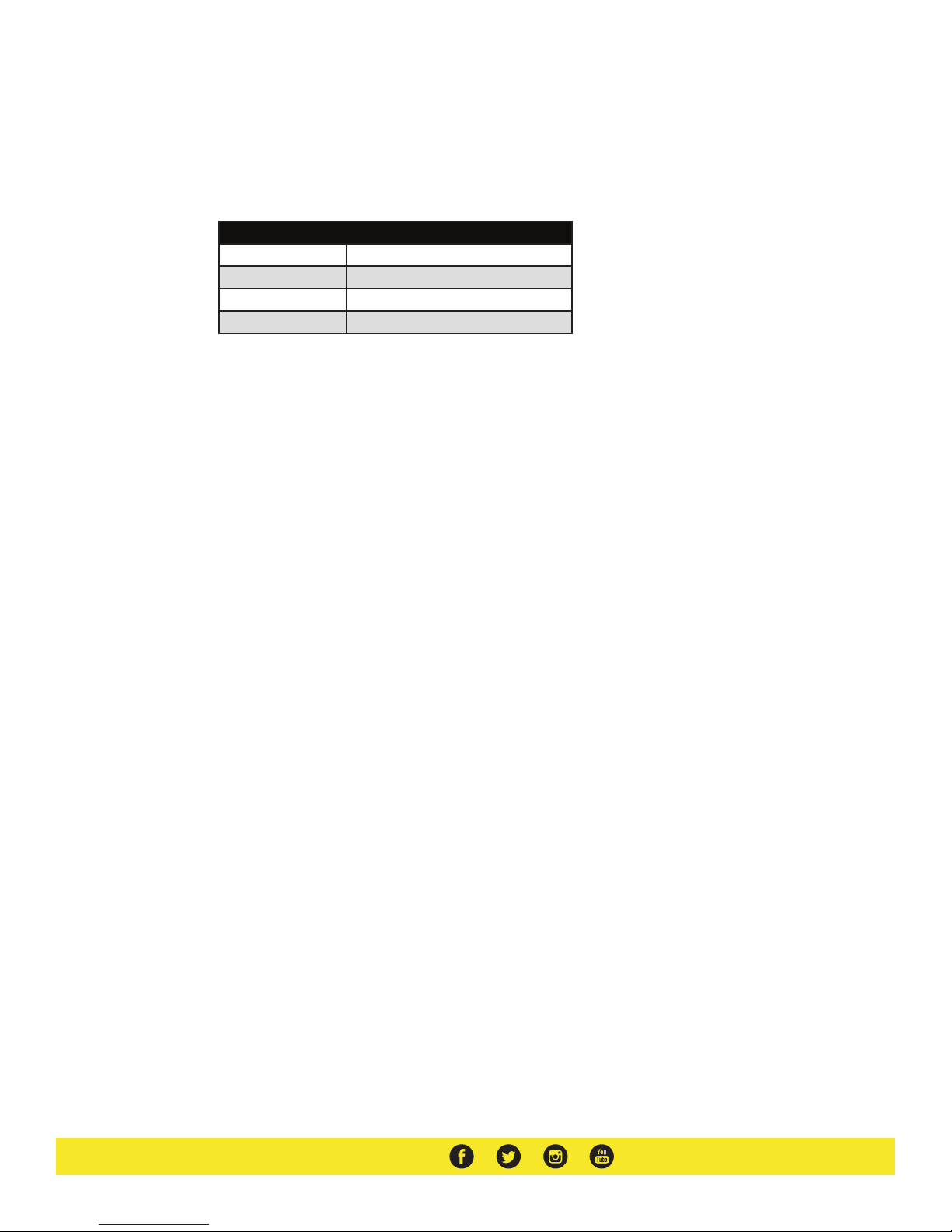
Dimensions 21 x 21 x 7 in.
Thread Size 3/8"-16
Weight 3 lbs
Some other products that work well with the Gimbal Ring Handle available from Ikan include:
DS2
DS2-A
EC1
MS-PRO
Beholder 3-Axis Gimbal Stabilizer with Encoders for DSLR and Mirrorless Cameras
Beholder Angled 3-Axis Gimbal Stabilizer with Encoders for DSLR and Mirrorless Cameras
Beholder 3-Axis Gimbal Stabilizer with Encoders for DSLR and Mirrorless Cameras
Beholder 3-Axis Gimbals Stabilizer with Encoders for Mirrorless Cameras
Page 4

Learn More
More dynamic information at official website: www.ikancorp.com
Support
Contact email: [email protected]
CONDITIONS OF WARRANTY SERVICE
• Free service for one year from the day of purchase if the problem is caused by manufacturing errors.
• The components and maintenance service fee will be charged if the warranty period is expired.
Free Service will not be Provided in the Following Situations:(*Even if the product is still within the warranty period.)
• Damage caused by abuse or misuse, dismantling, or changes to the product not made by the company.
• Damage caused by natural disaster, abnormal voltage, and environmental factors, etc.
©2017 ikan Corporation. All rights reserved
 Loading...