

Page 1

Operating instructions
UK
Diffuse reflection sensor
with background suppression
OGH2xx
UK
OGH200 / 00
Page 2
Functions and features
The diffuse-reflection sensor detects objects and materials without contact and
indicates their presence by a switched signal.
Range: see type label.
Installation
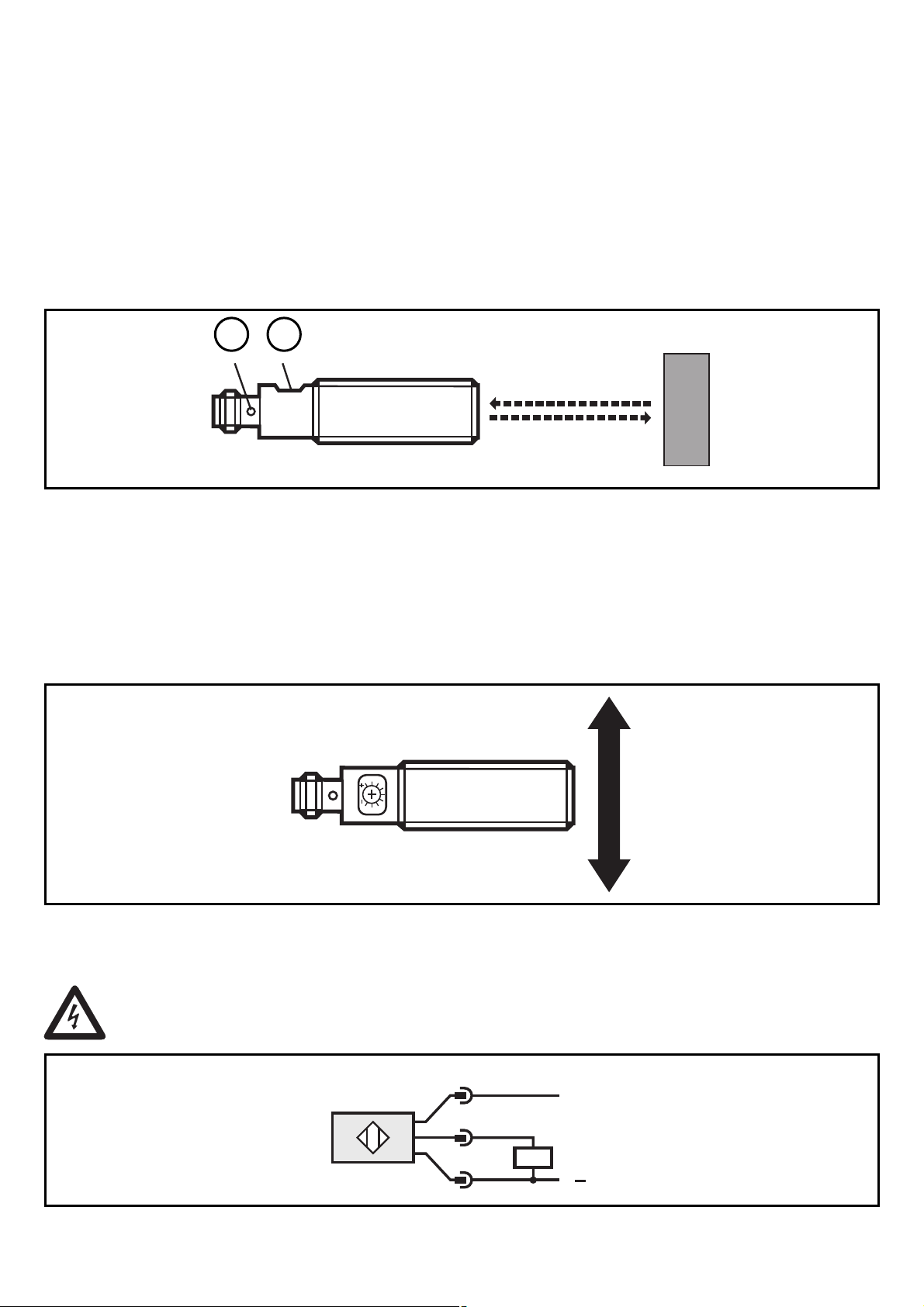
Align the photocell and fasten to a mounting device.
21
LED
1:
Setting potentiometer
2:
The objects to be detected are to move tranversally to the lens of the unit. In case
of other directions of movement it should be tested before whether safe functioning is guaranteed.
Electrical connection
2
Disconnect power before connecting the unit as follows:
1
4
3
L
L
+
Page 3

Adjustment
12
LED
1:
Setting potentiometer
2:
UK
Set the potentiometer to the smallest sensing range.
►
Place the object to be detected within the sensing range.
►
Increase the sensing range until the LED lights (= minimum value; object
►
detected).
Remove the object from the sensing range (LED goes off).
►
Increase the sensing range until the LED lights (= maximum value; background
►
detected).
Set the sensing range to the medium position between minimum and maximum
►
value.
Operation
Check the safe functioning of the sensor.
The output is switched / the yellow LED is lit when the object is detected.
•
Maintenance
Keep the lens of th sensor free from soiling. For cleaning do not use any solvents
or cleaning agents which could damage the plastic lenses.
3
 Loading...