

Page 1
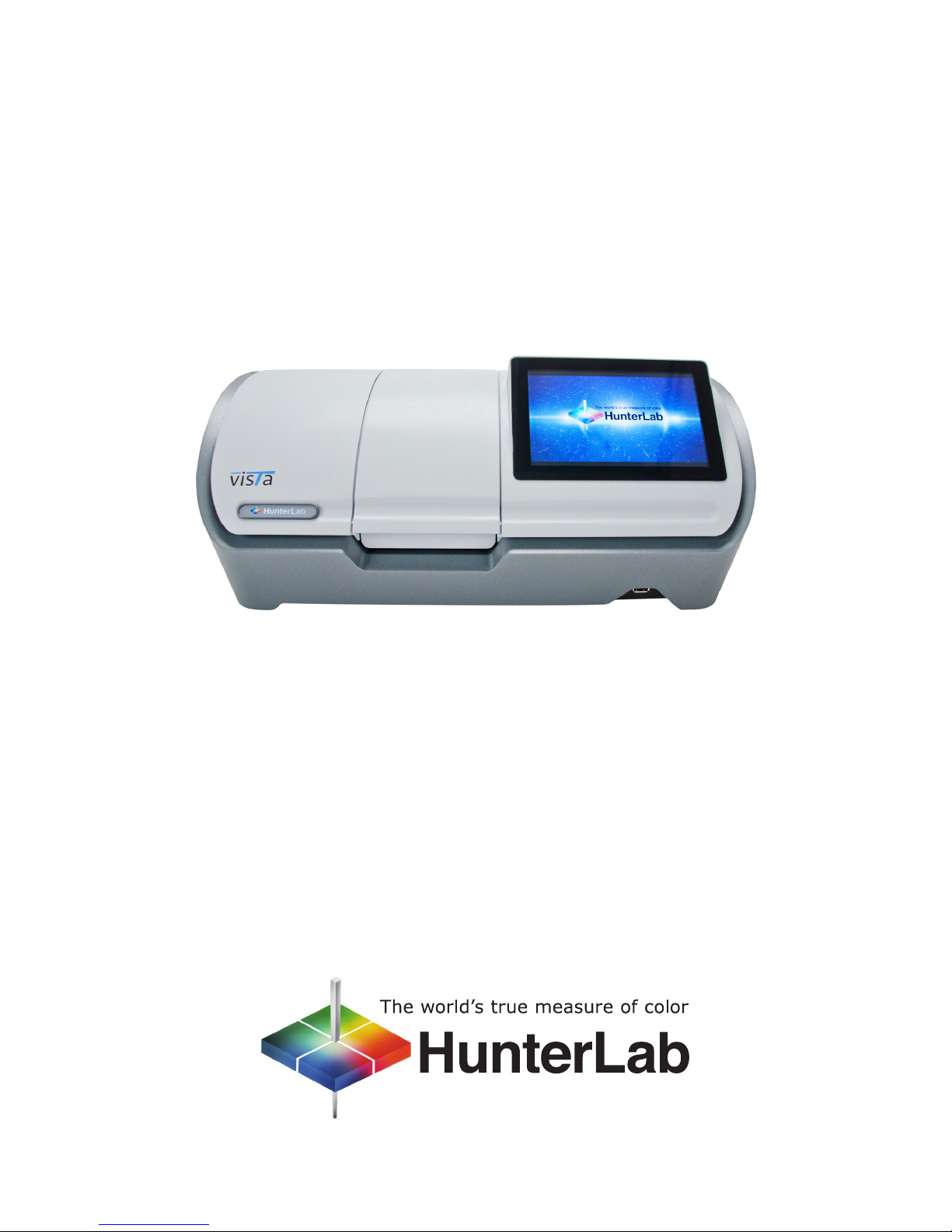
Vista Quick Start Guide
A60-1017-551 ver. 1.0
Page 2
UNPACK YOUR BOX
A
TAKING A MEASUREMENT
B
SAVE AND OUTPUT YOUR
D
RESULTS IN “JOBS”
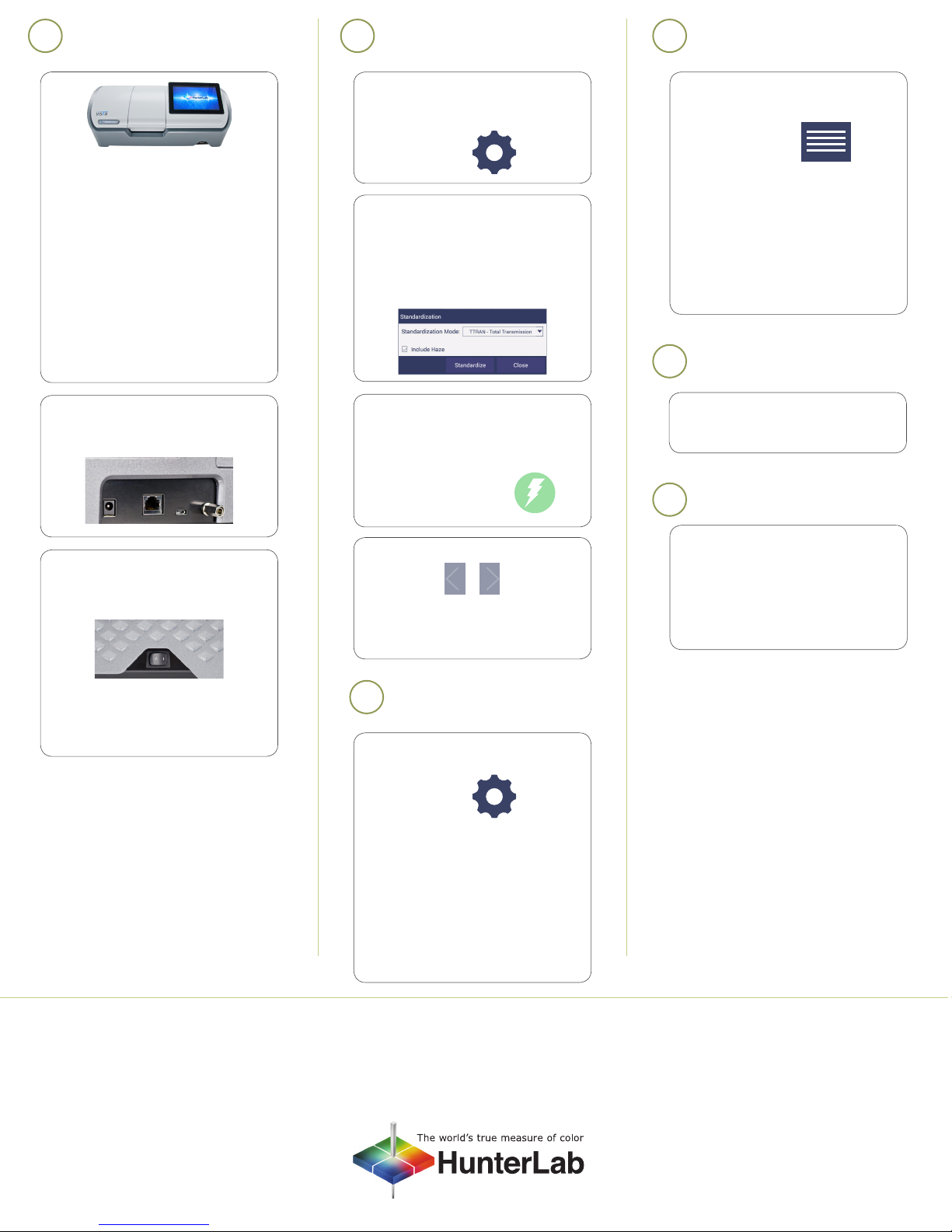
1. Check your shipping carton and
accessories case for the following
items:
• Vista instrument
• Quick start guide
• Power supply
• Didymium diagnostic lter
• HunterLab 2GB USB ash drive
• Cleaning cloth
• Stylus
Note: Please retain the packaging in case
of instrument return to HunterLab.
2. Connect the power cord and all
optional peripheral devices (mouse,
keyboard, network cable, printer).
1. STANDARDIZATION – To begin, press
the Workspace Icon in the upper
right corner.
Workspace icon
2. Congure the Standardization Mode
by selecting from the drop down
menu. Check the “Include Haze”
box if you plan to take both Color
and Haze Measurements.
Press “Standardize” to initiate this
hands-free function.
3. READ - Use the Read
Measurement button to read
samples. This button can be moved
around by pressing and dragging to
a new location.
Read Measurement icon
1. Press the JOBS Icon in the upper
right corner.
Jobs icon
From the “JOBS” menu,
2. Select “Save Job” to store the your
results in Vista’s on-board memory.
3. Select “Data” to output results to
a printer, email, or ash drive (CSV).
For more information, please refer
to the manual.
ACCESSORIES
E
A list of sample measurement
accessories can be found at
www.hunterlab.com/vista
WARRANTY
F
3. Turn the power on using the rocker
switch on the right side of the
instrument.
4. Once inside the software, the Color
Data screen is automatically
displayed.
4. VIEW FLIPPERS --
These semi-transparent buttons are
used to navigate between the
measurement screens.
CONFIGURE YOUR
C
APPLICATION
To begin, press the WORKSPACE Icon in
the upper right corner of the screen:
Workspace icon
1. COLOR SCALES-- Select and globally
congure Color Scales/Indices
/Differences.
2. TOLERANCES- Congure the
Tolerances of the selected Scales,
Indices and Differences.
3. VIEWS- Select the Color
Measurement Screens.
HunterLab warrants that Vista is free from
defects in material and workmanship
under normal use and service. The time
limit on this warranty is one year from date
of shipment. For more information, see the
Vista User’s Manual.
For more detailed instructions on using the instrument, please refer to the Vista User’s Manual.
Visit www.hunterlab.com for information on all our products.
A60-1017-551 ver. 1.0
 Loading...