

Page 1
H
R
aallll
H
eesseeaarrcchh
R
T
eecchhnnoollooggiieess,, IInncc..
T
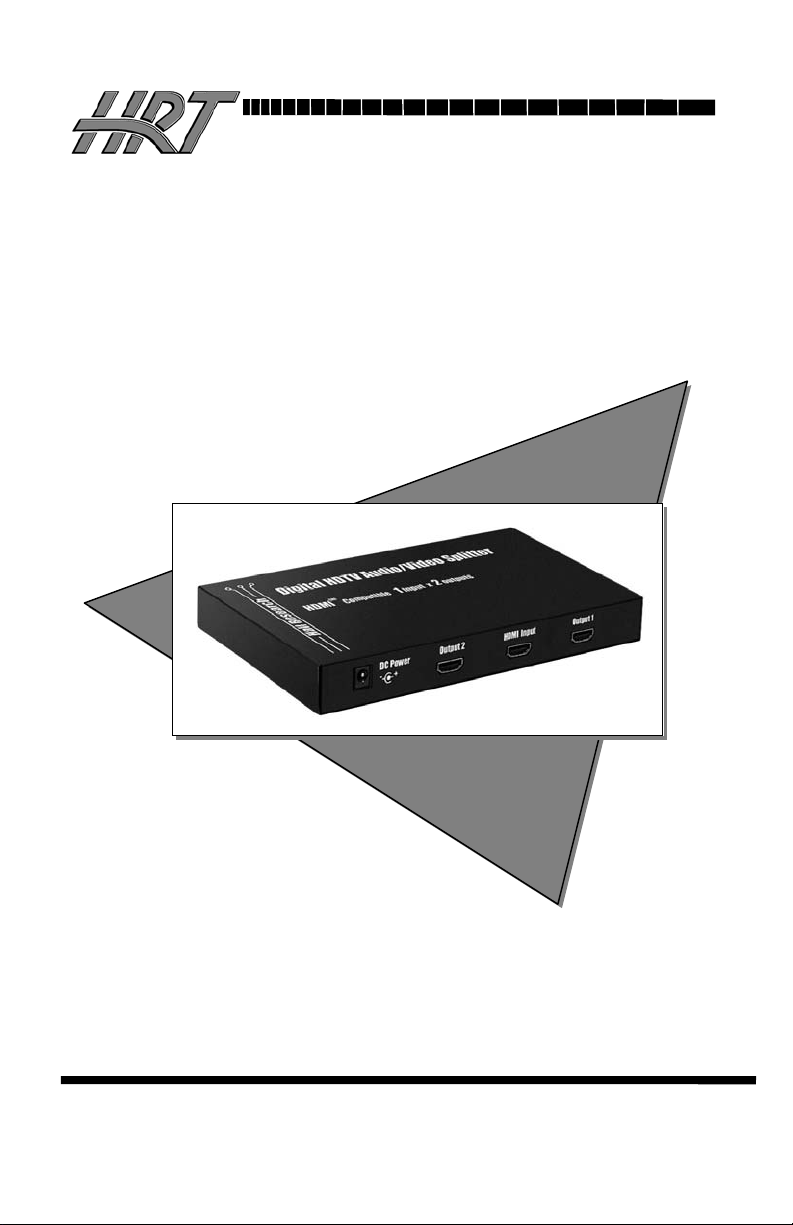
Model SP-HDMI-2A
HDMI Video Splitter - 1 input x 2 output
Allows display of HDMI A/V signal 2 HDTV Displays
SP-HDMI-2A User’s Manual
UMA1102 Rev. n/c
CUSTOMER
SUPPORT
INFORMATION
Order toll-free in the U.S. 800-959-6439
FREE technical support, Call 714-641-6607 or fax 714-641-6698
Mail order: Hall Research Technologies, 1163 Warner Ave. Tustin, CA 92780
Web site: www.hallresearch.com • E-mail: info@ hallresearch.com
Page 2

Model SP-HDMI-2A User's Manual
Trademarks Used In this Manual
Hall Research, HRT, and (logo) are trademarks of Hall Research
Technologies, Inc. HDMI is a registered trademark of HDMI Licensing LLC. Any
other trademarks mentioned in this manual are properties of the trademark owners.
1.0 General
Thank you for purchasing Hall Research Technologies’ Model SP-HDMI-2A
2-channel HDMI Video Splitter. This device is used to split an HDMI
audio/video source for display on 2 identical outputs. It supports HDTV
resolutions to 1080p. It can drive each buffered output more than 12 meters (40
feet) on quality HDMI cable.
The device is a high-performance unit, that digitally splits and buffers the input
signal for a 100% perfect image and sound reproduction on both outputs.
2.0 Features
• Perfect solution for high-end home-theatre setups
• Splits an HDMI source to 2 outputs without loss
• Supports PC & HDTV resolutions, VGA to UXGA and 480p to 1080p
• Can be cascaded up to 3 levels
• Small compact size
• LED for power-on indication
• Each of the buffered outputs can run up to 12 meters (40 feet) at 1080i
• Plug and play installation – takes minutes to setup
• Bandwidth of 1.65 Gbps (Giga bits / second) for sharp digital image
• HDMI1.2, HDCP 1.1, and DVI1.0 Compliant
3.0 Package Contents
• One SP-HDMI-2A HDMI Splitter unit
• One Universal Switching Power Supply
• This User’s Manual
Note: Cables are not supplied with this unit. Please order those separately
2
Page 3

4.0 Controls, Functions, and Indicators
HDMI Video Splitter, 2-Channel
Front Panel
Rear Panel
Input Power ndicator
The unit does not have an on-off button. This light comes on as soon as you
plug in the power adapter.
HDMI Video Input and Outputs #1 & #2
All video connectors are located on the rear panel. You must have at least one
display connected to output #1
DC Input Power Jack
Plug the included power supply to this jack. The LED on the front panel should
come on indicating power is on. NEVER SUBSTITUTE ANY OTHER
POWER SUPPLY AS THIS MAY DESTROY THE UNIT.
5.0 Cascading (daisy-chaining) to expand # of outputs
You can use either output to connect the splitter to another SP-HDMI-2A to
expand the # of outputs.
6.0 Contacting Hall Research and Shipping/Packaging
Contact HRT Support at 714-641-6607 or via email or web. Before you do,
make a record of the history of the problem. We will be able to provide more
efficient and accurate assistance if you have a complete description. If you need
to ship your converter for repair, make sure to get a Return Material
Authorization (RMA) number first.
3
Page 4
Model SP-HDMI-2A User's Manual
7.0 Specifications
Bandwidth 1.65 Gbps (Giga bits / second)
Resolutions Output resolution is the same as input resolution.
Supported PC Resolutions
VGA - SVGA – XGA – SXGA – UXGA (1600x1200)
Supported Component (YPbPr) Resolutions
480i - 480p - 720p - 1080i - 1080p
Temperature Operating: 32 to 122°F (0 to 50°C);
Storage: –40 to +185°F (–40 to +85°C)
MTBF 95,000 hours (calculated estimate)
Power From utility-power (mains) outlet, through included external
power supply. Voltage: 9 V DC Center-Positive > 1000 ma
Size 0.85" High x 7.5" Wide x 3.75" Deep
Weight 1.1 lbs (17 Ounces)
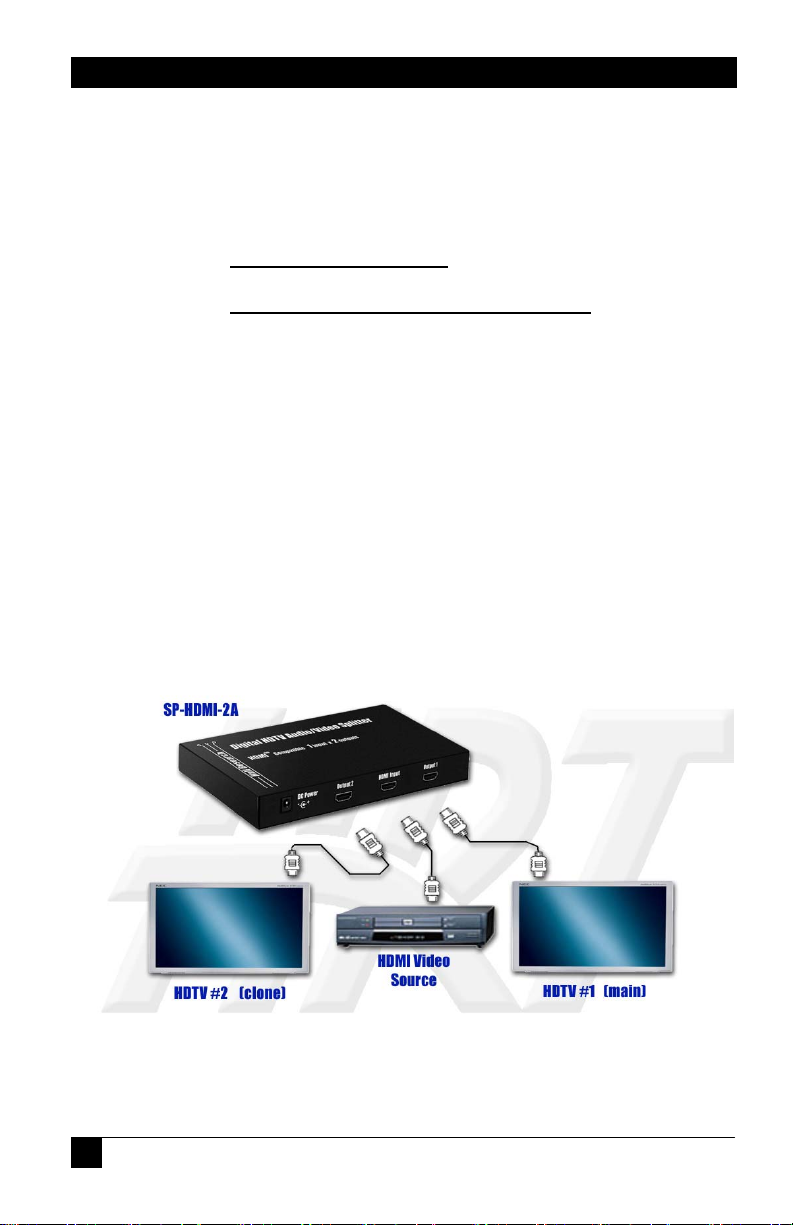
8.0 Connection Block Diagram
4
 Loading...