

Page 1
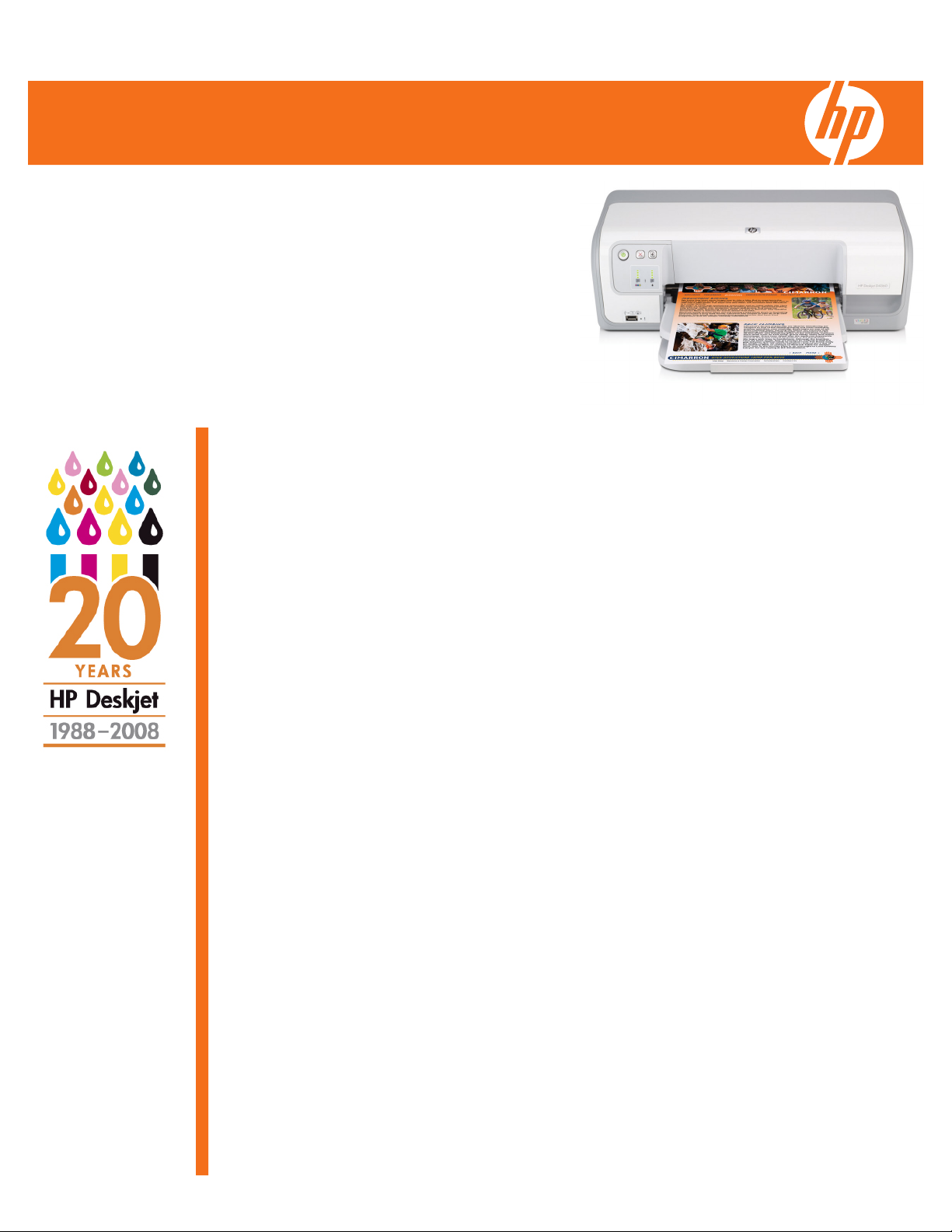
HP Deskjet D4360 Printer Datasheet
Reliable, easy-to-use and dependable printer for high-quality
color documents, photos and projects.
Print speed: up to 30 ppm black and up to 23 ppm color1
Connectivity: 1 USB front, 1 USB back
Paper handling: 80-sheet fold-up input tray
Features: HP Smart Web printing
Ready for your everyday printing
• Quickly print up to 30 ppm black and up to 23 ppm color
• Select and organize sections from multiple web pages and
print what you see with HP Smart Web Printing
2
1
• Print your borderless photos in 4 x 6-inch and panorama-size
• Get laser-quality black text plus vivid color graphics and
photos, using HP Vivera inks
Proven reliability at an affordable price
• Rely on HP Deskjet printers the world’s top-selling printer
brand—celebrating 20 years of excellence
• HP—chosen by consumers as the world's most reliable printer
3
brand
• You can save ink and money using efficient HP ink cartridges
• Print 3 times more black and color pages using high-capacity
ink cartridges
4
Easy to set up and use
• Set up quickly and easily thanks to user-friendly software and
hardware
• Stop unwanted prints to save ink and paper using Print-cancel
• Easily transfer files and photos to your PC with front USB port
• Save space with compact design and 80-sheet fold-up paper
tray
1
After first page; see http://www.hp.com/go/inkjetprinter for details.
2]
Not compatible with Windows 2000 or Macintosh operating systems.
3
Based on worldwide consumer research in 2006 by Millward Brown.
4
Compared to the HP 74 Black or HP 75 Color Ink Cartridge. High-capacity HP ink cartridges not included; please
purchase separately.
Page 2
HP Deskjet D4360 Printer Datasheet
Technical specifications
Print resolution Black: Up to 600 rendered dpi black, Color: Up to 4800 x 1200 optimized
1
dpi color and 1200-input dpi
Black: Up to 30 ppm, Color: Up to 23 ppm
What is in the box HP Deskjet D4360 Printer, HP 74 Black Ink Cartridge (~170 pages)3, HP
Replacement Print Cartridges
3
75 Tri-color Ink Cartridge (~165 pages)3, HP Photosmart Essential
Software, setup poster, Reference Guide, power supply, power cord
HP 74 Black Inkjet Print Cartridge, CB335W (~ 170 pages)
HP 75 Tri-Color Inkjet Print Cartridge, CB337W (~165 pages)
HP 74 XL Black Inkjet Print Cartridge, CB336W (~ 635 pages)
HP 75 XL Tri-Color Inkjet Print Cartridge, CB338W (~505 pages)
HP 99 Photo inkjet Print Cartridge, C9369W (~125 4 x 6-inch photos)
Media types Paper (plain, inkjet, photo), envelopes, transparencies, labels, cards, HP
Paper handling 80-sheet input tray, 50-sheet output tray; Input capacity: Up to 80 sheets
Media weight supported (imperial) US letter, legal, envelopes: 20 to 24 lb; cards: up to 110 lb index
Operating system (compatible) Windows Vista(R); Windows XP Home (SP1); Windows 2000 Professional
Minimum System requirements PC: For Windows XP Professional or Windows XP Home, Windows 2000
Operating Environment Recommended operating temperature: 59 to 86 ° F (15 to 30 ° C),
premium media, iron-on transfers
letter/legal, Up to 30 sheets transparencies, Up to 20 sheets labels, Up to
30 sheets photo paper, Up to 30 cards, Up to 30 sheets 4 x 6 photos, Up
to 10 envelopes; Output capacity: Up to 50 sheets letter/legal, Up to 15
sheets transparencies, Up to 10 sheets labels, Up to 15 cards, Up to 10
envelopes
maximum; photo: up to 75 lb index maximum
(SP4); Mac OS X v 10.5 or higher; Windows 2000 and Windows XP x64
are supported with a print driver only.; HP Smart Web Printing and HP
Photosmart Essential Software applications are not available for Windows
2000, Windows XP x64 or Mac OS X.
(SP4 or higher): Any Intel Pentium II, Intel Celeron, or compatible processor
(233 MHz or higher); 128 MB RAM (256 MB or higher recommended);
400 MB available hard disk space; Internet Explorer 6 or higher. For
Windows Vista(R) Ready: 800 MHz 32-bit (x86) or 64-bit (x64) processor;
512 MB RAM; 700 MB available hard disk space; Internet Explorer;
CD-ROM drive; available USB port and USB cable; SVGA 800 x 600
monitor with 16-bit color; Adobe Acrobat Reader 5 or higher
recommended; Internet access recommended. (With Windows 2000 some
features may not be available), Mac: Mac OS X v 10.3.9, v 10.4, v 10.5
or higher; Macintosh computer with a PowerPC G3, G4, G5 or Intel Core
processor; 256 MB RAM (512 MB or higher recommended); 200 MB
available hard disk space; CD-ROM drive; available USB port and USB
cable; Any Web browser; Internet access recommended
Maximum operating temperature: 41 to 104 ° F (5 to 40 ° C),
Temperature storage range: -40 to 140 ° F (-40 to 60 ° C), Humidity
recommended operating range: 20 to 80% RH, Storage humidity: 5 to
90% RH non-condensing
Acoustics Acoustic power emissions (active, printing): 6.9 B(A) (printing at 30 ppm),
Power Power suppy type: External, Power supply required: Input voltage: 100 to
Service and Support HP 2-year Next Business Day Exchange UG604E
Warranty One-year limited hardware warranty backed by HP Customer Care,
Acoustic pressure emissions (active): 56 dB(A) (printing at 30 ppm)
240 VAC (+/- 10%), 50/60 Hz (+/- 3 Hz); may vary by region, Power
consumption (ready): 3 watts, Power consumption (off): <1 watt, Power
consumption (sleep): <3 watts, Power consumption (active, printing): 20
watts
HP 3-year Next Business Day Exchange UG607E
HP 4-year Next Business Day Exchange UH608E
service and support; one-year technical phone support.
For more information visit our website at www.hp.com
HP Product Part Number
HP Deskjet D4360 Printer CB700A
©2008 Hewlett-Packard Development Company, L.P. HP is a registered trademark of the Hewlett Packard Company. ENERGY STAR and the ENERGY STAR logo are registered U.S. marks. All other trademarks are the property
of their respective owners. Microsoft and Windows are registered trademarks of Microsoft Corporation. This listing of non HP products does not constitute an endorsement by Hewlett Packard Company. The information contained
herein is subject to change without notice and is provides "as is" without warranty of any kind. HP shall not be liable for technical or editorial errors or omissions contained herein. March, 2008
ENERGY STAR® qualified models; see: hptp://www.hp.com/go/energystar
1
After first page; see http://www.hp.com/go/inkjetprinter for details. 2Power requirements are based on the country/region
where the product is sold. Do not convert operating voltages or use with other voltages. Doing so might cause damage that
would not be covered under HP's product warranty.3Yield varies considerably based on content of printed pages and other
factors. See: www.hp.com/go/learnaboutsupplies
 Loading...