

Page 1
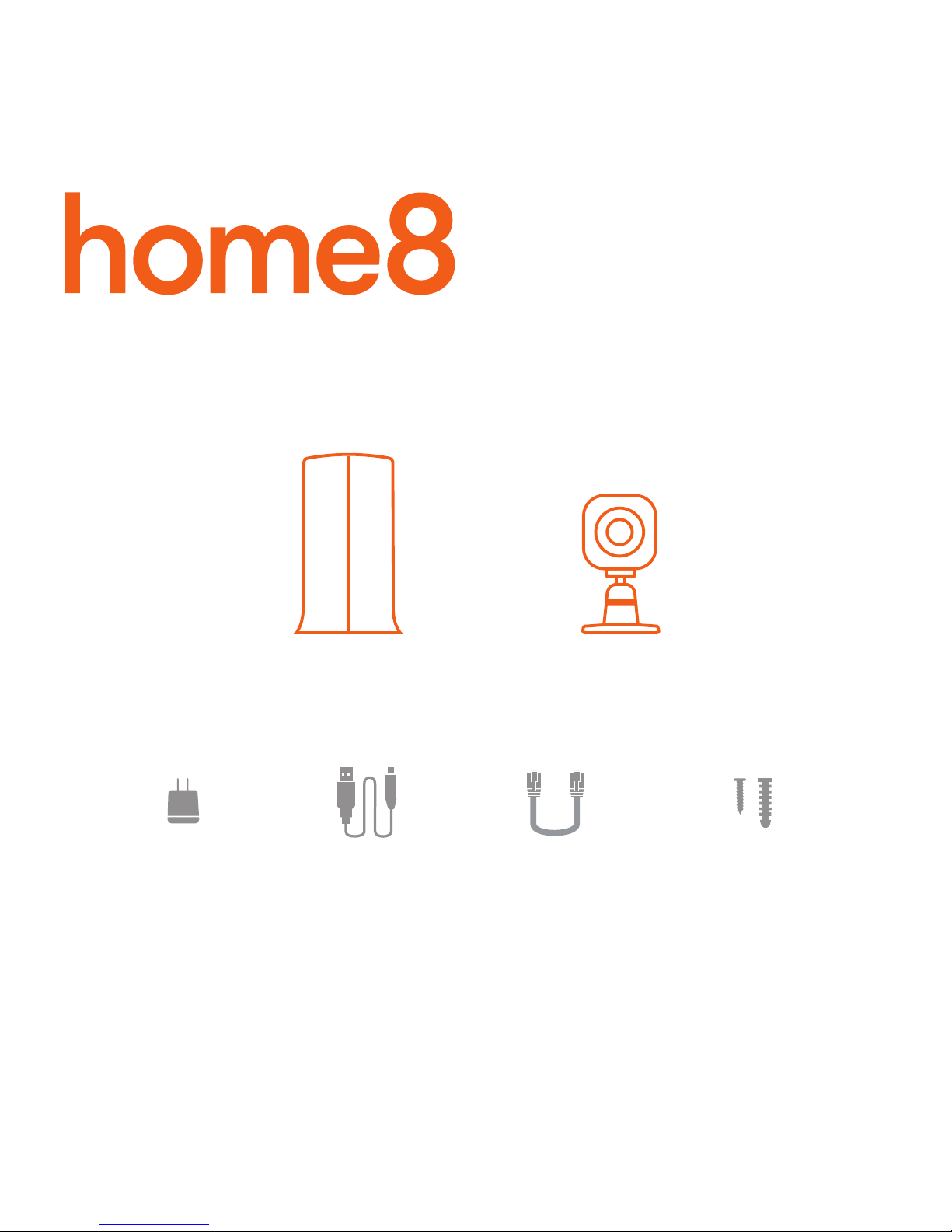
What’s inside:
1x Security Shuttle
What you’ll need:
• Broadband Internet • iPhone or Android phone • Home router
1x Ethernet cable
5x Power cables
Model No. V33040US
5x Power adapters
4x Mini Cube HD cameras
Mounting accessories
Mini Cube HD 4-Camera
Ultra-Secure Starter Kit
Quickstart Guide
Page 2
1-10 ft
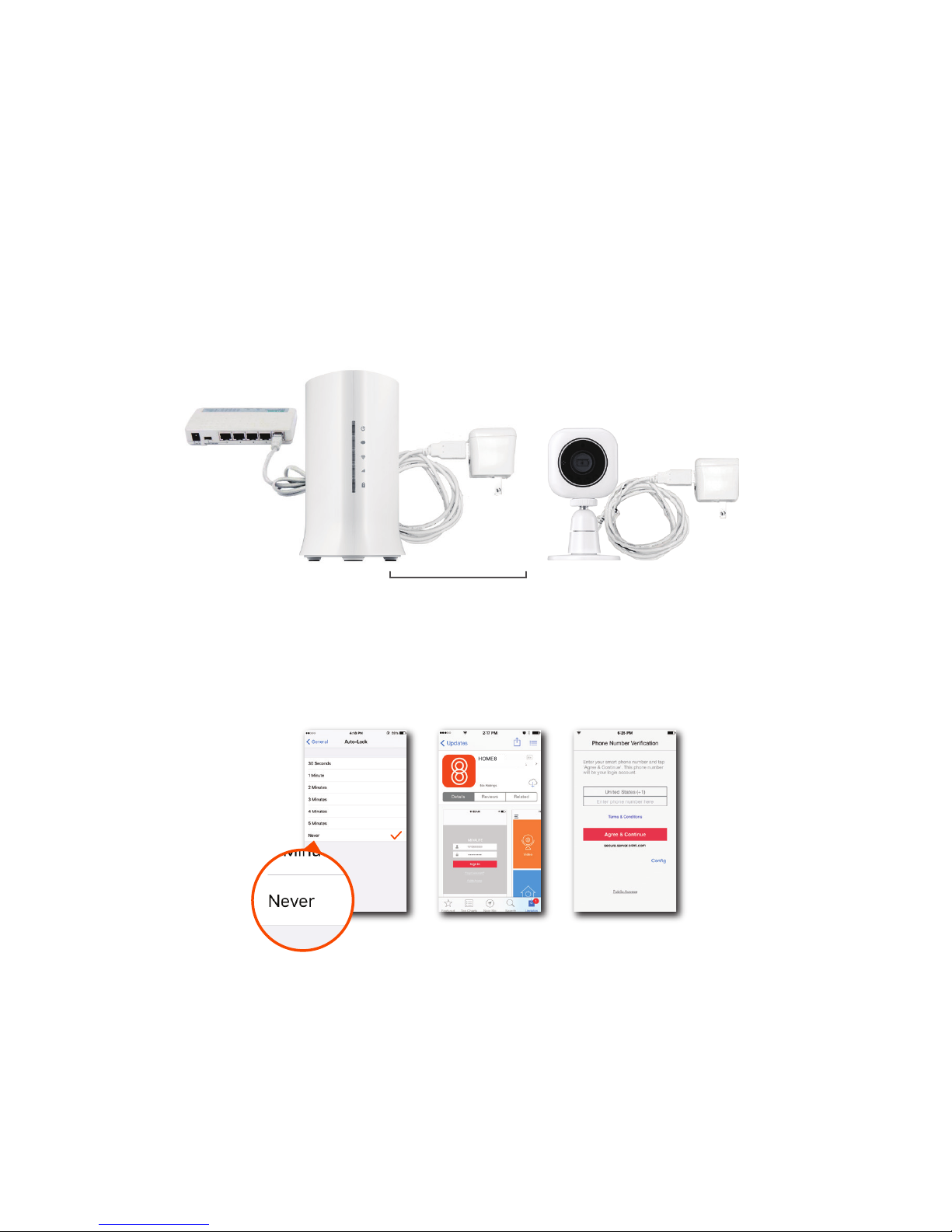
Step 1: Assemble your hardware
Step 2: Set up your smartphone
Unpack all of your hardware within 1-10 feet of your home router.
• Connect Security Shuttle to your DHCP-enabled router with the included Ethernet cable
• Connect Security Shuttle and Mini Cube HD cameras to power adapters and plug them in
Your phone will disrupt the setup process if it goes to sleep. So before you register your devices,
disable the autolock feature on your smartphone. You can enable it after you’ve set up your system.
Next:
• Connect your smartphone to your home Wi-Fi
• Download the Home8 app from the App Store or Google Play
• Follow the on-screen instructions and set up your account
Page 3
Step 3: Mount your devices
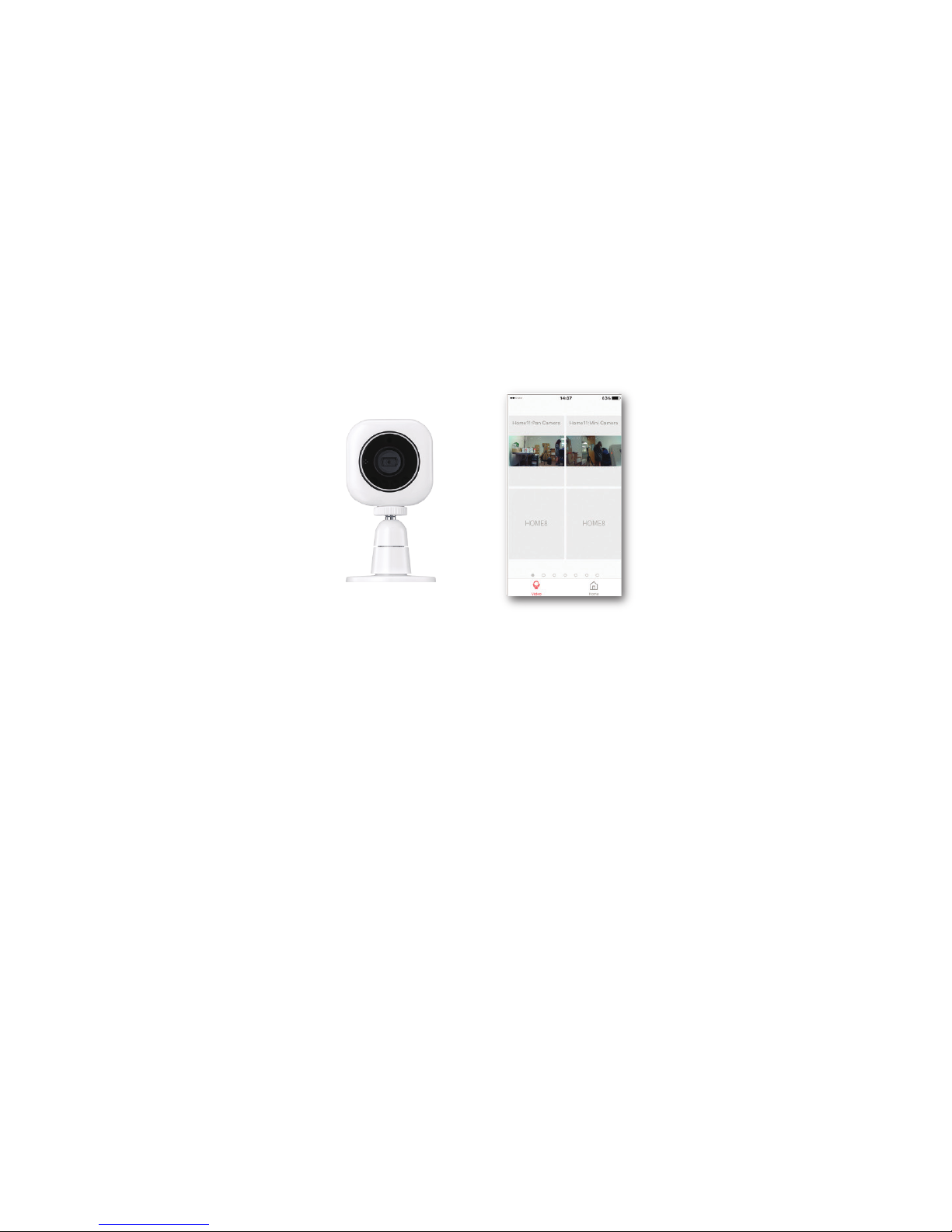
Before you use your cameras, see if they’re within Security Shuttle’s range.
• Take your cameras to the rooms you want to use them in
• Open the app, tap Video
If you see video, use your cameras and enjoy.
Page 4

Need help installing your Home8 system?
Troubleshooting Tips
Are your devices listed in your app?
Are your devices communicating with Security
Shuttle?
Do you need to reset your camera?
• If your devices don’t connect to Security Shuttle, they might be too far away. Take them to a location that’s closer
to Security Shuttle and try again.
• If they do connect, you’ll know the range of your device and where to install a range extender.
• Alternatively, you can move Security Shuttle closer to your device.
• If your devices still don’t communicate with Security Shuttle, even when they’re in the same room, navigate to >
Device Management > + on the Home8 app to add your devices again.
If you’re having trouble installing your devices, see if they’re listed in your Home8 app:
• Navigate to > Device Management to see if all your devices are listed
• Tap + next to the device category and follow the on-screen instructions to add any missing devices
If your camera isn’t communicating with Security Shuttle, your app may ask you to reset your camera.
• Locate the pinhole on the left side of the camera
• Insert a pin and hold for 3-5 seconds until you hear a beep
• Return to the app and follow the onscreen instructions
Call 1-844-800-6482, Mon-Fri 9am-7pm, Pacific.
http://www.home8systems.com/faq/
[email protected]
99200232MIG
V1.0
 Loading...