

Page 1
Quick Start for the HOBO® TidbiT® MX Temp 400 (MX2203) & Temp 5000 (MX2204) Logger
1
Open HOBOmobile. Enable Bluetooth® in your device settings if
2
prompted.
Firmly press the magnetic HOBO button
3
near the center of the logger to wake it up.
Both LEDs on the logger will blink once
when it wakes up. Tap the HOBOs icon (on
Android™ devices) or tap the Devices icon
and then tap Loggers at the top of the
screen (on Apple® devices). Tap the logger
in the list to connect to it. If the logger does
not appear in the list, make sure the logger
is within range of your device.
Once connected, tap Configure to set up the logger. Choose the
4
logger settings.
Note that the default Bluetooth setting for the logger is Bluetooth
Always On, which means it will “advertise” or regularly send out a
Bluetooth signal for the phone or tablet to find via HOBOmobile.
This setting uses battery power. You can change this to one of the
following power saving modes:
• Bluetooth Always Off. The logger will only advertise when you
press the HOBO button on the protective logger boot to wake
it up.
21539-D MAN-MX2203-MX2204-QSG
Download HOBOmobile®
to your phone or tablet.
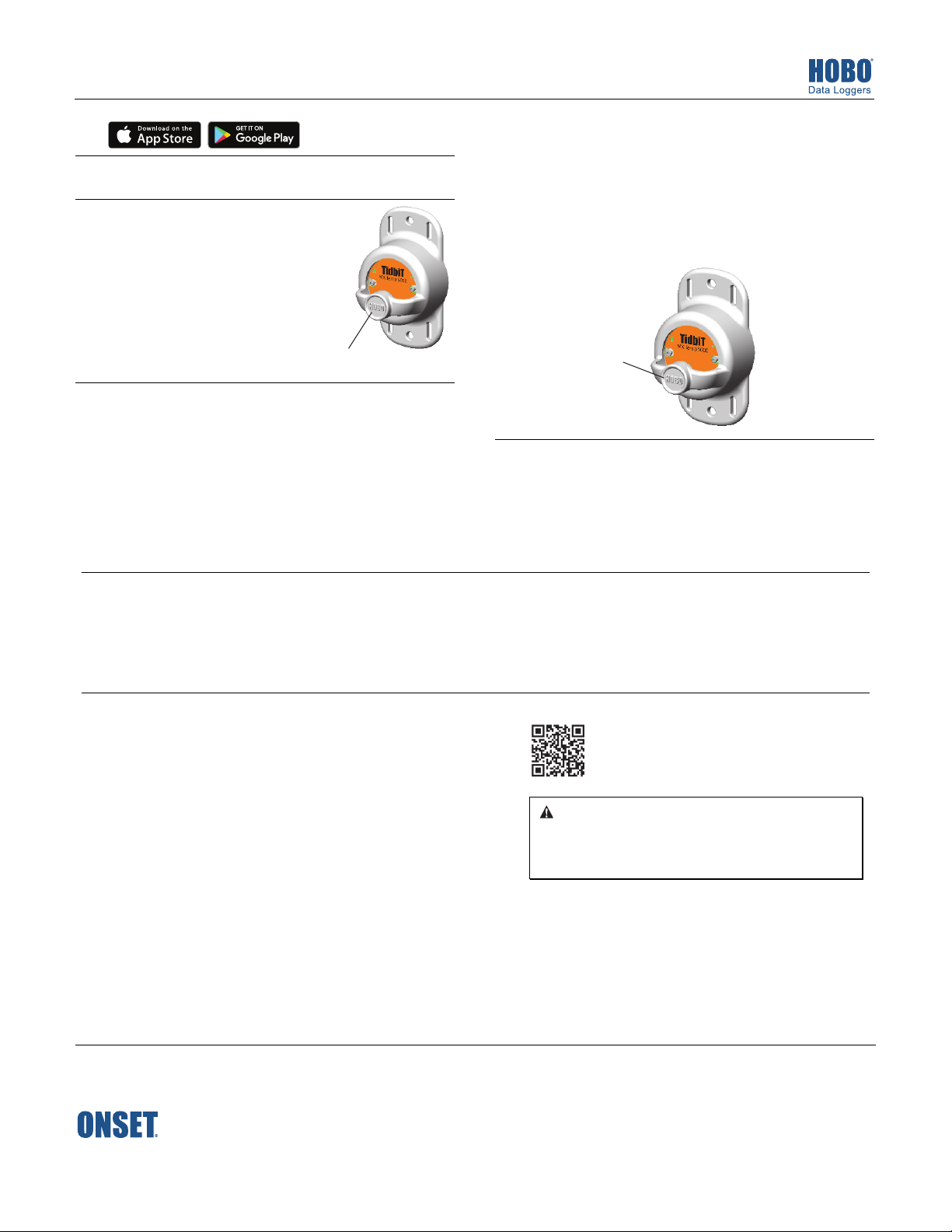
Firmly press this button for
1 second to wake up the logger
To download data from the logger:
6
a. Open HOBOmobile.
b. If the logger was configured with Bluetooth Always On,
continue to step c.
If the logger was configured with Bluetooth Always Off, press
the HOBO button on the logger for 1 second to wake it up.
If the logger was configured with Bluetooth Off Water Detect
and it is deployed in water, remove it from the water.
c. Tap the HOBOs icon in HOBOmobile and tap the logger to
connect to it.
d. Once connected, tap Readout. The data from the logger is
saved to your device. Tap the Data Files icon and then tap the
mini-graph to view a larger version of the graph or to share the
file.
• Bluetooth Off Water Detect. The logger will only advertise
5
when it is out of water. When it is in water, the Bluetooth
signal is automatically disabled.
Tap Start in the upper right corner of the Configure screen after
you have selected all the settings. The logger will begin logging
data based on the settings you selected. If you configured the
logger to start or stop logging with the On Button Push option,
press the HOBO button for 3 seconds (logger LEDs will blink 4
times).
Press this button for
3 seconds to start or
stop the logger (if
configured with On
Button Push)
Deploy the logger to the location where you will be monitoring
the conditions. Follow the deployment guidelines in the full
product manual at www.onsetcomp.com/manuals/mx2203mx2204.
WARNING: Do not cut open, incinerate, heat above 85°C (185°F), or recharge
For more information on using the logger and
HOBOmobile, scan the code at left or go to
www.onsetcomp.com/manuals/mx2203-mx2204.
the lithium battery. The battery may explode if the logger is exposed to
extreme heat or conditions that could damage or destroy the battery case.
Do not dispose of the logger or battery in fire. Do not expose the contents of
the battery to water. Dispose of the battery according to local regulations for
lithium batteries.
© 2017–2019 Onset Computer Corporation. All rights reserved. Onset, HOBO, TIdbiT, and HOBOmobile are registered
trademarks of Onset Computer Corporation. Apple is a registered trademark and App Store is a service mark of Apple Inc.
Android and Google Play are trademarks of Google LLC. Bluetooth is a registered trademark of Bluetooth SIG, Inc. All other
trademarks are the property of their respective companies.
This product has been manufactured by Onset Computer Corporation and in compliance with Onset’s ISO 9001:2015 Quality
1-800-LOGGERS (564-4377) • 508-759-9500
www.onsetcomp.com/support/contact
Management System.
Patent #: 8,860,569 21539-D MAN-MX2203-MX2204-QSG
 Loading...