

Page 1
WARRANTY
HIX will automatically register the equipment on the date it was shipped to you or your distributor.
If the equipment was not purchased directly from HIX, but through a distributor (either domestic
or foreign), please keep a copy of their sales invoice showing the serial number and date it was
sold/shipped to you with this warranty. In this case, we will use the distributor’s invoice date as the
beginning warranty date. STAPLE A COPY OF YOUR RECEIPT TO THIS W ARRANTY and keep
in a safe place to provide verifi cation of your warranty should a problem occur. Thank you.
Please fi ll in the following information and attach a copy of your receipt for your records.
Date Purchased: From:
Model #: Serial #:
This warranty applies to equipment manufactured by the HIX Corporation (HIX), Pittsburg, Kansas, U.S.A. HIX warrants to the original purchaser, its Ovens and Dryers, Heat Transfer Presses,
Mug Presses, Mug Glazer, Retensionable Screen Frames, Textile Printers, Spot Heaters, and Exposure Units against defects in workmanship and material, except for wear and tear for a period of
“One Y ear” from the date of purchase. HIX warrants its Accessories, Reten Splines/Hardware/Tool
Kit, and Shuttle for a period of 90 days from the date of purchase. Thermatrol and doughXpress
products are covered under separate warranty.
In the event of a defect, HIX, at its option, will repair, replace or substitute the defective item at
no cost during this period subject to the limitations of insurance and shipping costs stated below.
In the case of heat transfer presses (except the Hobby Lite), HIX warrants the heat casting for
the “Life” of the machine for the original purchaser. If a part becomes obsolete at the time for repair ,
and/or cannot be reasonably substituted for, HIX will credit, at half the then current list price or last
recorded price, only that part toward a new machine or any product HIX offers. This credit offer
shall be the sole responsibility of the HIX Corporation in the event of an obsolete part.
This warranty does not cover belts, pads, mug wraps, canvas, rubber blankets, bulbs, glass, rod
ends, turn buckles on printers or damages due to accident, misuse/abuse, alterations or damage
due to neglect, shipping or lack of proper lubrication or maintenance. HIX shall not be responsible
for repairs or alterations made by any person without the prior written authorization by HIX. This
warranty is the sole and exclusive warranty of HIX and no person, agent, distributor, or dealer of
HIX is authorized to change, amend or modify the terms set forth herein, in whole or in part.
In the case of a problem with the equipment identifi ed herein, HIX Corporation should be con-
tacted during regular business hours to discuss the problem and verify an existing warranty. HIX
personnel will assist the customer to correct any problems which can be corrected through operation
or maintenance instructions, simple mechanical adjustments, or replacement of parts. In the event
the problem cannot be corrected by phone, and upon the issuance of a return authorization by
HIX, the equipment shall be returned to HIX or an authorized service representative. All insurance,
packaging and shipment/freight costs are solely the responsibility of the customer, and not that
of HIX, and HIX shall not be responsible for improper packaging, handling or damage in transit.
Contact HIX customer service for complete return authorization information. Correct shipping boxes
are available from HIX.
This expressed warranty is given in lieu of any and all other warranties, whether expressed or
implied, including but not limited to those of merchantability and fi tness for a particular purpose,
and constitutes the only warranty made by HIX Corporation.
In no event shall HIX’s liability for breach of warranty extend beyond the obligation to repair or
replace the nonconforming goods. HIX shall not be liable for any other damages, either incidental
or consequential, or the action as brought in contract, negligence or otherwise.
This warranty gives you specifi c legal rights and you may also have other rights which vary from
state to state.
Manufacturers of the Finest Quality Textile and Graphics Screen Printing and Heat Transfer Equipment
1201 E. 27th Terrace • Pittsburg, KS 66762 • U.S.A.
Web site: www.hixcorp.com • Phone: (800) 835-0606 • Fax: 620-231-1598
E-Mail: customerservice@hixcorp.com • E-Mail: sales@hixcorp.com
(Effective September 1, 2010)
8
©2010 HIX Corp.
SH/MSH/ASH-1818
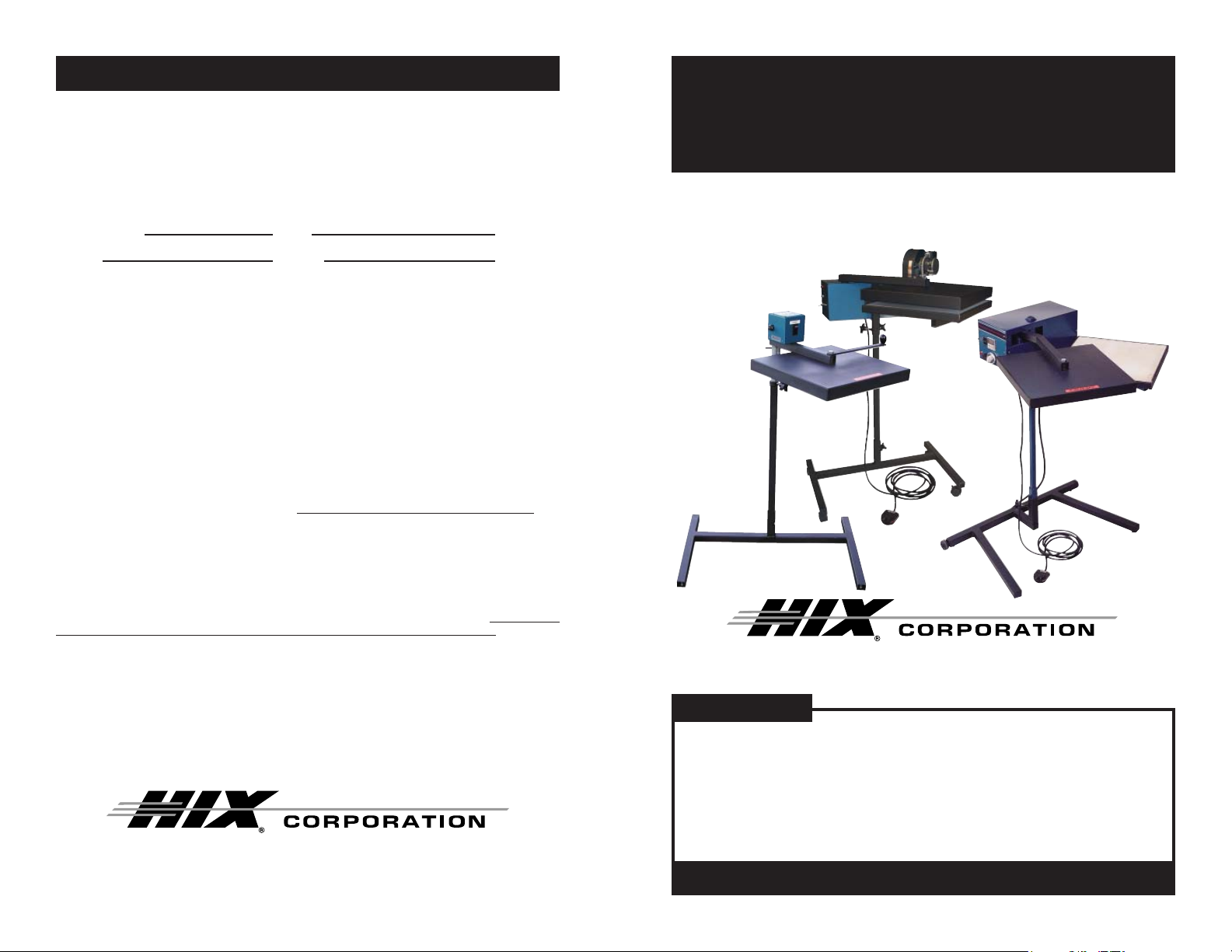
18”x18” Flash Cure Spot Heater
OWNER’S MANUAL
ASH-1818
MSH-1818
SH-1818
For Customer Service, Call 1-800-835-0606 or
Visit www.hixcorp.com
CONTENTS
Installation 2
Set Up 2
Operation 3-4
Maintenance 4
Troubleshooting 5-6
Repairs 7
Warranty 8
BEFORE warranty repair you MUST get Prior Authorization:
70088 RV E_101810
Page 2

INSTALLATION/INITIAL SETUP
REPAIRS
WARNING: BEFORE INST ALLATION, BE SURE ON/OFF SWITCH
IS OFF AND MACHINE IS UNPLUGGED.
INSTALLATION:
1. Remove the spot heater and its base from the shipping box.
Inspect it for damage and report any damage you fi nd to your
shipper immediately.
2. Insert pedestal tube into base. Tighten knob at the bottom of base
to secure pedestal in place.
3. Place spot heater on top of pedestal tube. T ighten the two knobs
to secure spot heater in place.
4. T o adjust height, loosen two knobs along the pedestal tube, move
tube up or down to desired height and retighten knobs.
5. Remove shipping tape and packing material from spot heater.
6. Install wheels to the base by threading each wheel on the bottom
of leg tube.
NOTE: The MSH, SH and ASH models operate slightly differently
than each other when curing. Pay close attention to understand how your model operates.
INITIAL SETUP:
1. Loosen knobs and position the heater head approximately 2”
above the curing area and retighten knobs.
2. Turn machine on.
3. Turn Auto/Man switch to Man. (SH and ASH-1818 only)
4. Turn heat off. (See “settings” on the next page and reduce temperature to minimum setting)
5. Depress foot switch. Heat head will move to curing position.
Double check that the heater head position is approximately 2”
above the curing area.
6. Depress foot switch. Heater should return to rest position.
SWITCH ON/OFF REPLACEMENT:
WARNING: BEFORE MAKING REPAIRS, BE SURE ON/OFF
SWITCH IS OFF AND MACHINE IS UNPLUGGED!
1. Remove cover screws and take off cover.
2. Use 9/16” wrench to remove securing nut around switch.
3. Pull switch out from rear.
4. Remove four wires from the switch.
NOTE: Remember wire placement. If in doubt refer to wiring diagram
on back of machine cover.
5. Install new switch.
SWITCH ON/OFF BYPASS:
1. Follow steps 1 through 3 in switch replacement.
2. Remove one set of switch wires.
3. Loosen the remaining wire terminals and slip the removed wires
under the terminals.
4. Tighten terminal screws.
5. Plug machine back into outlet.
6. If machine functions normally, replace switch.
WARNING: DO NOT CONTINUE TO OPERATE MACHINE WITH
SWITCH BYPASSED.
TEMPERATURE/TIME CONTROLLER REPLACE-
MENT:
1. Disconnect the wiring plug and the thermocouple from the temperature control. Note the placement so that the wires can be
replaced correctly.
2. Remove the screws securing the controller into the machine.
3. Install new controller.
2
7
Page 3

TROUBLESHOOTING
OPERATION
WARNING: Before making repairs, be sure on/off switch is off
and machine is unplugged!
SH/ASH-1818 CONTROL PANEL:
Auto/Manual
Cycle Switch
Air Switch
(ASH-1818 only)
Power Switch
Circuit Breaker
SETTINGS:
1. Turn machine on.
Digital Time &
Temperature Control
2. Turn auto/manual switch to auto.
3. To change or set the temperature, press the menu button on the
digital control. The light next to “TEMP” will light. Press the up
V, or down W, button to your desired setting.
4. To change or set the time, press the menu button on the digital
control. The light next to “TIME” will light. Press the up V, or down
W, button to your desired setting of 0-9 with 9 being the hottest.
NOTE: Required temperature and time settings will be dependent
upon the application requirements. Normal Temperature operating range for most applications is #5 - #7 and 3-5 second
dwell time. With the air switch on, the maximum obtainable
maintained element temperature is #5. With the air switch
off, #7 can be maintained.
6
3
Page 4

OPERATION
TROUBLESHOOTING
5. When you have your desired settings press the menu button a
third time to lock in your settings otherwise the previous set-
tings will still be used. Wait for the machine to reach your preset
temperature by monitoring the display temperature until it matches
the set temperature. When the set temperature is reached, the
controller will “BEEP” once.
6. Depress the foot switch.
7. Head will move to curing position and stop.
8. When set time has elapsed, the heat head will automatically return
to the rest position and timer will reset.
MSH-1818 CONTROLS
1. Turn power switch on. Heater will begin heating.
2. Once heater is at heat (15-20 minute warm up time). Swing head
manually over the cure position and then back to the rest position
when fi nished.
NOTE: The operator will need to try various times and tempera-
tures in order to fi nd the optimum settings for a particular
job. These setting should be recorded in a job manual for
future use.
WARNING: Before making repairs, be sure on/off switch is off
and machine is unplugged!
MAINTENANCE
1. Remove back control box cover 2 times each year (March &
September).
2. Keep your machine clean of buildup.
3. Put two drops of 3:1 oil/sewing machine oil on moving parts of
arm/linkage.
4. Replace cover.
4
5
 Loading...