

Page 1
Épée Hitmate
User Guide
Page 2

Epée Hitmate
The smallest, lightest scoring system for épée practice.
It’s portable, convenient ...and fun to use!
Page 3
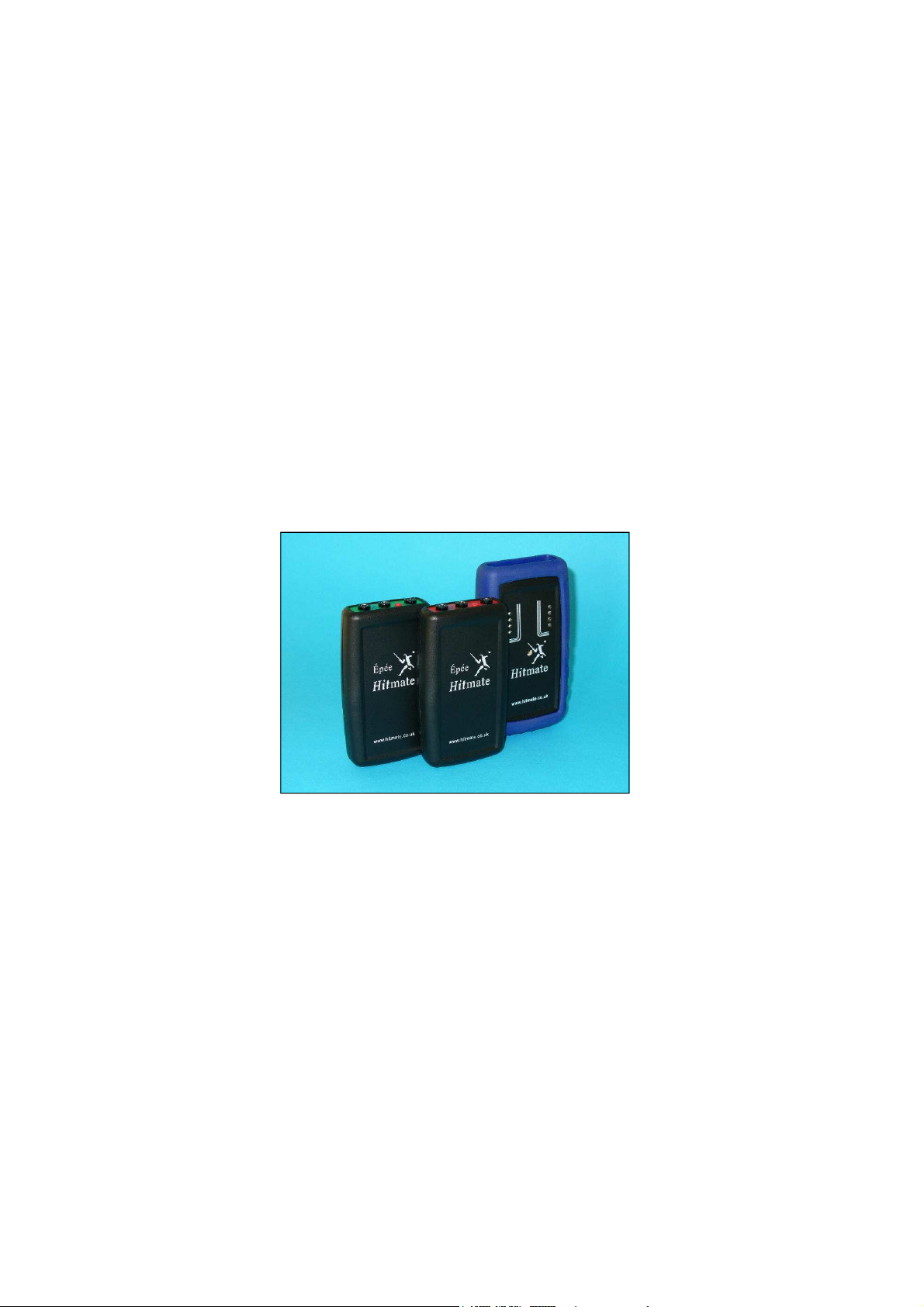
An Epee Hitmate set comprises three units: A pair of Hitmate units
(one Red, one Green) and a Hitmate Floor Console. All three
should show the same number on the edge. Hitmate uses a single
radio frequency and the numbers allow units to recognise each
other. This also allows many Hitmates to be used within the same
Introduction
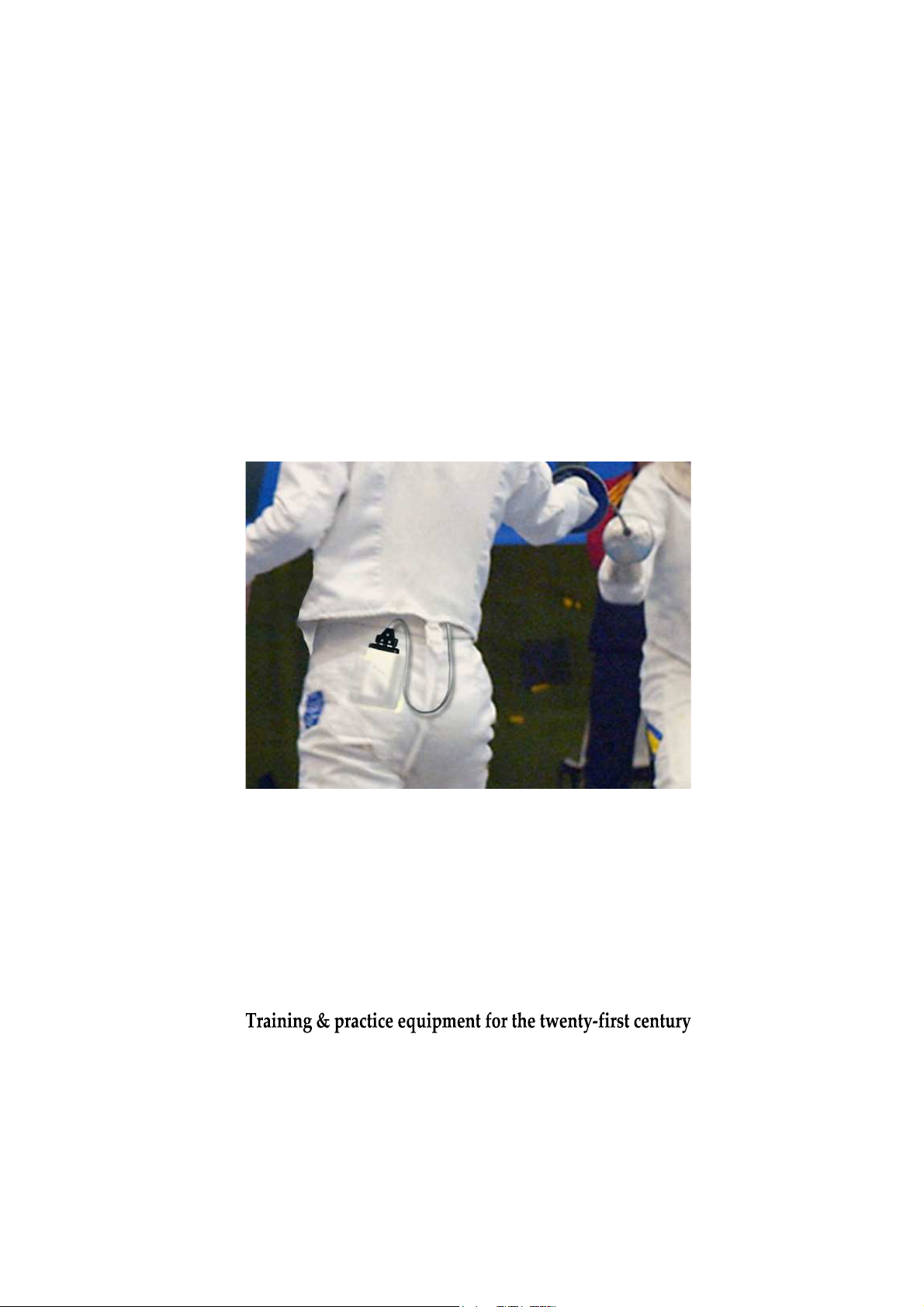
Epee Hitmate works with a standard electric fencing weapon and
a standard body-wire. It does not require spools, cables or an
electric piste. Hitmate slips into the breeches pocket or is carried
It’s important that the body-wire makes close contact with the
fencer’s body, between the weapon and the Hitmate transmitter
unit. Normally it’s sufficient to route the body-wire up the sleeve
in an accessory holster.
(inside the plastron if worn) and across the back.
venue.
1
Page 4
Batteries
The Console case is enclosed in a rubber boot. Remove the boot
by first easing back one of the top corners, then the second top
Switch on Hitmate and the Console by pressing the red button on
the top edge. Each unit should emit a single beep. If it does not,
you need to check that the battery is correctly connected and is not
exhausted. The unit does not beep again if the button is pressed
To maximise battery life, Hitmate switches itself off after 30
minutes of inactivity. Hitmate can also be switched off by holding
The Console switches itself off after 30 minutes of continuous
When the internal battery has reached the end of its useful life,
transmitter range will be reduced and the unit may switch off
before the normal 30 minute interval. Always use alkaline
batteries for best results. Rechargeable 9v batteries do not last so
corner, and finally pull the case out
of the front of the boot.
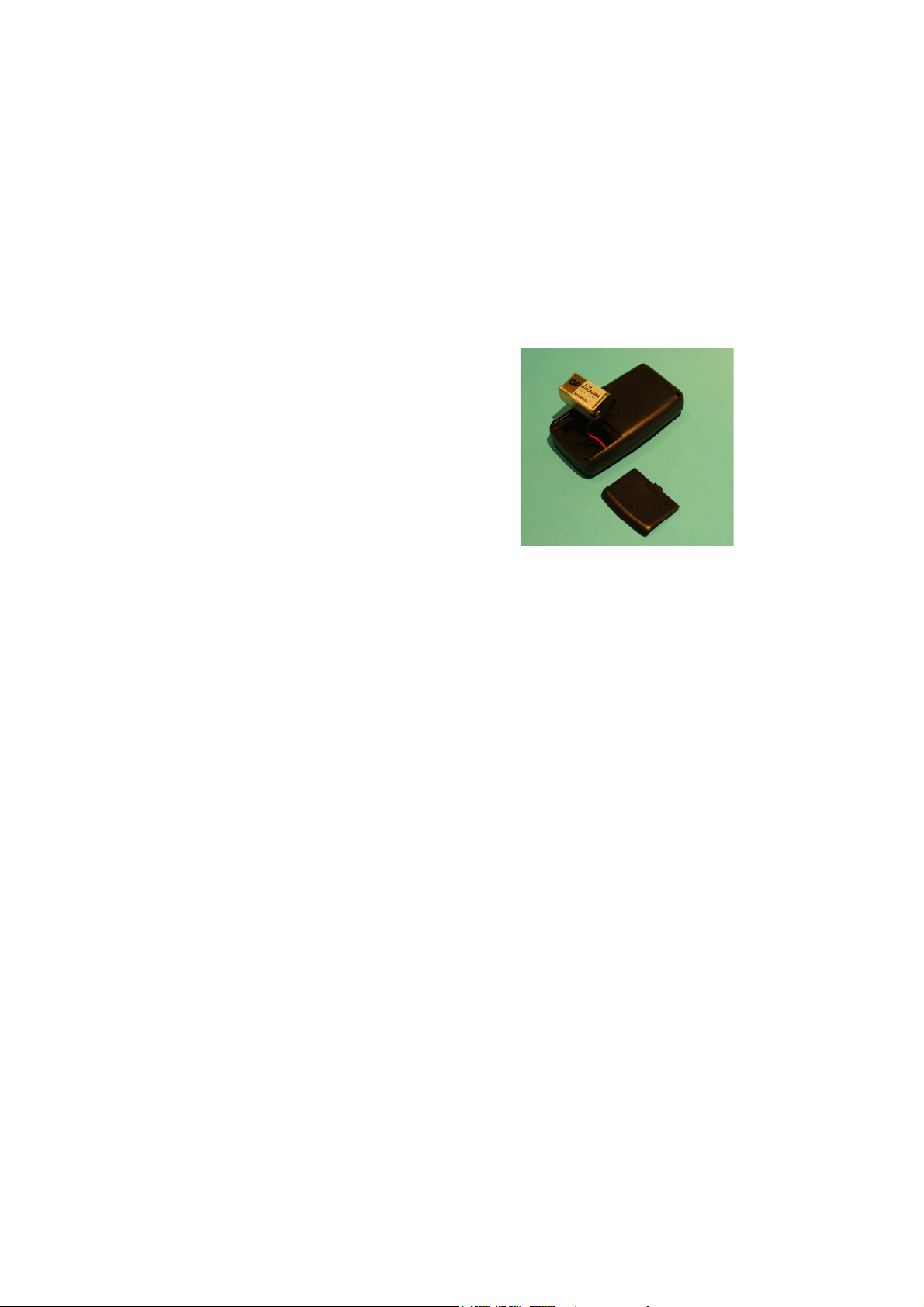
The Console and Hitmate units are
powered by standard 9v batteries
(type MN1604A or PP3).
Open the battery compartment at
the back. Clip in the battery and
close the battery compartment. An
alkaline battery can be expected to
give about 100 hours of use.
Switching on
when the unit is already switched on.
Switch-off
the weapon tip switch closed for more than 5 seconds.
inactivity. It cannot be switched off manually.
Battery Replacement
long.
2
Page 5
Operation
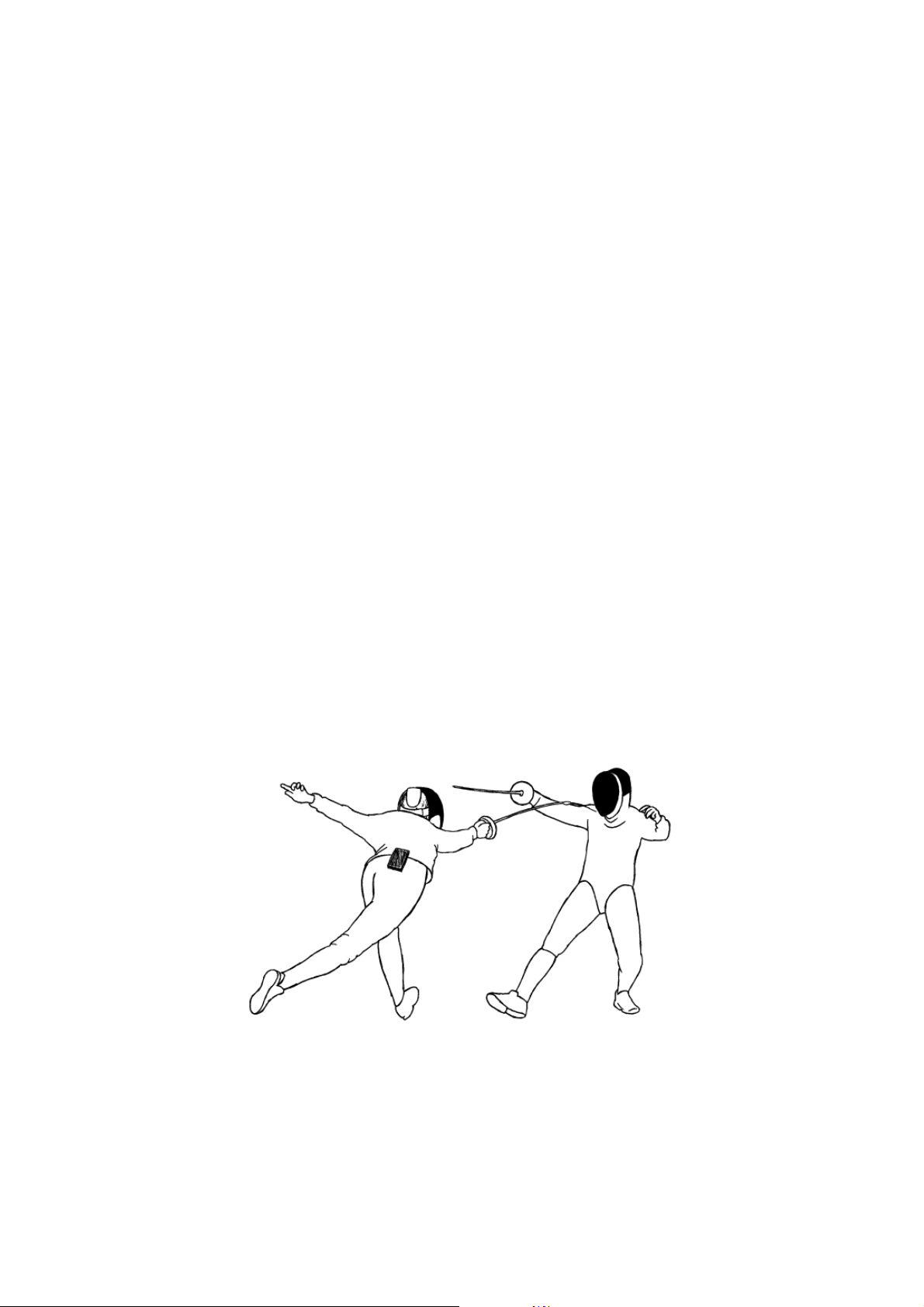
When a fencer scores a touch on the opponent, the épée tip switch
operates and Hitmate signals to the Floor Console. The Console
Once a hit is scored, both Red and Green are locked out for a
period of about 2 seconds. If opponents make hits in close
If both opponents hit within one twenty-fifth of a second, the
When one player’s épée hits the opponent’s bell-guard, that player
is locked out for a period of 5 ms, and no hit is indicated by the
console. For the guard detect mechanism to work properly, the
body wire must be worn inside the tunic sleeve by both players.
Hits to a metal piste do not register on the console. Hits to a
beeps and flashes a red or green light, indicating the hit.
succession, only the first to hit is indicated by the Console.
Double hits
Console indicates both Red and Green.
Non-scoring hits
The body provides an earth reference.
wooden floor do register on the console.
3
Page 6

Pre-bout check
It’s good practice before the start of a bout to press the weapon tip
onto your shoe to ensure the unit is registering hits. It’s also good
to press the weapon tip to the opponent’s bell guard and confirm
Unlike wired fencing, you can’t use your ungloved hand to press
the tip and test for a score response. Hitmate detects your hand
the same as a guard, and does not register a hit. If you hold the
The bell guard is earthed through the fencer’s body, and Hitmate
detects contact with earth when it registers a non-scoring hit to the
guard. Occasionally, a sweat-soaked tunic can be conductive to
earth. If Hitmate appears not to register hits after working well for
a period of time, consider whether the opponent’s tunic has
If intermittent operation is suspected, it’s useful to have some
fail-proof tests available. With Hitmate and the Console switched
on, the first test is to press the épée tip on to any insulated surface,
Next, try pressing the tip to an electrical ground, such as the
metalwork of a radiator or water tap. A touch to a good earth such
These two tests are all that is needed to confirm that Hitmate is
working correctly. The next two tests check the coupling between
no hit is registered.
tip pressed too long, Hitmate will switch itself off.
Guard hit detection
become affected by sweat.
Operational checks
such as your shoe, and confirm that a hit is registered.
as this should never register on the console as a hit.
Hitmate and the fencer’s body.
4
Page 7

Coupling checks
Press the weapon tip with your hand or finger, making contact with
the bare skin. No hit should be registered. If the Console does
register a hit in this case, repeat it while touching your own bell
guard. If now there is no hit registered, then the coupling between
Normally it is adequate to have the body-wire running the length of
the arm, inside the sleeve. For better coupling, ensure the body
wire is
the plastron (if worn) then route the wire over the
Try a touch to the opponent’s hand (not glove). This should not
register a hit. Then try a touch to the opponent’s guard. This also
should not register a hit. If it does register, the opponent’s body
wire is not well coupled to the body, or there’s no connection to the
It’s only necessary to do these checks if you suspect Hitmate is not
working the way you expect. Normally, you just pass the body wire
If we can resolve any questions you have, please email us at
the body wire and your body is not good enough.
inside
shoulder and down the back, inside the tunic.
‘far’ pin of the opponent’s body wire.
down your sleeve, plug in both ends and start fencing.
Questions
Fencing without wires may feel unusual at first.
[email protected]. We will do our best to help.
5
Page 8
If your Hitmate develops a fault, please return all three units as a
set to your supplier, or send an email to [email protected]
describing the problem, and we will do our best to provide a
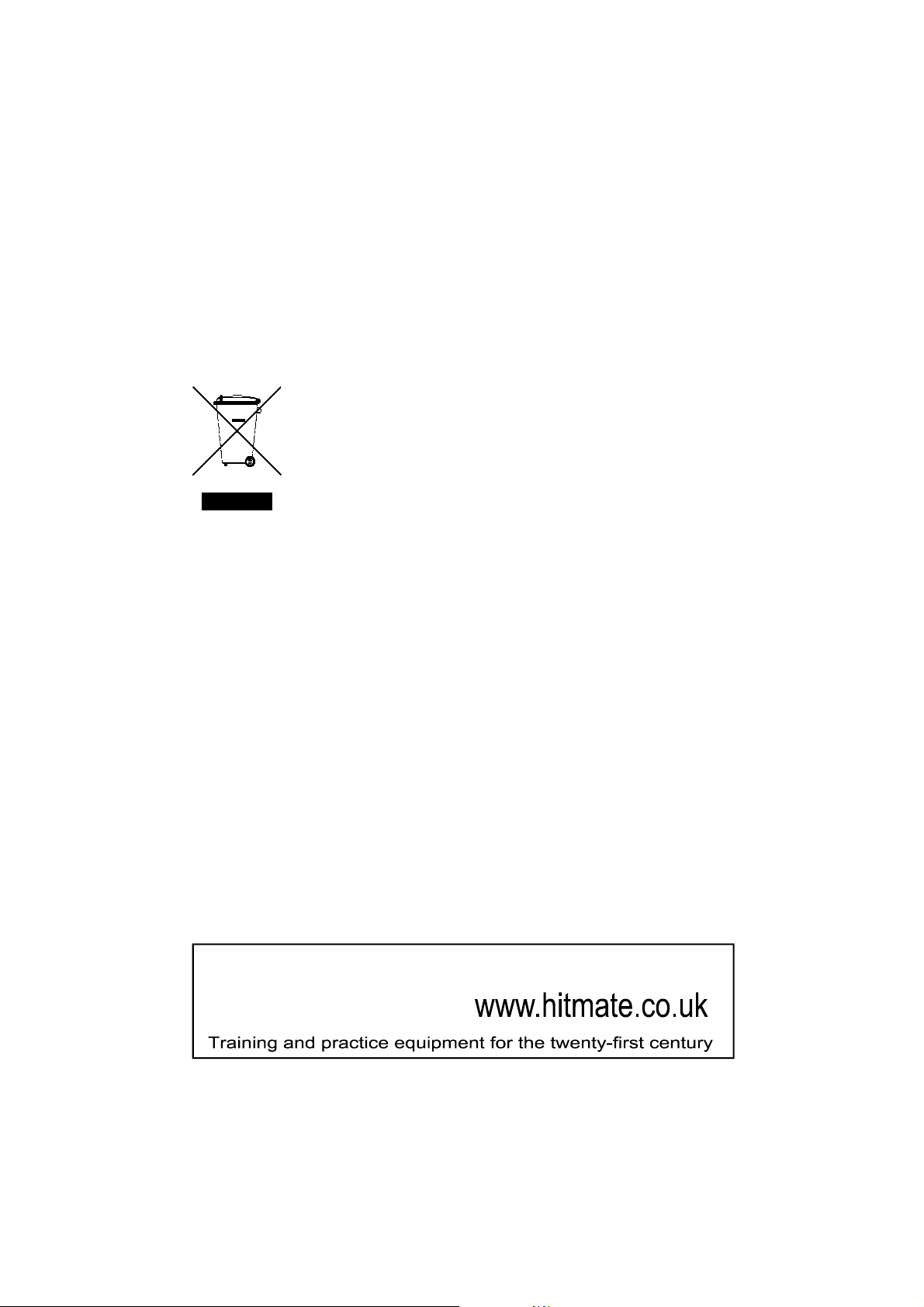
Waste electrical products should not be disposed of
with household waste. Please recycle where facilities
exist. Check with your local authority for recycling
subject to the following two conditions: (1) this device may not
cause harmful interference, and (2) this device must accept any
interference received, including interference that may cause
Changes or modifications not expressly approved by the
manufacturer could void the user’s authority to operate the
speedy and satisfactory solution.
DISPOSAL INFORMATION
advice.
FCC DECLARATION OF CONFORMITY
For Console receiver Hitmate HC2100
This device complies with Part 15 of the FCC Rules. Operation is
undesired operation.
Importer: Fencing .Net. 2080 Peachtree Industrial Court,
Chamblee, GA 30341, USA. Tel: 877 452 8024
equipment.
Hitmate
 Loading...