

Page 1
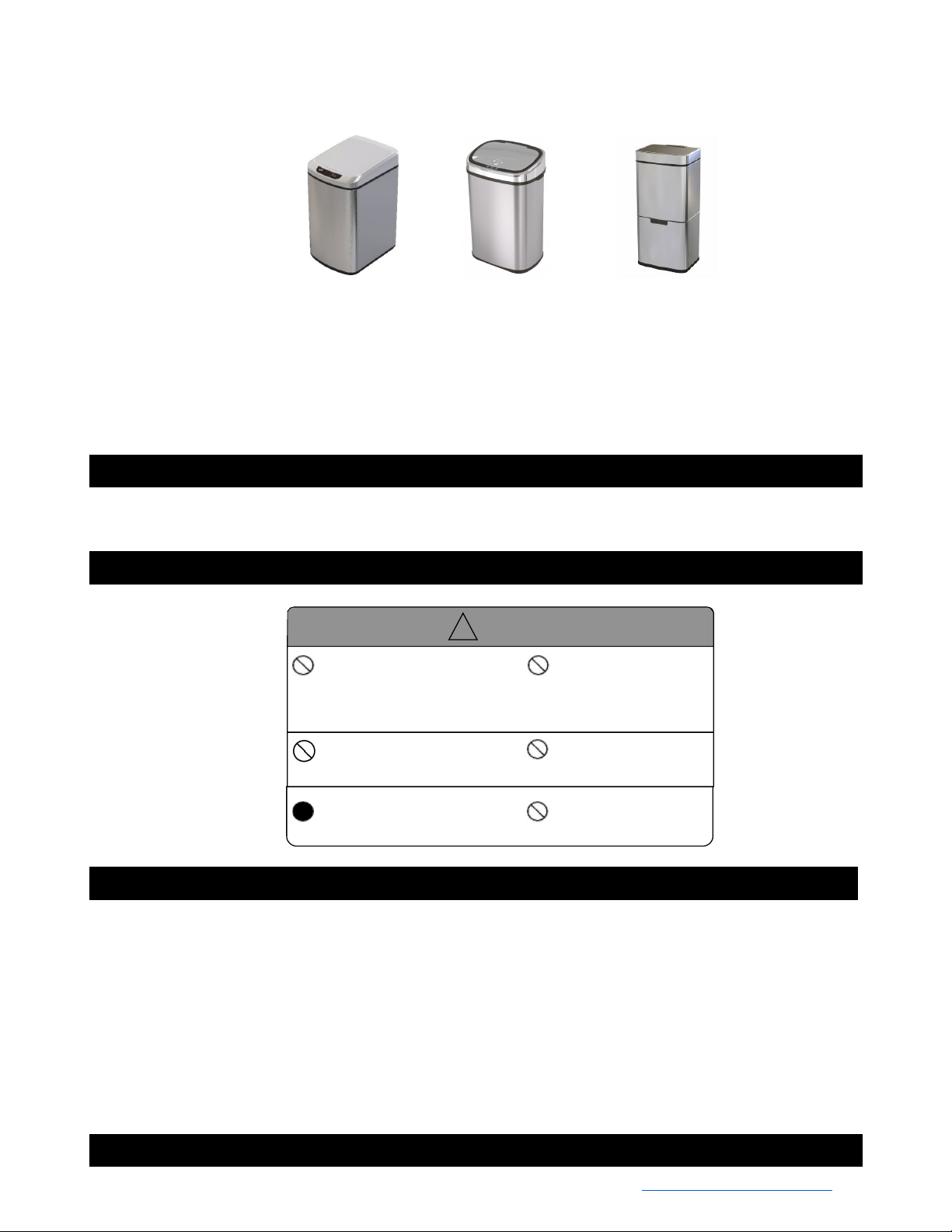
Sensor Lid Trash Can – Use & Care Instructions
22.4 in
x
62L: 16.5 x 12.4 x 29.3 in
*Models and colors may vary
9 L
: 11 x 8.7 x 14.6 in
12 L:
11 x 8.7 x 16.5 in
50L: 15.9 x 11.6
Product Introduction
Your new infrared sensor trash can does not require any touch to open. With a wave, the cover will automatically open and close; so it is a
sanitary solution for use in hospitals, offices and homes. Simply wave your hand to activate the automatic lid. The lid will automatically
close after five seconds of inactivity. The product uses photoelectric technology for consistency, long life and low power consumption.
Safety Precautions
Before using, please read these safety instructions carefully.
Caution
Do not soak with water due to
the electronic components in
the product. Wipe surfaces
Avoid direct sunlight on
the infrared sensor
window.
clean with a clean damp cloth
and mild cleaner.
Do not press on the cover with
force when it is opening.
Replace the batteries
as soon as indicated.
Do not dismantle, repair
alter the product in any
way.
Do not place anything
on the lid.
Operating Instructions
1. Open the battery cover at the bottom of the lid and insert the required number of “AA” or “D” batteries according to the correct
polarity. Then close the battery cover.
2. Turn on the power switch on the rear cover. The indicator will turn red for approximately 3 seconds. When the indicator blinks every
3 seconds, the unit is in a normal status.
3. Simply hover your hand above the lid within 3” to 6” to activate the automatic lid. The lid will then close after five seconds of
inactivity. The cover will stay open if your hand or another object stays in the sensor area.
4. To keep the lid open or to empty your trash can, simply press the "open" button at the sensor window to keep the lid open. When
complete, press the "close" button to close the lid. The unit will then resume its automatic sensor function.
5. When the automatic lid is operating, the indicator blinks red every 3 seconds. When the cover is open, the indicator is green. When
the cover is closing, the indicator is red. When you manually open the cover, the indicator blinks in green every 3 seconds.
6. Please change the batteries when the indicator light blinks yellow every 3 seconds.
7. To clean the control center, use a soft cloth to wipe down the surface.
Warranty
• Limited 1-year warranty from the date of purchase. Toll Free - 877-397-5144 or email us at - [email protected]
 Loading...