

Page 1
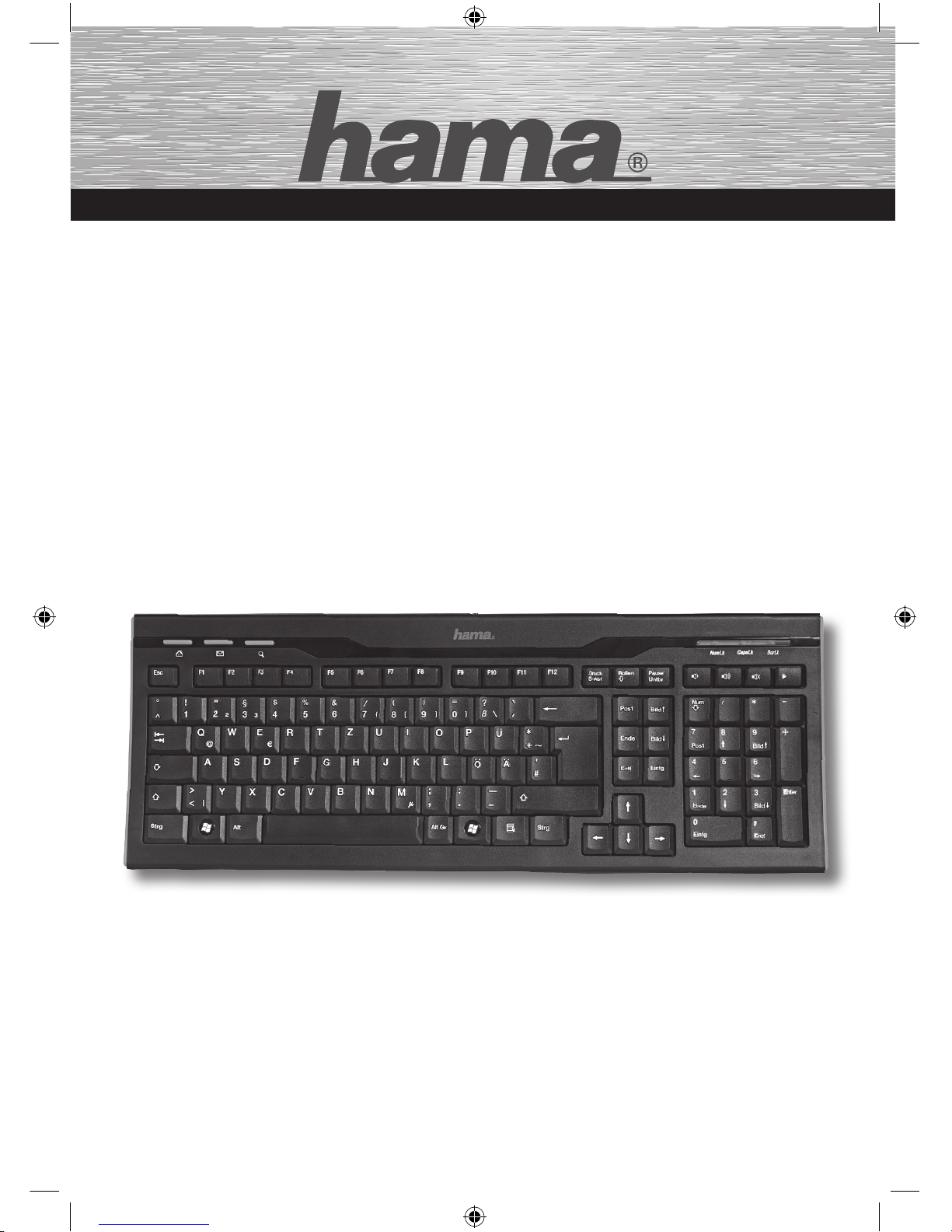
Slimline Keyboard
»SL 570«
67057202
THE SMART SOLUTION
67057202man_cs_de_en_sk.indd 1 27.04.11 13:06
Page 2
1. Úvod
Děkujeme, že jste se rozhodli pro klávesnici Hama Slimline.
Tento návod k používání obsahuje informace o obsluze Vaší klávesnice.
Kromě toho zde najdete odpovědi na otázky týkající se určitých zvláštních
tlačítek. Uchovávejte tento návod pro další použití na bezpečném místě.
2. Instalace hardware
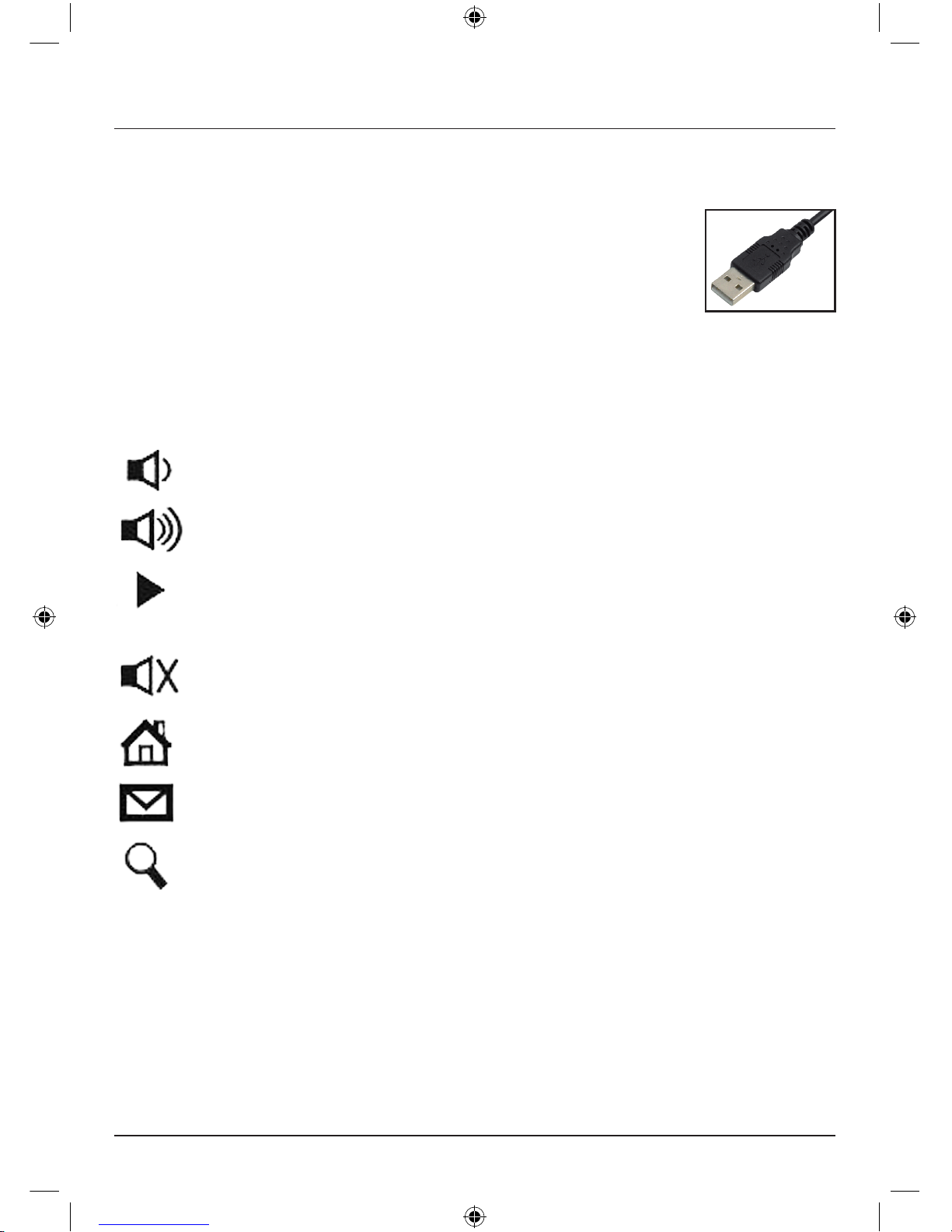
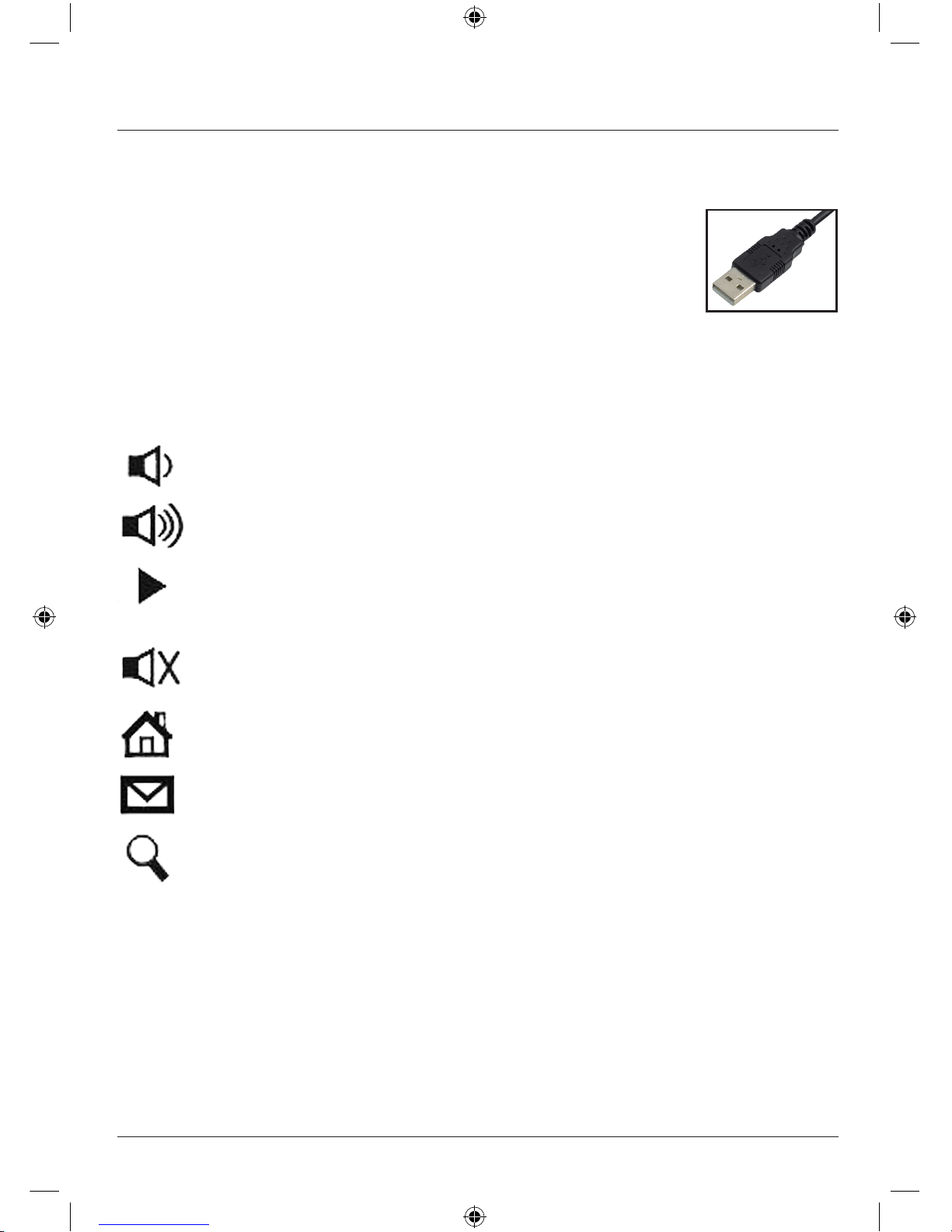
Spojte USB přípojku s USB rozhraním na počítači.
3. Zvláštní tlačítka
Snížit hlasitost
Sníží hlasitost. Pro rychlejší snížení hlasitosti držte tlačítko
stisknuto.
Zesílit hlasitost
Zesílí hlasitost. Pro rychlejší zvýšení hlasitosti držte tlačítko
stisknuto.
Play / Pause
Přepíná mezi reprodukcí a pauzou u DVD/VCD/MP3 nebo
audio-médií. V režimu pauzy se v reprodukci pokračuje
opětovným stisknutím tlačítka.
Vypnutí zvuku
Vypne zvuk. Opětovné stisknutí zvuk znovu zapne.
WWW
Spustí standardně nastavený webový prohlížeč.
Email
Spustí E-Mail program nastavený jako standard.
Hledat
Spustí funkci vyhledávání Windows.
c Návod k použití
67057202man_cs_de_en_sk.indd 2 27.04.11 13:06
Page 3
1. Úvod
Ďakujeme, že ste sa rozhodli pre zakúpenie klávesnice Slimline od Hama.
Tento návod na používanie obsahuje informácie týkajúce sa obsluhy vašej
klávesnice a okrem toho poskytuje odpovede na otázky v súvislosti s určitými
zvláštnymi tlačidlami. Návod na používanie uschovajte na bezpečnom mieste
pre prípad neskoršej potreby.
2. Inštalácia hardware
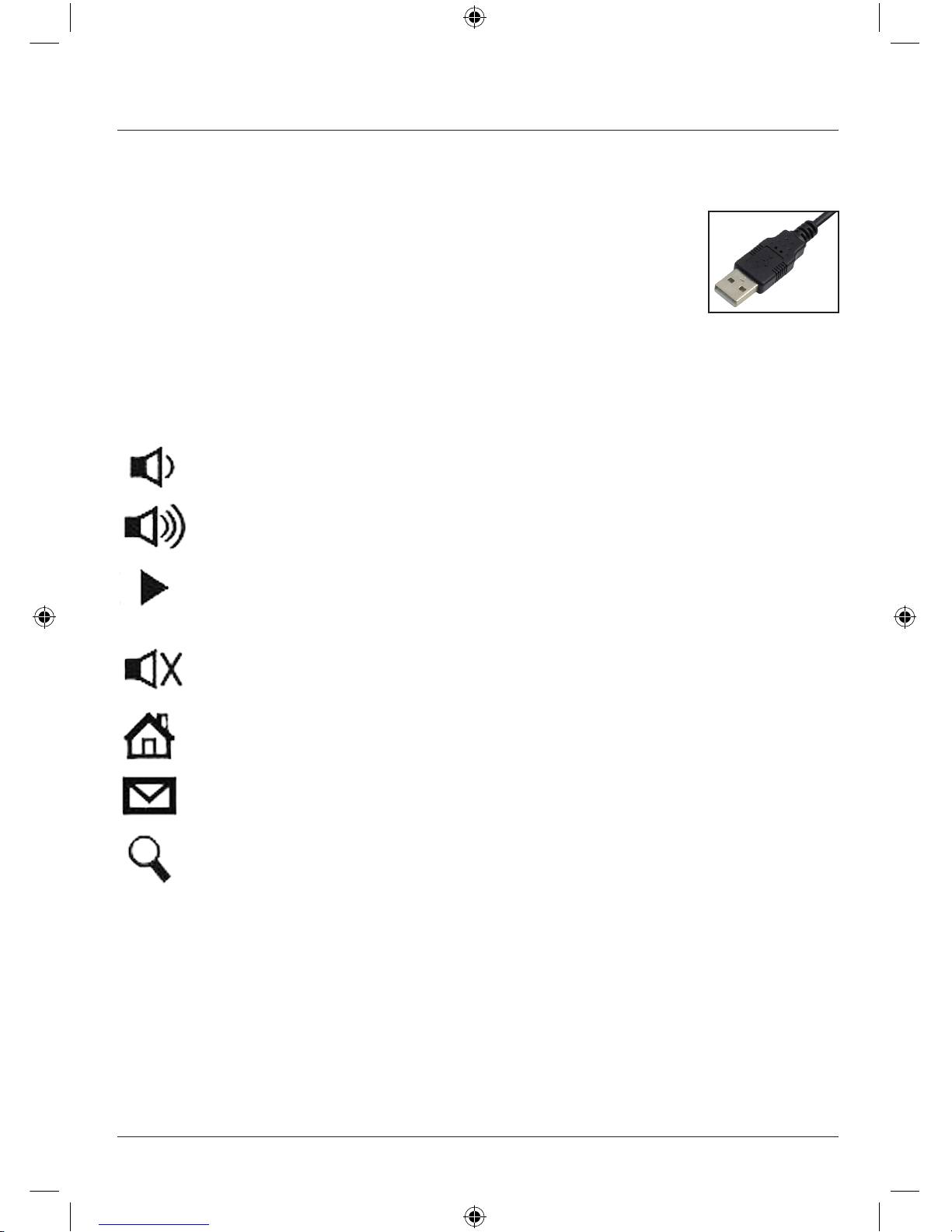
Spojte USB prípojku s USB rozhraním na PC.
3. Špeciálne tlačidlá
Znížiť hlasitosť
Hlasitosť sa redukuje. Pridržte stlačené tlačidlo na rýchlejšie
zníženie hlasitosti.
Zvýšiť hlasitosť
Hlasitosť sa zvyšuje. Pridržte stlačené tlačidlo na rýchlejšie
zvýšenie hlasitosti.
Play / Pause
Prepína medzi režimami prehrávania a prestávok z DVD/VCD/
MP3 alebo audio médií. V prestávkovom režime prehrávanie
pokračuje po opätovnom aktivovaní tlačidla.
Vypnutie zvuku
Vypína zvuk Opätovným stlačením sa zvuk znovu zapne.
WWW
Spúšťa štandardne nastavený webový prehliadač.
Email
Spúšťa štandardne nastavený e-mailový program.
Hľadanie
Spúšťa funkciu hľadania systému Windows.
v Návod na použitie
67057202man_cs_de_en_sk.indd 3 27.04.11 13:06
Page 4
1. Einleitung
Vielen Dank, dass Sie sich für das Hama Slimline Keyboard entschieden haben.
Diese Bedienungsanleitung enthält Informationen zur Bedienung Ihrer Tastatur
und hält außerdem Antworten auf Fragen zu bestimmten Sondertasten bereit.
Bitte bewahren Sie diese Anleitung zum späteren Nachschlagen an einem
sicheren Platz auf.
2. Hardwareinstallation
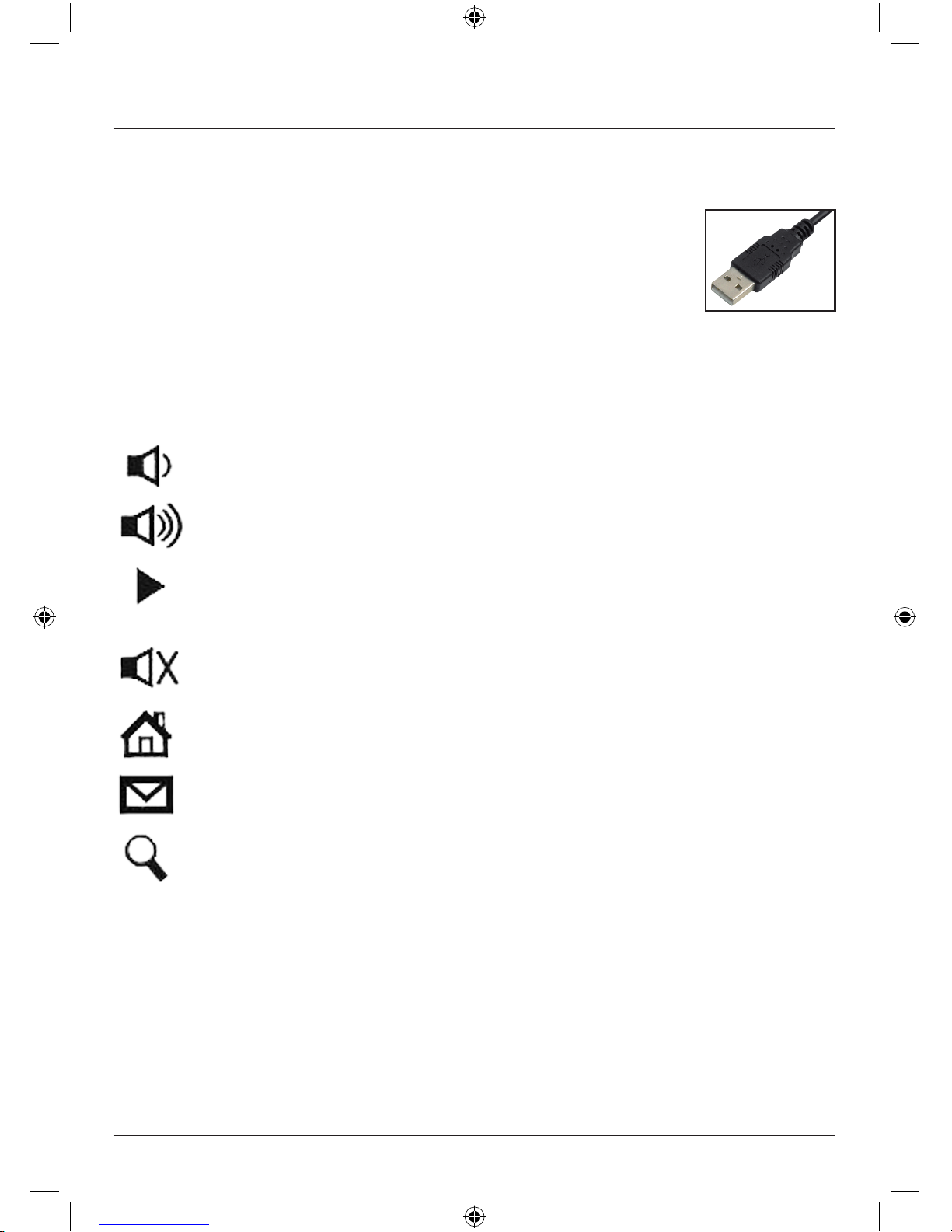
Verbinden Sie den USB-Anschluss mit der USB-Schnittstelle am PC.
3. Sondertasten
Lautstärke leiser Vermindert die Lautstärke. Halten Sie die Taste gedrückt, um
die Lautstärke schneller zu vermindern.
Lautstärke lauter Erhöht die Lautstärke. Halten Sie die Taste gedrückt, um die
Lautstärke schneller zu erhöhen.
Play / Pause Schaltet zwischen Wiedergabe und Pause von DVD/VCD/MP3-
oder Audiomedien um. Im Pausenmodus wird die Wiedergabe
durch erneutes Betätigen der Taste fortgesetzt.
Stummschalten Schaltet den Ton aus. Erneutes Betätigen schaltet den Ton
wieder ein.
WWW Startet den standardmäßig eingestellten Web-Browser.
Email Startet das als Standard eingestellte E-Mail-Programm.
Suchen Startet die Windows Suchfunktion
d Bedienungsanleitung
67057202man_cs_de_en_sk.indd 4 27.04.11 13:06
Page 5
1. Introduction:
Thanks for purchasing the Hama Slimline keyboard. These operating
instructions contain information on the operation of your keyboard and
answer questions concerning certain special keys. Please keep these
instructions in a safe place so that you can reread them if necessary.
2. Hardware installation
Connect the USB connector with the USB interface of the PC
3. Special keys
Volume - Decreases the output volume of the computer. At every push of
the button, the volume is decreased by one level.
Volume + Increases the output volume of the computer. At every push of
the button, the volume is increased by one level.
Play / pause Switches between pause and play Pause of DVD/VCD/MP3 or
audio media. In pause mode, the media continues if you press the
button once again.
Mute Mutes the sound output of the computer. The sound output is
reactivated if you press the button once again.
WWW Opening the standard internet browser.
Email Opening the standard email program.
Search Starting the Windows search function
g
Operating Instruction
67057202man_cs_de_en_sk.indd 5 27.04.11 13:06
Page 6
67057202/04.11
All listed brands ar e trademarks of t he cor responding companies. Errors and omissions excepted,
and subject to technical changes. Our general terms of delivery and payment are applied.
Hama GmbH & Co KG
D-86651 Monheim/Germany
www.hama.com
67057202man_cs_de_en_sk.indd 2 27.04.11 13:06
 Loading...