

Page 1

AM/FM MUSIC BOX
MB6000MAP
MB6000CHE
ENGLISH
Grundig Helpline: 1800 509 394
Grundigmanual.indd 1 04.04.2007 13:48:25 Uhr
Page 2
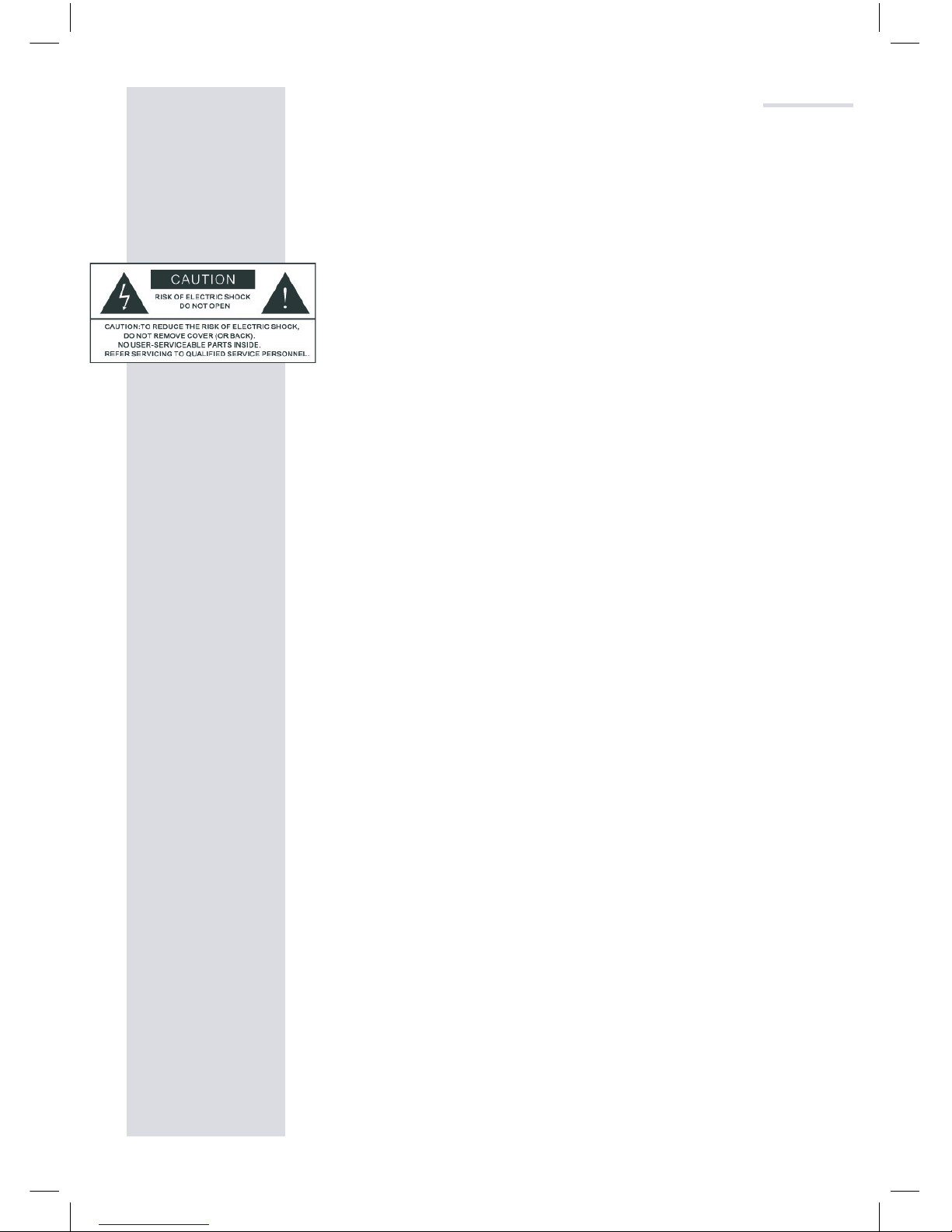
Please note the following instructions when setting up
the unit.
WARNING
To reduce the risk attire or electric shock, do not ex-
pose this unit to rain or moisture.
CAUTION
Using controls or otherwise adjusting the performance
of this product than those specified in this manual may
result in harzardous radiation exposure.
Read Instructions
Read all safety and operating instructions before operating the product.
Retain Instructions
Keep all safety and operating instructions for future refer
-
ence.
Read Warnings
Take note of all warnings on the product and in the oper
-
ating instructions.
Follow Instructions
Follow all operatings and usage instructions.
Cleaning
Unplug this product from the power source before clean
ing. Do not use liquid or aerosol cleaners. Use a damp
cloth for cleaning.
Attachments
Do not use attachments of accessories not recommended as they may cause hazards.
Water and Moisture
Do not use this product near any water source or water
hazard.
IMPORTANT SAFETY INSTRUCTIONS
Grundigmanual.indd 2 04.04.2007 13:48:25 Uhr
Page 3
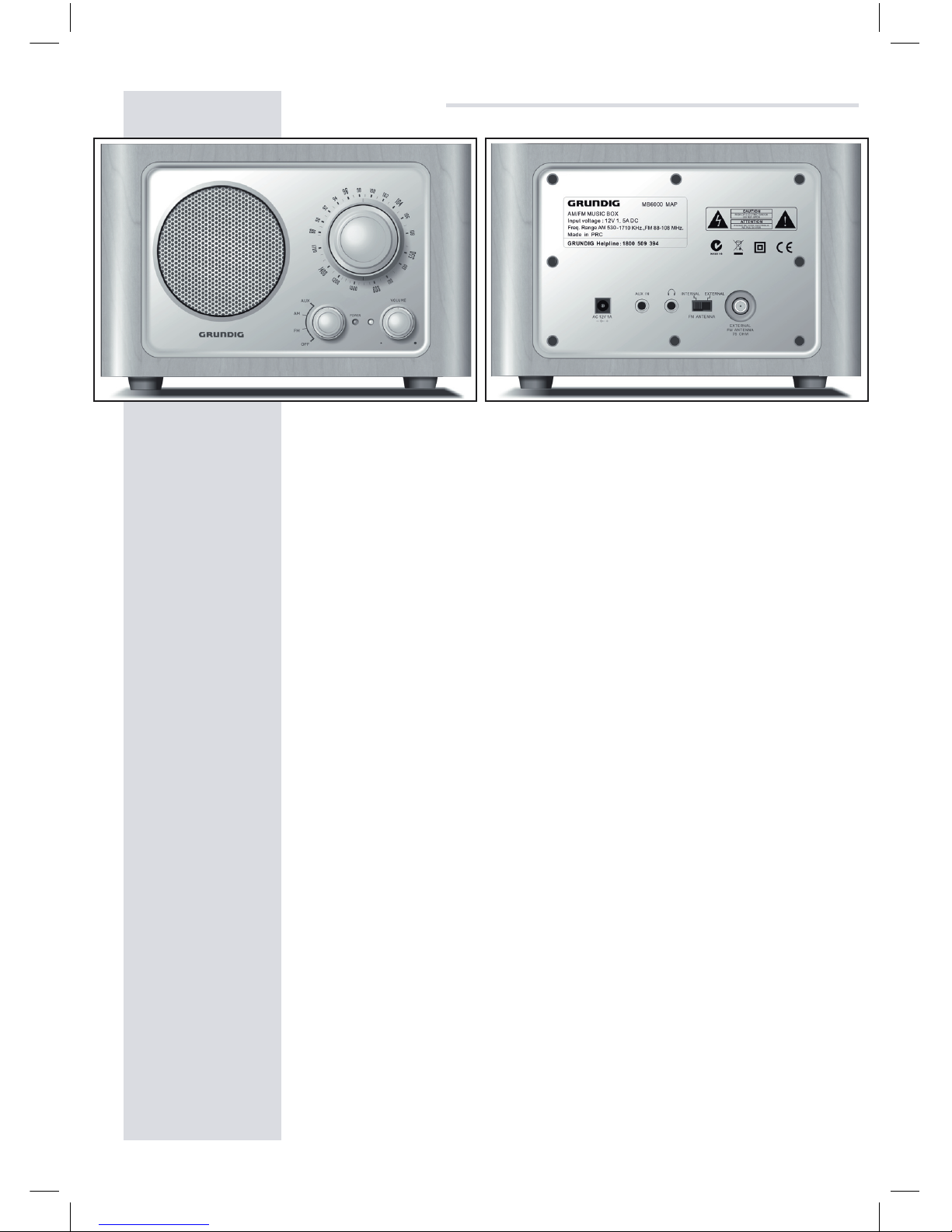
GRUNDIG MB6000 FM/AM Music Box
Thank you for purchasing your Grundig MB6000 AM/FM
Music Box. In the following few paragraphs we will explain
how to set up and use the MB6000.
POWER
Connect your radio using the supplied DC adaptor.
FUNCTIONS
OFF / FM / AM / AUX
Turn on your radio and select a radio band or auxiliary
input. The POWER LED light will be on when you turn on
your radio. Manually turn the tuning knob to tune a station. The VOLUME LED (Amber) light will be lit up when
receiving a station.
VOLUME
Turn to adjust the volume.
FM ANTENNA
The MB6000 comes with two types of antenna for best
FM reception. Select INTERNAL or EXTERNAL.
For external, connect the supplied antenna to the
EXTERNAL FM ANTENNA port and extend the antenna.
OVERVIEW
Grundigmanual.indd 3 04.04.2007 13:48:29 Uhr
Page 4

HEADPHONE JACK
Connect 3.5mm headphones (not
supplied) to listen via headphones.
AUX IN
You can use the supplied stereo cable to connect
your radio to other audio equipment.
OTHER INFORMATION
Specifications
Frequency Range AM: 530 ~ 1710 KHZ
FM: 87.5 ~ 108MHz
Speaker Mono full-range, 3’’ driver unit
Frequency Response 80 Hz ~ 20 KHz
Dimension 210 mm X 132 mm X 132 mm
(WHD)
Specifications are subject to change and improvement
without notice. Actual product may vary from the images
found in this document.
SERVICING
DO NOT attempt to service the unit yourself, as opening
or removing the back panel may expose you to danger
-
ous voltage and will void warranty.
Warranty
This product is warranted for any defect in materials
or workmanship for one year after the original date of
purchase. For warranty please contact our GRUNDIG
HELPLINE: 1800 509 394. Have on hand your receipt of
purchase.
OVERVIEW
PO Box 6287
Silverwater NSW 1811
www.grundig.net.au
GRUNDIG HELPLINE 1800 509 394
Grundigmanual.indd 4 04.04.2007 13:48:29 Uhr
 Loading...