

Page 1

Warnings
WARNING: Changes or modications to this unit not expressly
approved by the party responsible for compliance could void the
user’s authority to operate the equipment.
NOTE: This equipment has been tested and found to comply
with the limits for a Class B digital device, pursuant to Part
15 of the FCC Rules. These limits are designed to provide
reasonable protection against harmful interference in a residential
installation. This equipment generates, uses, and can radiate radio
frequency energy and, if not installed and used in accordance
with the instructions, may cause harmful interference to radio
communications. However, there is no guarantee that interference
will not occur in a particular installation. If this equipment does
cause harmful interference to radio or television reception, which
can be determined by turning the equipment off and on, the user
is encouraged to try to correct the interference by one or more of
the following measures:
• Reorient or relocate the receiving antenna.
• Increase the separation between the equipment and receiver.
• Connect the equipment into an outlet on a circuit different
from that to which the receiver is connected.
• Consult the dealer or an experienced radio/TV technician
for help.
Page 2

• Digital audio: MP3, WMA (non-DRM),
WAV
• Mini-USB port, 2.0 high speed
• Stereo headphone jack
• DC battery power: requires 1 AAA
battery (not included)
• One set of stereo earbuds
• USB cable
Loading music onto the digital audio player
requires a computer with a USB port and one
of the following operating systems.
Windows XP, Windows Vista, Windows 7
Mac OS 10.4, 10.5, or 10.6
Digital Audio Player
Features
Included
System Requirements
Page 3
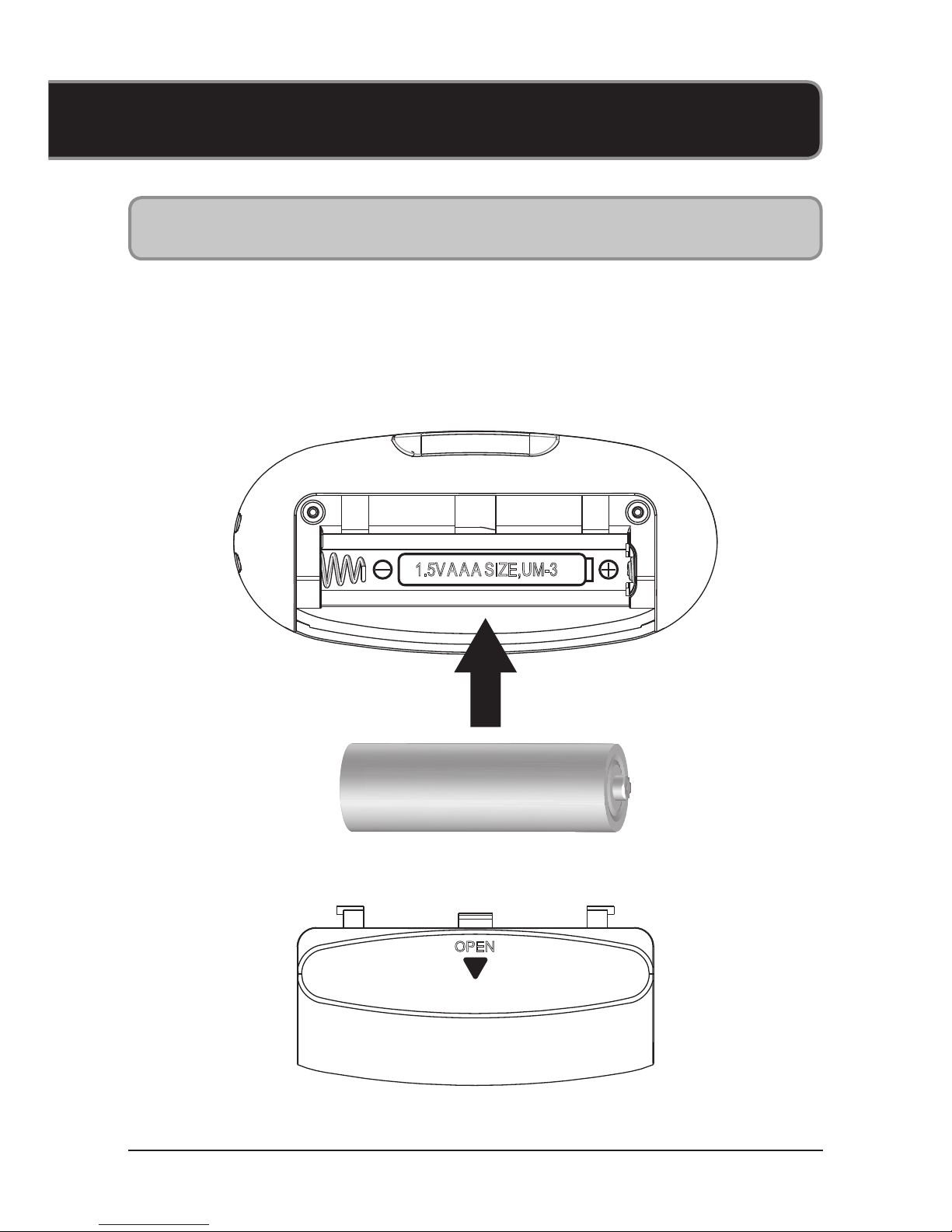
• DC battery power: requires 1 AAA
battery (not included)
Power
MW151B
1.5V AA A SIZE,UM-3
OPEN
Page 4
M
Introduction
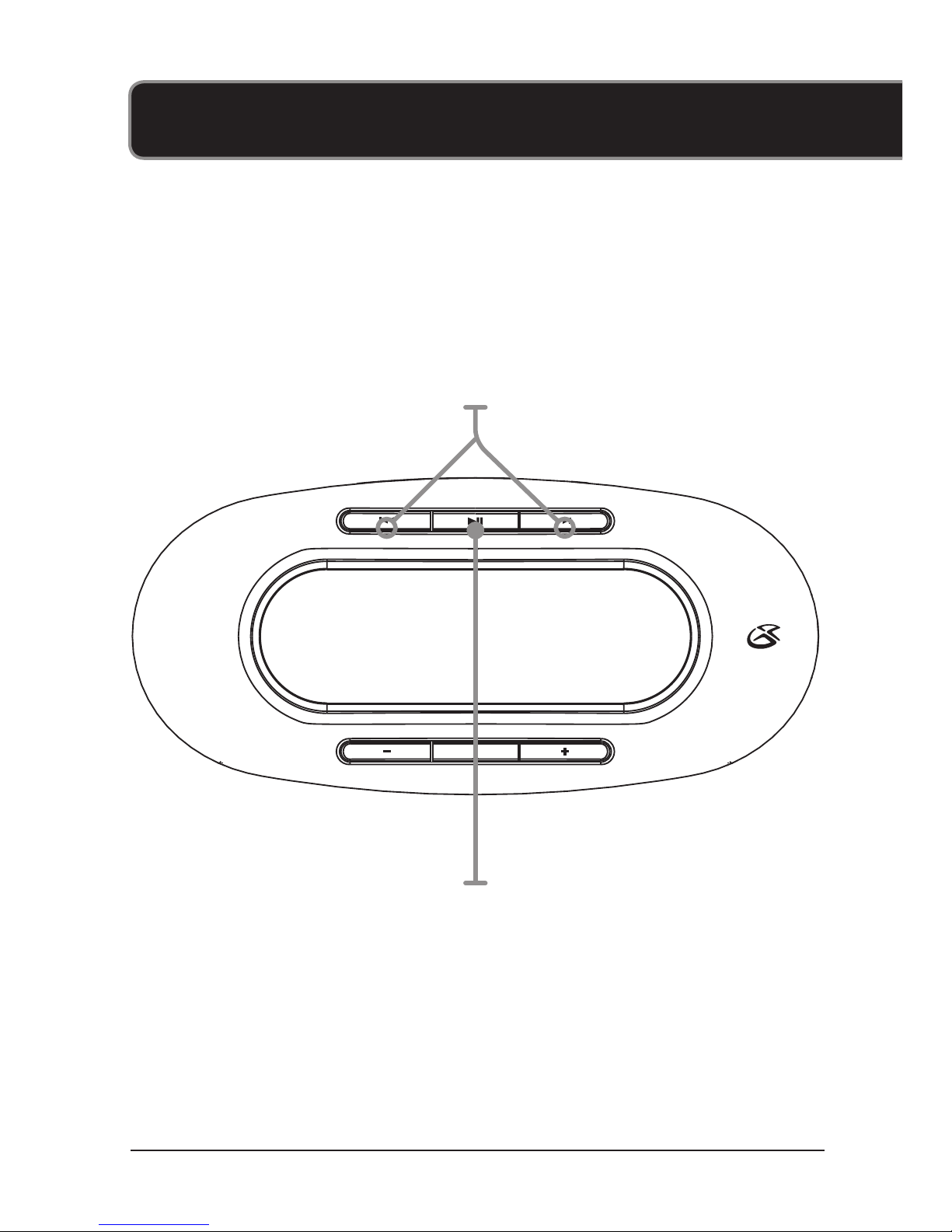
Skip/Search
Press or press and hold to skip
or search through tracks.
Play/Pause
Press and hold to power the player off or on.
Press to play or pause the audio player.
Page 5
M
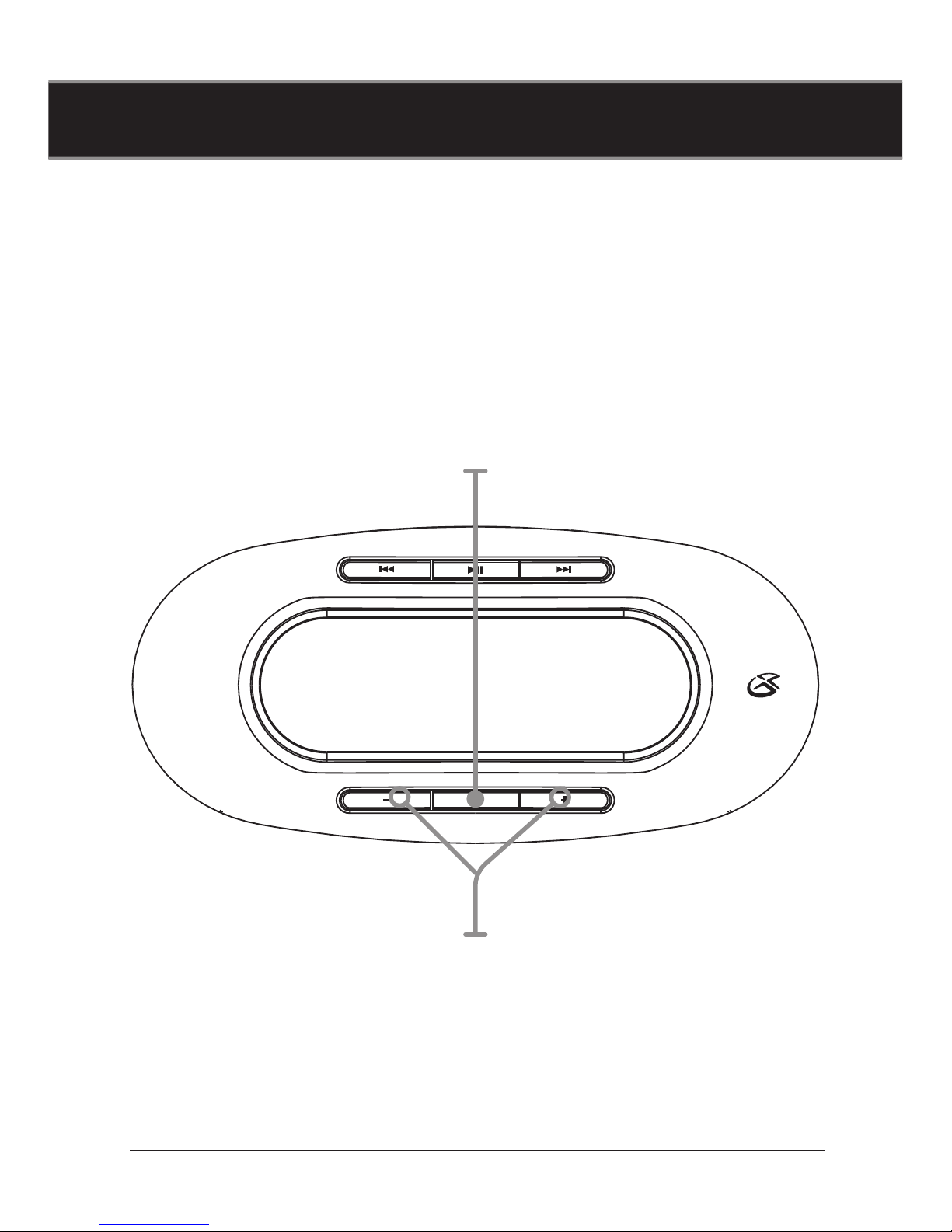
Volume
Press to adjust the volume.
Mode
Press to switch between Normal,
Pop, Rock, Classic, Jazz, and Bass.
Press and hold to switch between
Normal, Intro, Repeat One, Re-
peat All, Shuffe, and Shufe All.
Page 6
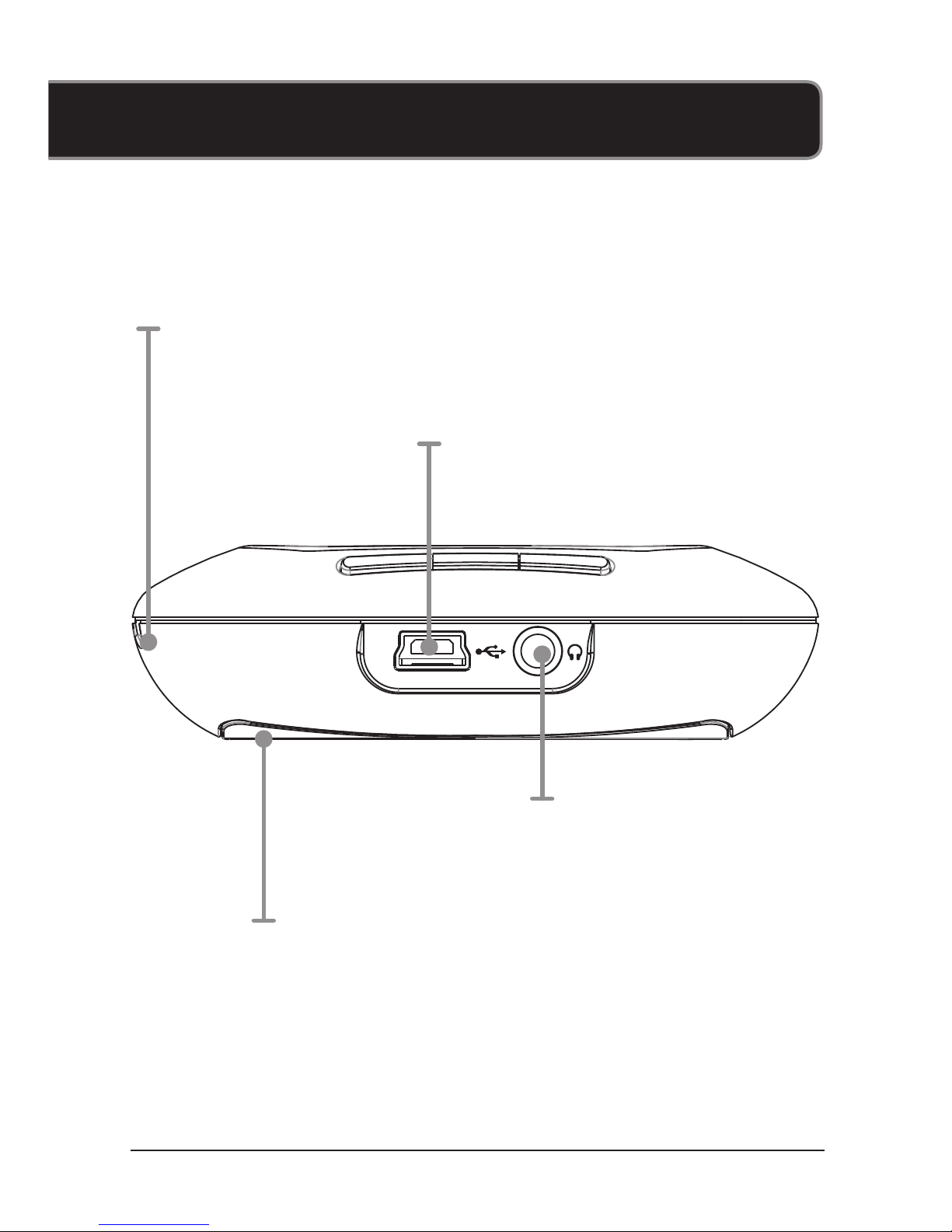
Mini USB Port
Lanyard
Connection
Stereo Headphone Jack
Battery Compartment
DC battery power: requires 1
AAA battery (not included)
Page 7

Copyright © 2010 Digital Products International (DPI, Inc.) | All other trademarks appearing herein are the property of their respective owners.
Specications are subject to change without notice
To download this User’s Guide in English,
Spanish, or French, visit the support section at
www.gpx.com.
Para transferir esta guía de usuario en inglés,
español, o francés, visite la sección de la ayuda
en www.gpx.com.
Pour télécharger ce guide de l’utilisateur en
anglais, espagnol, ou français, visitez la section de soutien chez www.gpx.com.
Company Information
International Support
Page 8

Contact Information
Page 9

1. Connect the digital audio
player to a computer using
the MINI-USB connection
and a USB cable (included).
2. Once connected, the unit will
show up on the connected
computer as if it were a connected USB thumb drive, external hard drive, or memory
card.
Music
Loading Music
Page 10

File Compatibility:
MUSIC: MP3, WMA (non-DRM), WAV
3. Drag and drop the desired
audio les into the unit’s drive
location on the connected
computer.
4. After the les are loaded onto
the unit, right-click on the drive
and eject it from the computer,
then disconnect the USB cable.
Page 11

1. Press and hold the Play/
Pause button to power on the
digital audio player
2. Press the PLAY/PAUSE but-
ton to begin playing music
from your digital audio player.
Press the Mode button to switch
between Normal, Pop, Rock,
Classic, Jazz, and Bass. Press
and hold to switch between Normal, Intro, Repeat One, Repeat
All, Shuffe, and Suf All.
Playing Music
Page 12
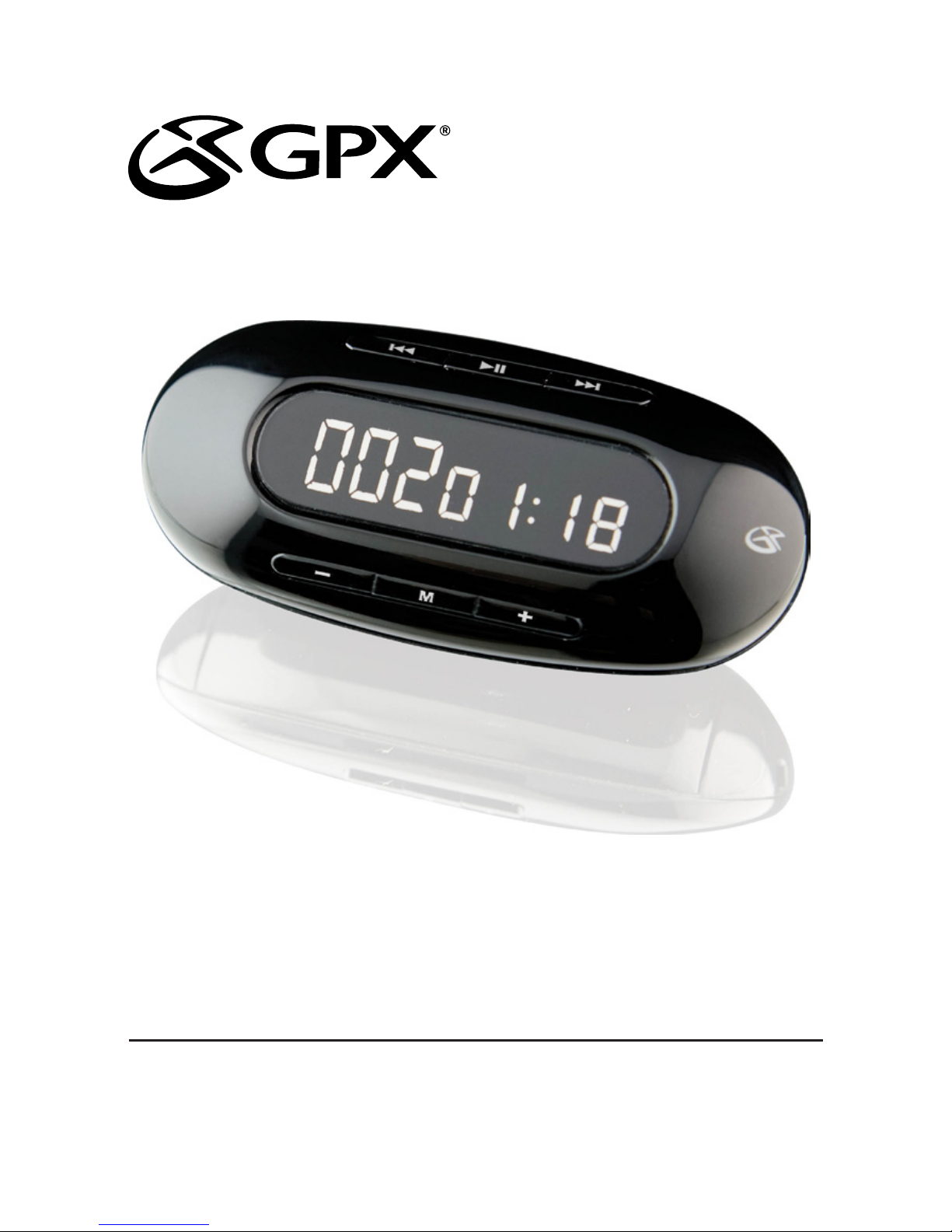
USER’S GUIDE
V:1815-0314-11
For the most up-to-date version of this
User’s Guide, go to www.gpx.com
MW151
Digital Audio Player
 Loading...