

Page 1
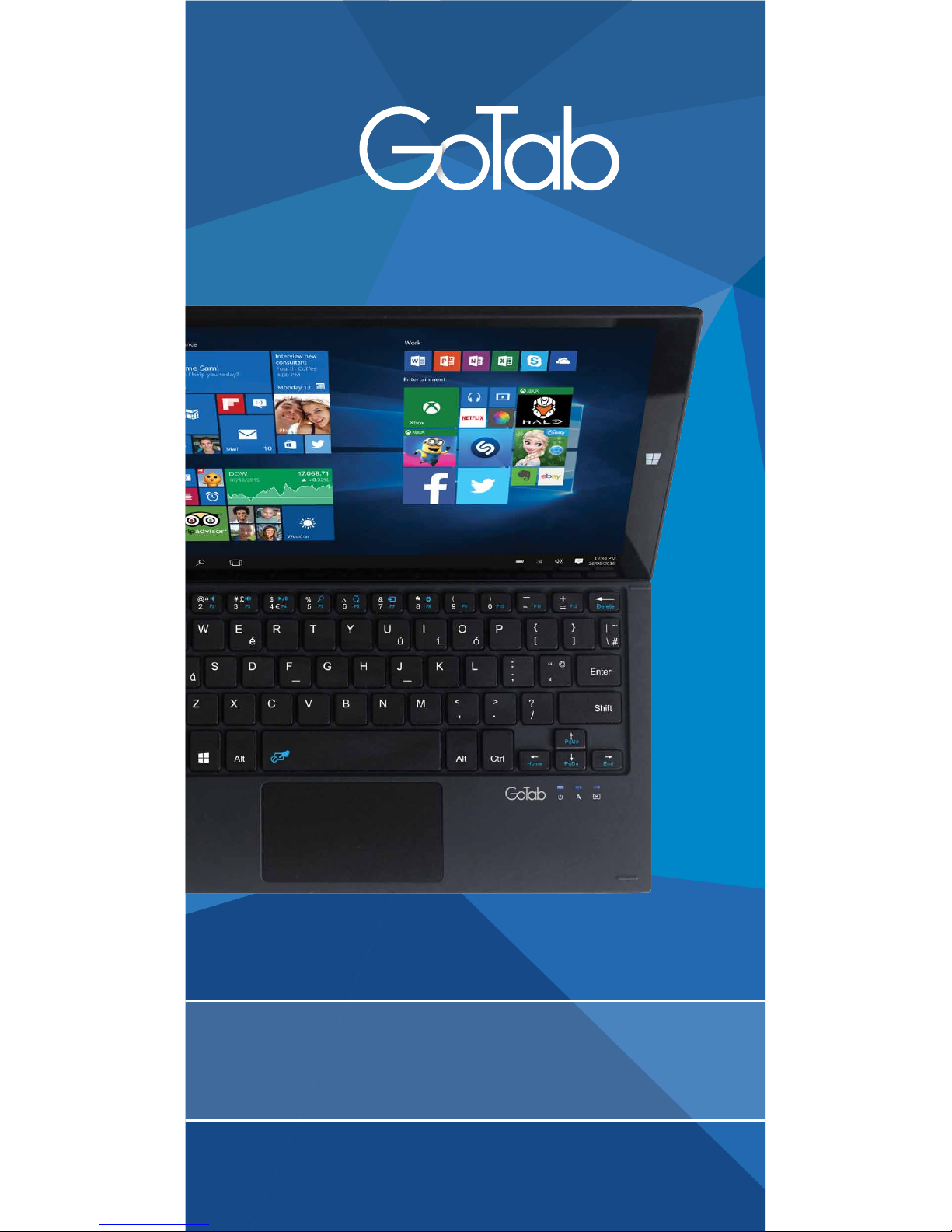
getting started
GWK10
Page 2
www.my-go.co/support
WEBSITE
support@my-go.co
EMAIL
PHONE
UK 033 0223 2931
ROI 0615 13428
Mon-Fri 8am-4pm. Call charges apply
HELLO!
Congratulations on your new GoTab Keyboard! There's so many
great things you can do with it & we hope you love using it! This
guide aims to get you started and show you where to get help.
TECHNICAL SUPPORT
Hopefully you’ll nd GoTab Keyboard straightforward to use,
but if you’ve got a problem please contact our Tech Support
Team rst so we can help.
HEALTH & SAFETY
Please read the Health & Safety instructions and get advice for
using your GoTab Keyboard at
www.my-go.co/en/safety
Page 3

Before Docking the Keyboard with your GoTab GW10 (for the
rst time only), please rst turn on your GoTab and allow
Windows to load and show the main start screen/desktop.
Then simply place the GoTab into the keyboard cradle, making
sure that the metallic POGO pins align on both keyboard and
bottom edge of the GoTab.
Windows will automatically detect the keyboard and begin to
set it up. Please don't undock the GoTab until this has nished.
A popup window will notify you once its complete. That's it!
Theres no need to pair or sync the keyboard. It also doesn't
need charging as it draws power from your GoTab. It will slightly
reduce the battery time of your GoTab, but only a tiny amount.
SETUP
Power
Indicator
POGO Pin Connector
For 10” GoTab GW10*
Rubber Stands
Mouse TrackPad
Caps Lock
Indicator
TrackPad
Lock Indicator
USB Port
Start
Button
Function
Key
Tablet
Cradle
Left
Mouse
Button
OVERVIEW
Right
Mouse
Button
Page 4

Use your GoTab like a Tablet or like a PC. Tablet mode makes
Windows easier and more intuitive to use with a touchscreen.
PC Mode provides users with a more traditional PC desktop
experience including the familiar Start Menu, File Explorer and
Desktop.
To turn tablet mode o/on Select Action Centre on the taskbar
(or swipe in from the right edge of the screen), then toggle
Tablet Mode o/on.
START SCREEN
The Function Hotkeys let you quickly do tasks, helping you
work more eciently.
Fn
FUNCTION HOTKEYS
Turn o audio
Reduce Volume
Increase Volume
Play / Pause
Search
Share
Connect Devices
Settings
Page Up
Page Down
Go Home/Top
Go to End/Bottom
Disable Trackpad
You can insert a USB Flash drive, USB Mouse or various other
peripherals into the USB 2.0 Port for convenience. You may
need to load the relevant drivers- please refer to the
manufacturers instructions, and not all may be compatible.
USB PORT
Shift + Fn
Fn
Shift
4
Alt
To use the Hotkeys please
use these combinations of
key presses (all at the same
time). For example to
Play/Pause a film, press
Shift + Fn
Page 5

Notice
My Go Ltd (”My Go”) reserves the right to revise this publication or to change its
contents without notice. Information contained herein is for reference only and does
not constitute a commitment on the part of the manufacturer or any subsequent
vendor.
Screens simulated, subject to change. My Go assumes no responsibility or
liability for any errors or inaccuracies that may appear in this publication, nor are they
in anyway responsible for any loss or damage resulting from the use (or misuse) of
this publication. This publication may not, in whole or in part, be reproduced,
translated, transmitted or reduced to any machine readable form without prior
consent from the vendor, manufacturer or creators of this publication, except for
copies kept by the user for reference purposes. Brand and product names mentioned
in this publication may or may not be copyrights and/or registered trademarks of
their respective companies. They are mentioned for identication purposes only and
are not intended as an endorsement of that product or its manufacturer. Microsoft,
Windows are registered trademarks of Microsoft Corporation in the United States
and/or other countries. Microsoft product images reprinted with permission from
Microsoft Corporation. Other company, product, or service names may be trademarks
or service marks of others. GoTab is a registered trademark of My Go Ltd.
Information
Please read all Health and Safety notices, Terms & Conditions and Privacy
Policy at www.my-go.co
*My Go Ltd is not liable for any data loss. Always keep a backup of your data.
*Battery Life is dependent on usage and other factors.
*Specication & Firmware subject without notice.
* Calls charged at local rate. Calls from mobiles may be higher. Service oered
Monday - Friday, 8am - 4pm.
Small children Your device and its accessories are not toys. They may contain small
parts. Keep them out of the reach of small children.
Guarantee Exclusions
My Go Ltd, “Go” shall not be liable to replace/repair the goods where:
1 The fault has been caused or is attributable to accidental use,
misuse, negligent use or used contrary to the manufacturer’s
recommendations or where the fault has been caused by power
surges, water damages or damage caused in transit.
2 GoTab is used on an electrical supply other than an authorised power adaptor.
3 Repairs have been attempted by unauthorised dealers.
4 Where device has been used for hire purposes/non-domestic use.
5 Go are not liable to carry out any type of maintenance work.
6 Smashed or cracked Touchscreens or LCD displays are not covered
by this Guarantee, and all repairs will be chargeable.
This guarantee does not confer any rights other than those expressly set out
above and does not cover any claims for consequential loss or damage.
This guarantee is oered as an additional benet and does not aect your
statutory rights as a consumer. Go products are intended for consumer use only.
Go has a policy of continuous improvement in product quality and design and
therefore, product specications are subject to change.
WEEE Disposal
After the implementation of the European Directive 2002/96/EU in
the national legal system, the following applies: Electrical and
electronic devices may not be disposed of with domestic waste.
Consumers are obliged by law to return electrical and electronic devices at the
end of their service lives to the public collecting points set up for this purpose or
point of sale. Details to this are dened by the national law of the respective
country. This symbol on the product, the instruction manual or the package
indicates that a product is subject to these regulations. By recycling, reusing the
materials or other forms of utilising old devices, you are making an important
contribution to protecting our environment.
© 2015 My Go Ltd. All rights reserved.
THE SMALL PRINT
Page 6

Your GoTab includes a limited
12 Month ‘Return to Base’ Guarantee
Terms and exclusions apply
Register your Guarantee at
www.my-go.co/support
Guarantee Card
Your GoTab Keyboard’s details
 Loading...