

Page 1
®
10-Port USB Charging Station - Black
User's Guide
G4-0017A
P/N: USBCharge10P
Page 2

Congratulations for owning a gofanco product. Our products
aim to meet all your connectivity needs wherever you go.
Have fun with our products!
Please read this manual carefully before first use.
If you need more information about our products, please
visit www.gofanco.com.
For technical support, please email us at support@gofanco.
com.
For drivers/manuals download, please go to http:// www.
gofanco.com/download.
2
Page 3

Introduction
gofanco 10-Port USB Charging Station - Black charges up to
10 USB-powered devices simultaneously, detects and
delivers optimal power output to all connected devices
automatically.
Specifications
Port 10 USB Charging ports
Power Input AC 100~240V (50/60Hz)
Power Output
(per port)
Color Black
Dimensions 4.41" (W) x 1.02" (H) x 2.83" (D)
Weight 0.86 lbs
Operating
Temperature
Storage
Temperature
Package Contents
5V /2.4A (max.), 60 Watts total
32 to 104 degrees F
-4 to 158 degrees F
• 10-Port USB Charging Station - Black
• Power cord
• User's Guide
3
Page 4
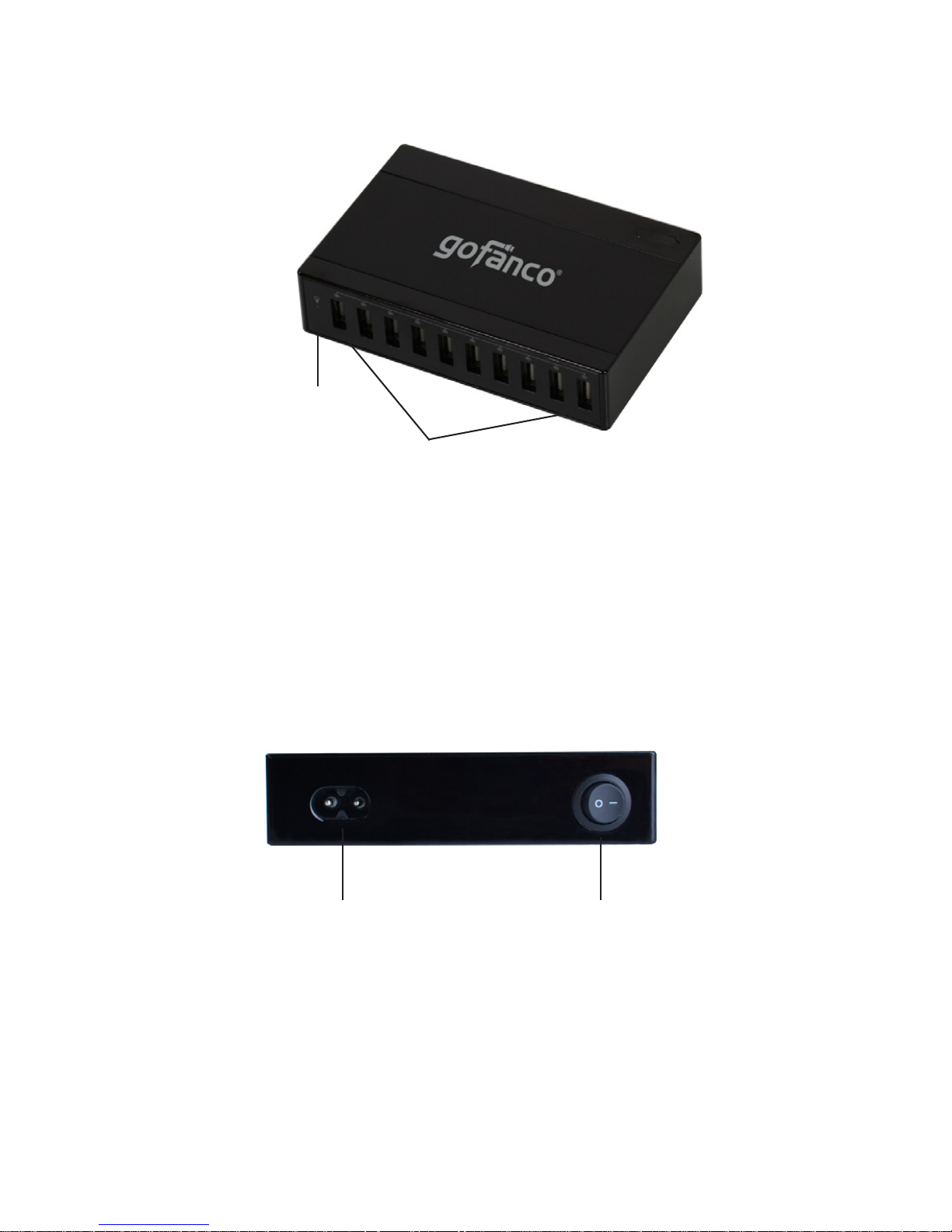
Product Layout
Power LED
Figure 1: 10-Port USB Charging Station - Black
USB Charging Ports (10)
• USB Charging Ports (10): Connect to charge your
smartphones, tablets and other USB-powered devices
Power Button2-pin power connector
Figure 2: Rear side
• 2-pin power connector: Plug the included power cord
here
• Power Button: Press to turn on / off the charging station
4
Page 5
Instructions
Note: It is recommended to use your devices' original USB
cables for charging.
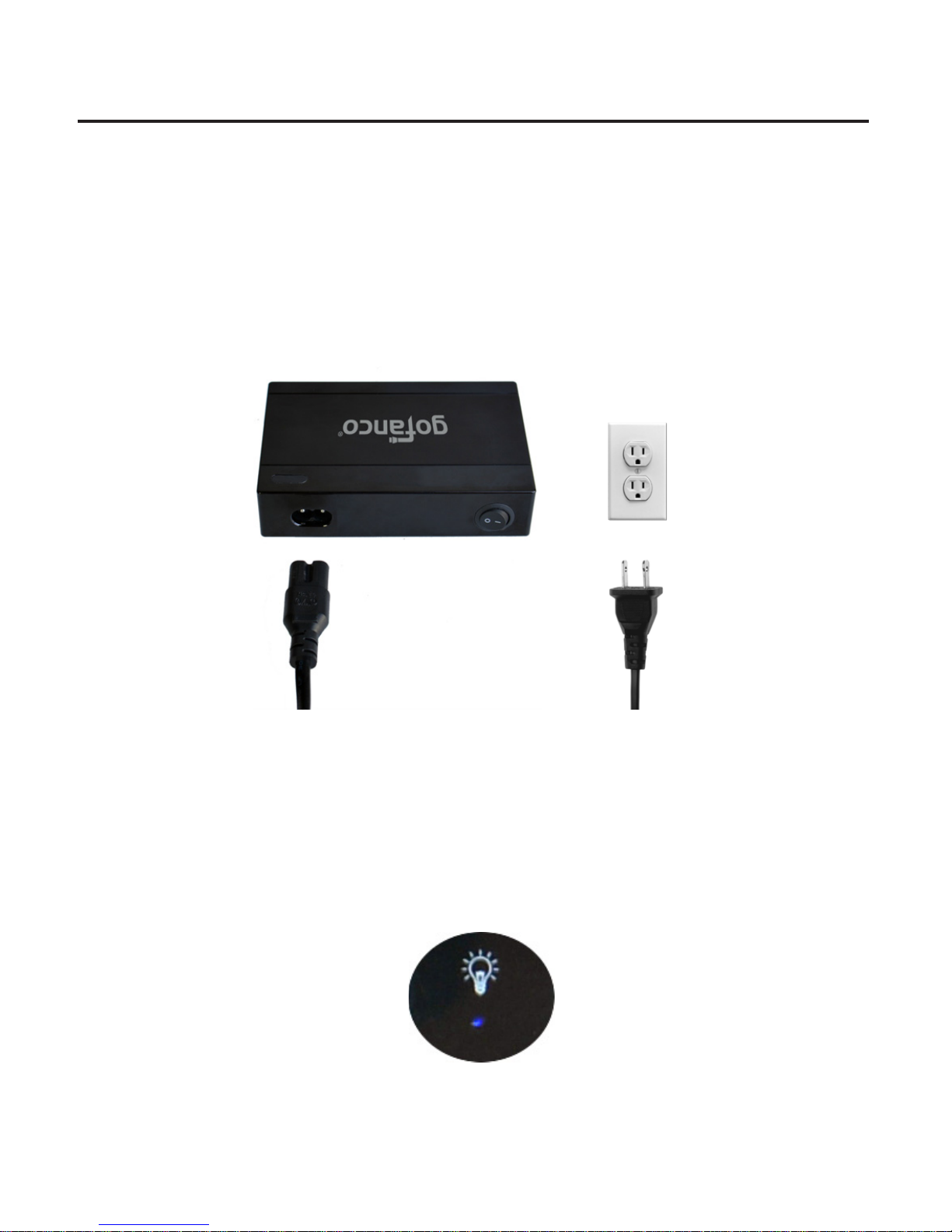
1. Connect the charging station to a reliable power outlet
with the included power cord.
Figure 3
2. Press the power button to turn on the charging station
and verify the power LED is lit.
Figure 4
5
Page 6
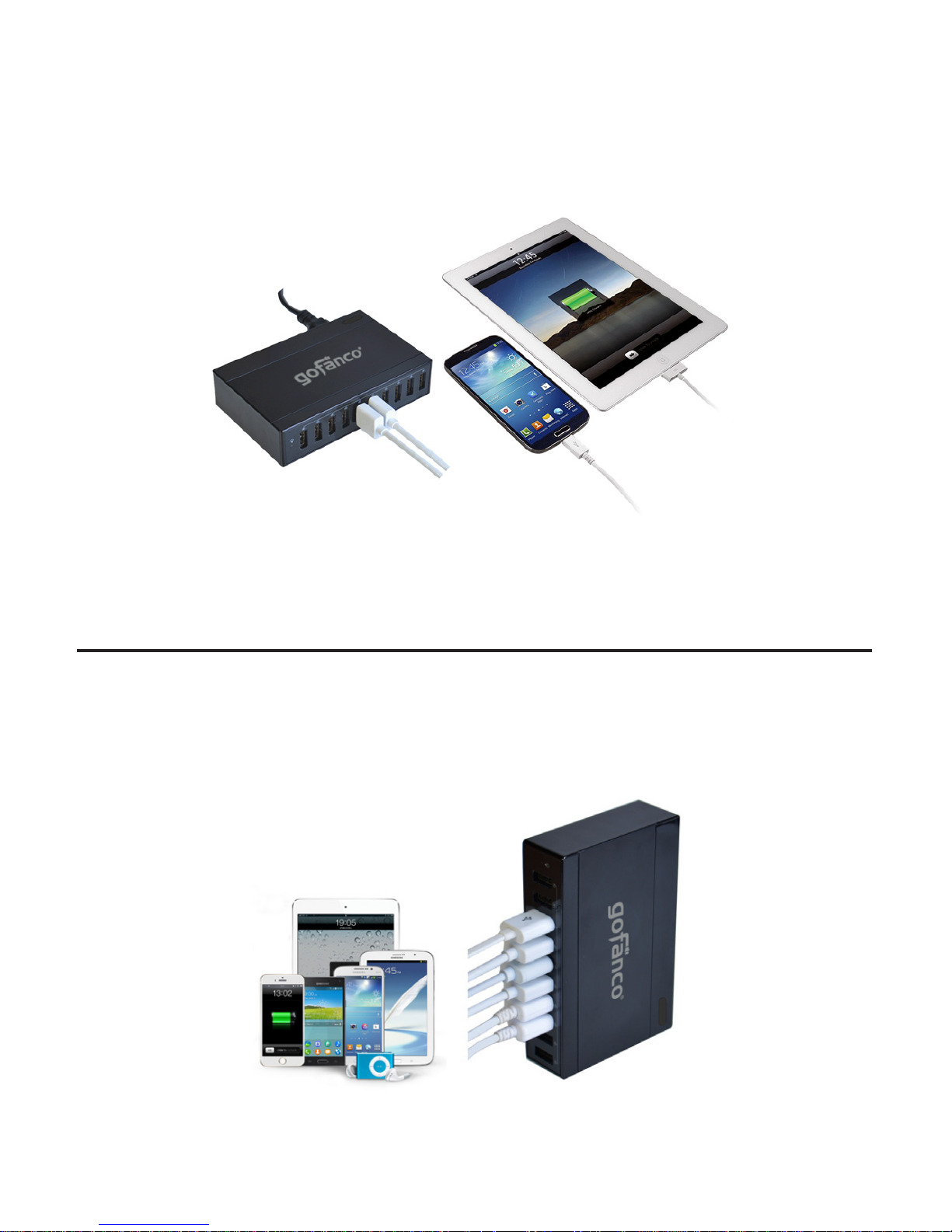
3. Connect your USB devices to any of the USB charging
ports using USB charging cables (charging cables not
included).
Figure 5
Application
10-Port USB Charging Station - Black charges up to 10
devices in a single unit. An ideal charging companion for
office, home or on-the-go.
6
Figure 6
Page 7

Safety Notice
• ALWAYS UNPLUG the Charging Station from the power
source when not in-use
• DO NOT store or use the Charging Station in high
temperatures or damp areas
• DO NOT open the Charging Station's case, doing so will
void the warranty
• Keep the Charging Station out of reach of children
LOT Number Sticker
For future product return or exchange, this LOT number is
required. Please keep it for your reference.
LOT Number Part Number
7
Page 8

®
Thank you for choosing gofanco
www.gofanco.com
 Loading...