

Page 1

FAN TOOL
Page 2
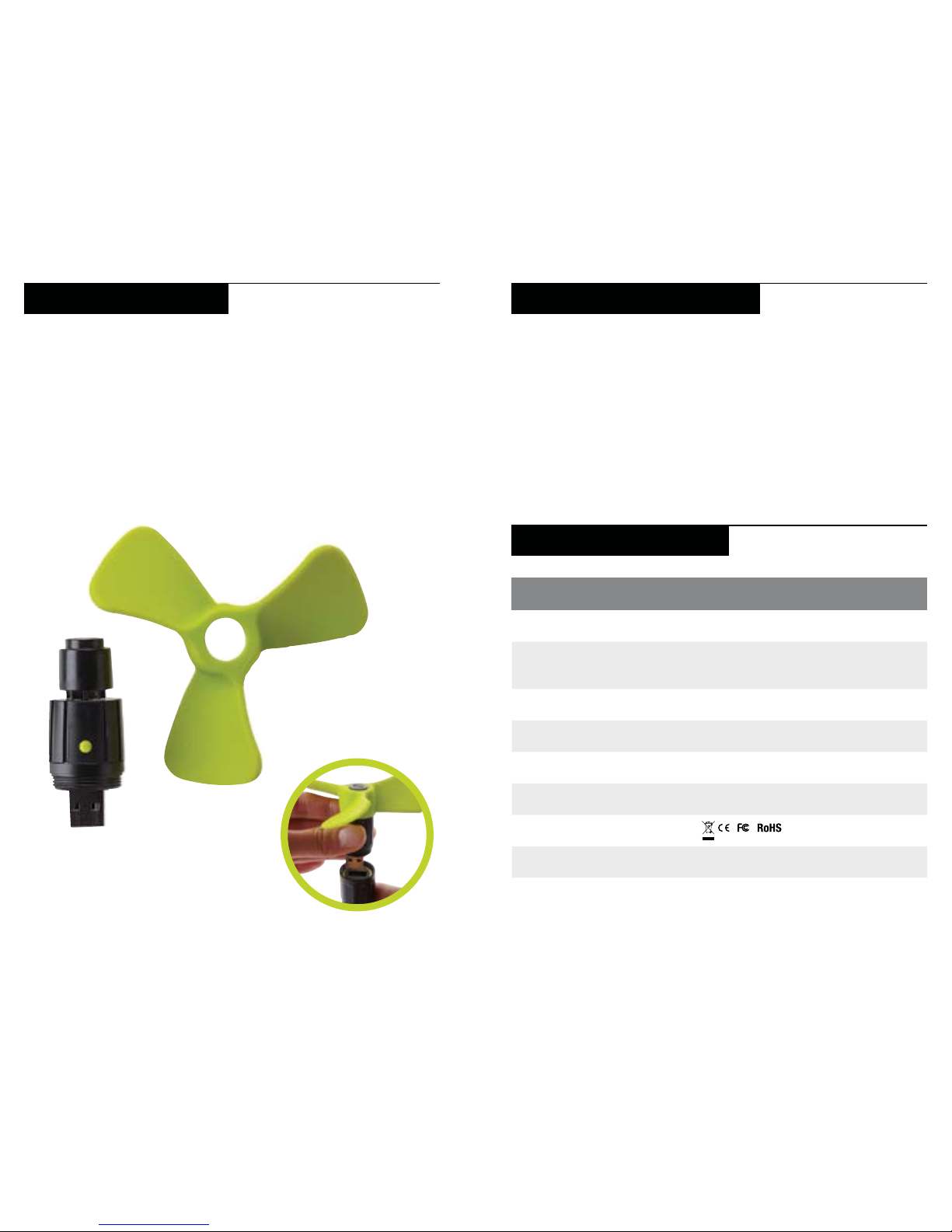
GET TO KNOW YOUR GEAR
USB Fan Tool is a lightweight and quiet way to cool off.
1. Attach the soft fan blades to the motor by sliding the two
pieces together.
2. Plug the assembled fan tool into Goal Zero Switch 10’s USB
output.
3. Keeping one hand on the fan, slide the metal collar of the Goal
Zero Switch 10 up one click, and twist the collar in the direction
indicated by the “tighten” arrow until snug.
4. Turn on/off by pressing the green button.
TECHNICAL SPECFICATIONS
Fan (output) 5V, 0.35A (1.7W max)
Runtime on Goal Zero
Switch 10
5 hrs
General
Weight 1.3 oz (36 g)
Dimensions 2.4 x 3.5 x 3.5 in (6.2 x 9 x 9 cm)
Operating Usage Temp. 32-104F (0-40C)
Certs
Warranty 12 months
Fan Tool
Be sure to activate your warranty at goalzero.com/warranty
Can the Fan Tool be used with any USB port?
Yes! Although designed to be used with the Goal Zero Switch 10
Recharger, the Fan Tool can be used with any live USB port; i.e.
another Goal Zero product (like the Lighthouse lanterns) or from
a computer.
My fan isn’t turning on after I press the button. What gives?
Try pushing the button again. The Fan Tool doesn’t have a big power
draw and in some instances, pressing the button the first time
won’t activate the USB port.
FREQUENTLY ASKED QUESTIONS
Page 3

CA092915
GOAL ZERO HEADQUARTERS
675 West 14600 South
Bluffdale, UT 84065
1-888-794-6250
Designed in the U.S.A.
Made in China
Goal Zero Switch is a
trademark of Goal Zero.
 Loading...