

Page 1

CREATIVEBOARD
The interactive whiteboard
www.geha.de
Page 2

PURPOSE
Increase attention
An interactive whiteboard is an effective tool
for the in-depth communication of visual information and should be a standard feature in any
conference room, meeting room or class room.
The Geha CreativeBoard is sure to capture the
attention of your audience.
Simply simple
The Geha CreativeBoard is connected to a
computer and the computer screen is projected
to the whiteboard. The pressure-sensitive surface now acts as a touchscreen, allowing the
computer to be controlled simply by touching
the surface of the board.
Projection screen and whiteboard
rolled into one
Because it creates a projection screen that can
be written on, this device is not just easy but also
fun to use: Anything can be used as a writing
tool - from your finger to a dry-erase marker.
No more copying
Copying texts in no longer necessary:
All notes, additions or changes can easily
besaved, edited, printed or sent via email.
Durable and easy to clean
Thanks to its reverse side made of aluminium,
the board is nearly indestructible.
The plastic surface, too, is extremely durable
and can be completely cleaned of marker traces.
Wide range of accessories
From short distance projectors to height adjustable stands, Geha offers everything you need.
CreativeBoard – the interactive whiteboard
2
CreativeBoard 80" 4:3
art. no. 50283697
RSP: 1.650,- Euro
Page 3

SOFTWARE
Writing and drawing tools
Various writing tools such as pens and paintbrushes, as well as erasing tools, are available.
Basic shapes such as circles or polygons and
text blocks can be used with ease.
Automatic shape recognition
Freehand drawings of shapes such as triangles,
circles or ellipses can automatically be converted to these shapes.
Presentation tools
Bring your presentations to life with helpful
effects, e.g. uncovering of images, spotlight or
screen magnification.
Tools for math class
Geometric tools such as ruler, set square and
protractor are available, as are timer, calculator
and a generator for random numbers.
Handwriting recognition
Powerful handwriting recognition software
enables easy entries on the board.
Of course, a virtual on-screen keyboard is
also available.
Recording made simple
A software recorder registers all steps on
the board for later editing. Screen shots
are also possible at any time.
Comprehensive resource library
The library includes illustrations such as
lines, patterns and images from various
areas. Individual additions can be made
intuitively by dragging and dropping.
USB
VGA
Exemplary functions
of the Geha software
Pencil function
Paintbrush function
Pen function
Marker function
Virtuelle TouchScreen-Tastatur
Powerful board software
Specially developed for interactive education and presentations. Powerful and intuitive.
3
Page 4
AREAS OF USE
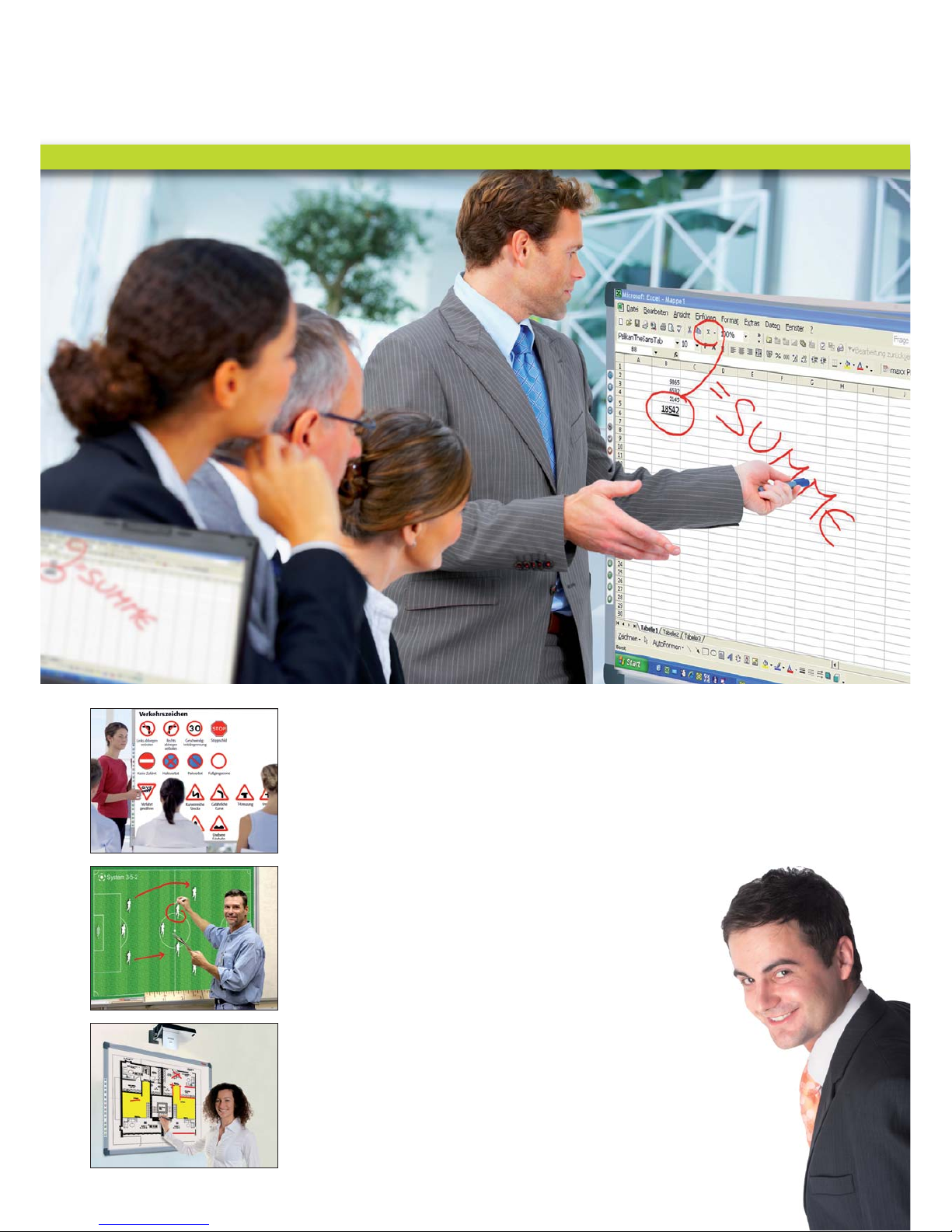
Working more efficiently
Forget flip charts and ordinary whiteboards!
The Geha CreativeBoard helps you make your
presentations, workshops or brainstorming
sessions more lively, interesting and efficient
while impressing your colleagues and
business partners.
Impressive features
The powerful software can be operated intuitively
and allows you to control your presentation
completely from the CreativeBoard. Changes and
additions, as well as notes, can also be made
directly on the board. Furthermore, the resource
library has many templates for your meetings.
Automatic log
Nobody has to keep the minutes of your meeting,
as the CreativeBoard assumes this task automatically. You may print the information immediately, distribute it to meeting participants or
send it out as an email. Subsequent content
editing isalso possible.
For the conference room
"Finally, the perfect solution. I honestly wouldn't want to be
without the CreativeBoard anymore."
4
Page 5
Interactive school board
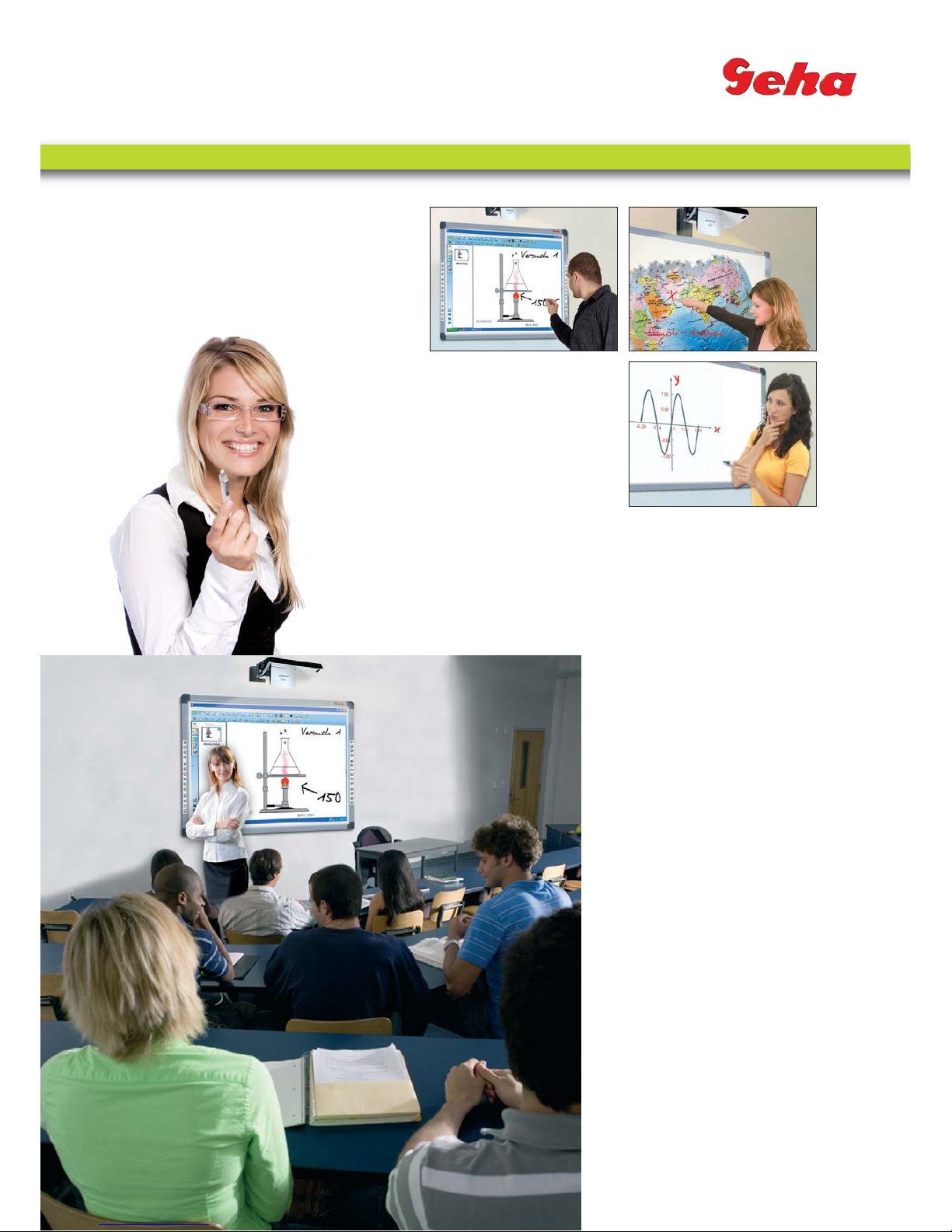
The intelligent CreativeBoard ensures vivid
content, which means students will follow your
lessons with enthusiasm. It is controlled with
a finger or pen on a large projection screen no batteries or electronics required.
The board can also be used as a regular
whiteboard, i.e. without a projector.
Class-specific software
The supplied software was developed specifically
for an interactive teaching environment.
It is powerful and intuitive in its operation.
Geometric tools such as ruler, set square and
protractor are available, as are timer, calculator
and a random number generator.
In addition, the resource library includes
many templates such as lines for German class,
chequered templates for math class, as well as
staff paper and notes for music class.
Thanks to the recording and playback function,
your students can retrace the creation of the
image on the board from the start.
This will save you from having to answer
many additional questions.
Automatic saving and direct printing functions
All notes, additions or changes are automatically
registered and saved. You may print this information right away and distribute it to your students
or send it out via email. Thus, you are sure to
receive more attention during class.
For the classroom
5
"Since I've been using the CreativeBoard, my
students have been much more attentive."
Page 6
ACCESSORIES
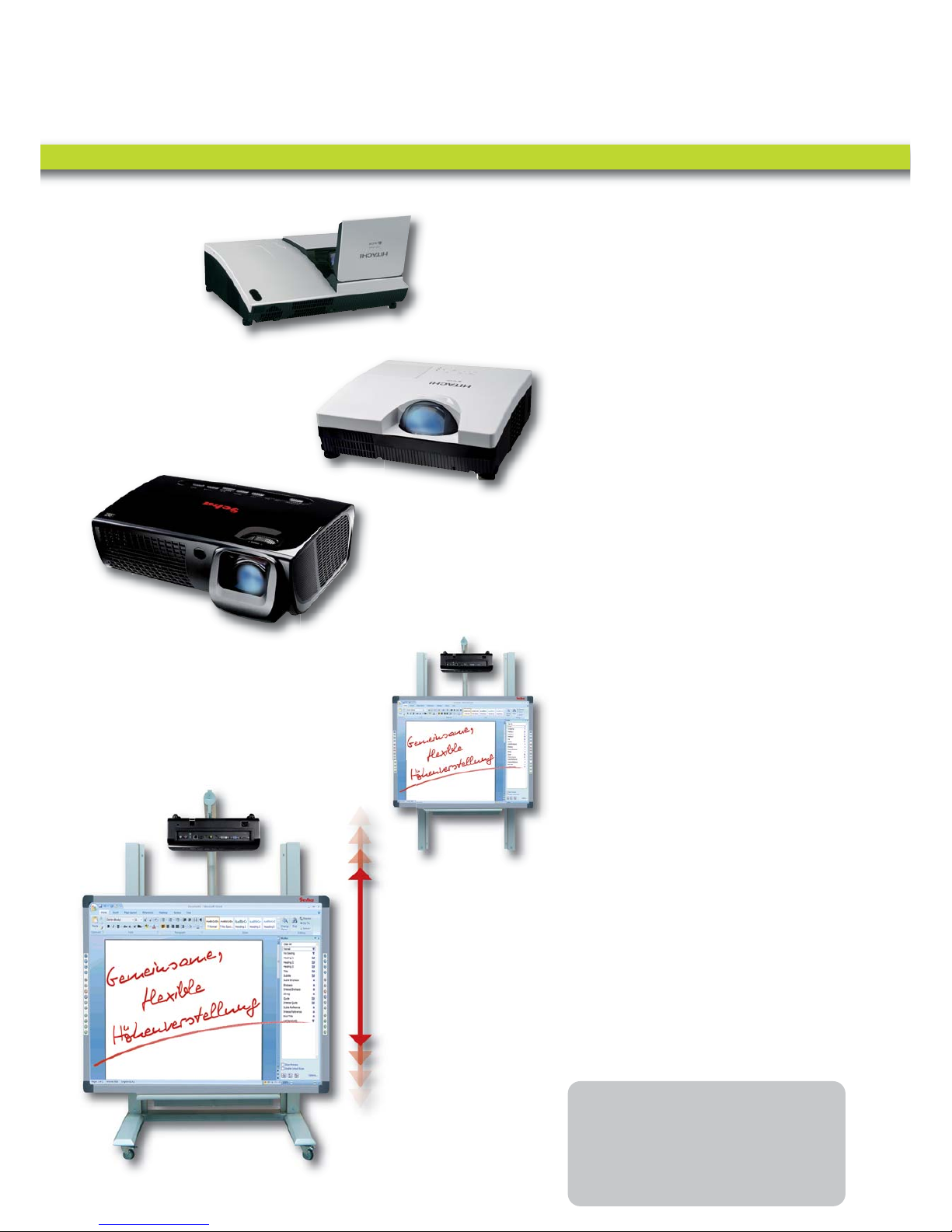
Short distance projector
We recommend so-called short distance projectors for working with the board, which can be
positioned very close to the board. Paired with
a short distance projector, the CreativeBoard has
many advantages. Due to the steep projection
angle, the presenter is not caught in the light
beam of the projector and thus isn't blinded.
In addition, the presenter's shadow is reduced
to a minimum, reducing distraction.
For a perfect image
Wall bracket
Geha compact ww242
Hitachi CP-A100,
Hitachi ED-A101,
Hitachi ED-A111
Hitachi CP-D10
Rolling frame
The mechanical complete solution
This option is available as a sturdy rolling frame
or with a wall bracket and has been designed
specifically for schools. The pylon frame serves
as a stand for the CreativeBoard and the short
distance projector.
One step height adjustment
Adjusting the height to various working levels is
as simple as with a blackboard. Readjusting the
projector is not necessary. Height wall bracket:
90 cm/Height rolling frame: 69 cm)
Changing rooms without dismantling
The rolling pylon frame fits through all standard
doors with a headroom of 200 cm and width of
80 cm and therefore can quickly be moved from
one room to the next. For smaller doors, the
projector arm can quickly be detached.
Certified safety
TÜV-certified according to DIN EN 14434
(writing boards for educational institutions).
6
Mechanical, height
adjustable stand
For example:
• CreativeBoard 80" 4:3
• Projektor Geha compact ww242
• Mechanical, adjustable stand
RSP: 3.990,- Euro
Page 7
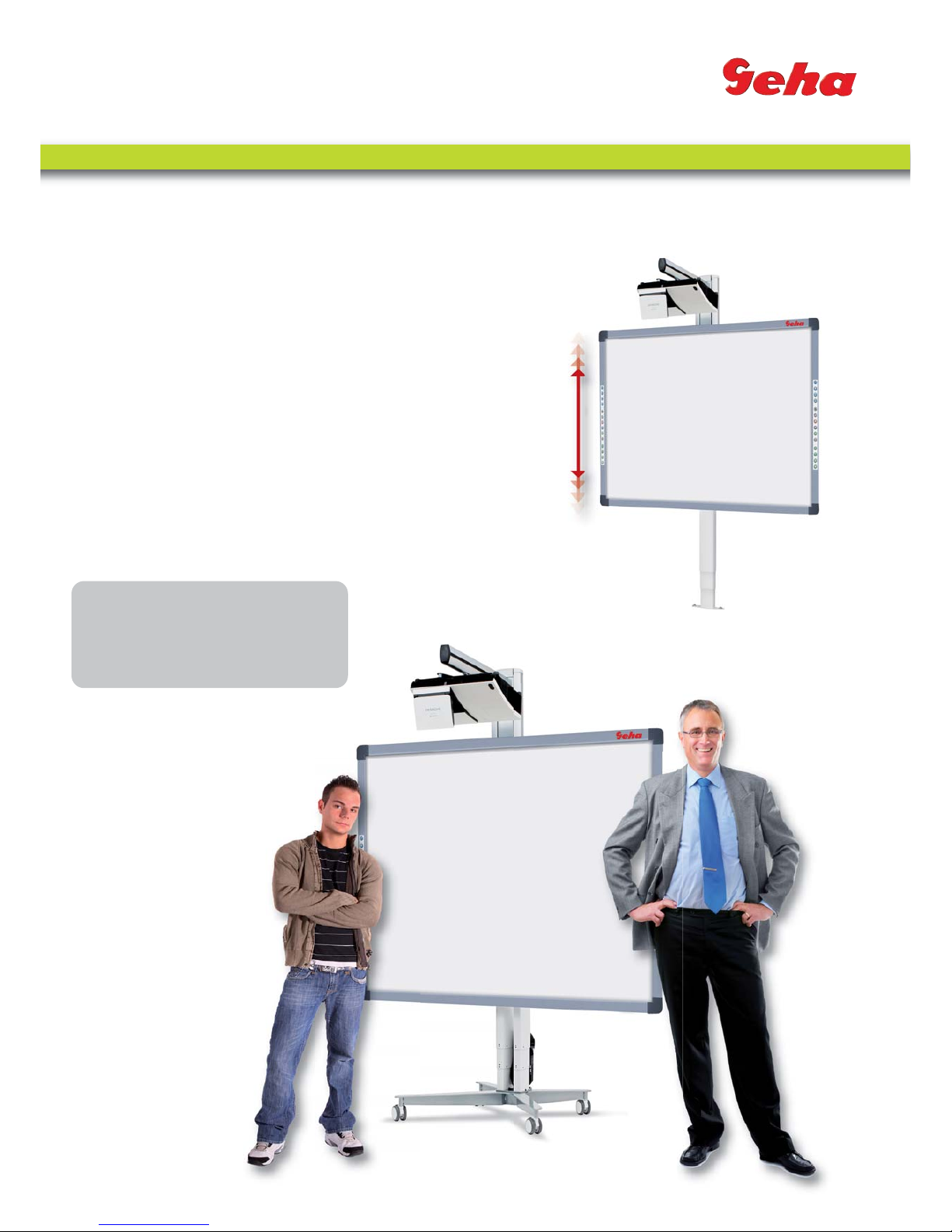
The electronic complete solution
This stylish and convenient frame for the CreativeBoard and short distance projector, which features
continuous height adjustment, has been designed
specifically for the demands of business use and
is also available as a movable stand or with a
wall bracket.
One step height adjustment - at the touch of a button
Easy adjustment to various working levels with the
touch of a button. The extremely quiet electronic
motor moves the board to the desired position.
(Height wall bracket: 67.5 cm/
Height rolling frame: 68.5 cm)
The mobile solution
The arm holding the projector can easily be
pivoted to the side up to 90 degrees.
That way, the movable height adjustment solution
fits through all standard doors.
Height adjustment for interactive boards with short distance projector - electronic, movable (rolling frame)
Height adjustment for
interactive boards
with short distance
projector - electronic
(wall mounting)
Electronic, height adjustable stand
7
For example:
• CreativeBoard 80" 4:3
• Projektor Hitachi CP-A 100
• Electronic, height adjustable stand
RSP: 4.490,- Euro
Page 8
www.geha.de
Geha GmbH
Alte Heeresstraße 25-27
D-59929 Brilon
Fon +49 (0)2961.9747-0
Fax +49 (0)2961.9747-47
Branch Hannover
Werftstraße 9
D-30163 Hannover
Fon+49 (0)511.6969-407
Fax +49 (0)511.6969-415
Your professional Geha partner:
Geha GmbH 04/2010
 Loading...