

Page 1
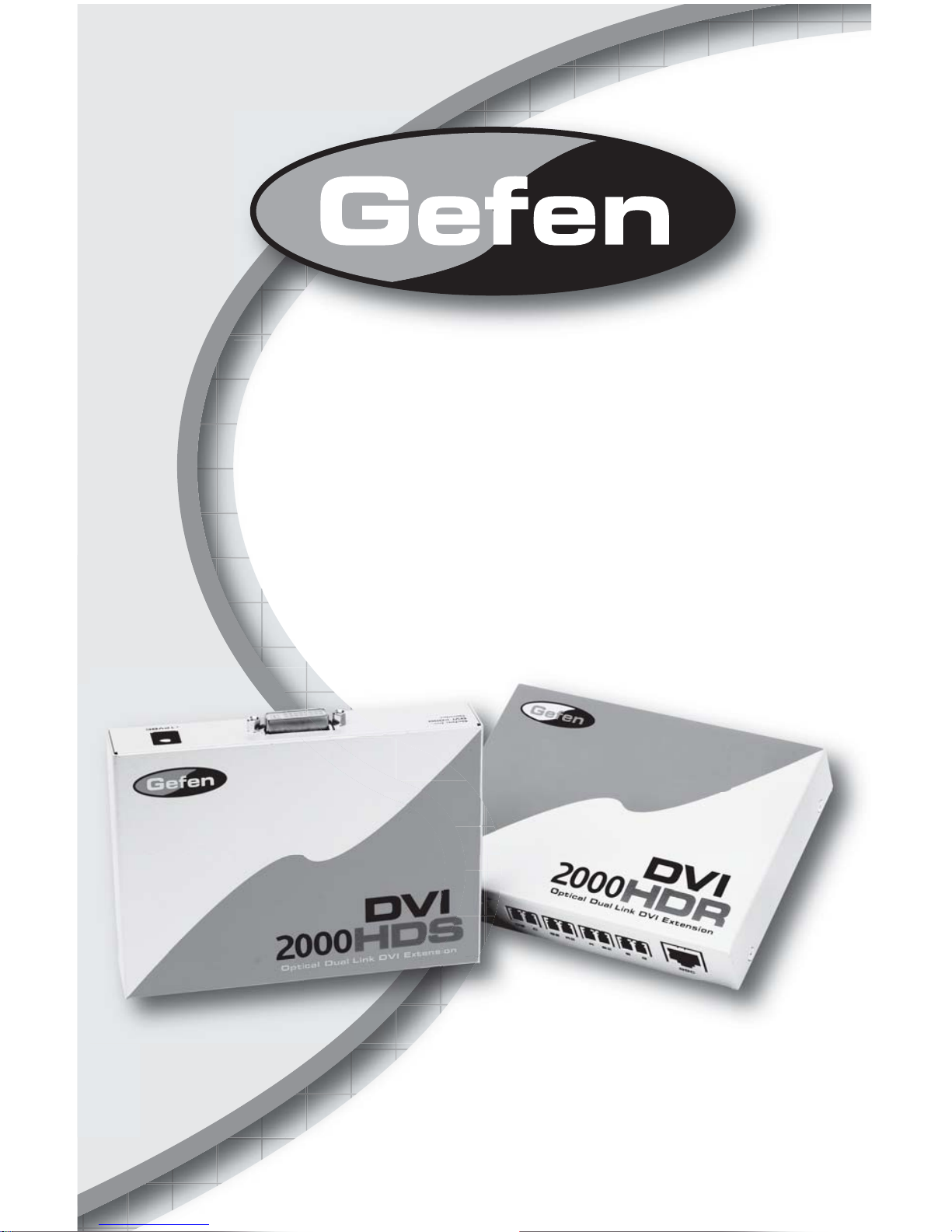
DVI•2000HD
USER MANUAL
www.gefen.com
Page 2

Technical Support:
Telephone (818) 772-9100
(800) 545-6900
Fax (818) 772-9120
Technical Support Hours:
8:00 AM to 5:00 PM Monday thru Friday.
Write To:
Gefen Inc.
c/o Customer Service
20600 Nordhoff St.
Chatsworth, CA 91311
support@gefen.com
www.gefen.com
Notice
Gefen Inc. reserves the right to make changes in the hard ware, packaging and any
accompanying doc u men ta tion without prior written notice.
The DVI•2000 is a trademark of Gefen Inc.
© 2007 Gefen Inc., All Rights Reserved
ASKING FOR ASSISTANCE
Page 3

TABLE OF CONTENTS
Introduction
Back Panel Descriptions
Front Panel Descriptions
How To Connect The DVI•2000
DVI•2000 Wiring Diagram
Specifi cations
Warranty
1
2
3
4
5
6
7
Page 4

READ THESE NOTES BEFORE IN STALL ING
OR OPERATING THE DVI•2000
• The fi ber optics cable must be treated carefully when connectors are exposed.
They are susceptible to dust which can contribute to loss of pixels.
• The DVI•2000 works for all DVI displays and supports resolutions up to
3840x2400
• The DVI•2000 is housed in a metal box for better RF shielding.
• Supports DDWG standard for DVI compliant monitors
• Uses CAT-5 cable for HDCP/DDC and control signals.
OPERATION NOTES
Page 5

INTRODUCTION
Thank you for purchasing Gefen’ s ex•tend•it DVI•2000. The DVI•2000 allows extension
of DVI Dual Link up to 1640 feet without losing any quality.
CONTENTS
The DVI•2000 consists of:
(1) DVI•2000S
(1) DVI•2000R
(2) DVI Dual Link cable (6FT)
(1) 12VDC Power Supply
(1) User Manual
HOW THE DVI 2000HD WORKS
The DVI•2000HDS sender unit sits next to your computer, set-top box or DVD player
source. Cables supplied with the DVI•2000HD connect your DVI source to the send unit.
The DVI•2000HDR receive unit sits next to your DVI display - up to 1640 feet away . The
display plugs into the back of the receiver unit. One CAT-5 cable and multi mode LC
fi ber optic cable (8 strand) connect the sender and the receiver units to each other.
1
Page 6

REAR PANELS DESCRIPTIONS
2
HDCP & DDC
Signals
DVI•2000 Sender (Rear View Only)
Green 2
Green 1
Clock 1
Status LED indicates
a link between the
sender and receiver
Power LED indicates the unit is powered
DVI•2000 Receiver (Rear View Only)
Power LED indicates the unit is powered
Clock 2
Red 2
Red 1
Blue 2
Blue 1
Hot Plug Detect
HDCP & DDC
Signals
Green 2
Green 1
Clock 2
Status LED indicates
a link between the
sender and receiver
Clock 1
Red 2
Red 1
Blue 2
Blue 1
Hot Plug Detect
Page 7

FRONT PANELS DESCRIPTIONS
3
Power
Connector
DVI•2000 Sender (Front View Only)
DVI In
DVI•2000 Receiver (Front View Only)
Power
Connector
DVI Out
Page 8

Connect the DVI•2000 sender unit to the DVI source using the supplied cables.
Connect the DVI•2000 receiver unit to your DVI display.
Connect the eight fi ber optics and one CAT5 cable between the sender and
receiver.
Plug the 12VDC power supply into either the DVI•2000 sender or receiver.
You should now have a video signal.
HOW TO CONNECT THE DVI•2000
1
2
3
4
5
4
Page 9

DVI•2000 WIRING DIAGRAM
5
Page 10

DVI 2000HD
Video Amplifi er Bandwidth ...................................................................... 2x 1.65 GHz
Input Video Signal ................................................................................... 1.2 volts p-p
Input DDC Signal .............................................................................. 5 volts p-p (TTL)
Dual Link Range ...................................................................................... 3840 x 2400
DVI Input/Output Connector Type ..................................................................... DVI-D
Link Connector .................................................................................................. RJ-45
Power Consumption .......................................................................... 15 Watts (max.)
Power Supply .................................................................................................. 12VDC
Dimensions ................................................................................... 4”D x 5.5 ”W x 1”H
Shipping Weight ................................................................................................. 5 Lbs
SPECIFICATIONS
6
 Loading...