

Page 1
9919-101135
www.geckoalliance.com
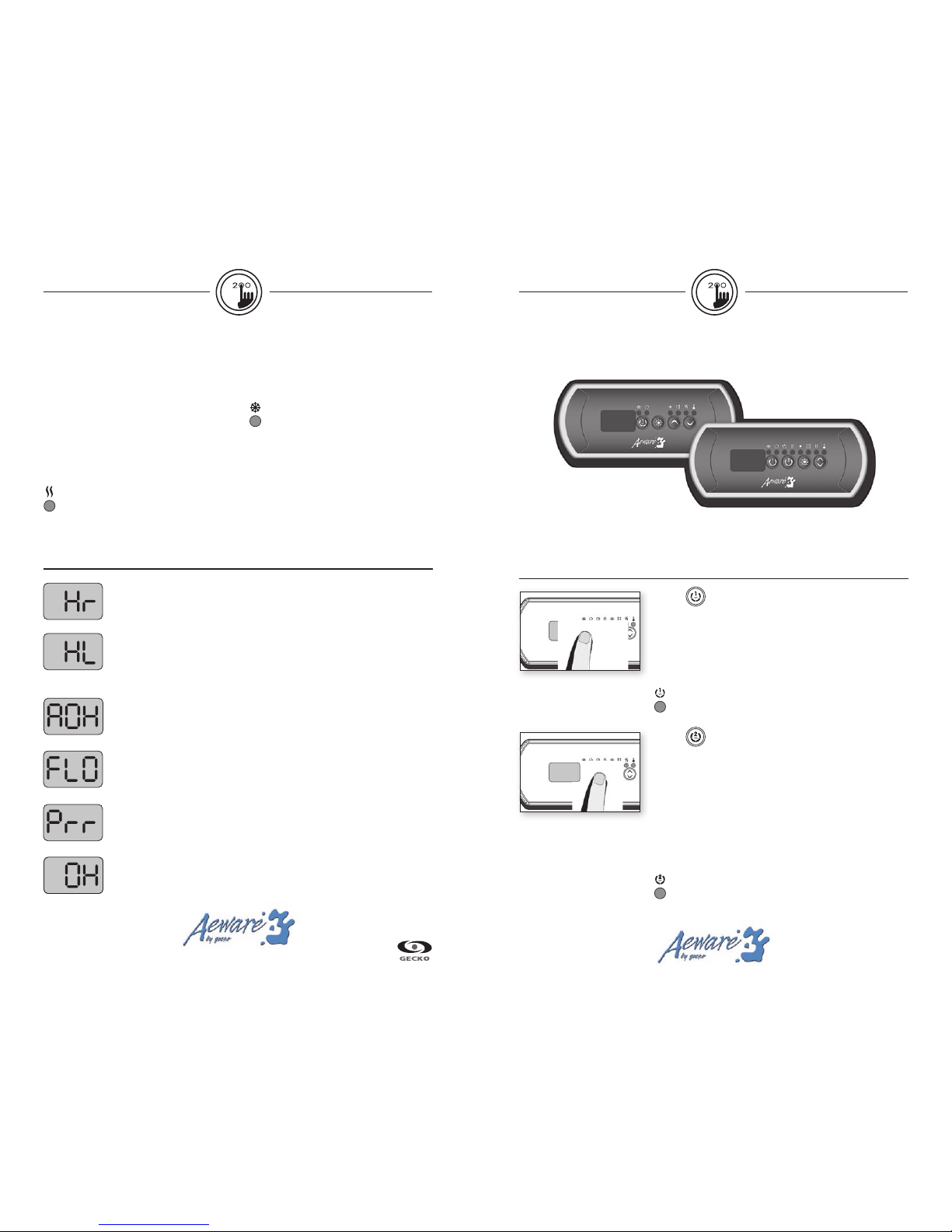
The Quick Reference Card provides a quick overview of your spa’s main
functions and the operations accessible with your digital control pad.
Key 1
Press Key 1 key to turn Pump 1 on at low speed. Press a
second time to turn pump to high speed (with a dual-speed
pump). A third time turns pump off.
A built-in timer automatically turns pump off after
a prede-
termined period of time, unless pump has been manually
deactivated first.
The “Pump 1” indicator lights up when Pump 1 is on.
With dual-speed pump, indicator will flash when
Pump 1 is on at low speed.
Spa functions
in.k200
series of compact full-function keypads
for in.xe spa systems
Cooldown
While performing this task, the heater is not
allowed to turn on and its icon flashes.
Key 2 (2 Pump (or single pump/blower)
(Single-speed pump/blower)
Press Key 2 key to turn Pump 2 or Blower on. Press a
second time to turn pump or blower off.
(Dual-speed pump)
Press Key 2 key to turn Pump 2 on at low speed. Press
a second time to turn pump to high speed. A third time
turns pump off.
A built-in timer automatically turns pump off after
a prede-
termined period of time, unless it has been manually
deactivated first.
The “Pump 2” indicator lights up when Pump 2 is on.
With dual-speed pump, indicator will flash when
Pump 2 is on at low speed.
Water temperature regulation
In a regulation cycle, the system first
generates water flow through the heater
housing and the plumbing, in order
to ensure accurate water temperature
readings as well as avoiding heater
activation in dry conditions.
After verifying pump activation and taking a
water temperature reading if required, the
system automatically turns the heater on to
reach and maintain water temperature at
Set Point.
The “Heater” indicator lights up when
the heater is on. It flashes when there
is a request for more heat but the
heater has not yet started.
Smart Winter Mode
Our Smart Winter Mode protects your
system from the cold by turning pumps on
several times a day to prevent water from
freezing in pipes.
The “Smart Winter Mode” indicator
lights up when the Smart Winter
Mode is on.
Troubleshooting
Hr
An internal hardware error has been detected in in.xe.
Contact dealer or service supplier.
HL
The system has shut the heater down because the temperature at the heater
has reached 119°F (48°C). Do not enter the water! Remove the spa cover and
allow the water to cool down, then shut power off and power your spa up
again to reset the system.
Prr
A problem is detected with the temperature probe.
Call your dealer or service supplier.
AOH
Temperature inside the spa skirt is too high, causing the internal temperature
in the in.xe to increase above normal limits. Open skirt and wait until error
clears.
OH
The water temperature in the spa has reached 108°F (42°C). Do not enter the
water! Remove the spa cover and allow the water to cool down to a lower
temperature. Call your dealer or service supplier if problem persists.
FLO
The system does not detect any water flow while the primary pump is
running. Check and open water valves. Check for water level. Clean filter.
If the problem persists, call your dealer or service supplier.
Single pump system
Two pump system
Page 2
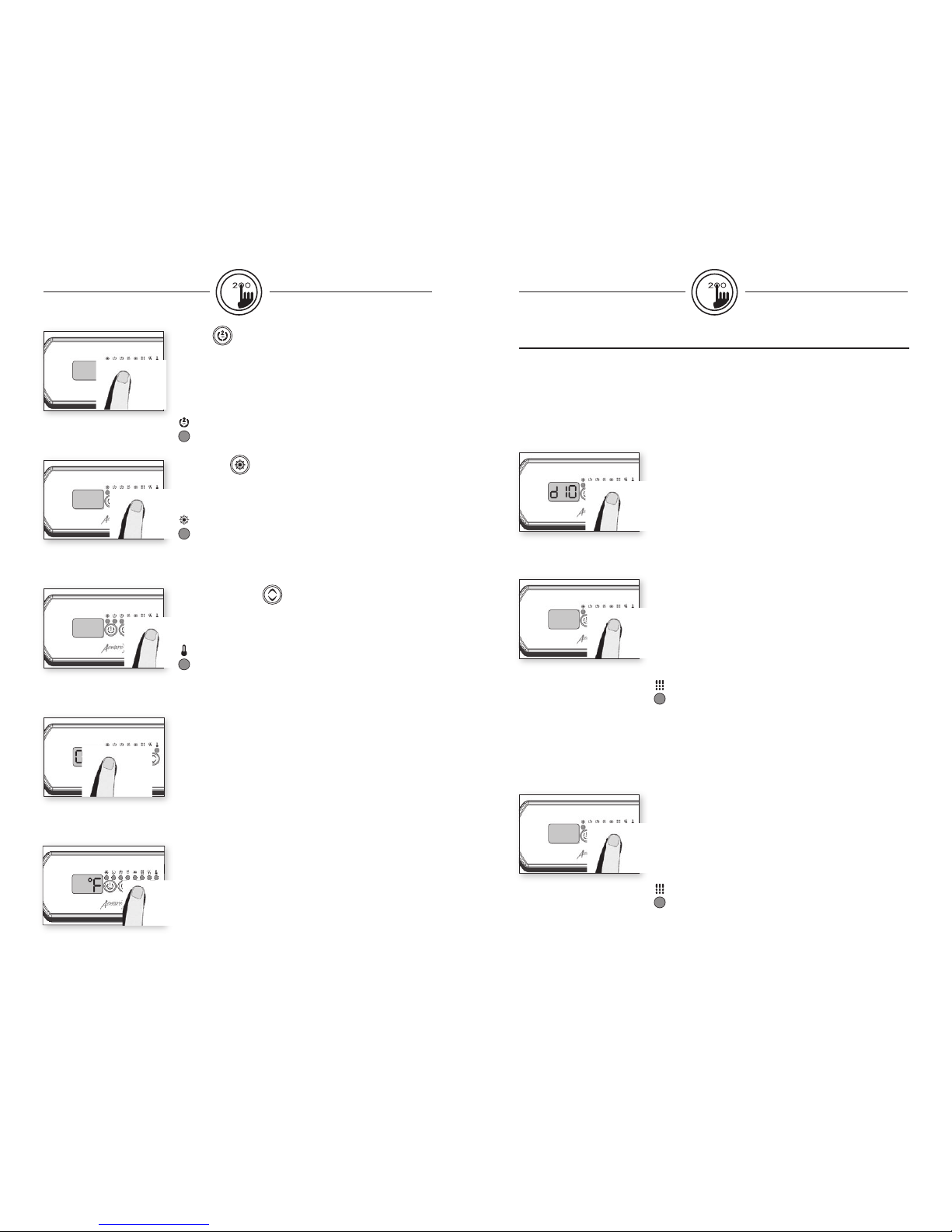
Key 2 (2-Pump/ Blower System)
Press Key 2 to turn Pump 2 on at high speed. Pressing a
second time turns blower on. A third press turns Pump 2 off
but leaves blower on. A final press turns blower off. A built-in
timer automatically turns Pump 2/blower off after a predetermined period of time, unless Pump 2/blower has been
manually deactivated first.
The “Pump 2” indicator lights up
when Pump 2/blower is on.
Light key
Press Light key to turn light on. Press a second time to turn
light off. A built-in timer automatically turns light off after
2 hours, unless it has been manually deactivated first.
The “Light” indicator lights up
when light is on.
Up/Down keys
Use Up or Down key to set desired water temperature.
The temperature setting will be displayed for 5 seconds to
confirm your new selection.
The "Set Point" icon indicates that the display shows the
desired temperature, NOT the current water temperature!
Filter cycle frequency
Press Light key again. The display will show Fx, with "x"
representing the number of filter cycles per day (up to 4).
(Default: twice a day).
Use Up or Down key to change setting.
When the desired setting is displayed, press Light
key to confirm. A filter cycle will start immediately.
The “Filter” indicator lights up
when a filter cycle is on.
Setting filter cycle duration
Press and hold Light key until the display shows dxx, with
"xx" representing the duration in hours. (Default: 2 hours).
Use Up or Down key to change setting.
0 = no filtration
24 = continuous filtration
Note: it's not recommended to set this to "0".
Programming the purge / filter cycles
Programming filter cycles
Depending on system configuration the system performs either purge cycles or filter cycles.
To program the filter cycles, you must enter these parameters: duration and frequency.
During a filter cycle, pumps & blower run at high speed for one minute to purge the
plumbing. Pump 1 or CP then runs at low speed for the remaining of the cycle.
Purge cycle frequency
Press and hold Light key until the display shows Fx, with "x"
representing the number of purge cycles per day (up to 4).
Use Up or Down key to change setting.
When the desired setting is displayed, press Light
key to confirm. A purge cycle will start immediately.
The “Filter” indicator lights up
when a purge cycle is on.
Programming purge cycles
To program the purge cycles, you must select the frequency. During a purge cycle, all pumps
and the blower run for one minute. To set purge cycles:
Off Mode
This mode allows you to stop all outputs for 30 minutes to
perform a quick spa maintenance.
Press and hold Key 1 key for 5 secs to activate the Off mode.
Quick press Key 1 key to reactivate the system before the ex-
piration of the 30-minute delay.
While the Off mode is engaged, the display will toggle
between OFF and the water temperature.
Setting the temperature display units
Quick press Light key again.
The display will show either°F or °C.
Use Up or Down key to change units.
Press Light key a last time to go back to normal mode.
°F = Fahrenheit
°C = Celsius
 Loading...