

Page 1
Page 2

Page 3
Charging the A03071 Device
NOTICE
To prevent corrosion, thoroughly dry the
contacts on the A03071 device and the
surrounding area before connecting the
charging clip.
You should fully charge the battery before
you use the device for the first time.
Charging a fully depleted battery takes
about two hours.
Snap the device À onto the charging
1
clip Á.
Plug the power cable into a power
2
source.
The status LED is solid red when the
device is charging.
After the status LED turns solid green,
3
remove the charging clip from the
device.
Turning On the A03071 Device
Hold the power key until the status
LED turns green and the device
beeps.
Installing Backup Batteries
The A03070 unit uses three AA batteries (not
included). You should install backup
batteries in the A03070 unit to maintain an
active signal during a power outage.
NOTE: Use NiMH or lithium batteries for
best results.
Turn the D-ring counter-clockwise, and
1
pull up to remove the cover.
Insert three AA batteries, observing
2
polarity.
Replace the battery cover, and turn the
3
D-ring clockwise.
Quick Start Manual 3
Page 4

Mounting Location Considerations
• The A03070 unit should be approximately
1.5 m (5 ft.) above the ground when
mounted.
• The A03070 unit should be near a power
source.
• The A03070 unit should be away from
metal structures, appliances,
microwaves, and wireless routers for
ideal operation.
• You must leave enough cable length to
reach the power source. To purchase
a longer accessory cable, go to
buy.garmin.com.
Installing the
Choose a mounting location (page 4).
1
Using two screws (not included),
2
attach the mount to an exterior wall for
best results.
Pull up the weather cap from the
3
power port.
A03070 Unit
Plug the small end of the power cable
4
into the port on the base unit.
Slide the base unit into the mount.
5
Plug the power cable into a power
6
source.
4 Quick Start Manual
Page 5
•
•
•
•
Device Information
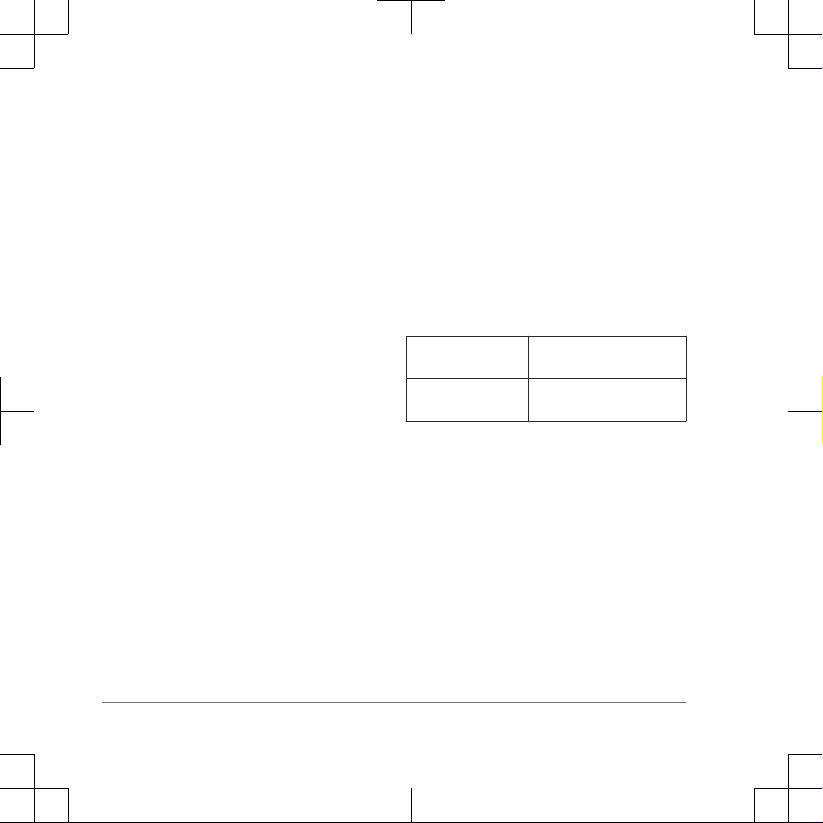
A03070 and A03071 Device
Specifications
Operating
temperature range
Charging
temperature range
Support and Updates
• You can update software and maps for
your A03070 device using Garmin
Express™.
.
• You can update software for your
A03071 device using Garmin
WebUpdater.
From -20 to 60 C (from
-4 to 140 F)
From 0 to 45 C (from
32 to 113 F)
14 Quick Start Manual
Page 6

Getting the Owner's Manual
The owner's manual includes instructions
for using device features and accessing
regulatory information.
Go to garmin.com/manuals
Quick Start Manual 15
Page 7
support.garmin.com
© 2017 Garmin Ltd. or its subsidiaries
Garmin® and the Garmin logo are trademarks of Garmin Ltd. or its subsidiaries, registered in the USA and other
countries. . These trademarks may not be used without
the express permission of Garmin.
M/N: A03070, M/N: A03071
Printed in Taiwan
August 2017
190-02273-90_01
 Loading...