

Page 1
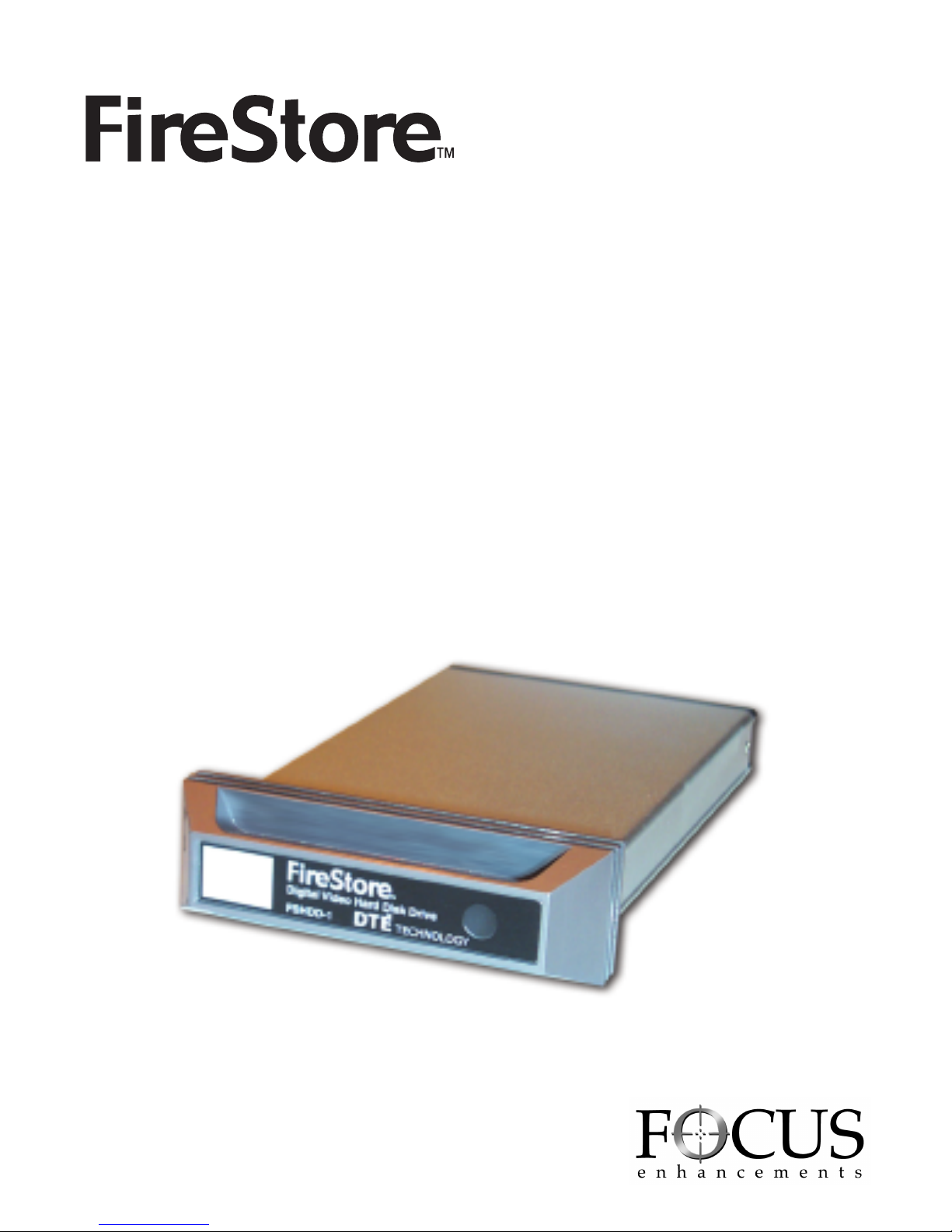
FSHDD-1
DIGITAL VIDEO HARD DISK DRIVE
Table of Contents
Chapter 1 Introduction . . . . . . . . . . . . . . . . . . . . . . . . . . . . . . . . . . . .P.2
Chapter 2 Package Content . . . . . . . . . . . . . . . . . . . . . . . . . . . . . . . .P.3
Chapter 3 Recorder Operation . . . . . . . . . . . . . . . . . . . . . . . . . . . . . .P.3
Chapter 4 Unplug Procedure . . . . . . . . . . . . . . . . . . . . . . . . . . . . . . .P.4
Chapter 5 Technical Information . . . . . . . . . . . . . . . . . . . . . . . . . . . . .P.7
Page 2
FireStore HDD Manual
PAGE 2
CHAPTER 1
Introduction
The FireStore FSHDD-1 is a slim, compact IDE to 1394 Firewire external Hard
Drive enclosure designed for the FireStore DTE product line. The case is made
of aluminum and features a shock and vibration resistant mating system. With
FSHDD-1 and a DTE-compatible product, you can record your video footage
directly to disk in one of many NLE file formats.
Obtaining Additional FSHDD-1 Drives:
Additional recording media can be purchased from your authorized FOCUS
Enhancements dealer, or direct from The FOCUS Store:
http://www.focusinfo.com/order-desk/
FOCUS Enhancements Product Support :
E-mail: [email protected]
Telephone: 408-370-9963. 8 am-5 pm, Pacific time.
Fax: 408-866-4859.
Mail : Focus Enhancements, 1370 Dell Ave., Campbell, CA 95008
1.2 System Requirement
a. Hardware: DTE- compatible recording product;
PC or MAC with 1394 interface
b. Compatible OS types:
Windows 98SE, Windows ME
Windows 2000, Windows XP
Mac OS 8.6 and later
1.4 Product Dimension:
13.7cm x 8.5cm x 1.5cm
5.39" x 3.35" x 0.59"
0.6 lbs 0.27 Kg
Page 3
FireStore HDD Manual
PAGE 3
CHAPTER 2
Package Content
1. FSHDD-1 Digital Video Hard Disk Drive
2. 1394 Cable
3. Instruction manual
4. Drive label set
CHAPTER 3
Recorder operation
3.1. The FSHDD-1 drive is designed to operate interchangeably among many
brands and versions of DTE recording equipment. Please reference the individual
owner manual for information regarding installing, formatting, and operation
Desktop operation
3.2 The following is instruction for desktop operation. Please consult you OS’s
instructions for specific information on how to mount, operate, or dismount
external storage volumes.
3.3 Windows
No driver is required for Win
98SE \ Win ME \ Win2000 \
Win XP
• Turn on your PC and start
"Windows"
• Connect the FSHDD-1 to
your computer’s 1394 port
• Connect the power adapter
if required and turn it on
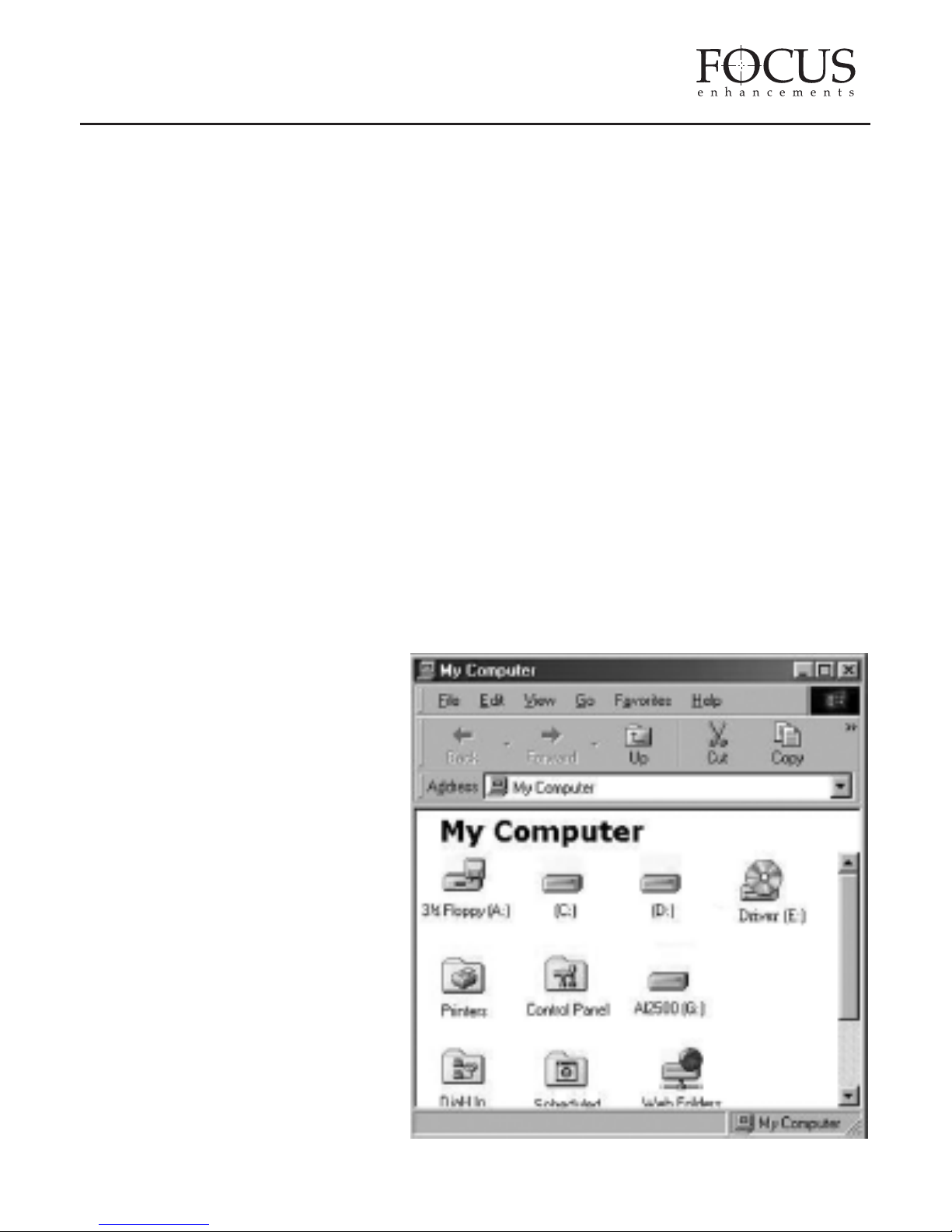
• Click on "My Computer" to
check your external
Hard Drive
Page 4
FireStore HDD Manual
PAGE 4
3.4 MAC OS
• Turn on your Computer
• Connect the FSHDD-1 to your computer’s 1394 Firewire port
• Connect the adapter if required and turn it on
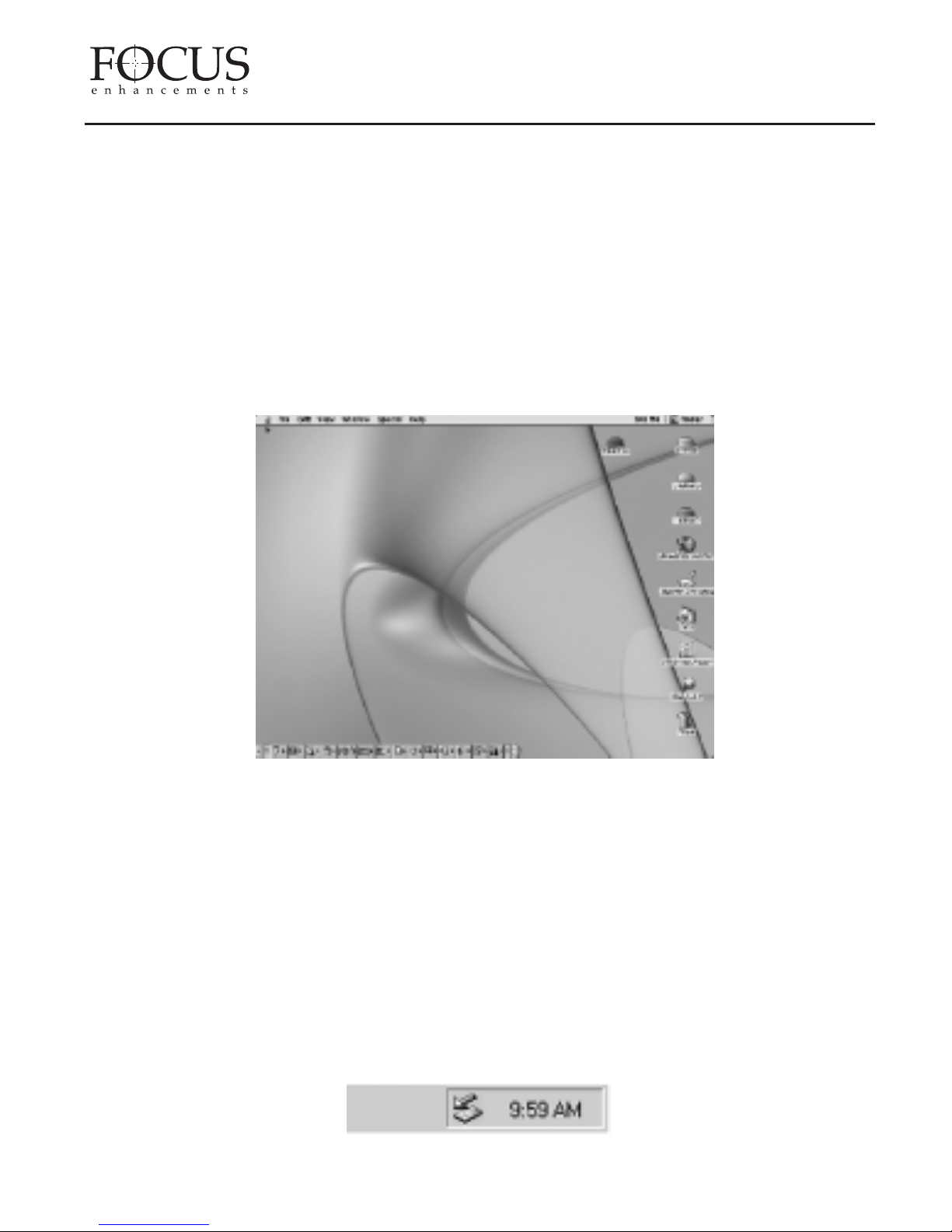
• For Mac OS 9.1 or later no driver is required. Your FSHDD-1 will show up
on your desktop or you will be prompted to initialize the HDD first, if that is
a factory new drive or the format is not recognized. Perform any format on
your DTE compatible product. Consult the FireStore product manual for
more information.
CHAPTER 4
Unplug Procedure
4.1 Windows 98SE
• Use the device manager to stop the device
• Turn off the power of your FSHDD-1
• Unplug the Firewire cable
4.2 Windows ME / 2000/ XP
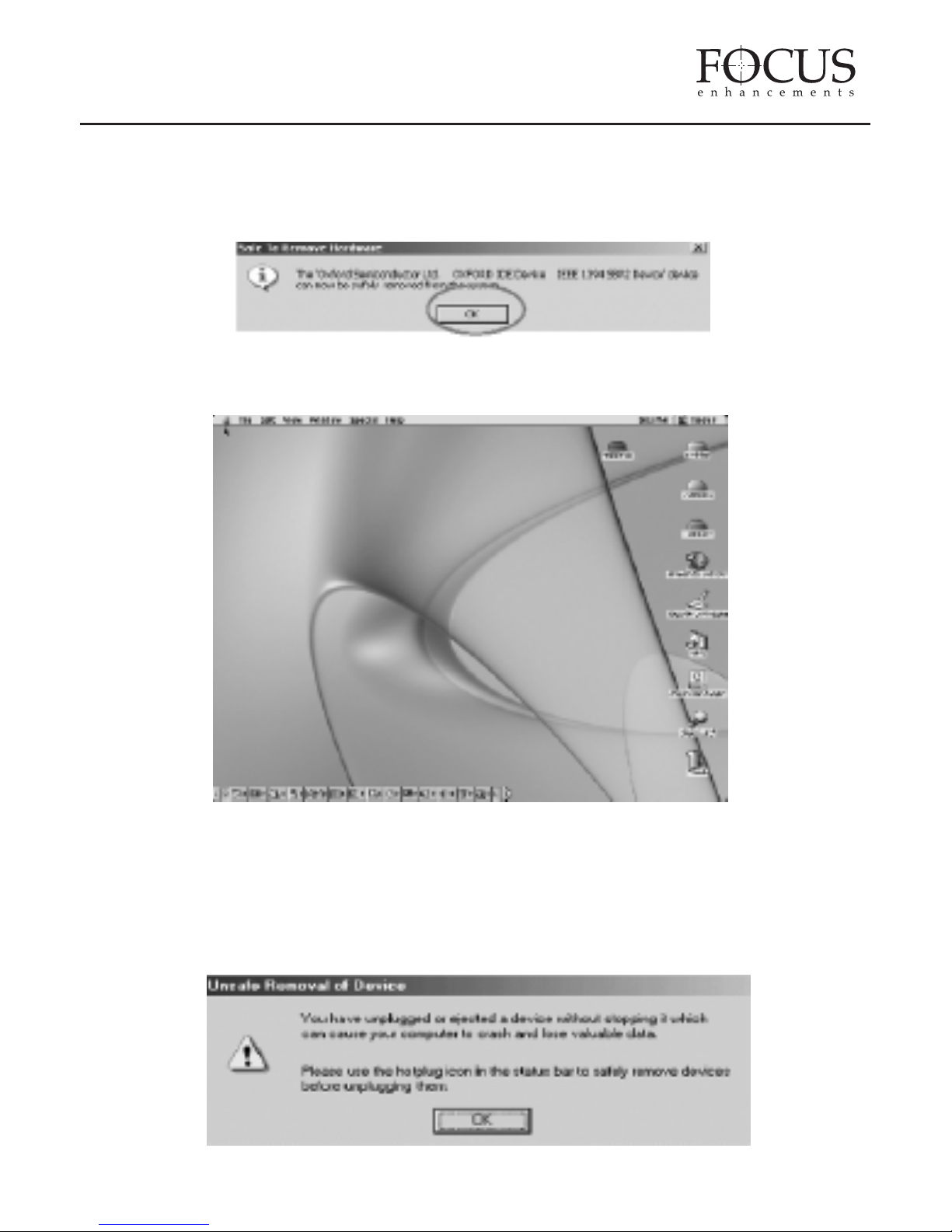
• Single click (right mouse button) on the taskbar icon
• Click on popup message
Page 5
FireStore HDD Manual
PAGE 5
External Hardware Icon
• Click "OK" and remove the device
4.3 Mac OS
Pull the icon into the trash bin and remove the device
ATTENTION!!
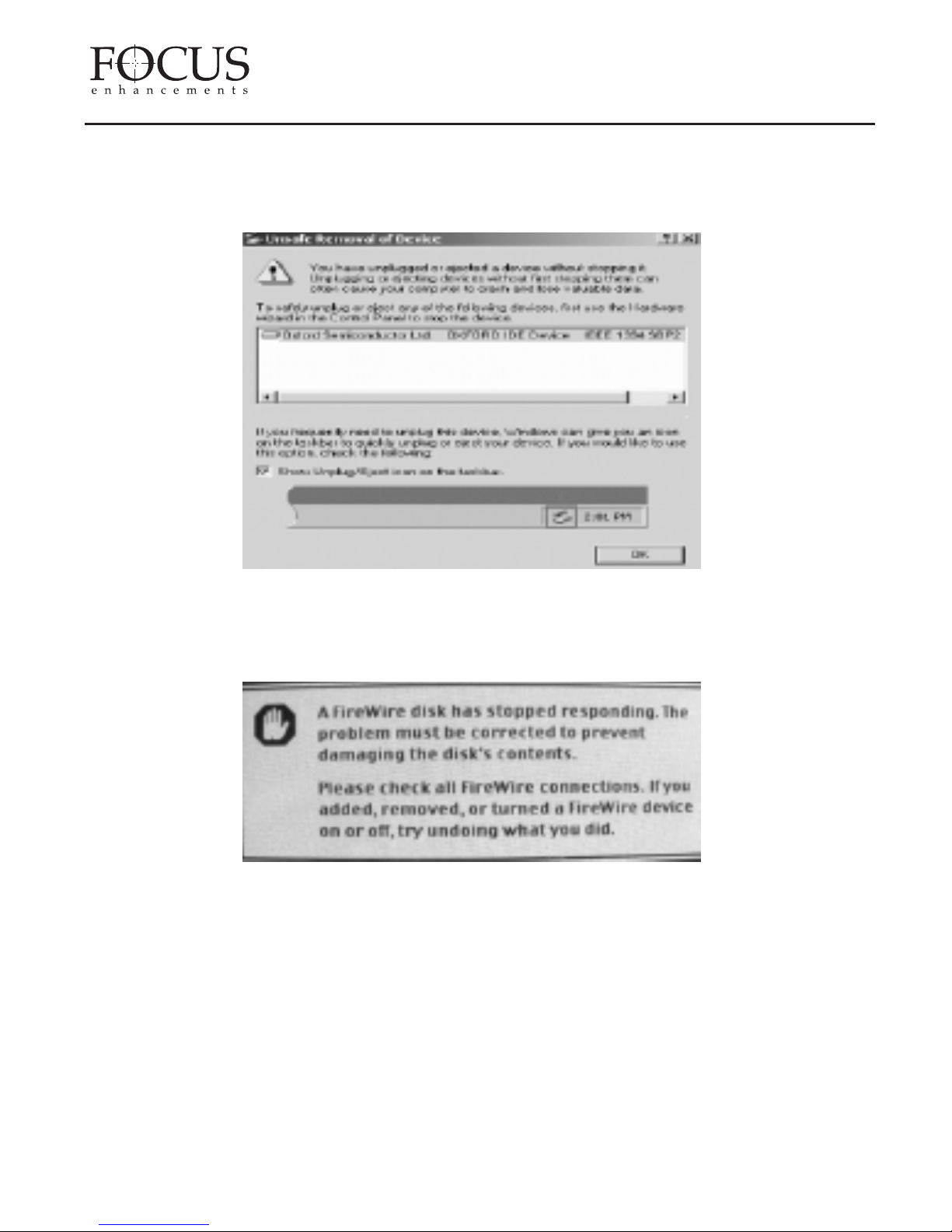
To assure not data will be lost, always follow the "unplug procedure". If not, data
could be lost and the following message will show up:
For Windows ME
Page 6
FireStore HDD Manual
PAGE 6
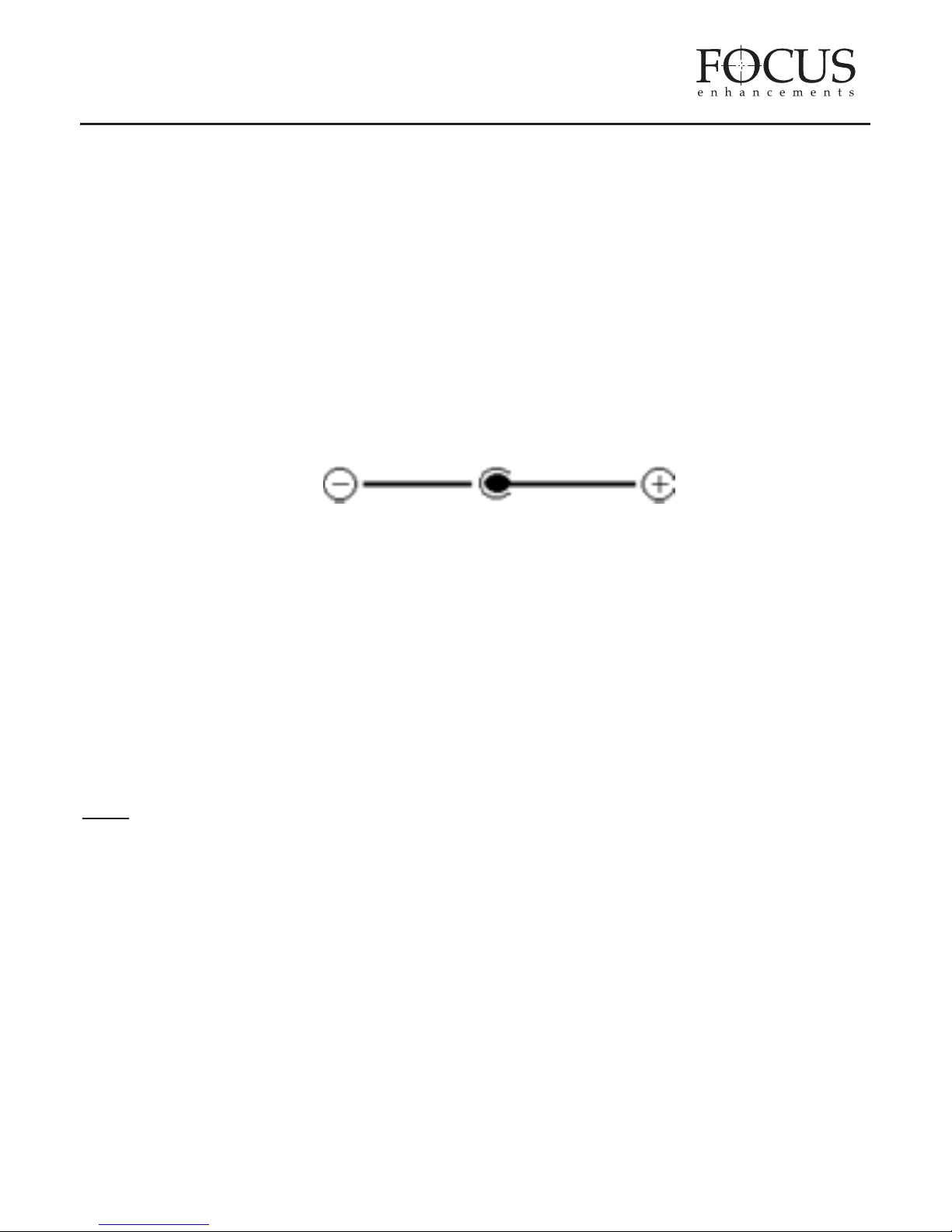
For Windows 2000
For Mac OS
Page 7
FireStore HDD Manual
PAGE 7
CHAPTER 5
Technical Information
FSHDD-1 1394 Firewire (Initio 1430)
✓ Over Voltage Protection (OVP) with a limit of 10% before shut down
(max 30V). Protection for device or Hard Drive damage, caused by
unstable voltage or faulty and broken power adapter.
✓ Low Voltage Detection (LVD) indicating insufficient power supply.
Possible case, USB 2.0 bus powered. Solution, add power adapter.
✓ Connector Polarity Protection to prevent any damage to the device or
Hard Drive caused by using a wrong adapter (correct: internal +,
external -).
✓ Bus Power supported, although it still depends on the complete
environment (type and size of Hard Drive, Computer, Host Card and
length of cable) if the Hard Drive can be used with bus power only or not.
Note
: To assure bus power works with your system, please test it first. Some
points which might help, use a short cable (40-50cm), smaller capacity HDD
and try different Computers or Host Cards
Adapter Specification
AC Input 100-240V
Plug Head Size 3.5mm
DC Output +5.0V 1.6A
Page 8
1370 Dell Avenue Campbell, CA 95008
Info: 800 338-3348 Main: 408 866-8300 Fax: 408 866-4859
http://www.FOCUSinfo.com email:[email protected]
Specifications subject to change.
All brand and product names are trademarks
of their respective companies.
©FOCUS Enhancements, Inc. MANL-0909-02
FireStore HDD Manual
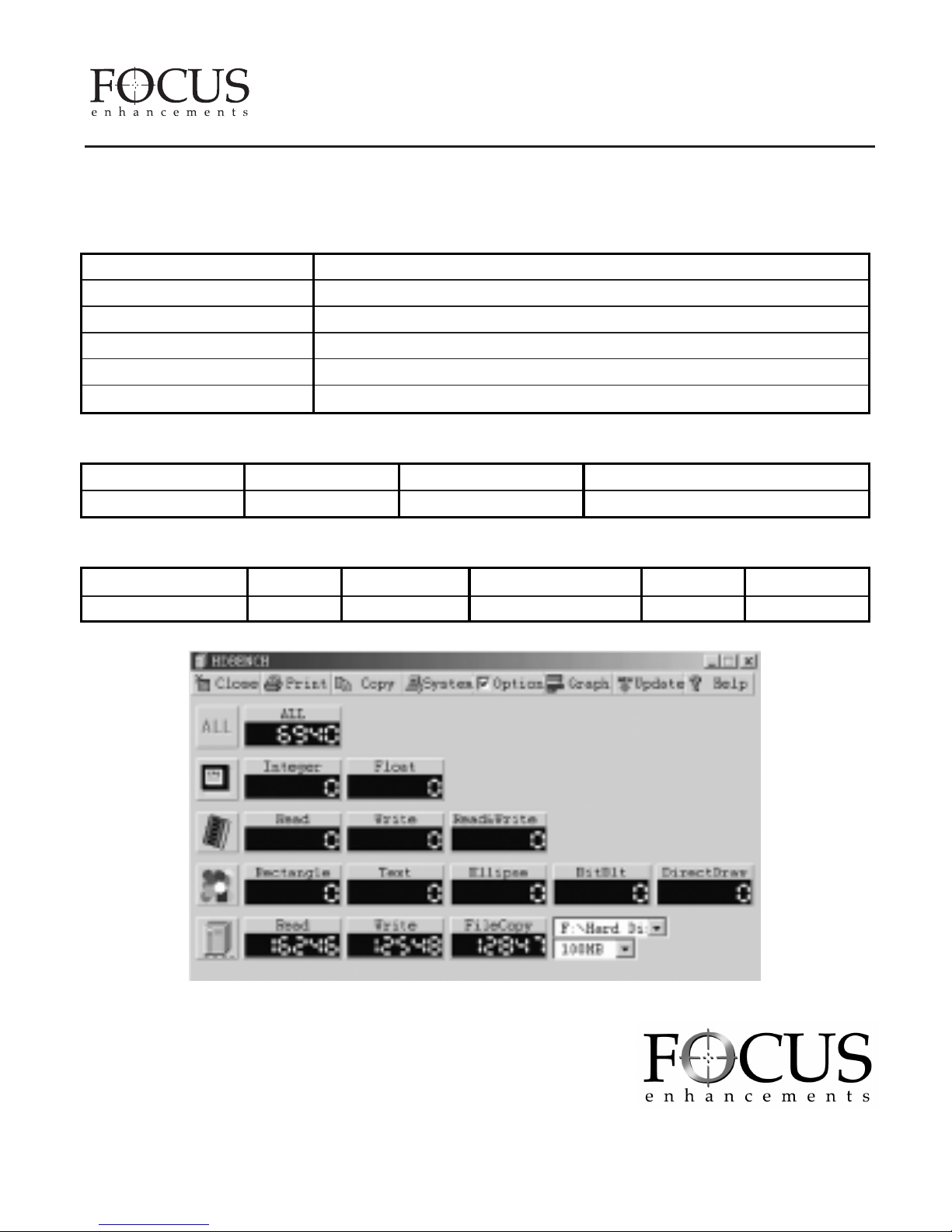
Performance Test
Test Computer
Motherboard BIOSTAR M7VKB1.0
CPU Processor AMD Athlon™
CPU Speed 1600MHz
System RAM (MB) 128MB
1394 Host Controller VIA OHCI Compliant IEEE 1394 Host Controller
Operating System Microsoft Windows 2000
Hard Drive
Model RPM Capacity Remark
IBM-DJSA-210 4200RPM 10.06GB
Test Data
Model Read Write File Copy (1G) Unit Interface
AL-FR02-1430 16246 12548 12847 Kbytes 1394
 Loading...