

Page 1
1
Turn your DVD player back on and
insert the SET-UP disc.
2
Using your DVD player’s remote,
select “Test Your Controller” from
the main menu.
3
Insert the TEST card into your InteracTV controller and follow the “Test Your
Controller” instructions to make sure your InteracTV controller has been set up
correctly.
• For additional instructions and troubleshooting tips, refer to the USER’S MANUAL.
• If you continue to experience trouble programming your InteracTV controller, do not
return the product to the store. We’re just a phone call away. Call our consumer
affairs hotline toll free at 1-888-892-6123 or visit us online at
www.fisher-price.com/us/interactv
TESTING YOUR CONTROLLER
TESTING YOUR CONTROLLER
ITEM NO. B9376
B9376-0920-G4
4
If all the buttons light up on your TV screen properly during the TEST, then your
controller is now set up for this DVD player. Insert any InteracTV DVD to start
playing.
5
If all the buttons do NOT light up on your TV screen properly during the TEST,
begin the SET-UP procedure again by returning to STEP 1 of SETTING UP YOUR
CONTROLLER.
6
If after a second set-up attempt your DVD player is still not responding properly to
your InteracTV controller, refer to the USER’S MANUAL for two alternate methods
for setting up your InteracTV controller.
Item No : B9376-G4
Version : English
Size : 17 x 11"
Paper : Woodfree paper 80 gsm
Color : Black
Date : Jul,7. 2005 (AW)
1
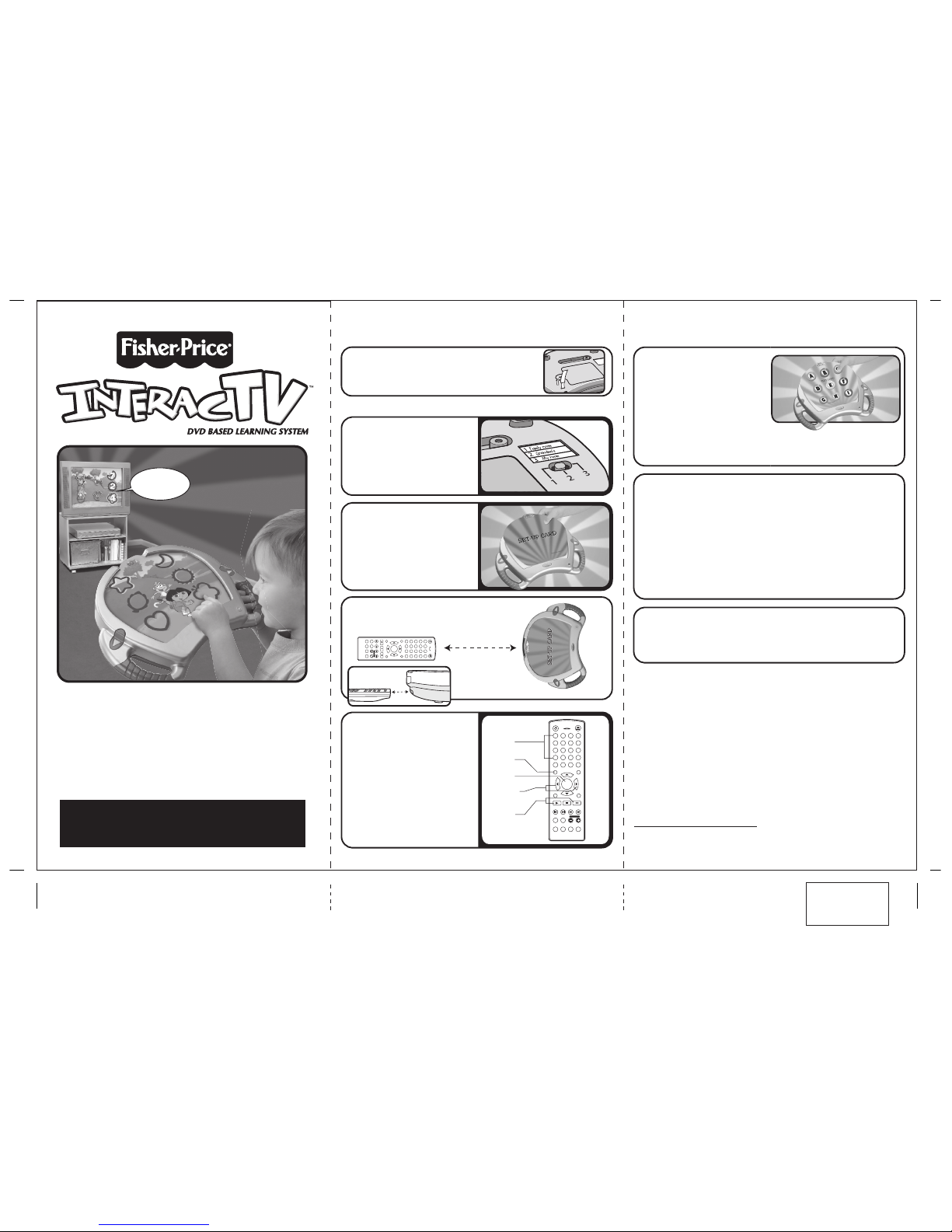
Turn off your DVD player when setting up
your InteracTV controller.
2
Set the 3 position switch on the back of
your InteracTV controller to the desired
setting. See USER’S MANUAL for details.
3
Insert the SET-UP card into your InteracTV
controller.
4
Place the InteracTV controller on a flat
surface facing your DVD Player’s remote,
approximately 3 inches apart.
5
Follow the step-by-step audio instructions
from the InteracTV controller, pressing the
buttons on your DVD player’s remote when
prompted by the voice from the controller.
6
Once you’ve entered all the buttons as
instructed, remove the SET-UP card from the
InteracTV controller and proceed to TESTING
YOUR CONTROLLER.
SETTING UP YOUR CONTROLLER
SETTING UP YOUR CONTROLLER
BEFORE YOU BEGIN:
BEFORE YOU BEGIN:
POWER
OPEN/CLOSE
123456780
+10
9
MUTE
AUDIO
SUBTITLE
ANGLE
VIEW
RETURN SEARCH TITLE
OSD
MENU/PBC CLEAR
ENTER
SET UP
VIDEO
OUTPUT
VOLUME
PLAY STOP PAUSE/STEP
FR FF PREVNEXT
A-B REPEAT
SLOW ZOOM PROGRAM N/P
DVD
VIDEO
• Make sure you have removed the TRY ME pull-tab
from the back of the InteracTV controller.
• Insert the SET-UP disc into your DVD player and press play.
You will see a brief overview of the set-up process.
3 inches
POWER
OPEN/CLOSE
1
23
4
56
7
8
0
+10
9
MUTE
AUDIO
SUBTITLE
ANGLE
VIEW
RETURN SEARCH TITLE
OSD
MENU/PBC CLEAR
ENTER
SET UP
VIDEO
OUTPUT
VOLUME
PLAY STOP PAUSE/STEP
FR FFPREV NEXT
A-B REPEAT
SLOW ZOOM PROGRAM N/P
DVD
VIDEO
Number
buttons
Play and
Pause
buttons
Menu
button
Enter
button
Left / Right
Navigation
buttons
QUICK SET-UP
QUICK SE T-UP
INSTRUCTIONS
INSTRUCTIONS
QUICK SET-UP
QUICK SE T-UP
INSTRUCTIONS
INSTRUCTIONS
QUICK SET-UP
INSTRUCTIONS
IMPORTANT: Please keep these instructions
and the Set-Up disc for future reference as they
contain important information.
How many of
our friends are on
the screen?
InteracTV is a mark of Beep Telecommunications and Computing, L.L.C. Used under license.
Fisher-Price, Inc., a subsidiary of Mattel, Inc., East Aurora, NY 14052 U.S.A. PRINTED IN CHINA.
Manufactured for Fisher-Price. ©2005 Mattel, Inc. All Rights Reserved.
Fisher-Price and the Fisher-Price logo are U.S. trademarks of Mattel, Inc.
Packaging and address should be retained for future reference.
Mattel Canada Inc., Mississauga, Ontario L5R 3W2. You may call us free at 1-888-892-6123.
Mattel U.K. Ltd., Vanwall Business Park, Maidenhead SL6 4UB. Helpline 01628500303.
Mattel Australia Pty., Ltd., Richmond, Victoria. 3121. Consumer Advisory Service - 1300 135 312.
Mattel East Asia Ltd., Room 1106, South Tower, World Finance Centre, Harbour City, Tsimshatsui, HK, China.
Diimport & Diedarkan Oleh: Mattel SEA Ptd Ltd.(993532-P) Lot 13.5, 13th Floor, Menara Lien Hoe,
Persiaran Tropicana Golf Country Resort, 47410 PJ. Tel:03-78803817, Fax:03-78803867.
Mattel, Inc., 333 Continental Blvd., El Segundo, CA 90245 U.S.A. Consumer Affairs 1 (800) 524-Toys.
1-888-892-6123
Questions?
In US and Canada
www.fisher-price.com/us/interactv
 Loading...