

Page 1
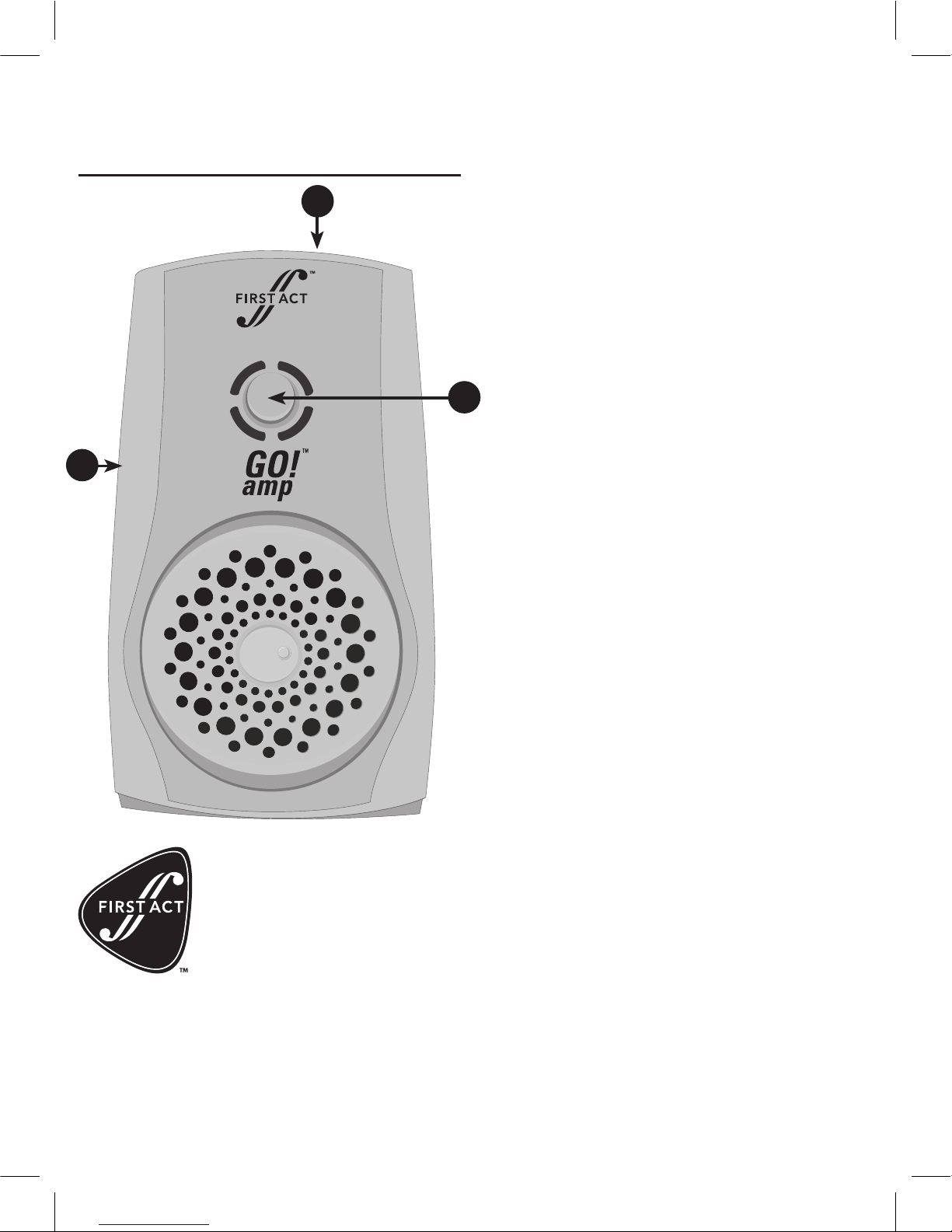
1. Input jack
Plug one end of your 1/4” guitar
cable into your guitar. Plug the
other end into the Go!Amp input
jack. When you plug the cable into
the input jack, the Go! Amp will
automatically turn on. When you
unplug it, Go!Amp will turn off.
2. Distortion/clean switch
Press to switch between clean and
distorted sounds. The blue light
indicates the clean channel (crisp,
clean tone). The red light indicates
the distortion channel (get ready to
rock). Adjust the loudness of your
Go!Amp with the volume knob of
your guitar.
3. Headphone jack
1/8” headphone jack allows you to
plug in headphones or ear buds.
Plugging in headphones cancels
the speaker output and lets you
practice blistering leads in private
until you nail them. When you’re
ready to impress your friends,
unplug your headphones and play
out loud.
Battery compartment
The Go!Amp operates on one 9-volt
alkaline battery. To open the battery door, gently press your thumb
on the ribbed area and push to
open. Replace battery, close door,
continue rocking.
Belt clip
Clip the Go!Amp onto your belt
or pocket, walk around the house,
play tunes. The belt clip is removable if you’d rather stay in one
place and look cool.
First Act
745 Boylston Street
Boston, MA 02116 USA
firstact.com
Customer Assistance
Phone: 888.551.1115
Email: info@firstact.com
©2006 All rights reserved First Act Inc.
First Act and the First Act logo are
trademarks of First Act Inc.
MA2033000.M.02
MA203
Go!Amp
™
THE ULTIMATE PORTABLE GUITAR AMP!
1
2
3
 Loading...